SaaSPattern
SaaS Component Guide

Pricing

A decision aid. Pricing pages succeed when they remove uncertainty and make comparison easy.

Overview

Pricing is often the final decision point. A well-designed pricing page removes friction, answers objections, and makes it easy for prospects to choose the right plan.

Pricing pages are decision aids. They should make comparison easy and remove uncertainty about what's included.

Effective pricing pages anchor around who plans are for, not just what they include. "For startups" is clearer than "Starter plan".

Transparency builds trust. Be clear about limits, overages, and what happens if users exceed their plan.

The pricing page is also a sales tool. Include FAQs, comparison tables, and clear CTAs to move prospects forward.

Best practices

Actionable guidelines to implement this component effectively.

  • Anchor plans around who they're for; highlight the recommended plan.
  • Make constraints explicit (seats, usage, limits) and define all terms.
  • Include FAQs for billing, cancellation, and procurement/security questions.
  • Offer a clear next step: start trial, buy now, or book a demo. Don't hide the action.
  • Show value, not just features. "Unlimited projects" is good, but "Scale from startup to enterprise" is better.
  • Use social proof near pricing ("Join 10,000+ teams", customer logos).
  • Make annual vs. monthly pricing clear, and highlight savings for annual plans.

Common patterns

Popular variations and approaches you'll see across successful SaaS sites.

Three-tier pricing

Starter, Pro, Enterprise. Most common pattern. Middle tier is usually highlighted as recommended.

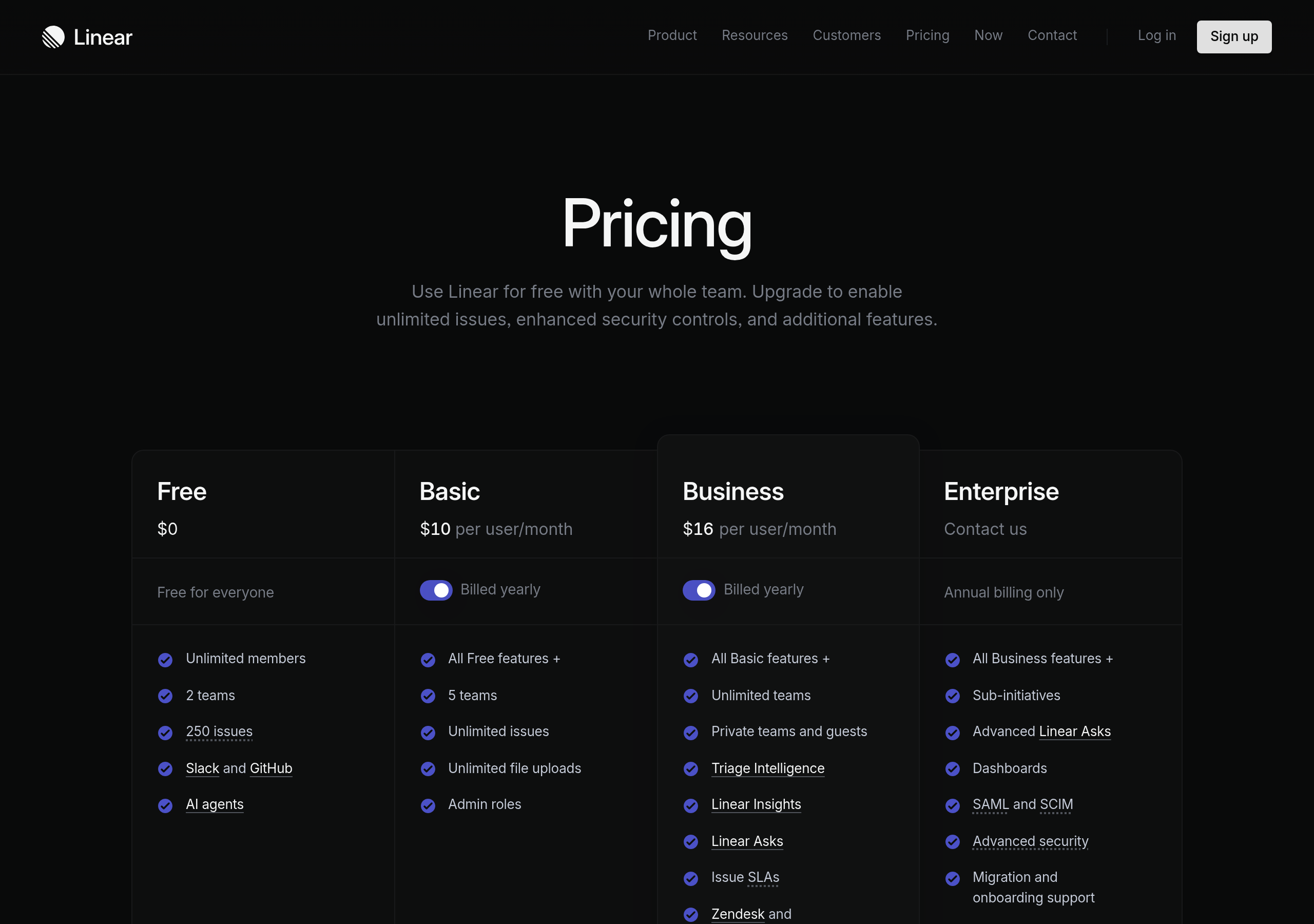
  • Linear: Free, Teams, Enterprise with clear differentiation
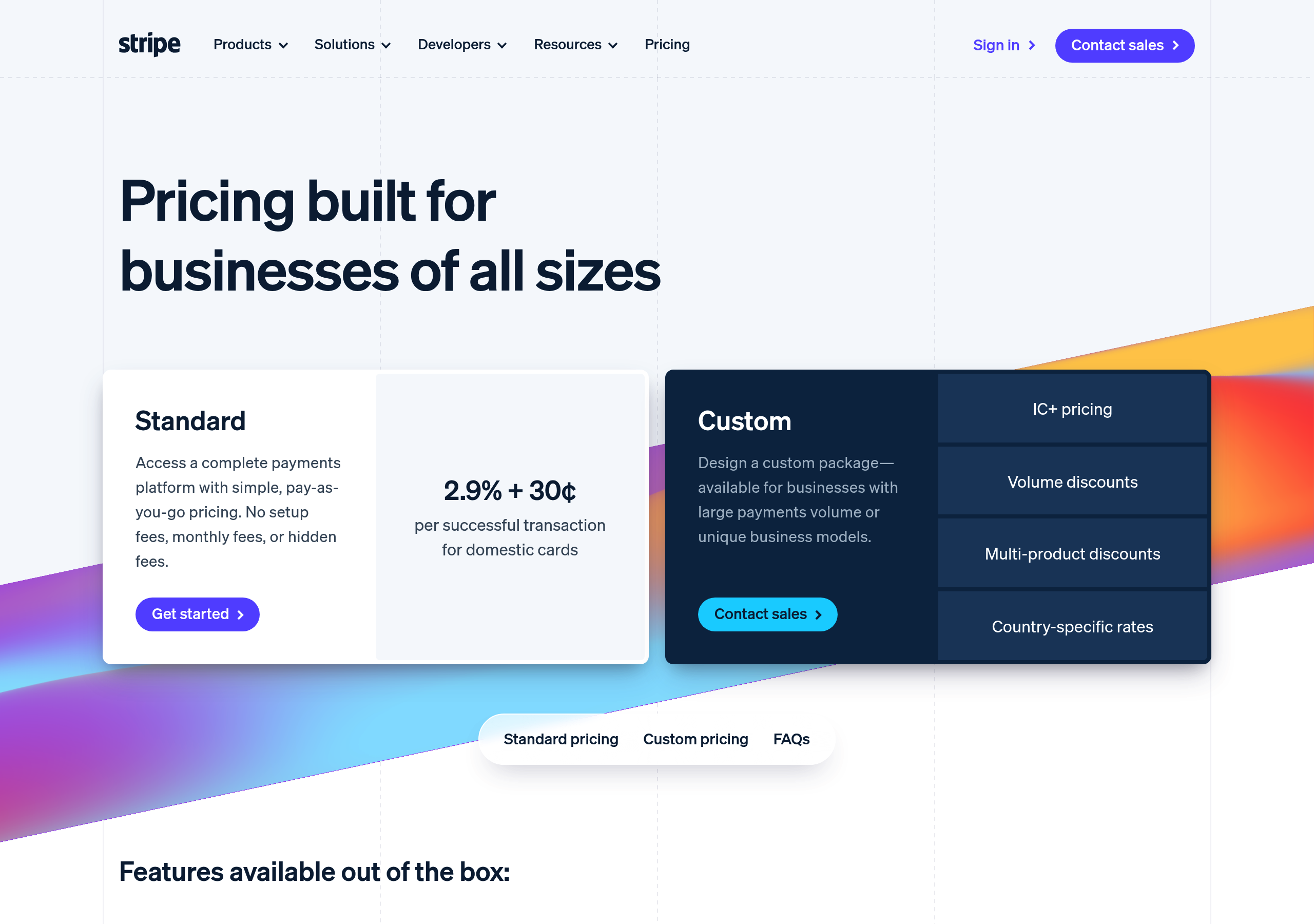
  • Stripe: Simple, transparent pricing with usage-based tiers

Feature comparison table

Side-by-side comparison of features across plans. Helps users understand differences clearly.

  • GitHub: Detailed feature comparison table
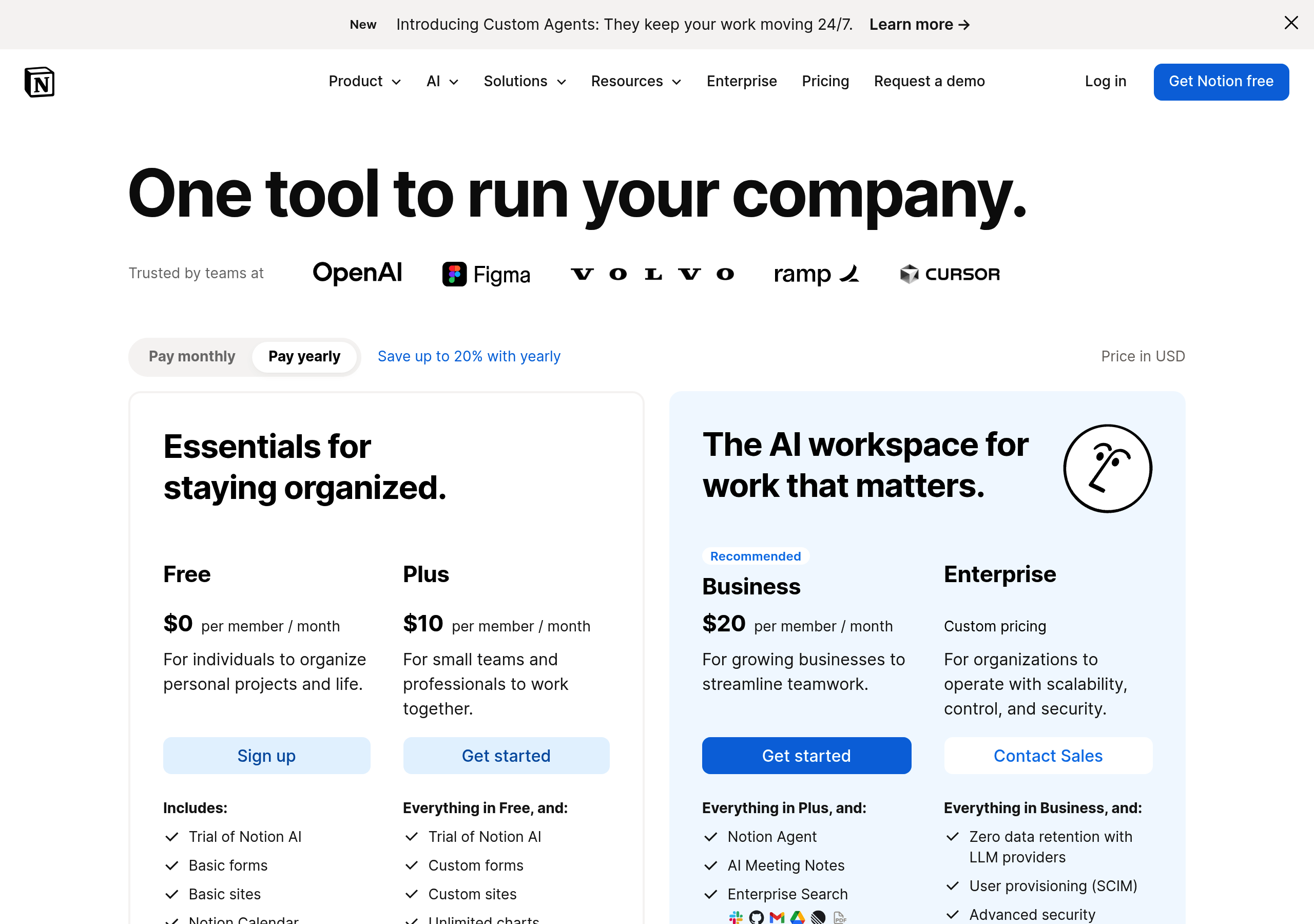
  • Notion: Feature grid showing what's included in each plan

Usage-based pricing

Pricing based on usage metrics (API calls, storage, users). Common for developer tools.

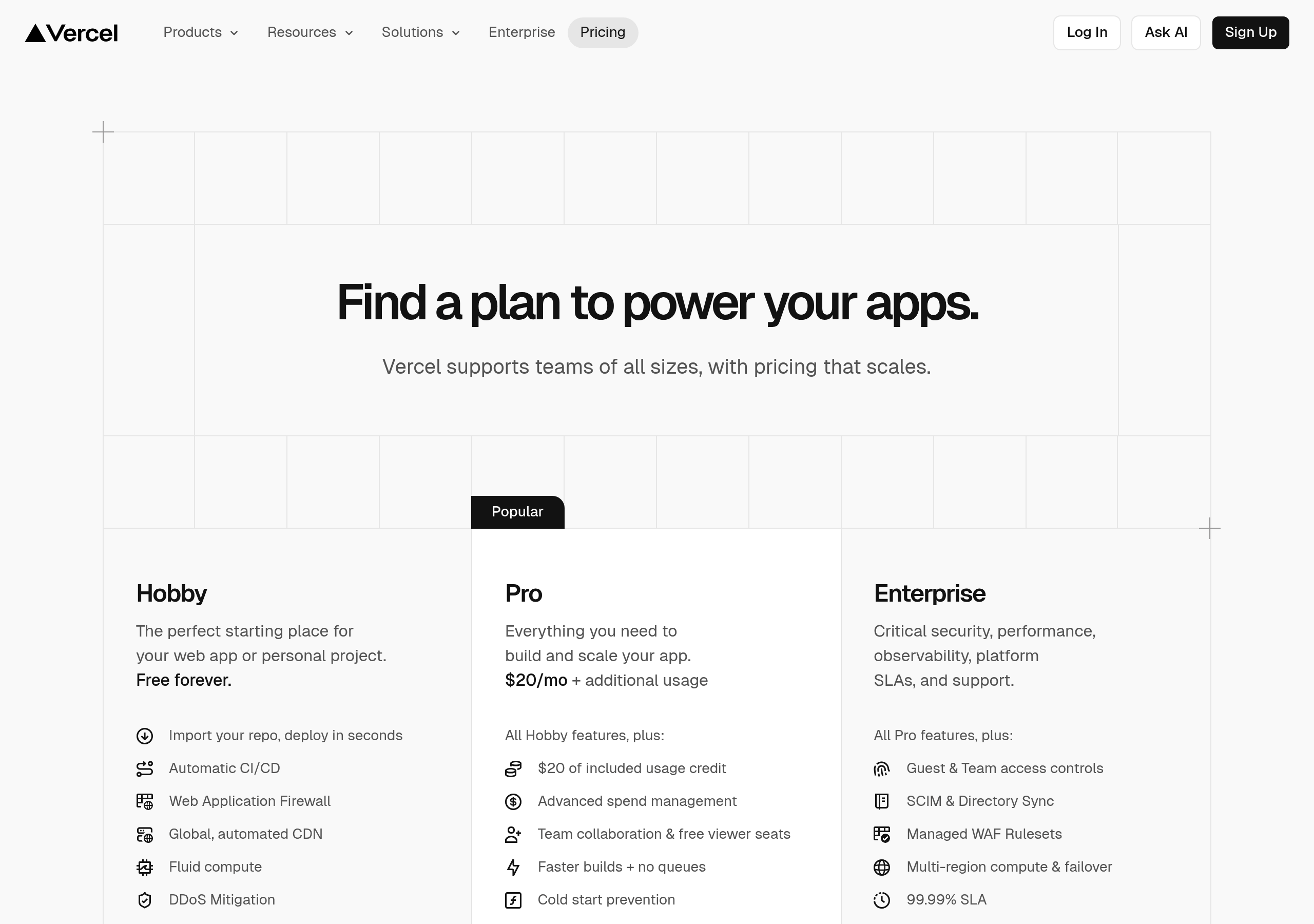
  • Vercel: Pricing based on bandwidth and build minutes
  • Stripe: Transaction-based pricing model

Custom pricing

"Contact sales" for enterprise. Often combined with self-serve plans for smaller customers.

  • Atlassian: Self-serve + enterprise sales
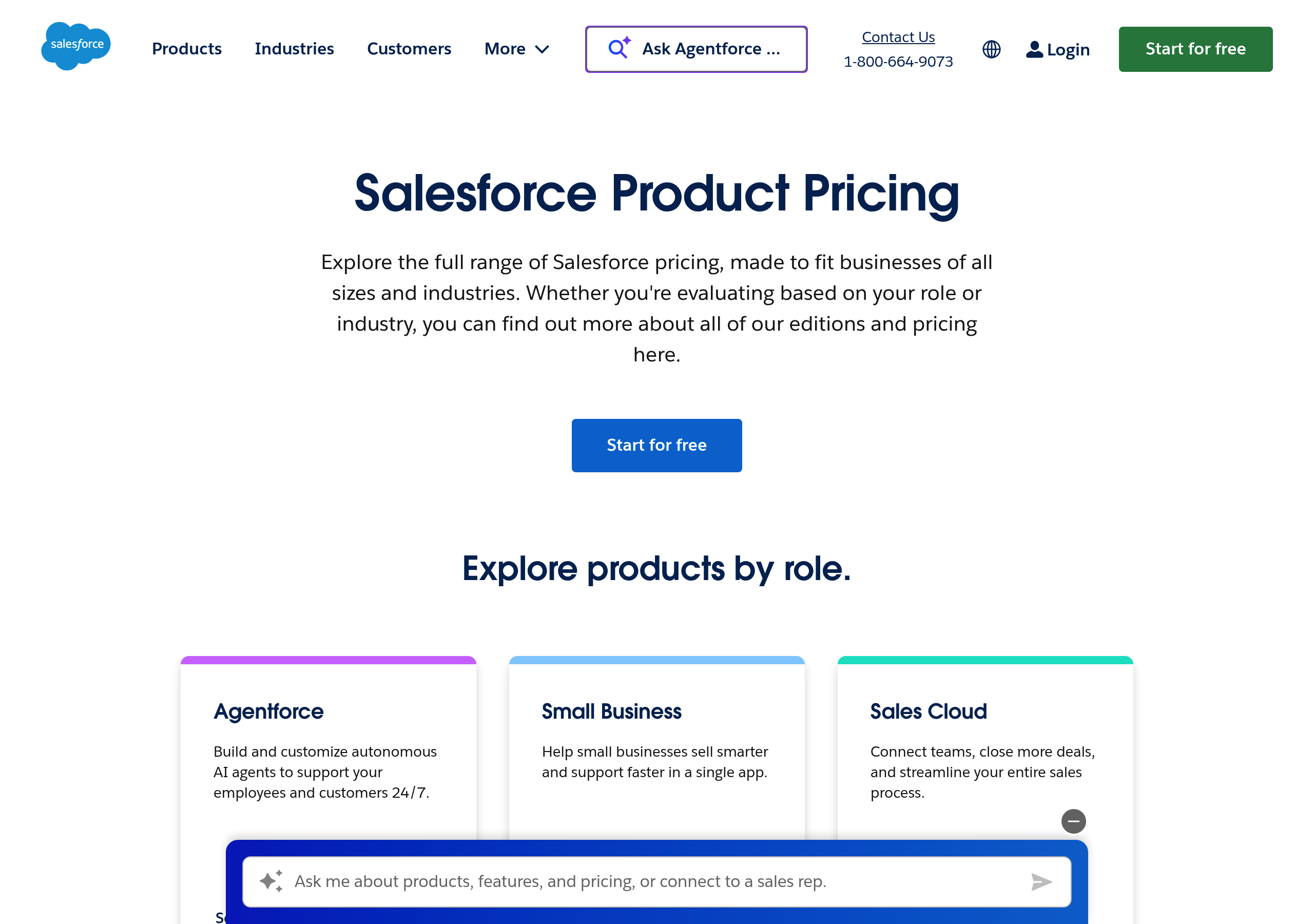
  • Salesforce: Multiple pricing models by product

Examples

Real-world implementations from top SaaS companies.

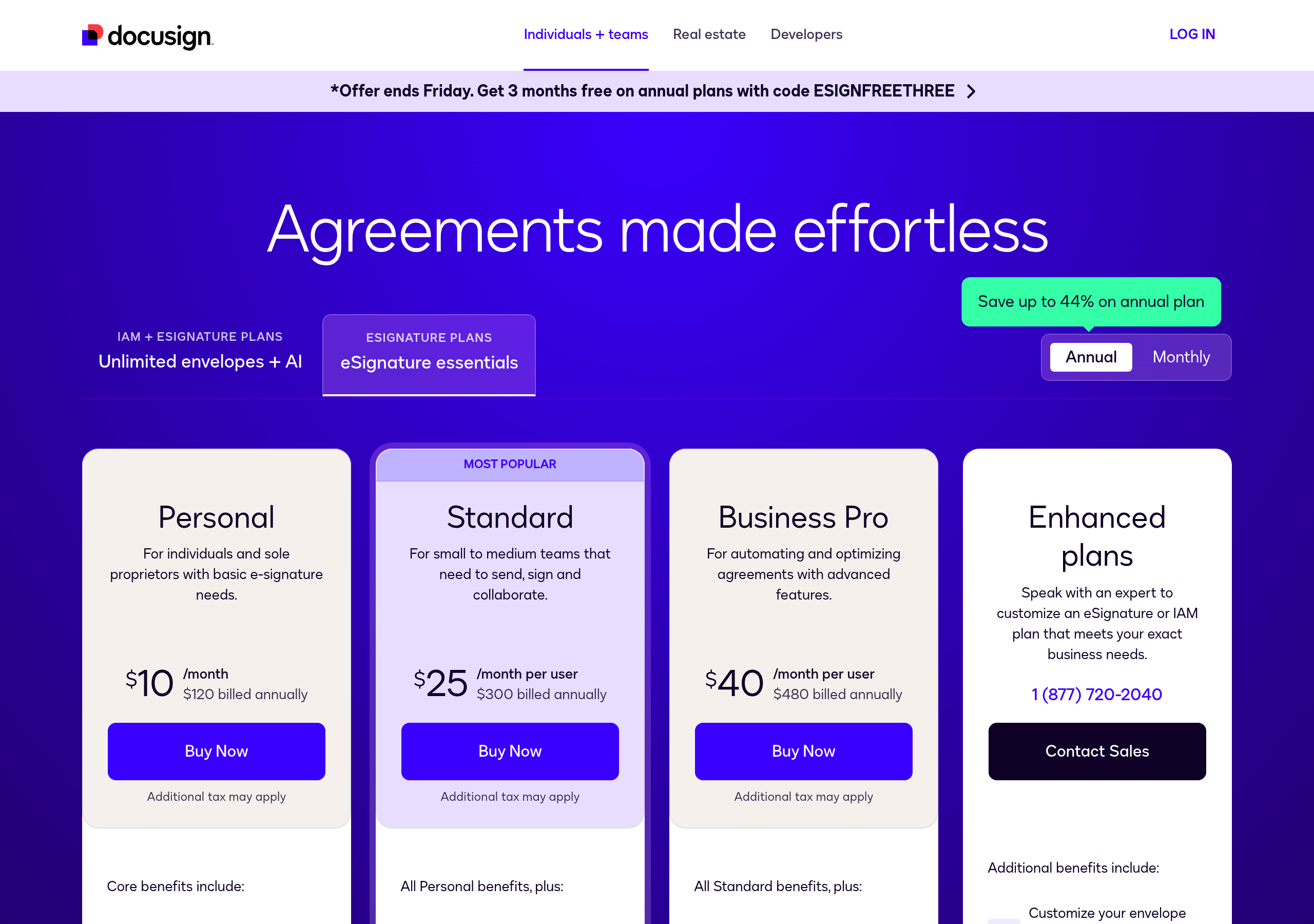
Clear three-tier structure. Highlights recommended plan. Includes FAQ section addressing common questions.

Transparent, usage-based pricing. Clear explanation of fees and no hidden costs.

Developer-friendly pricing with clear usage limits. Includes calculator for estimating costs.

Screenshots from website breakdowns

Real captures of this component from analyzed SaaS sites. Click through to see the full breakdown.
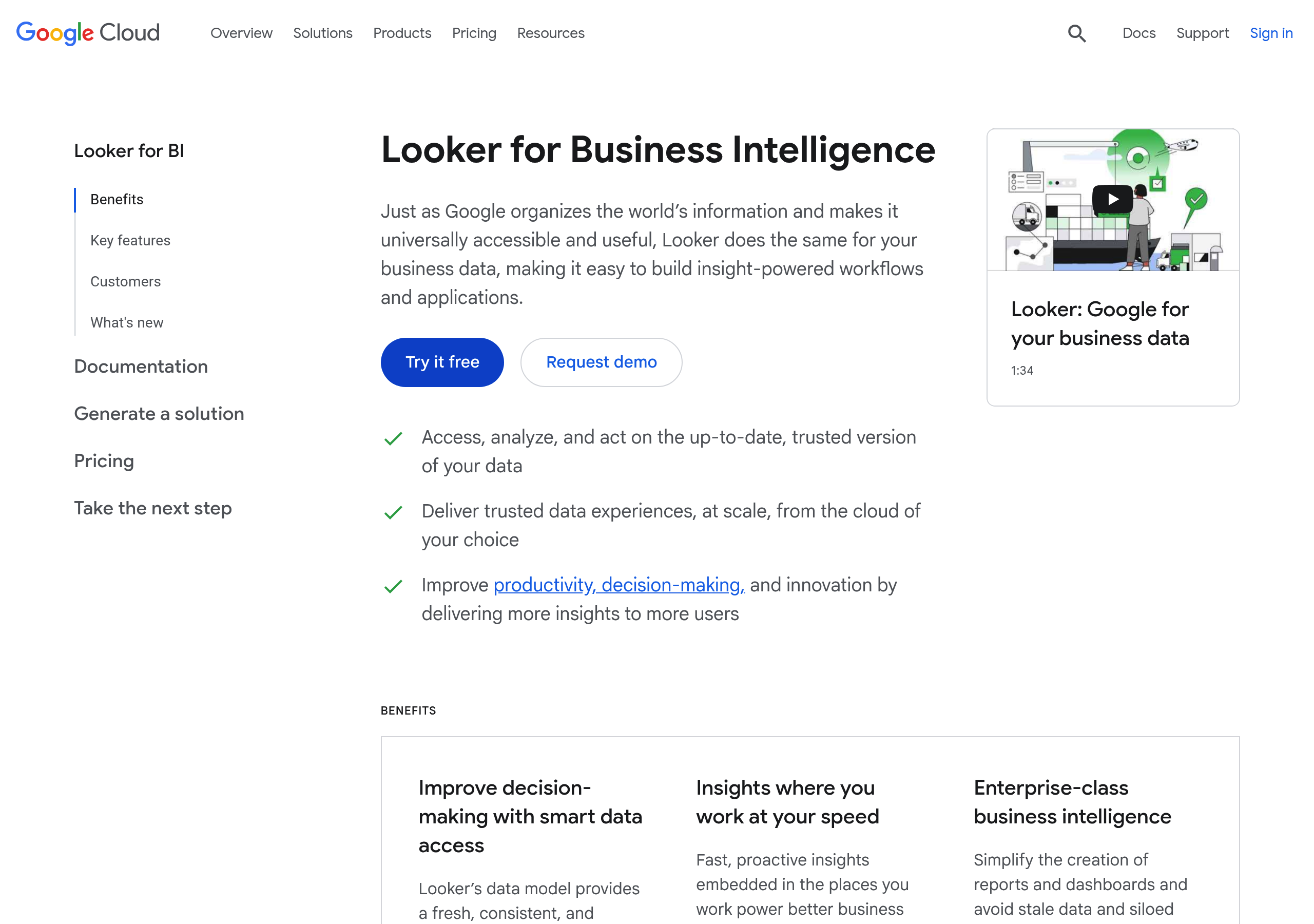
Pricing – Looker website breakdown
Looker
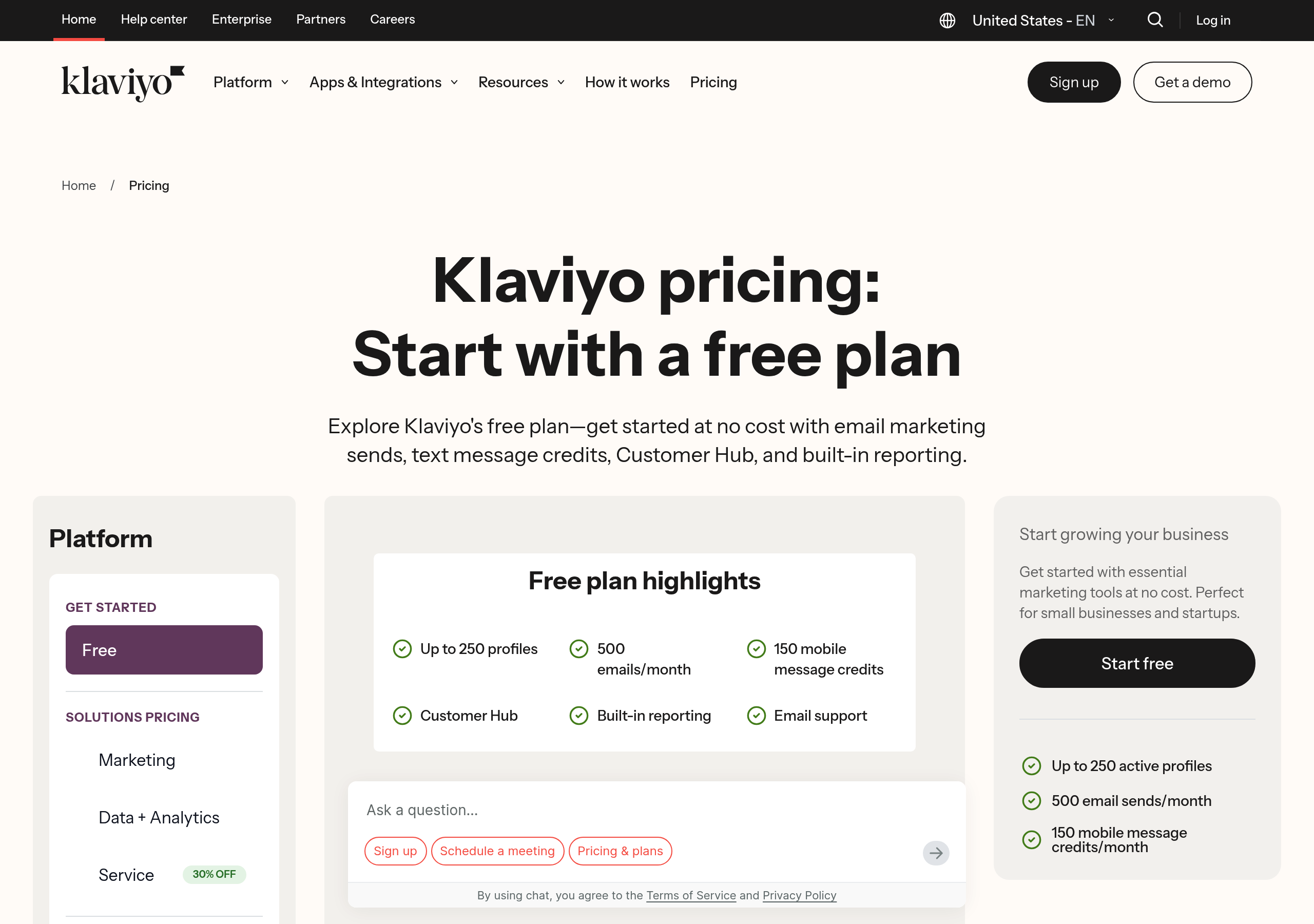
Pricing – Klaviyo website breakdown
Klaviyo
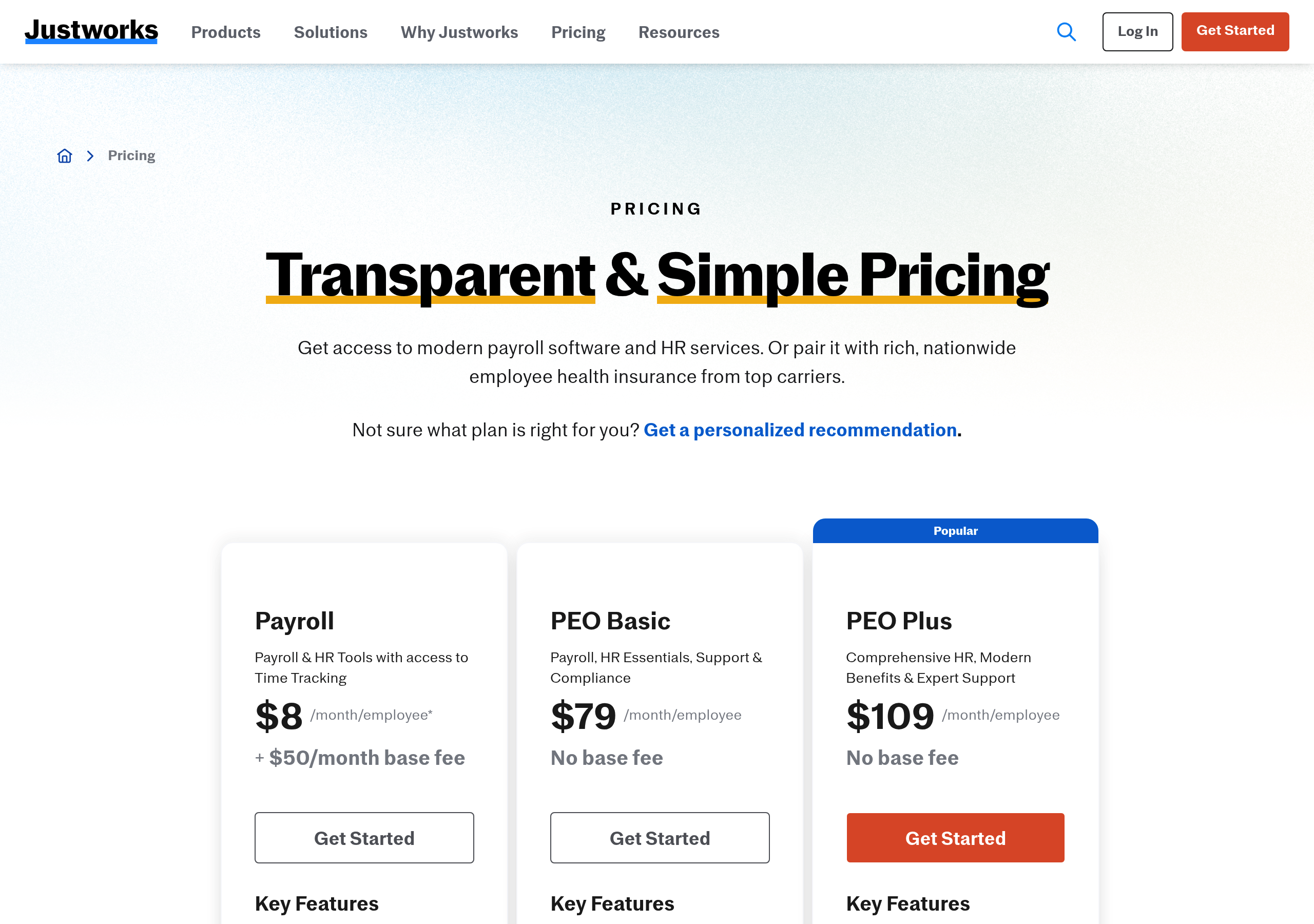
Pricing – Justworks website breakdown
Justworks
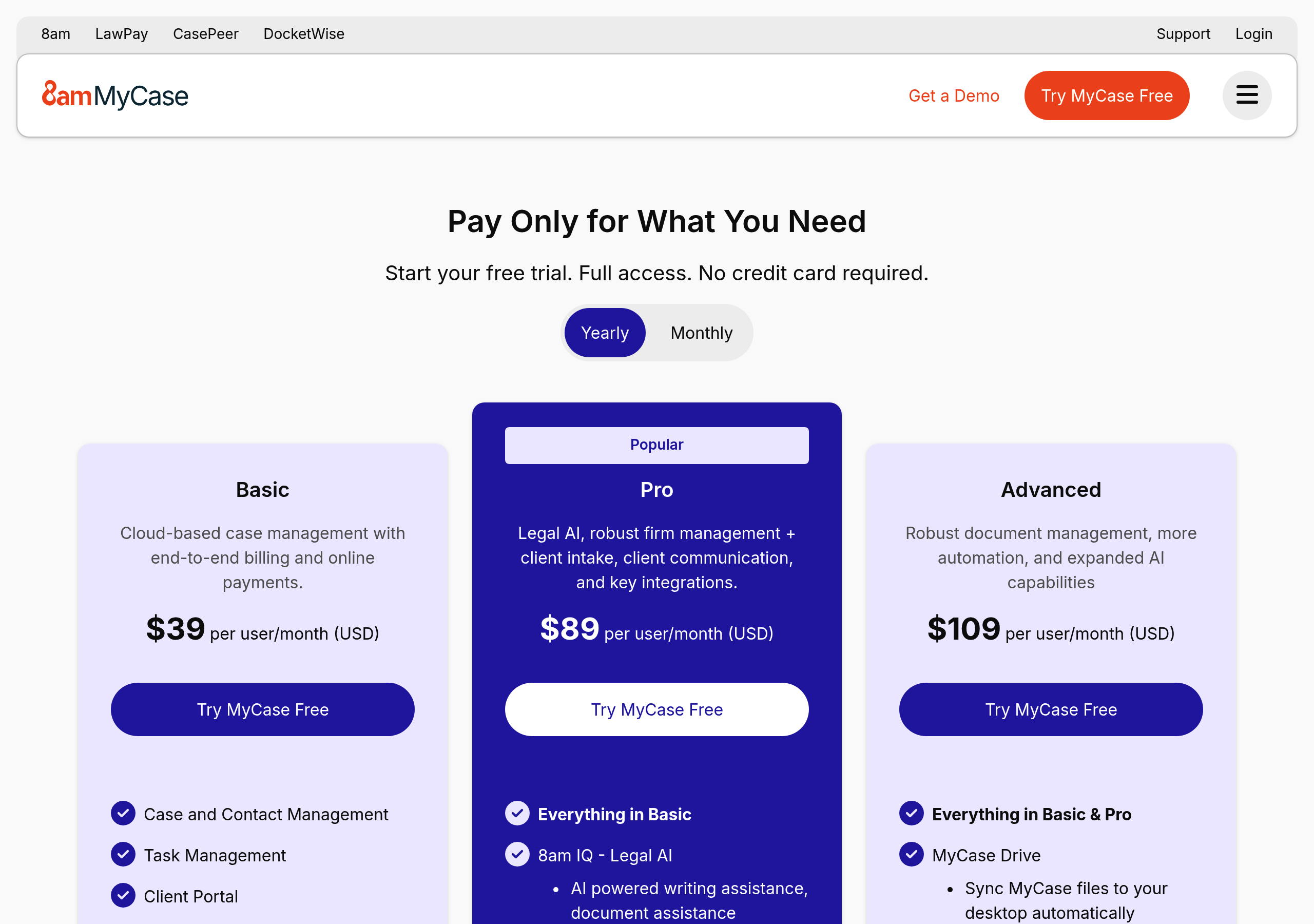
Pricing – MyCase website breakdown
MyCase
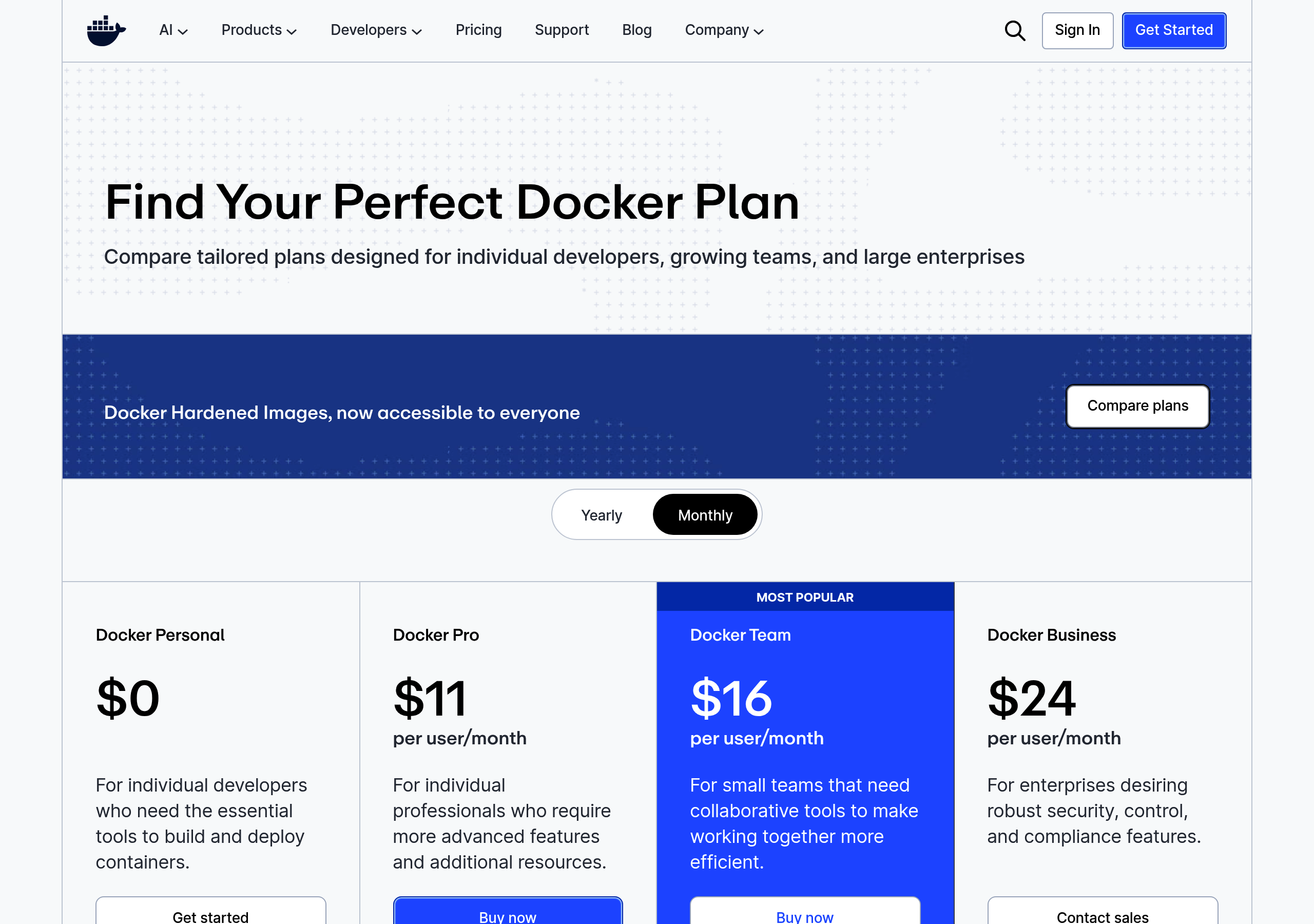
Pricing – Docker website breakdown
Docker
Pricing – Zenefits website breakdown
Zenefits
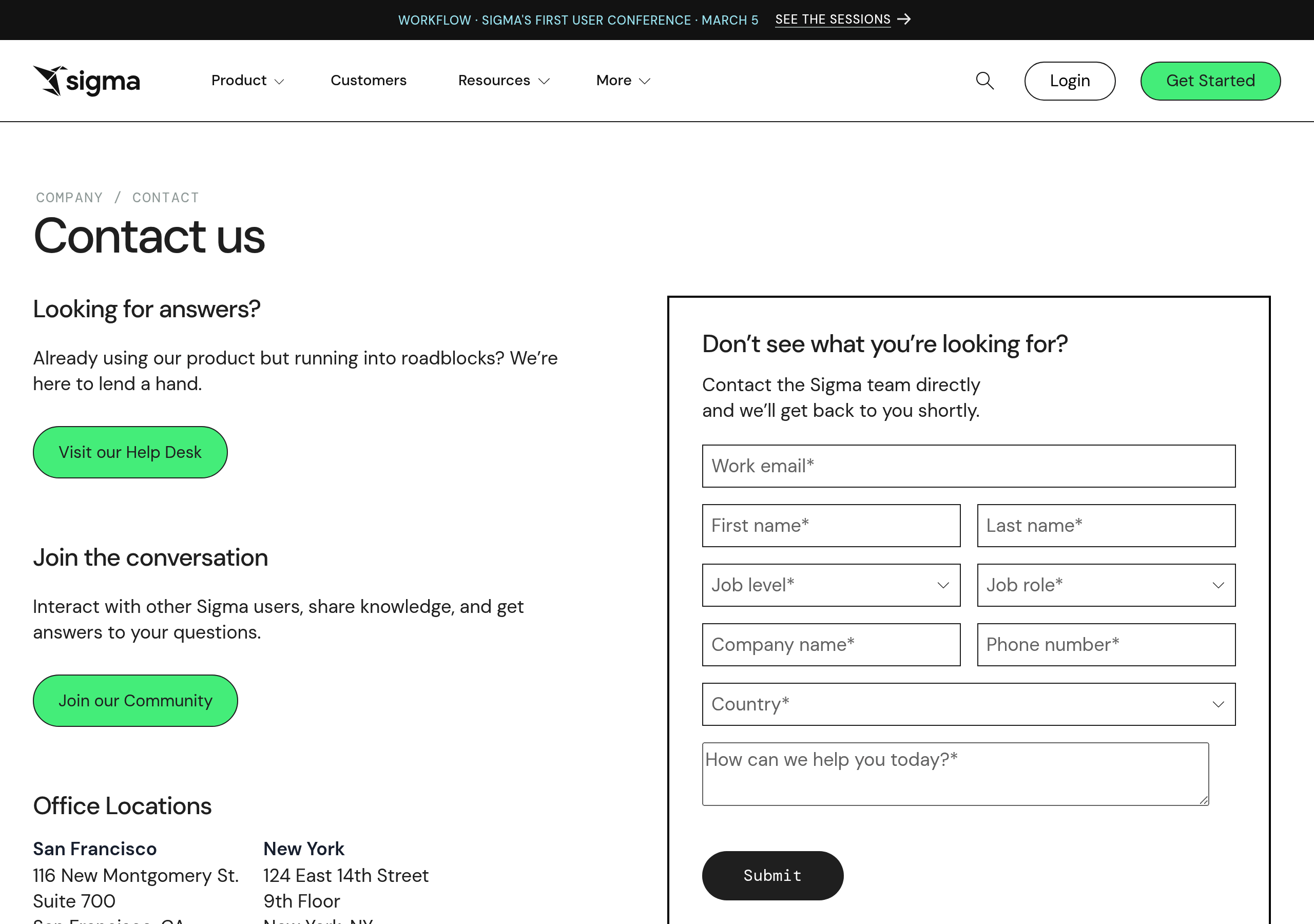
Pricing – Sigma Computing website breakdown
Sigma Computing
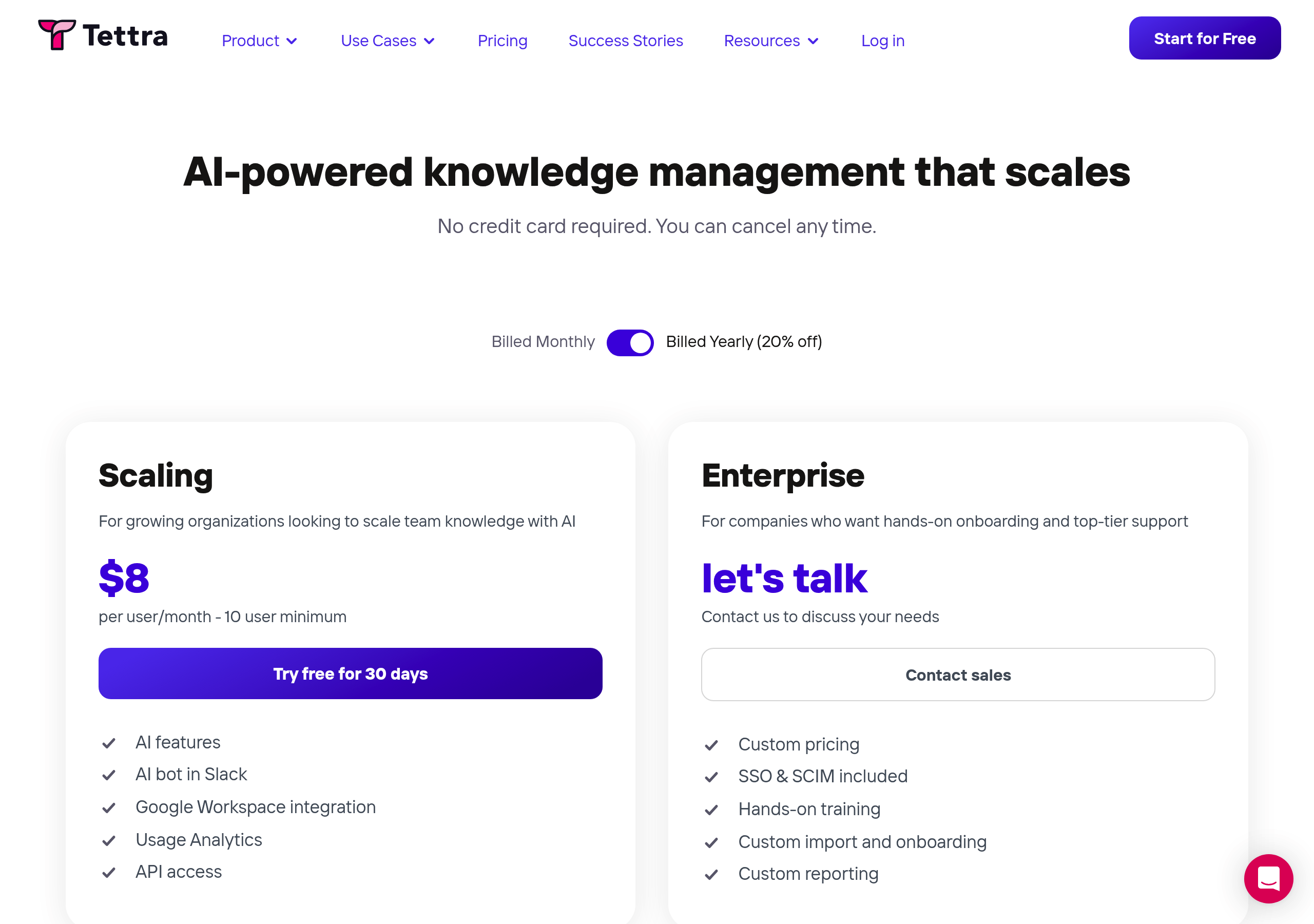
Pricing – Tettra website breakdown
Tettra
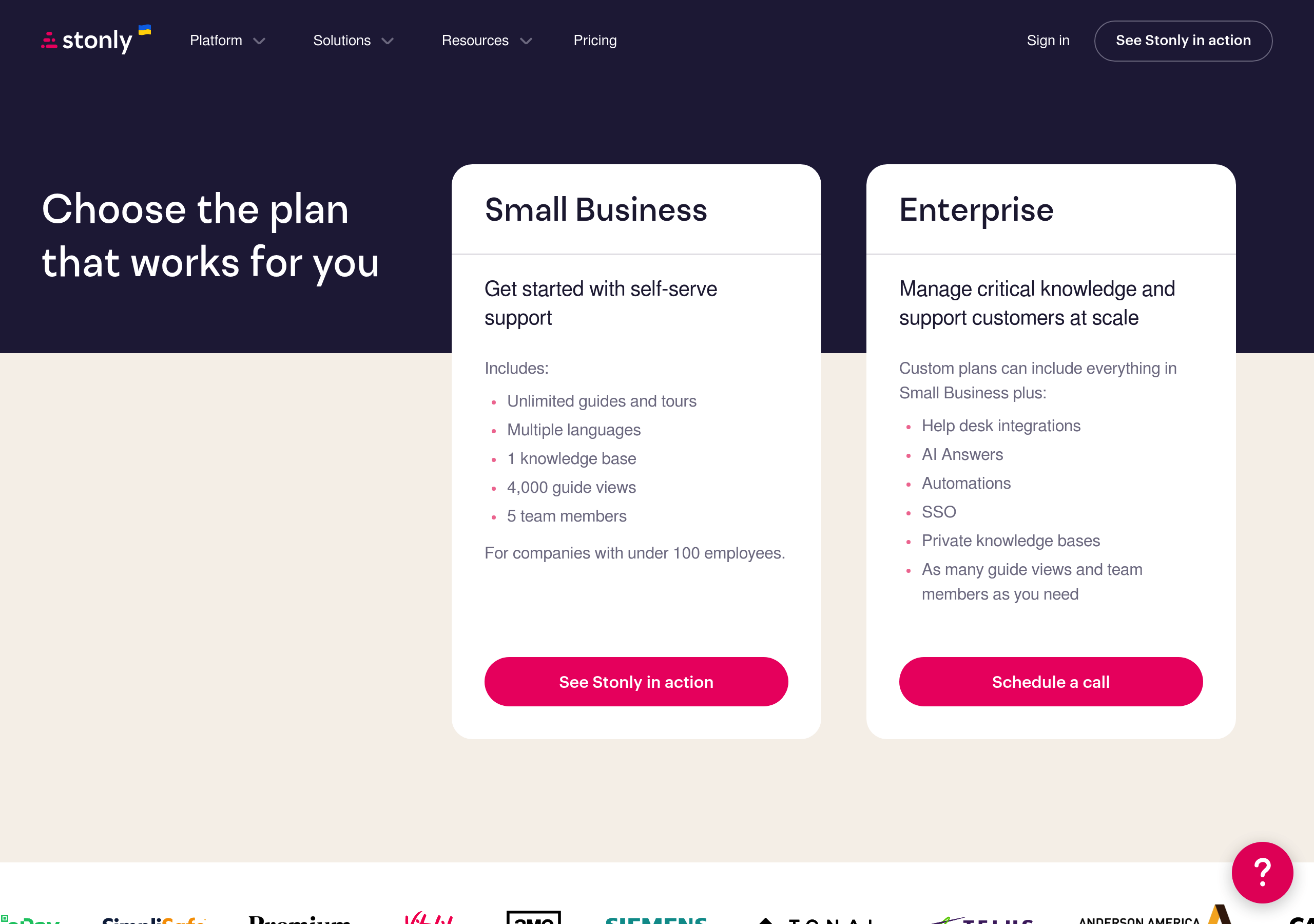
Pricing – Stonly website breakdown
Stonly
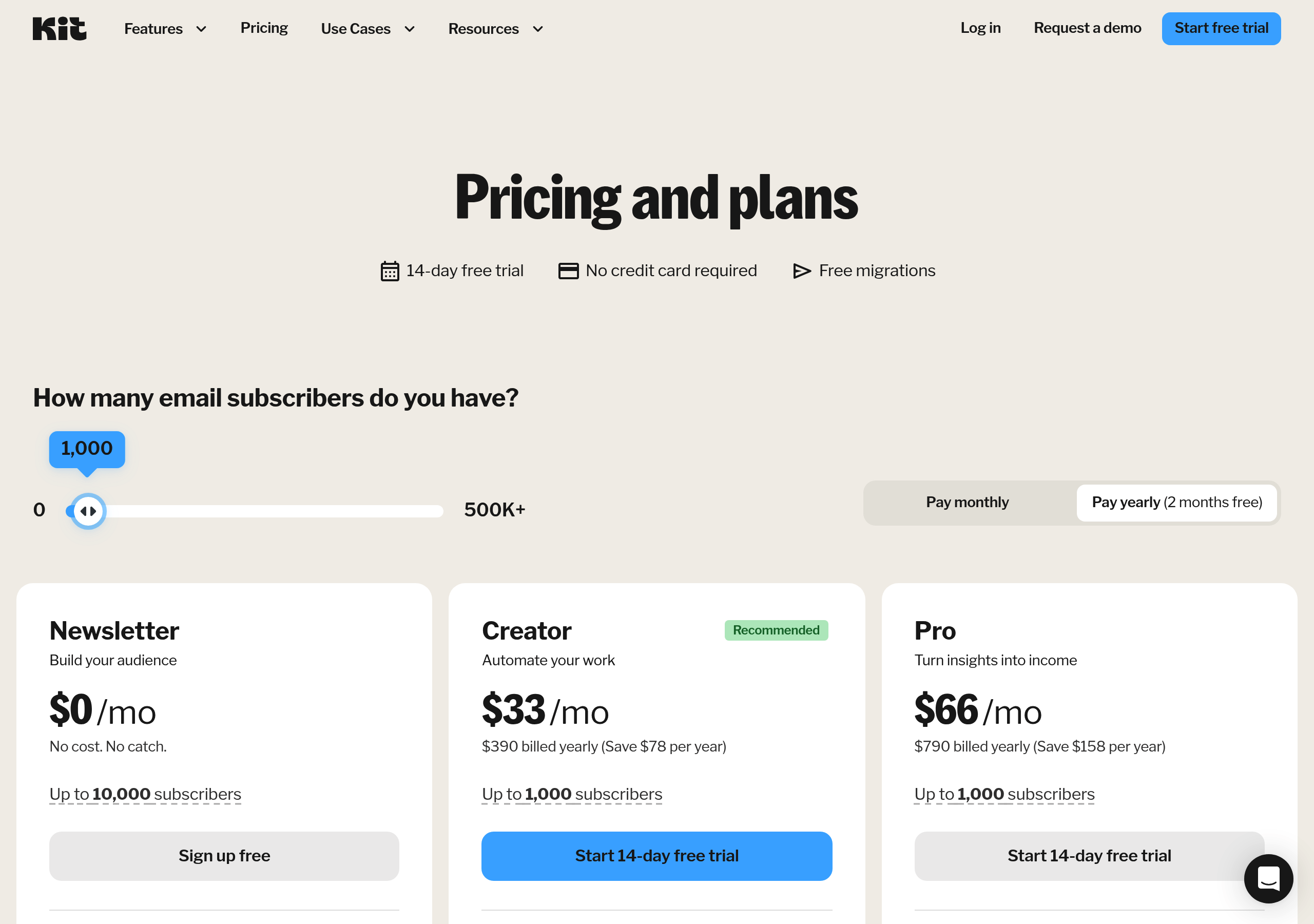
Pricing – ConvertKit website breakdown
ConvertKit
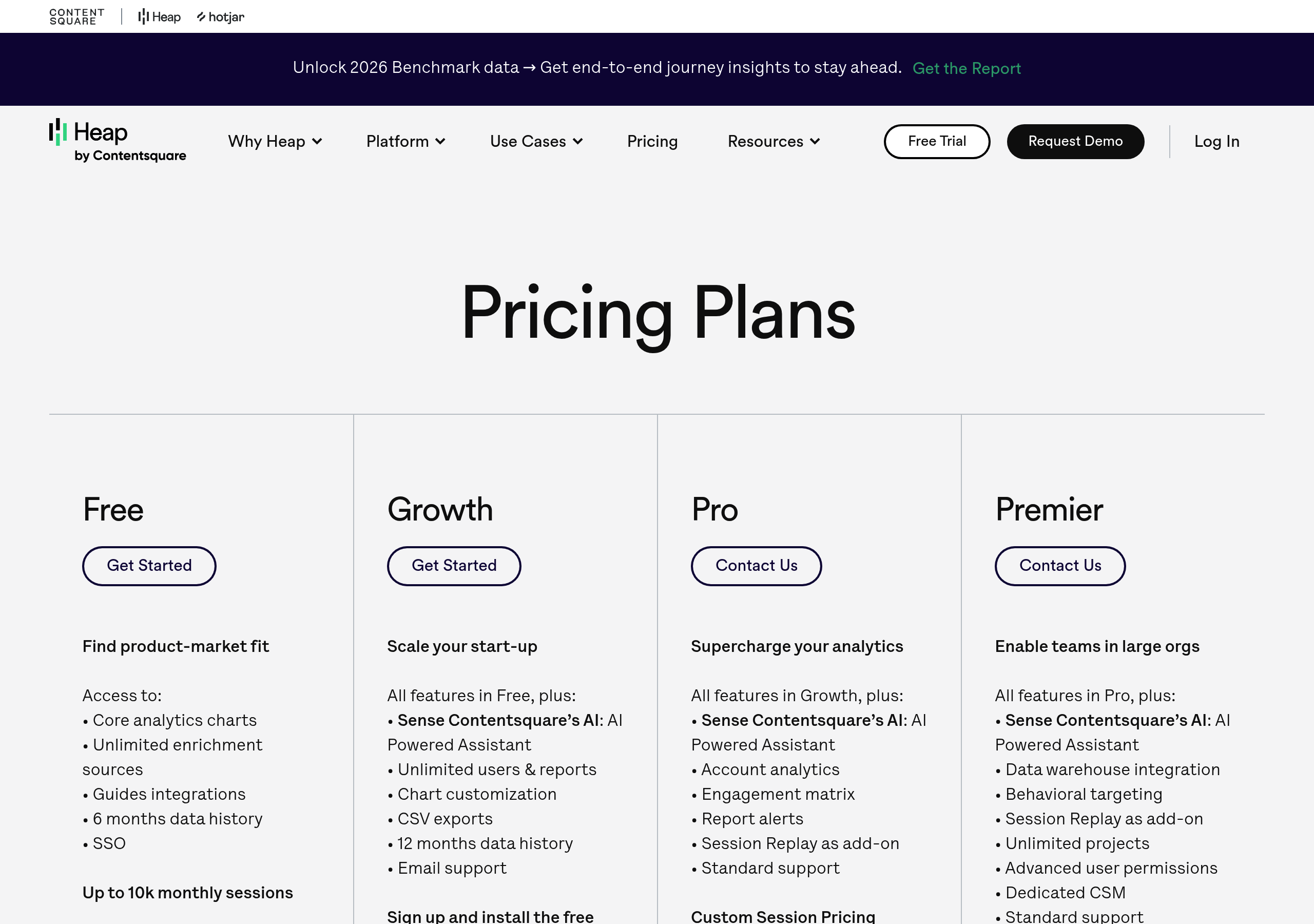
Pricing – Heap website breakdown
Heap
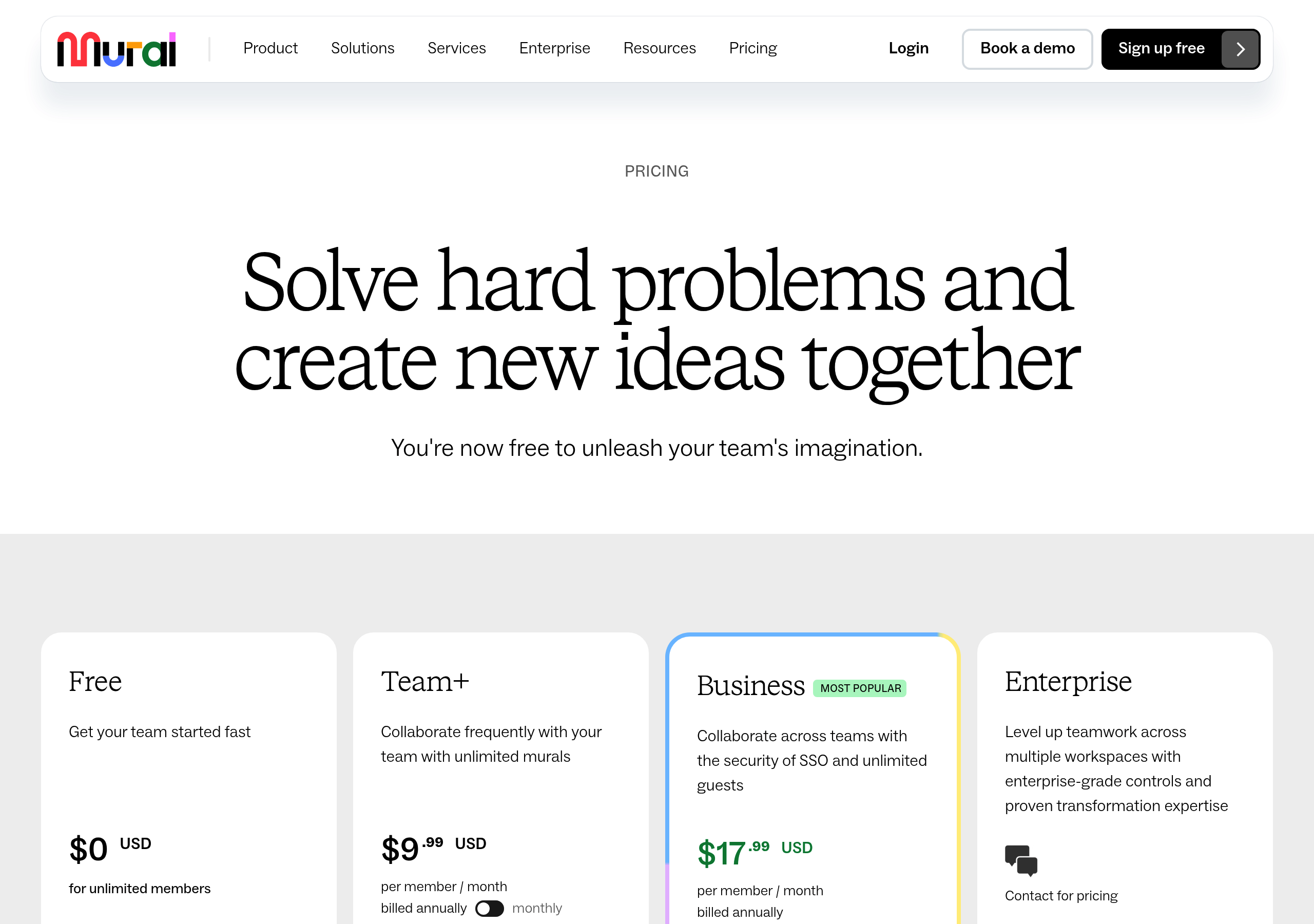
Pricing – Mural website breakdown
Mural
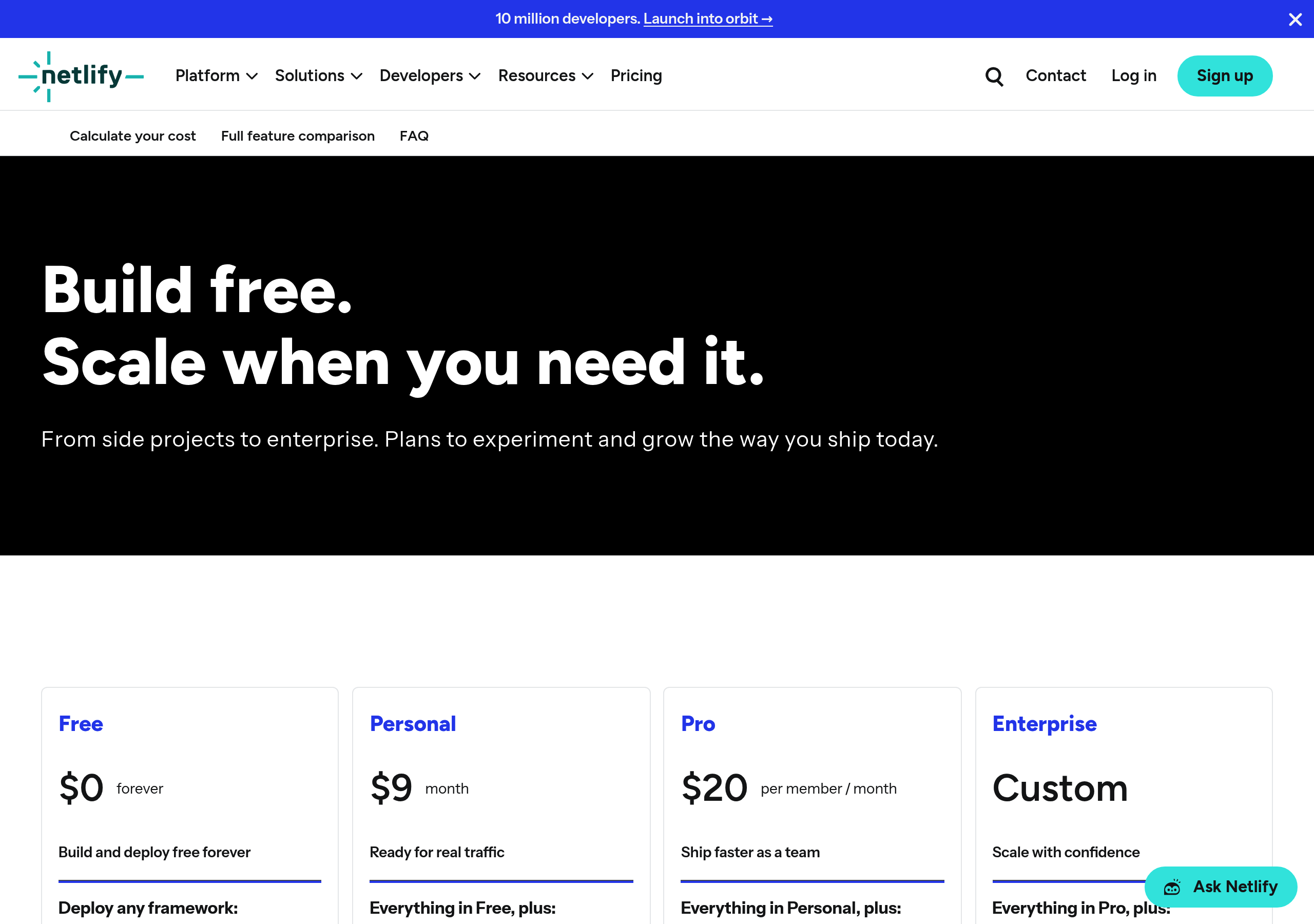
Pricing – Netlify website breakdown
Netlify
Pricing – Segment website breakdown
Segment
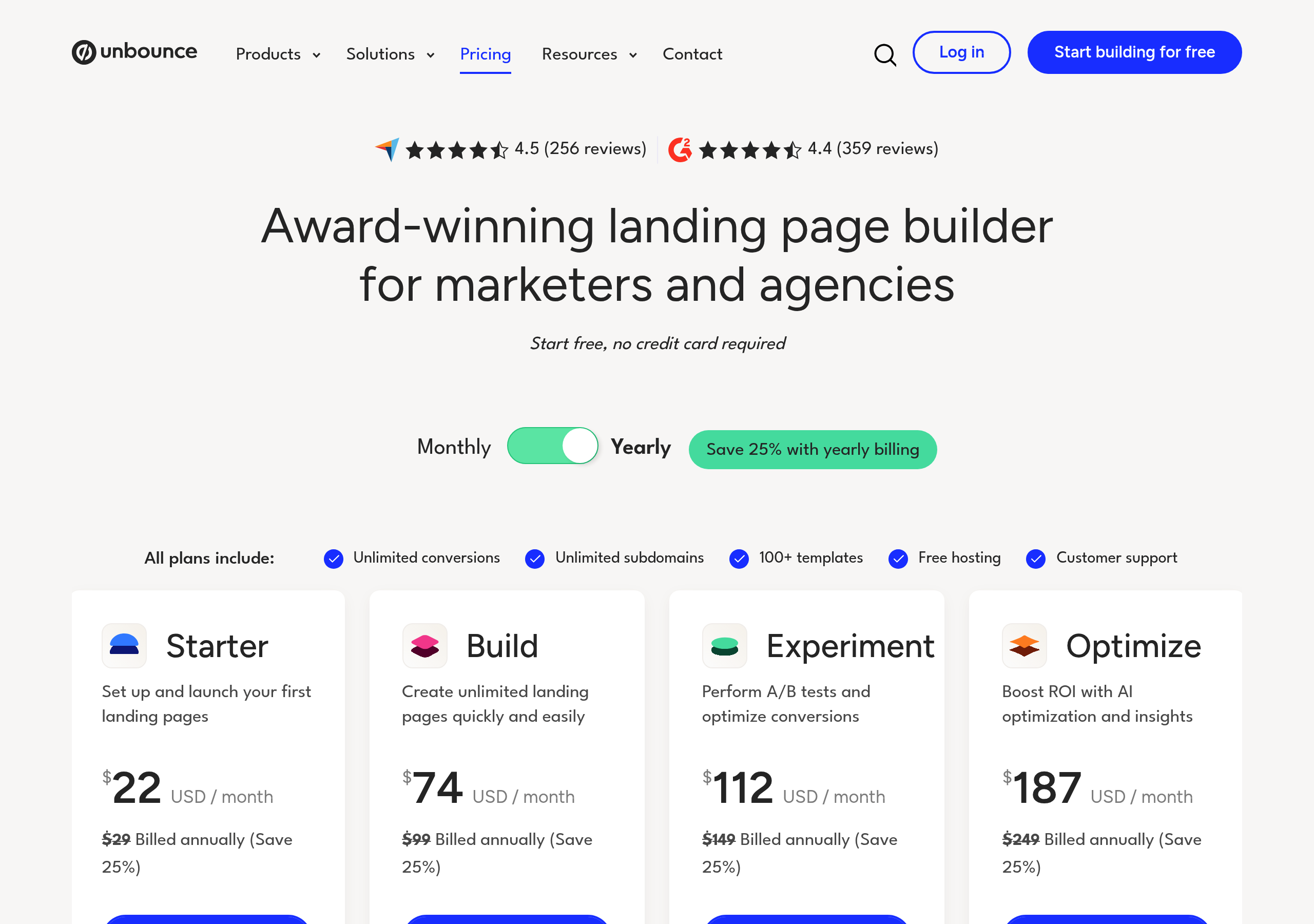
Pricing – Unbounce website breakdown
Unbounce
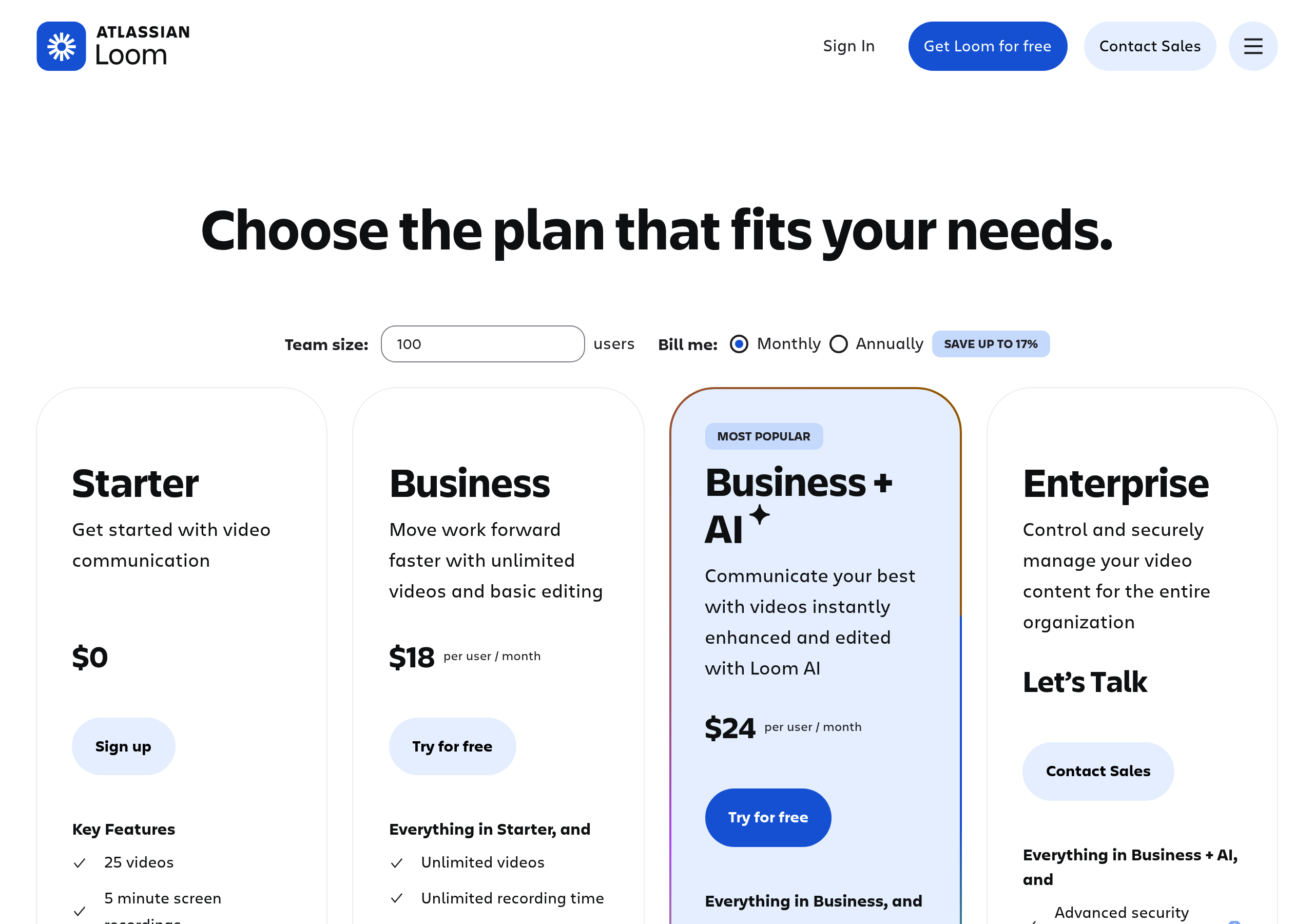
Pricing – Loom website breakdown
Loom
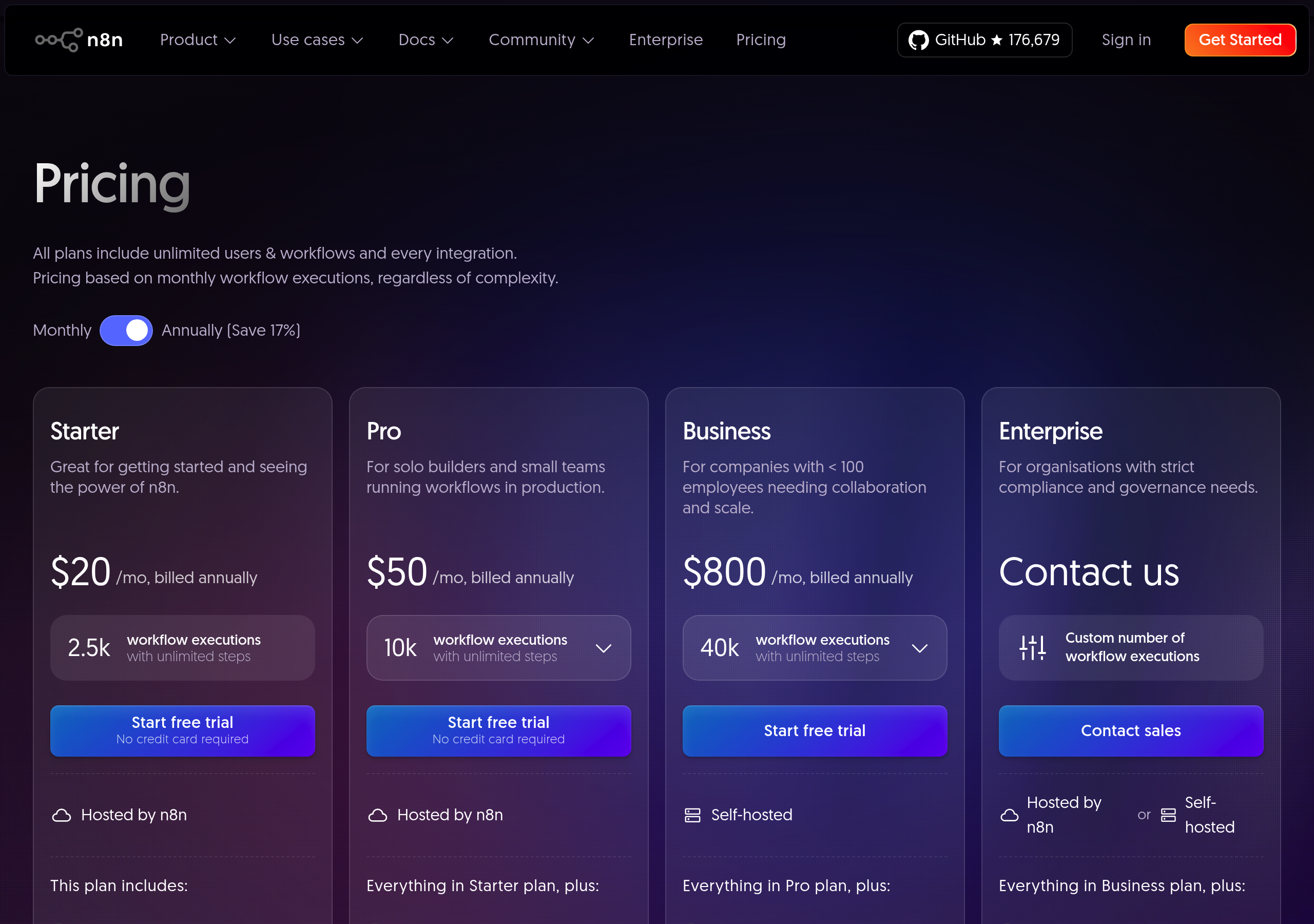
Pricing – n8n website breakdown
n8n
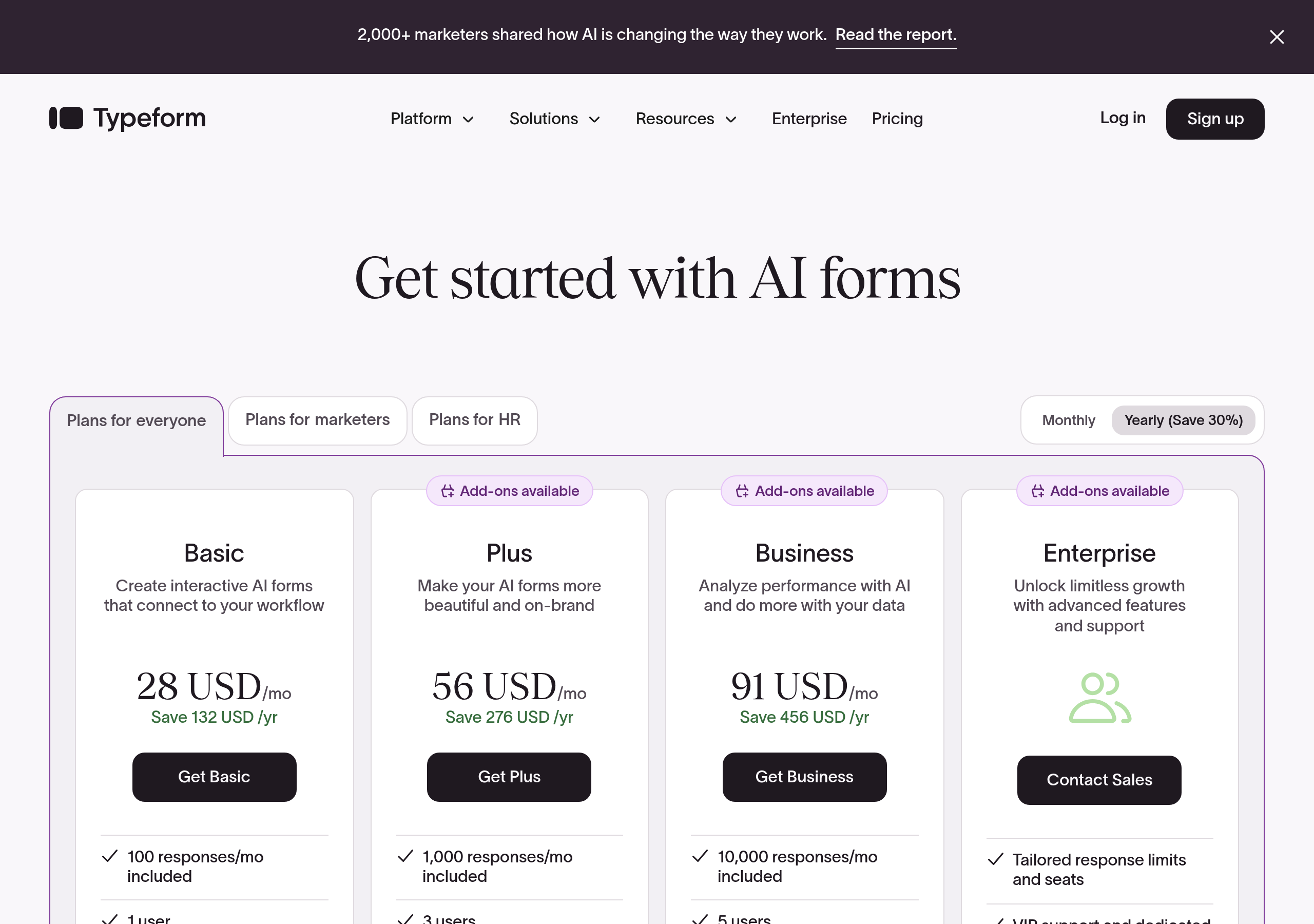
Pricing – Typeform website breakdown
Typeform
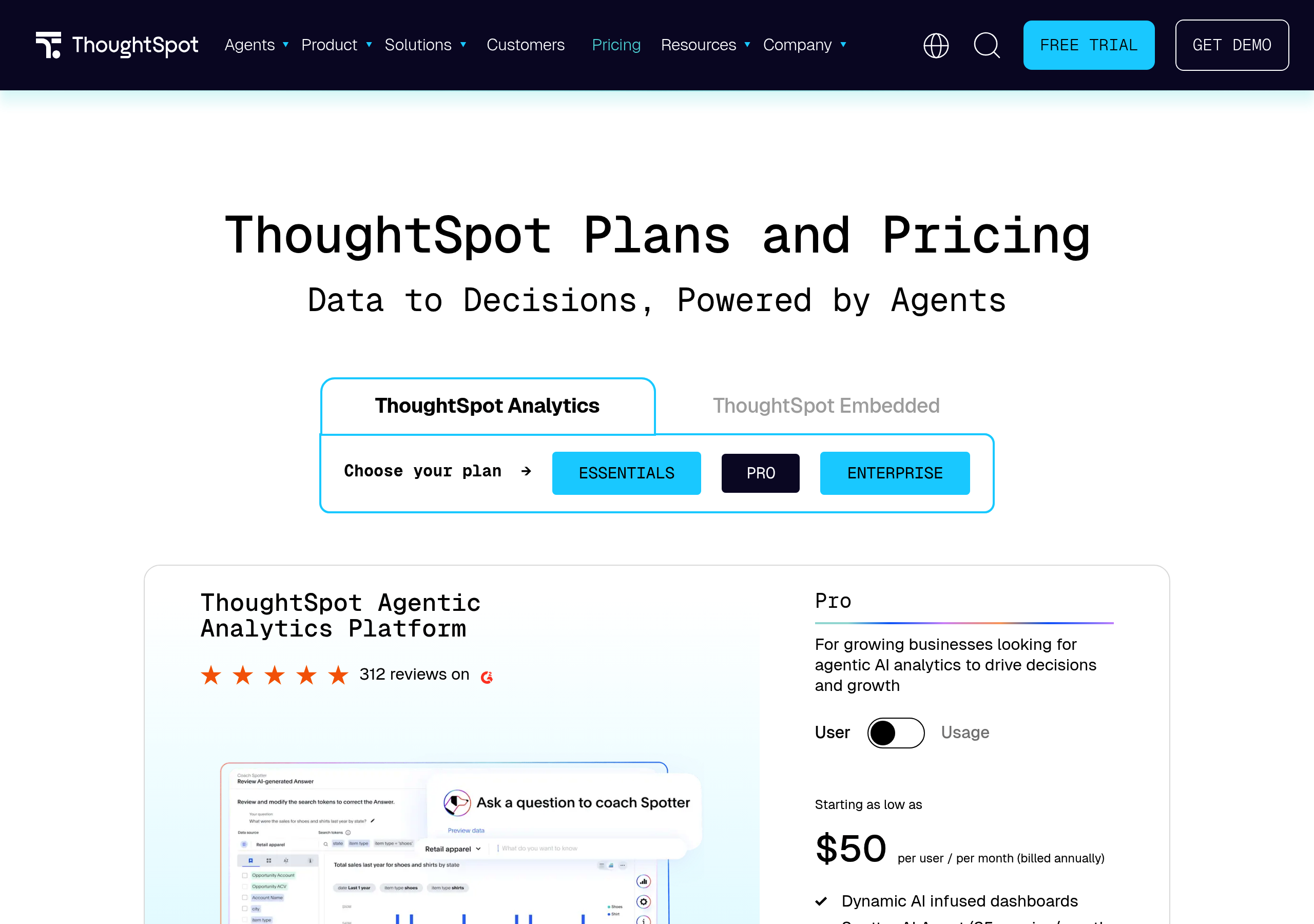
Pricing – ThoughtSpot website breakdown
ThoughtSpot
Pricing – Paradox website breakdown
Paradox
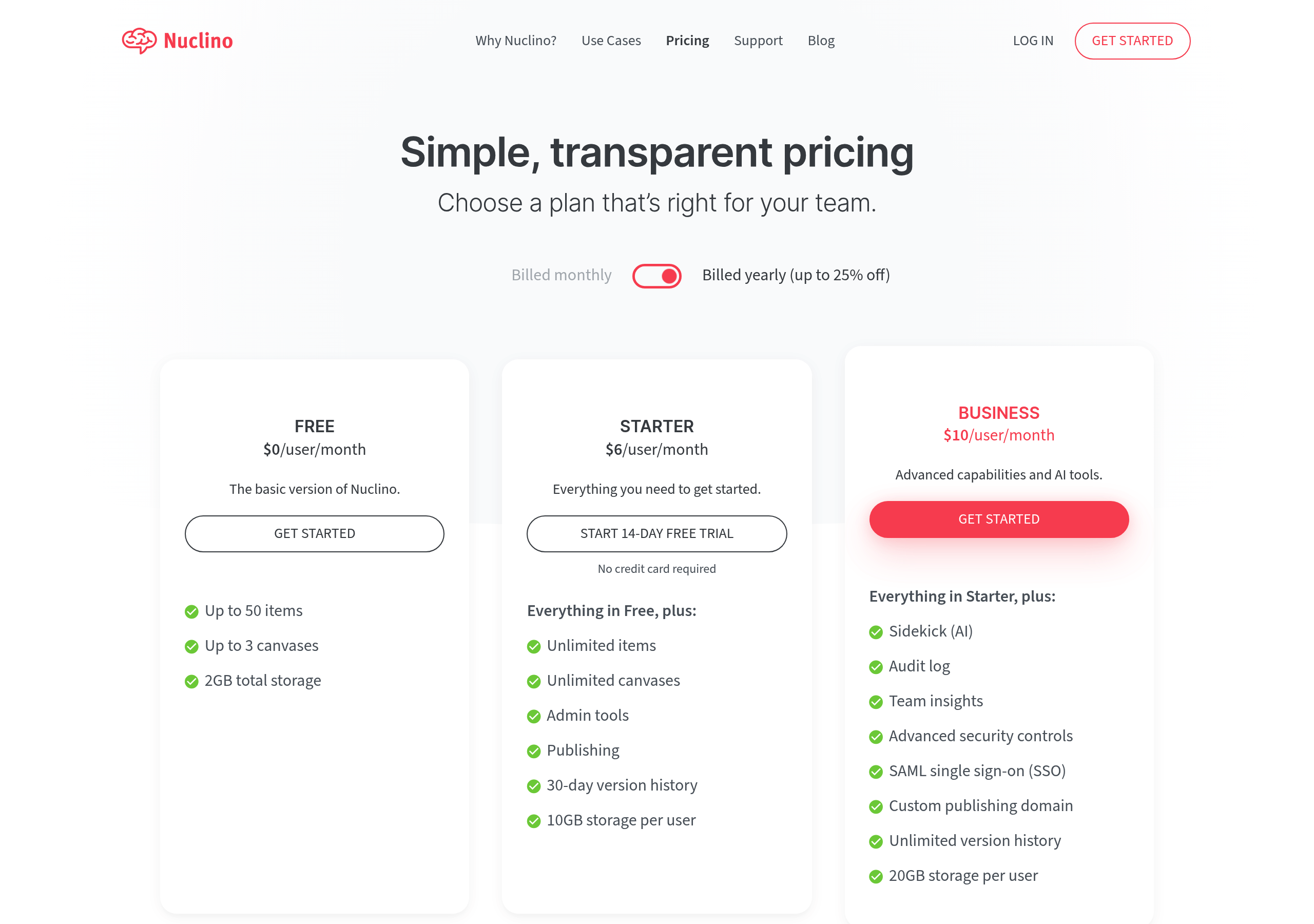
Pricing – Nuclino website breakdown
Nuclino
Pricing – Paylocity website breakdown
Paylocity
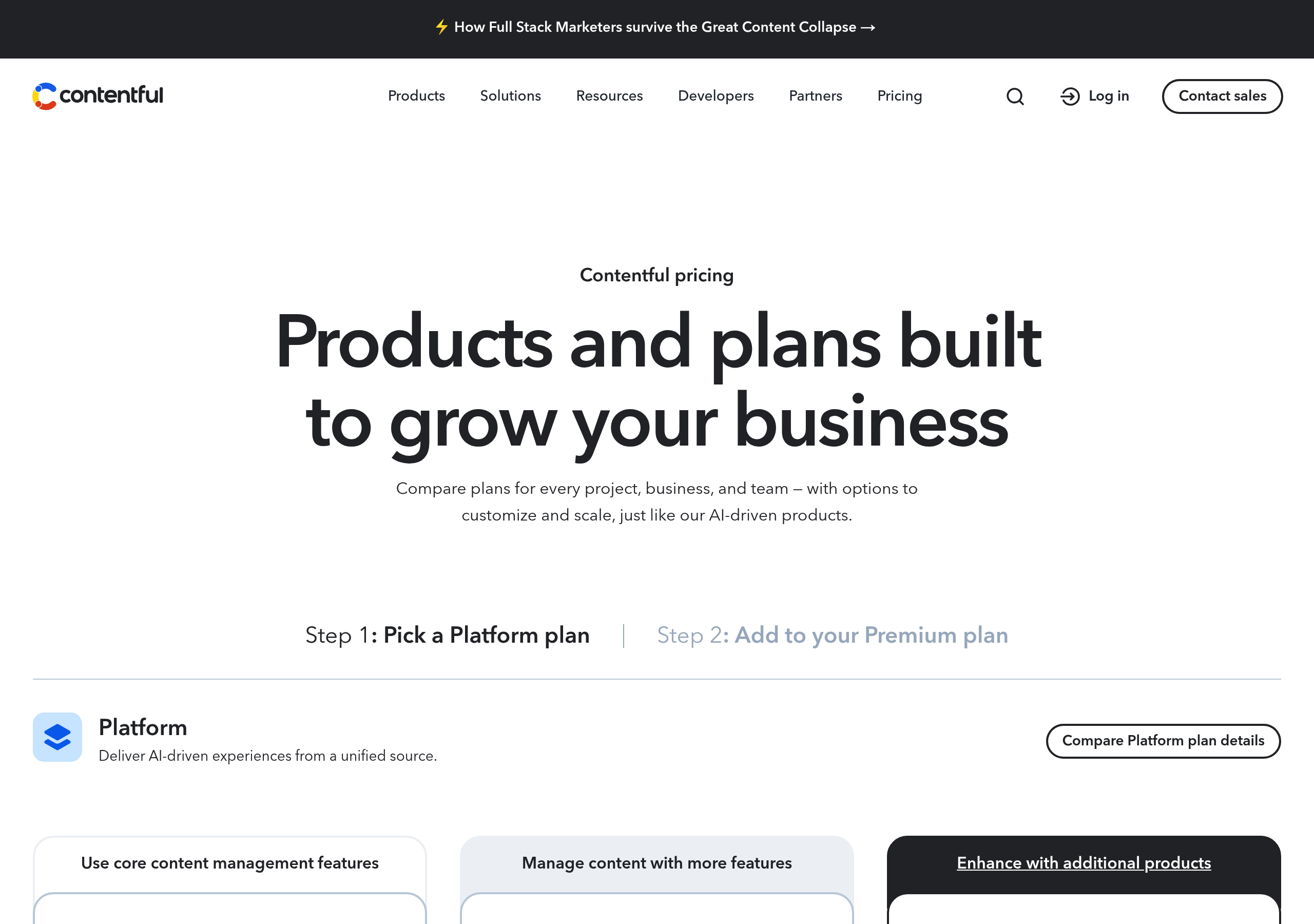
Pricing – Contentful website breakdown
Contentful
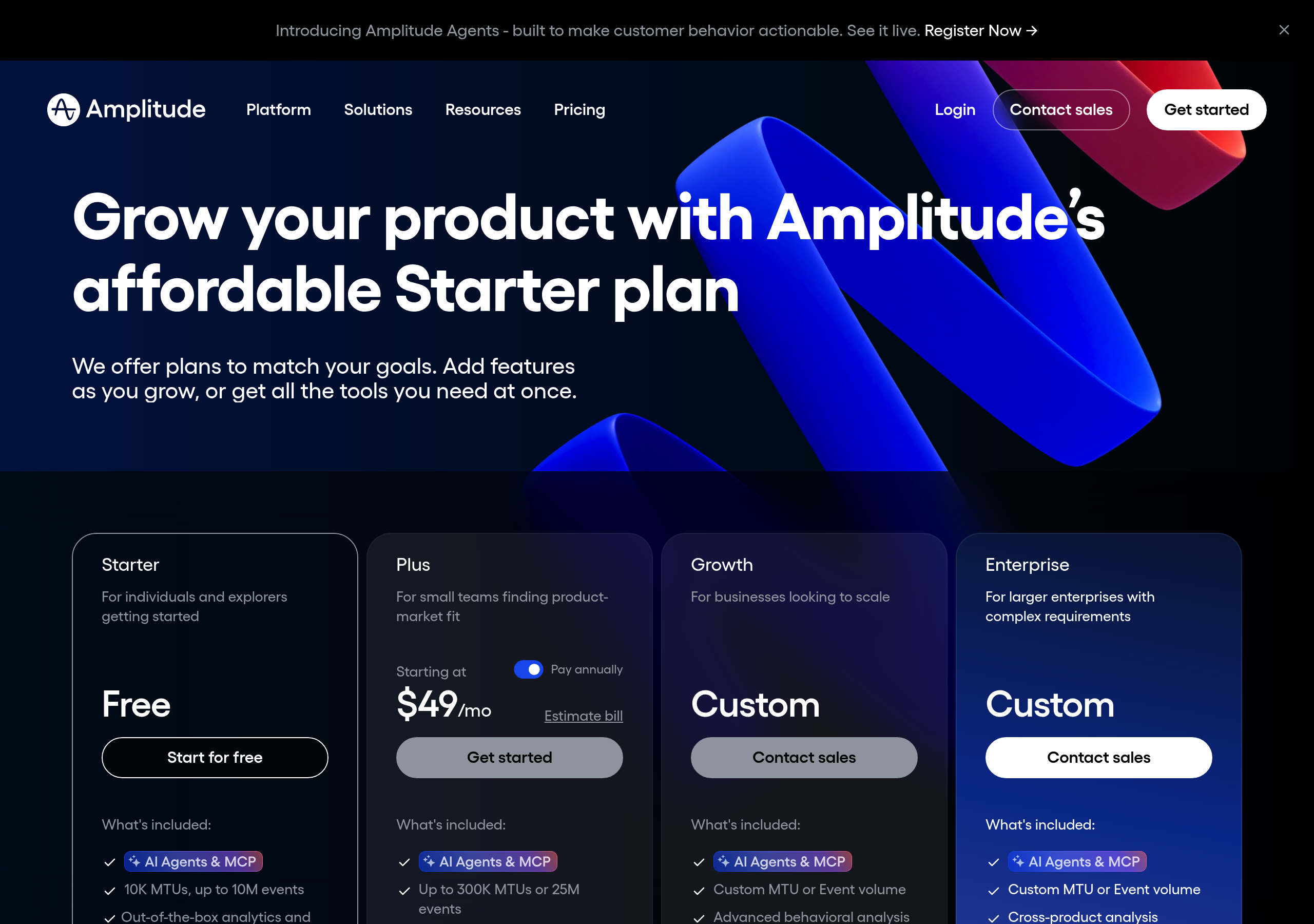
Pricing – Amplitude website breakdown
Amplitude
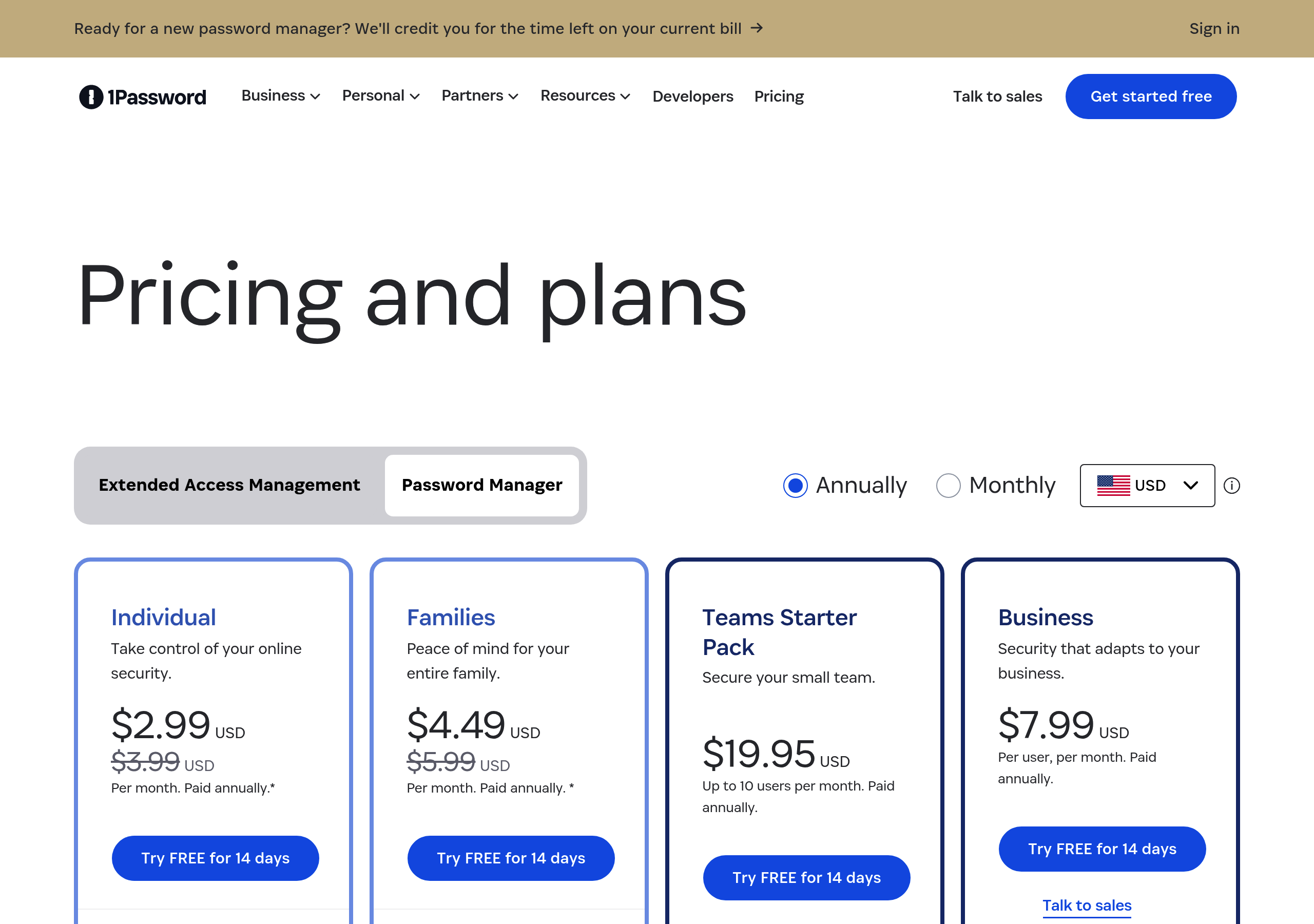
Pricing – 1Password website breakdown
1Password
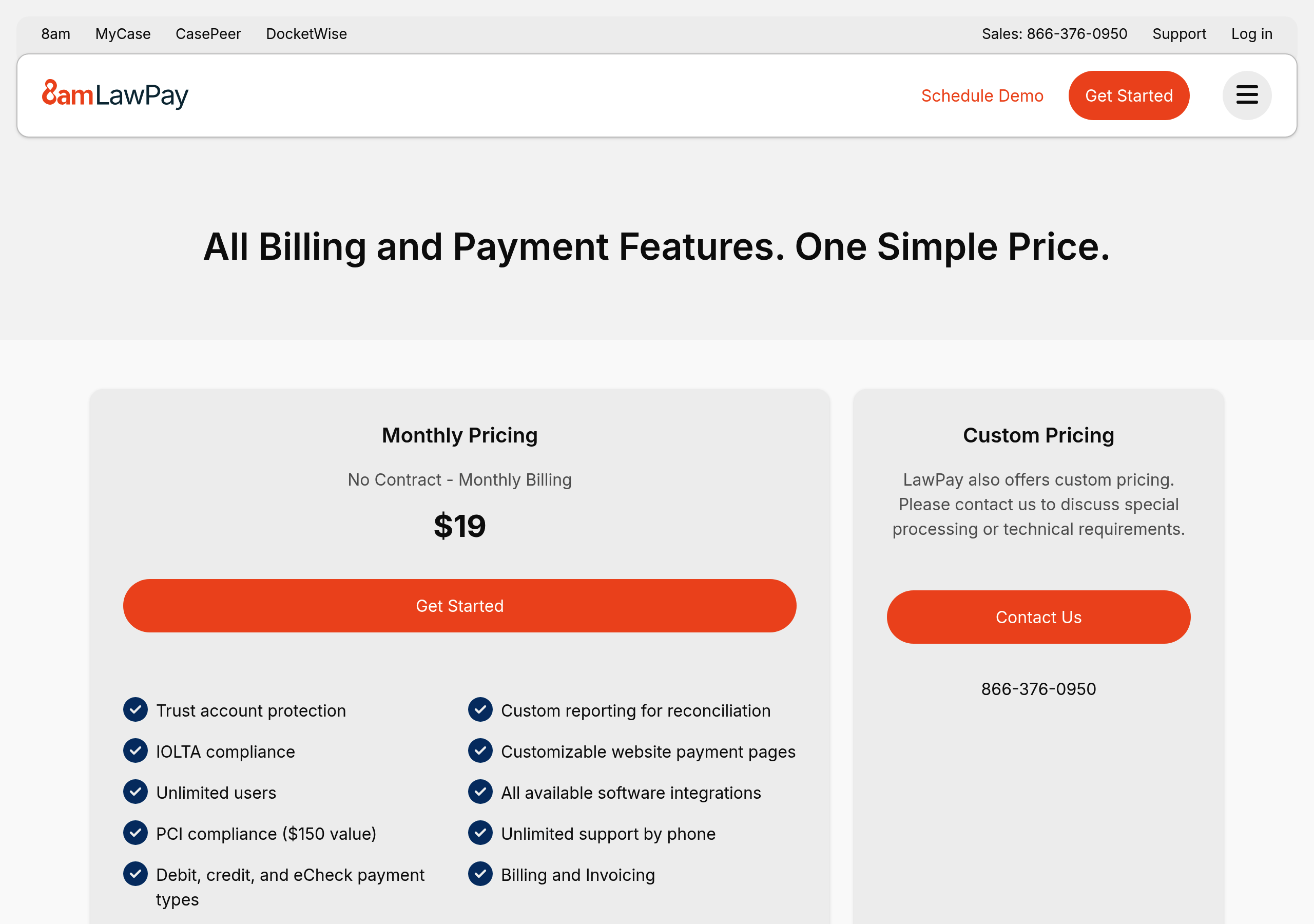
Pricing – LawPay website breakdown
LawPay
Pricing – Ironclad website breakdown
Ironclad
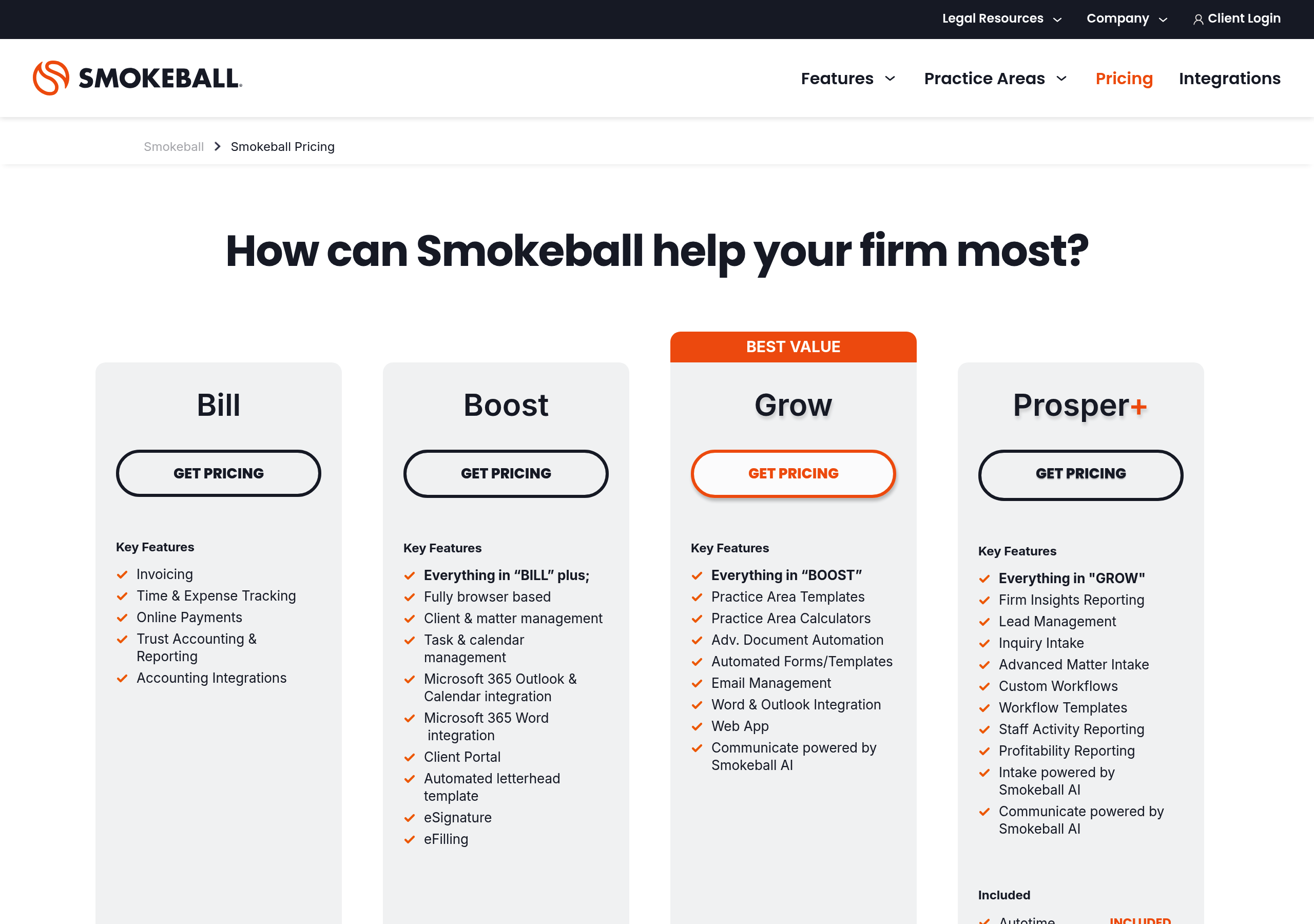
Pricing – Smokeball website breakdown
Smokeball
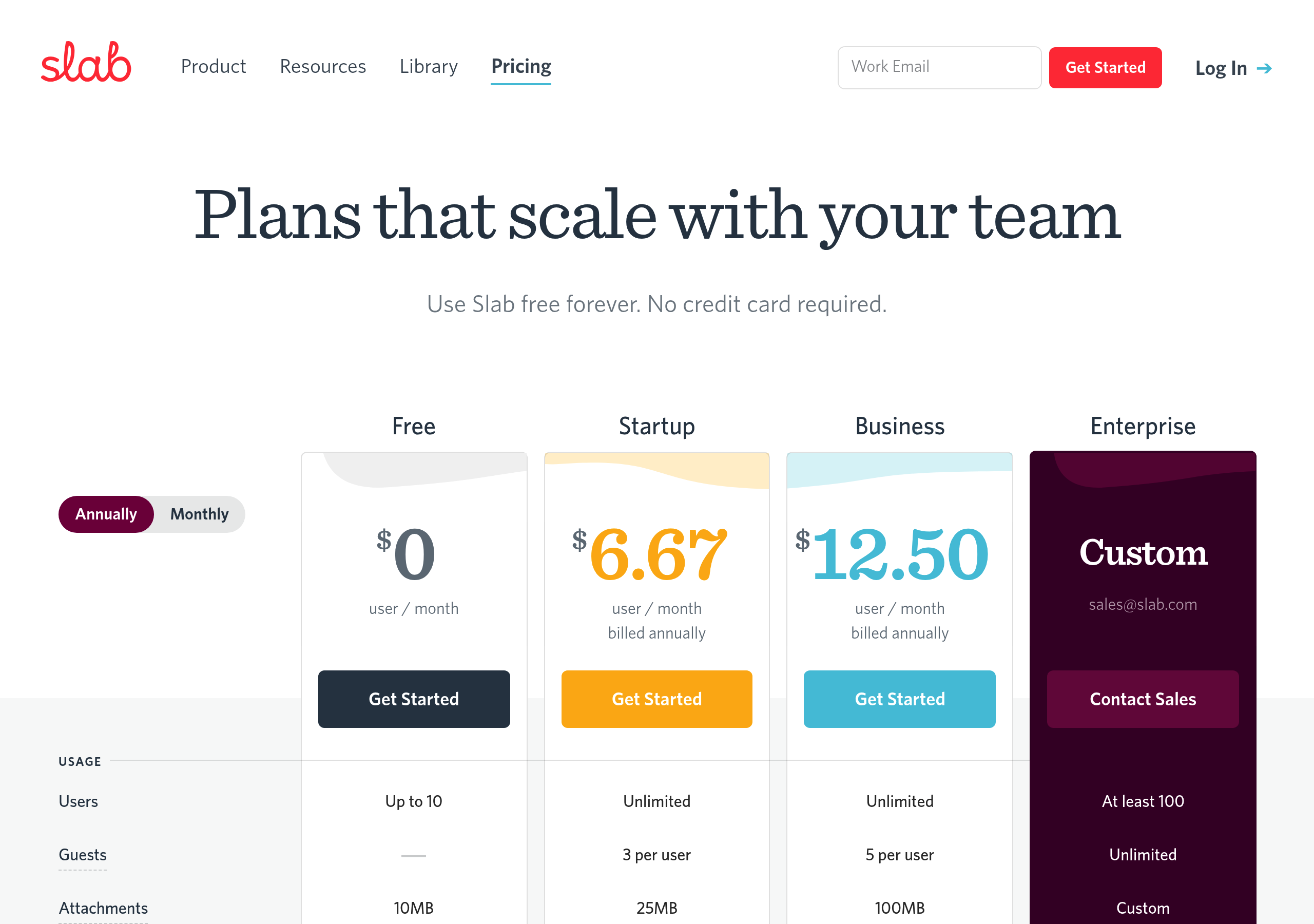
Pricing – Slab website breakdown
Slab
Pricing – Guru website breakdown
Guru
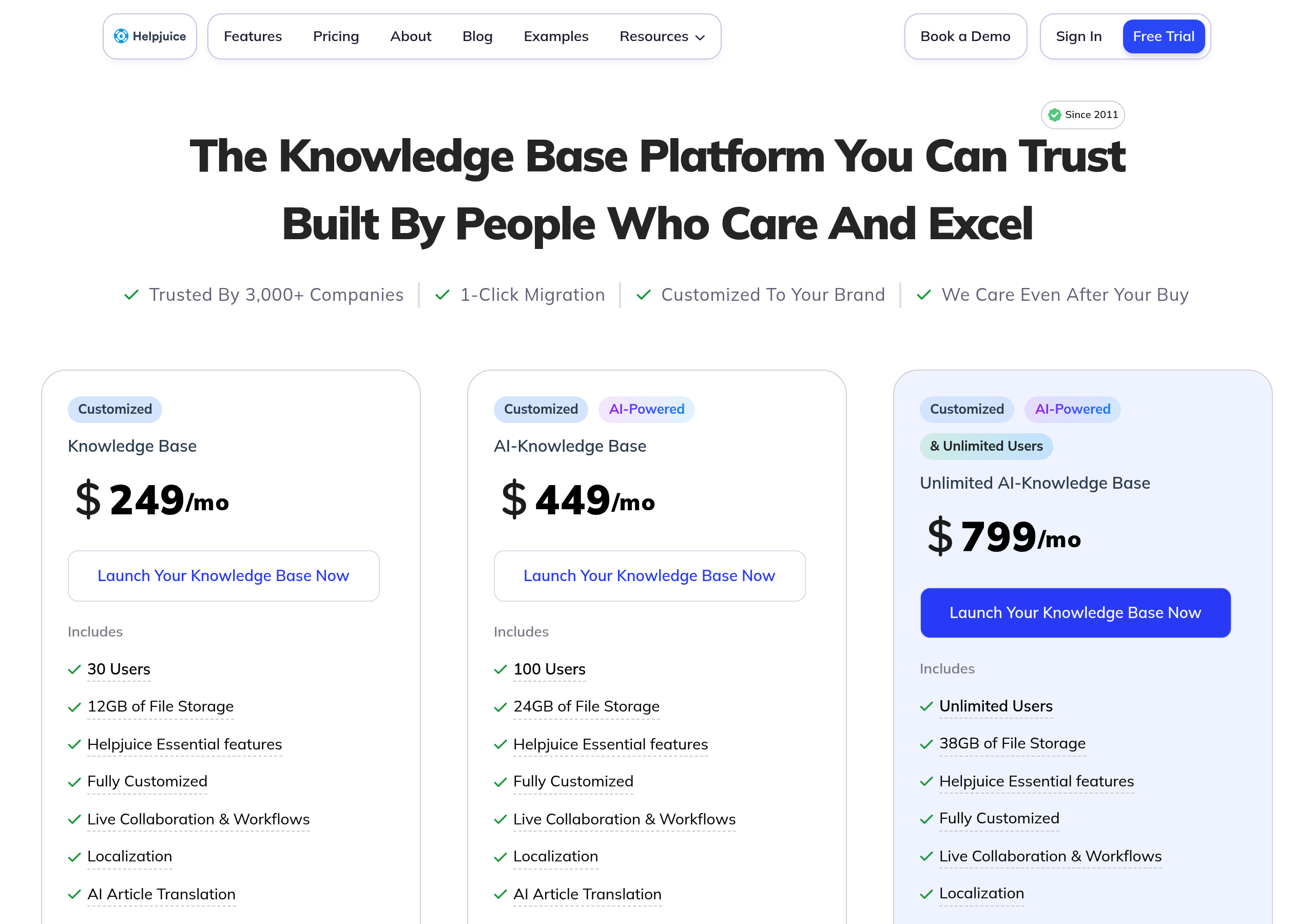
Pricing – Helpjuice website breakdown
Helpjuice
Pricing – Bloomfire website breakdown
Bloomfire
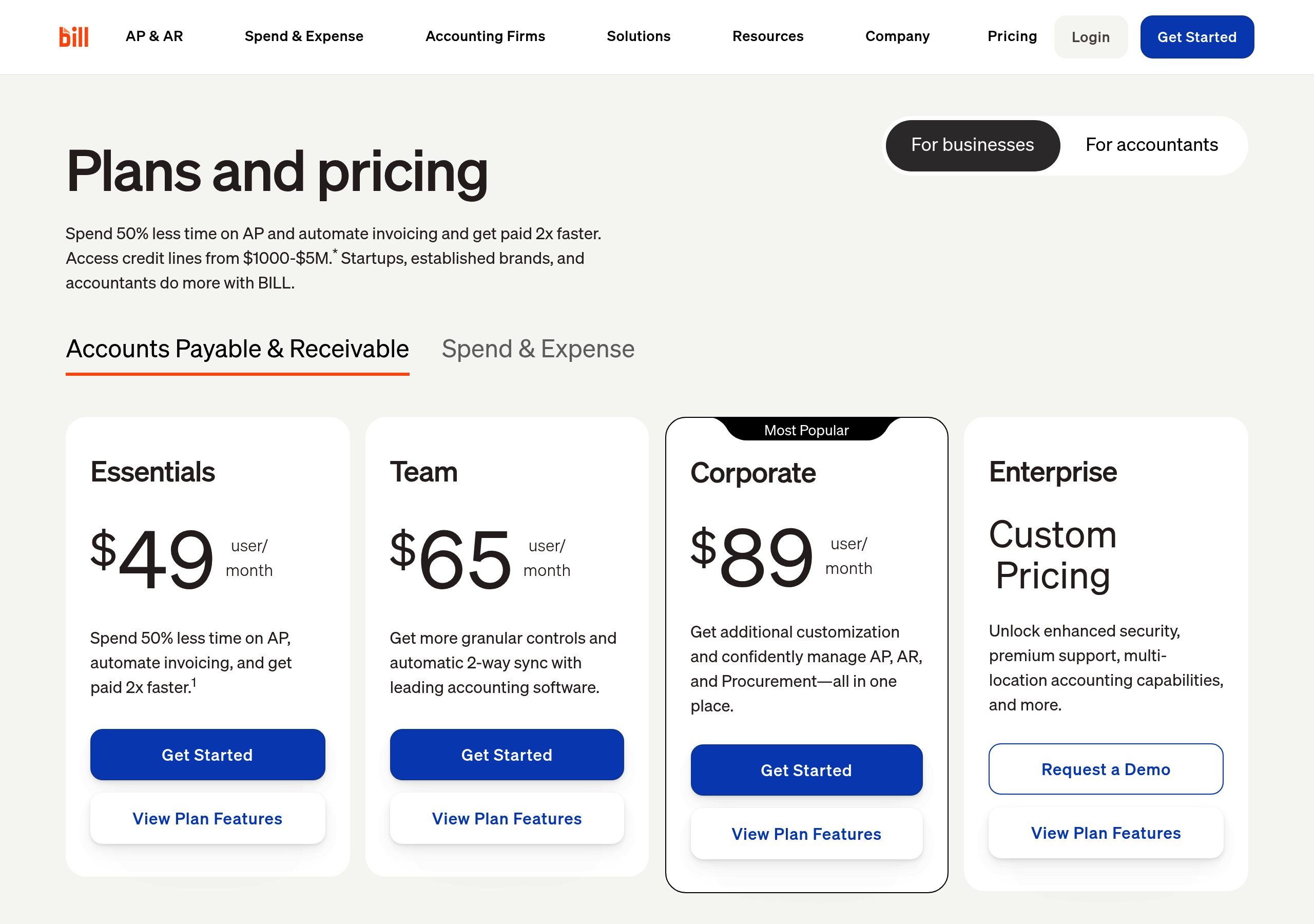
Pricing – Bill.com website breakdown
Bill.com
Pricing – Airbase website breakdown
Airbase
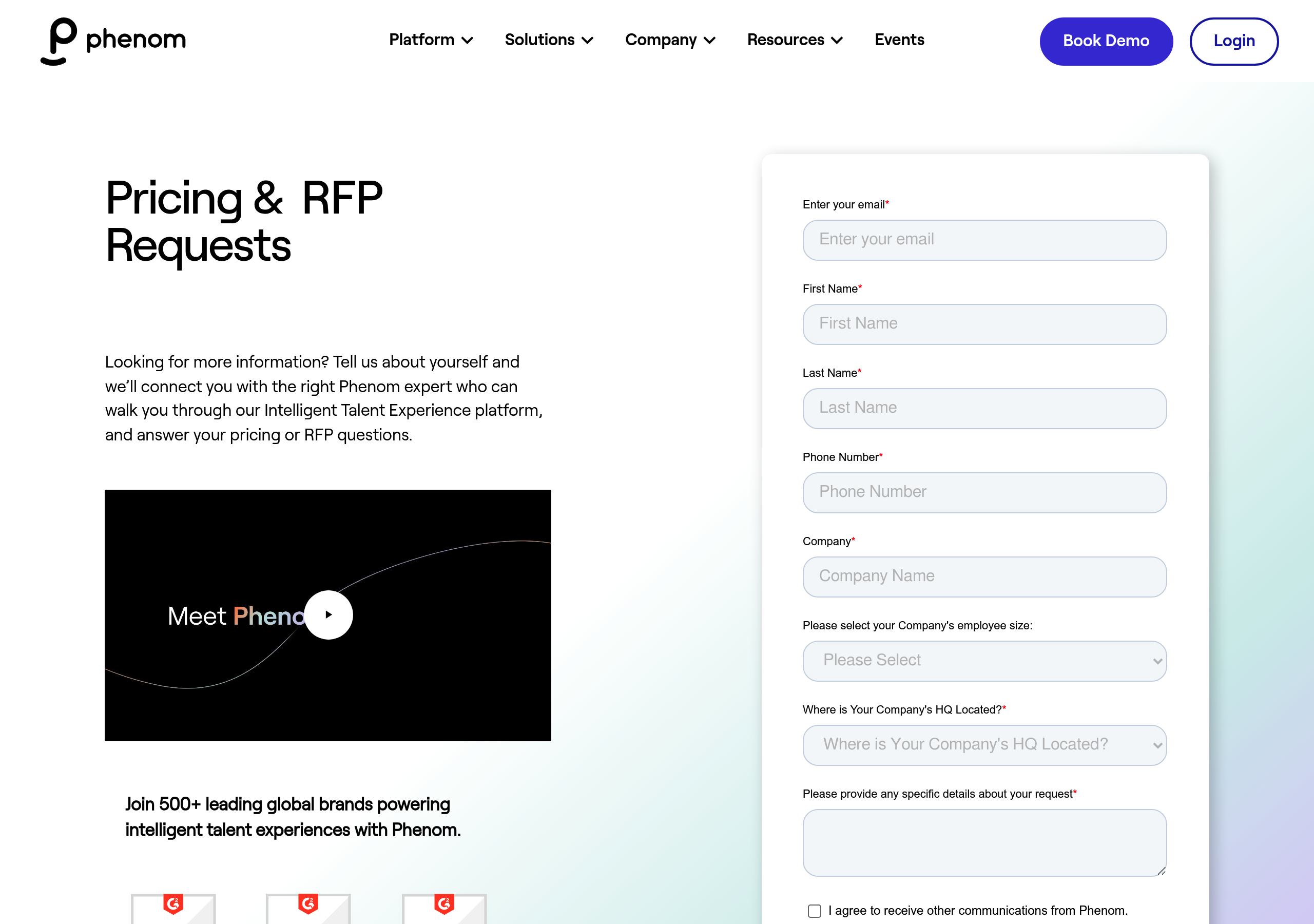
Pricing – Phenom website breakdown
Phenom
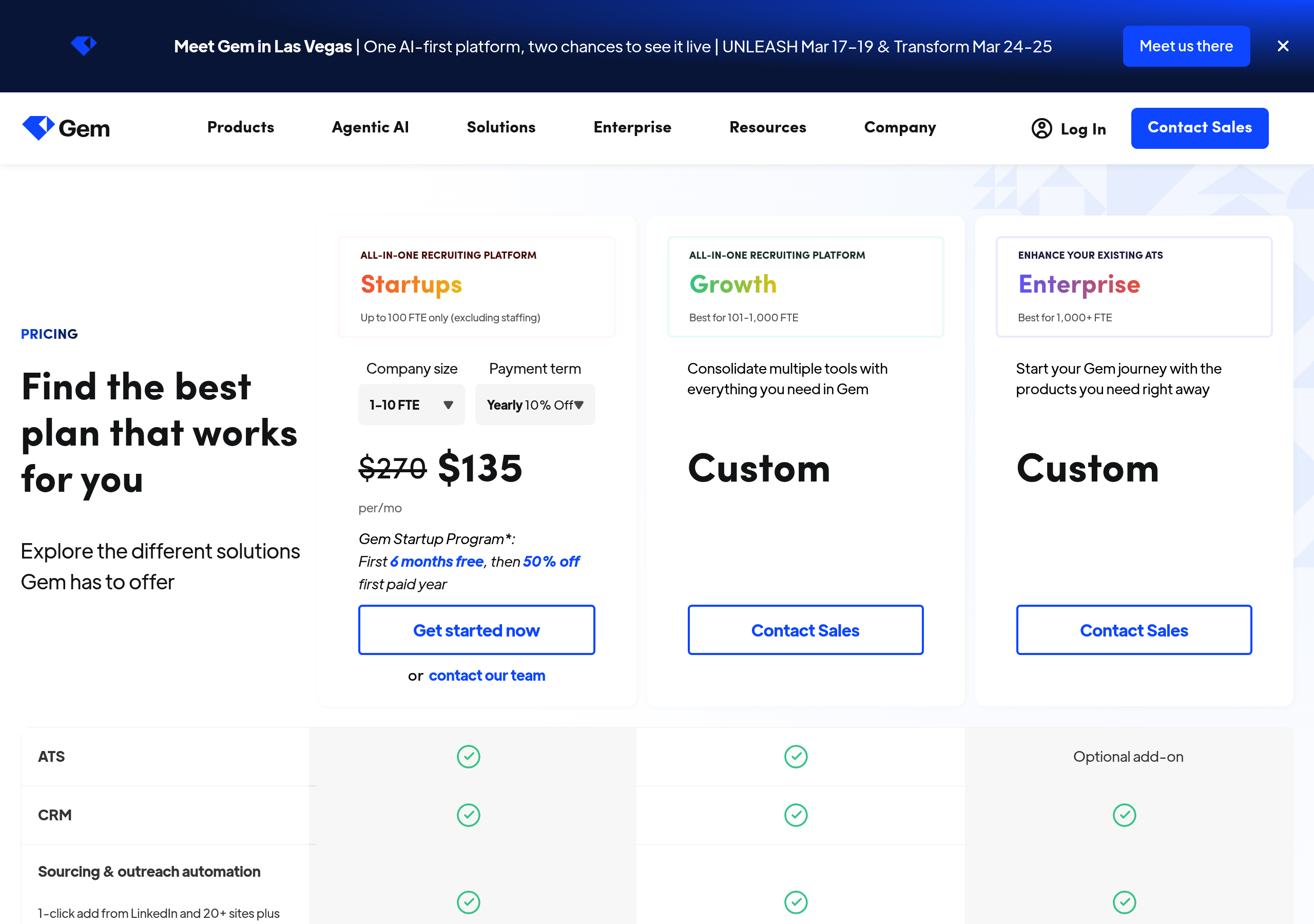
Pricing – Gem website breakdown
Gem
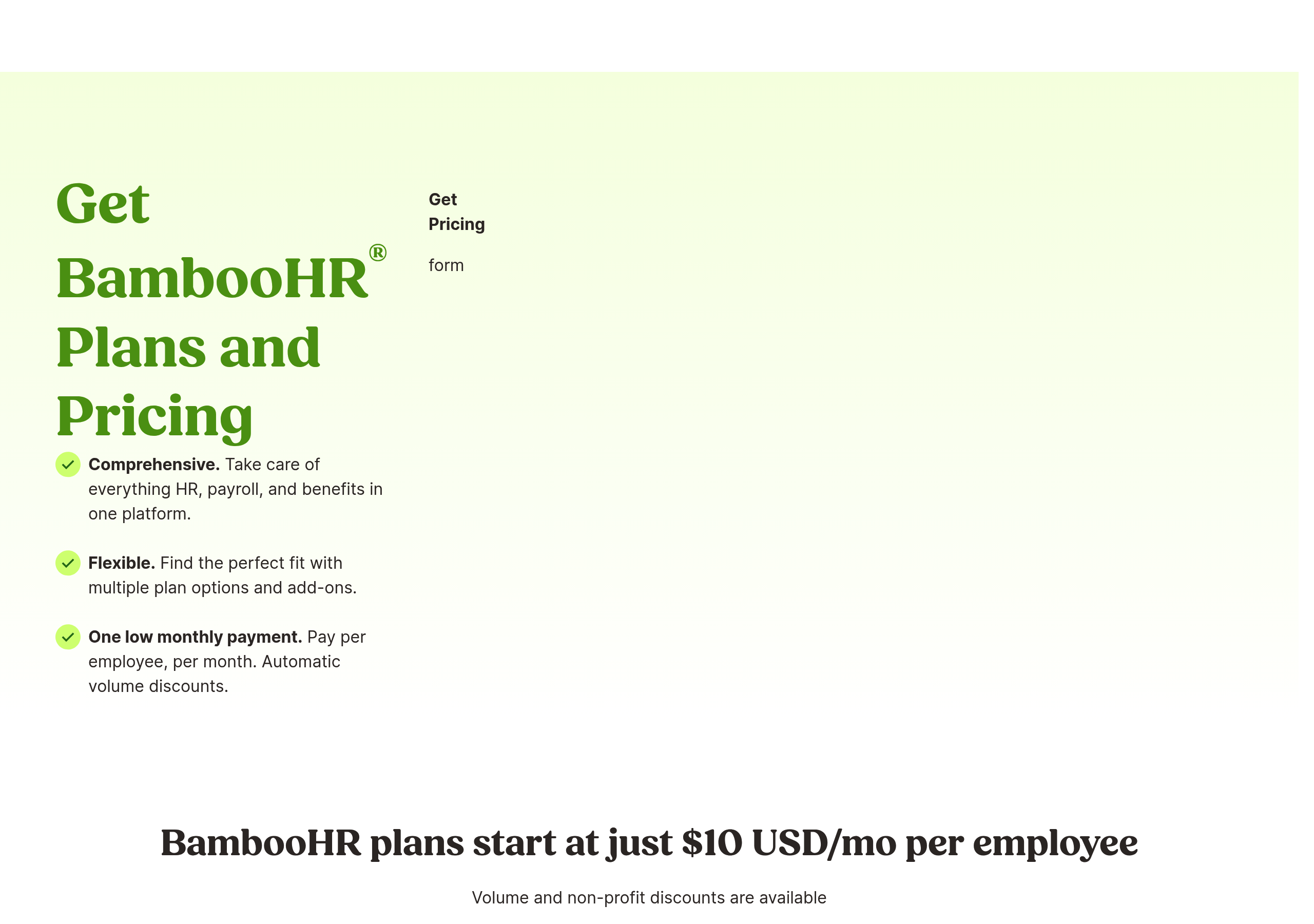
Pricing – BambooHR website breakdown
BambooHR
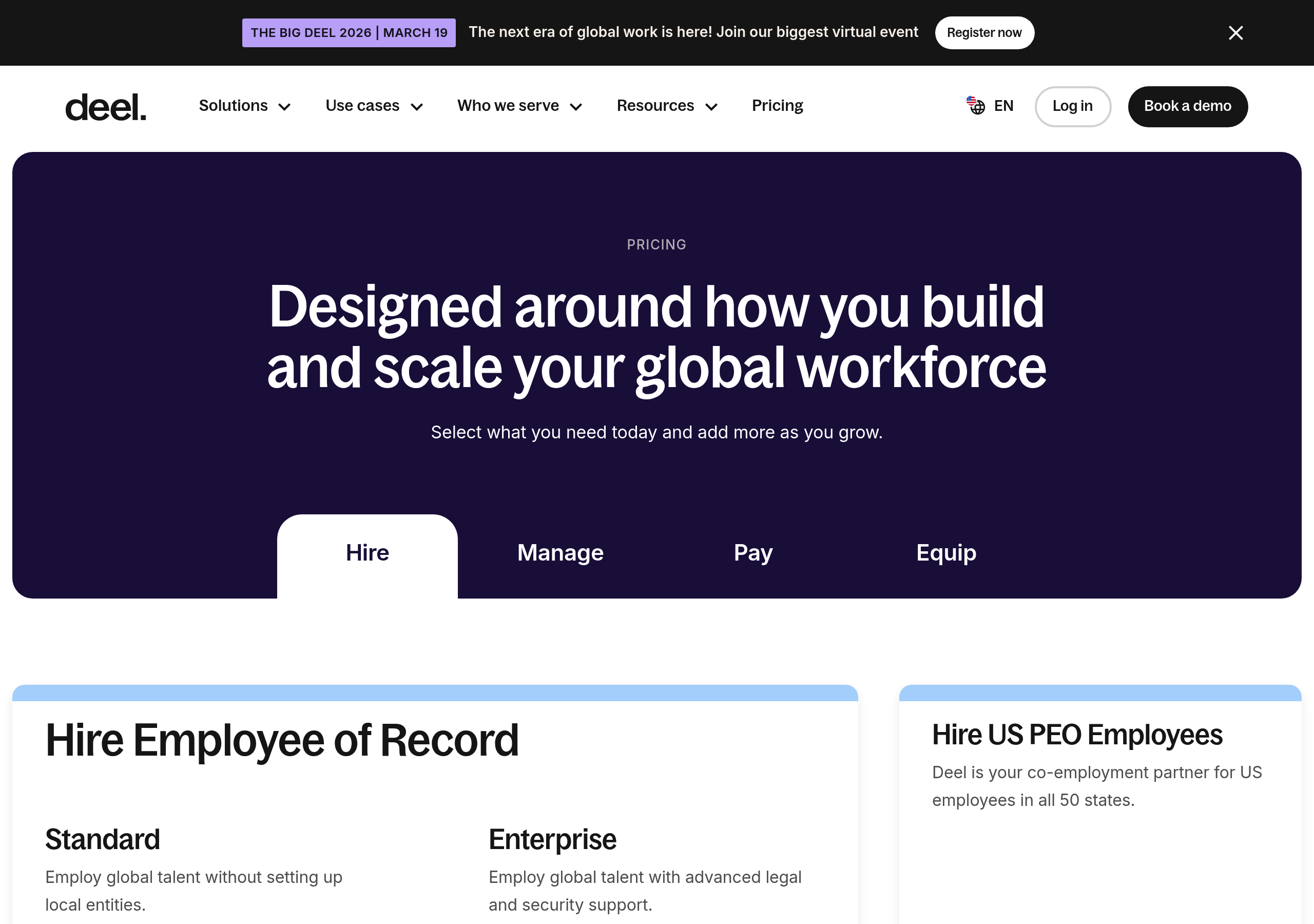
Pricing – Deel website breakdown
Deel
Pricing – HireVue website breakdown
HireVue
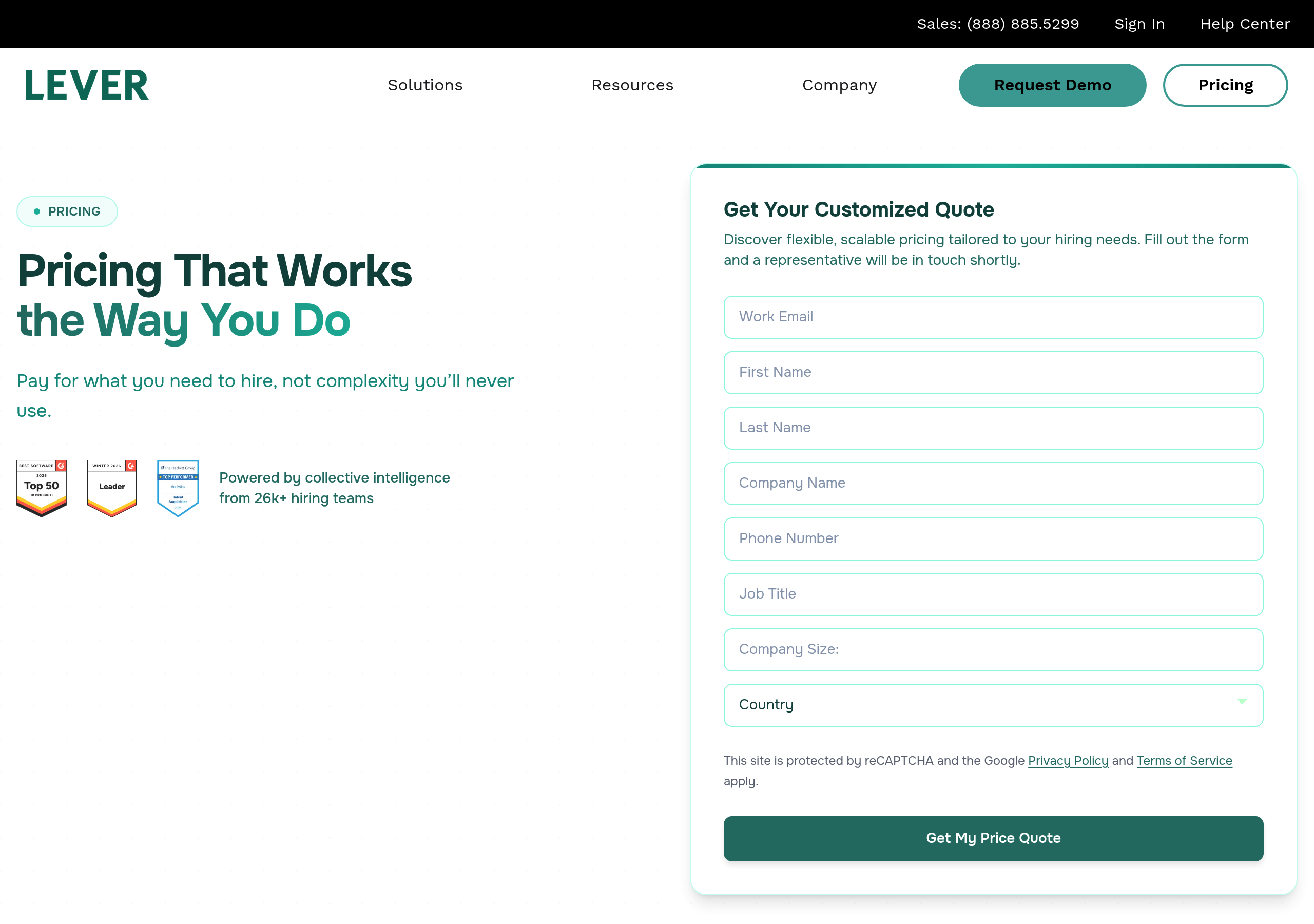
Pricing – Lever website breakdown
Lever
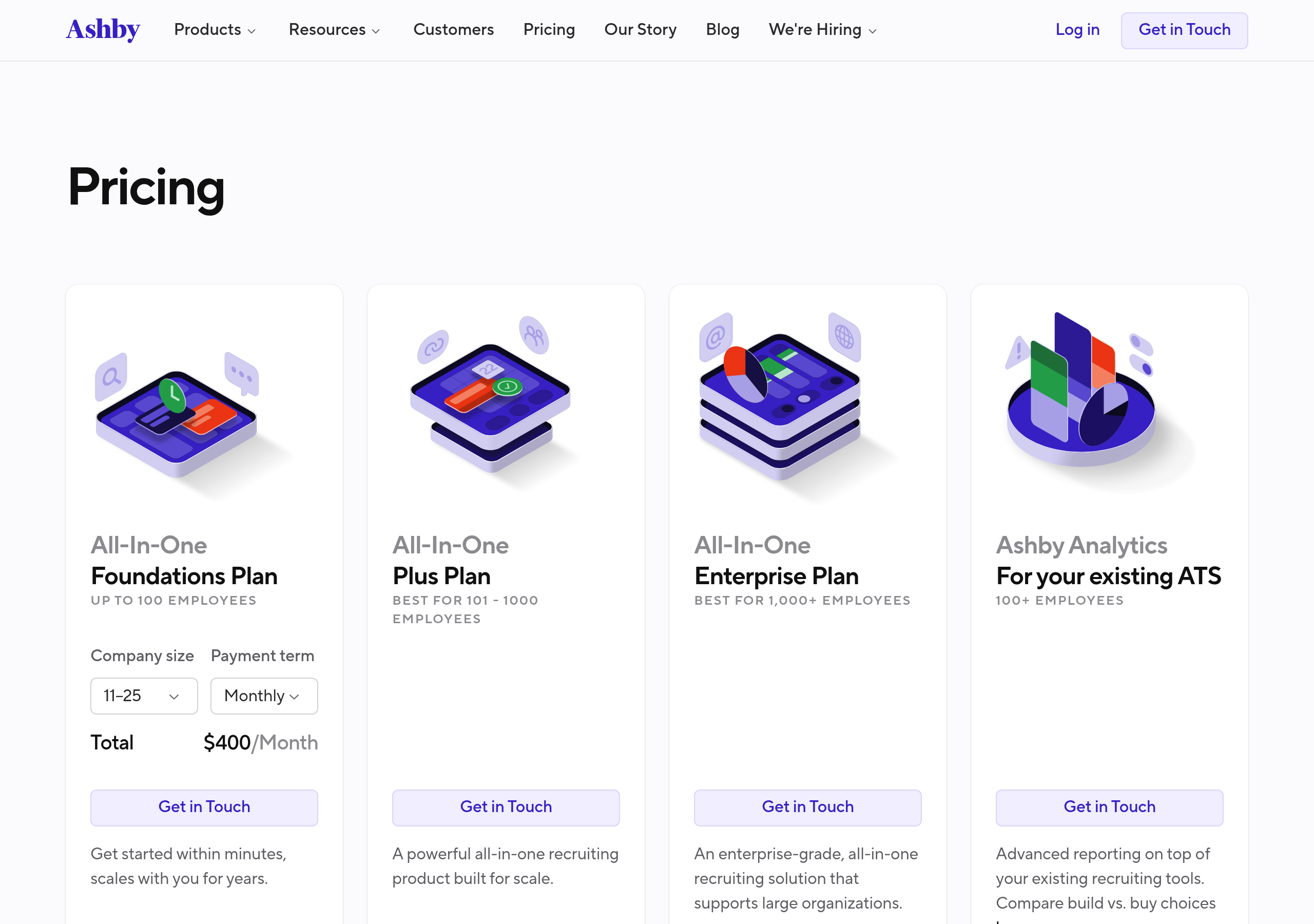
Pricing – Ashby website breakdown
Ashby
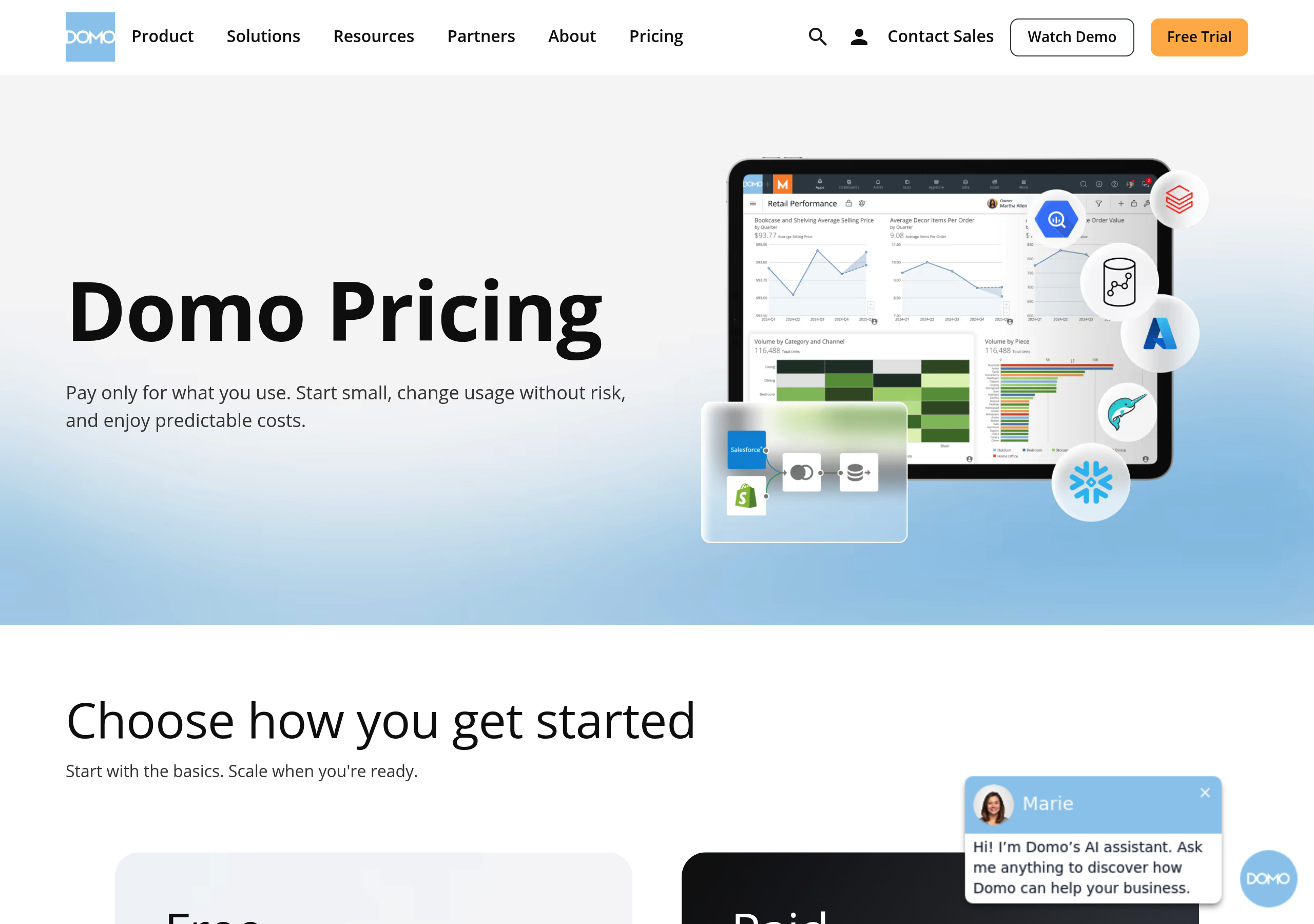
Pricing – Domo website breakdown
Domo
Pricing – Vercel website breakdown
Vercel
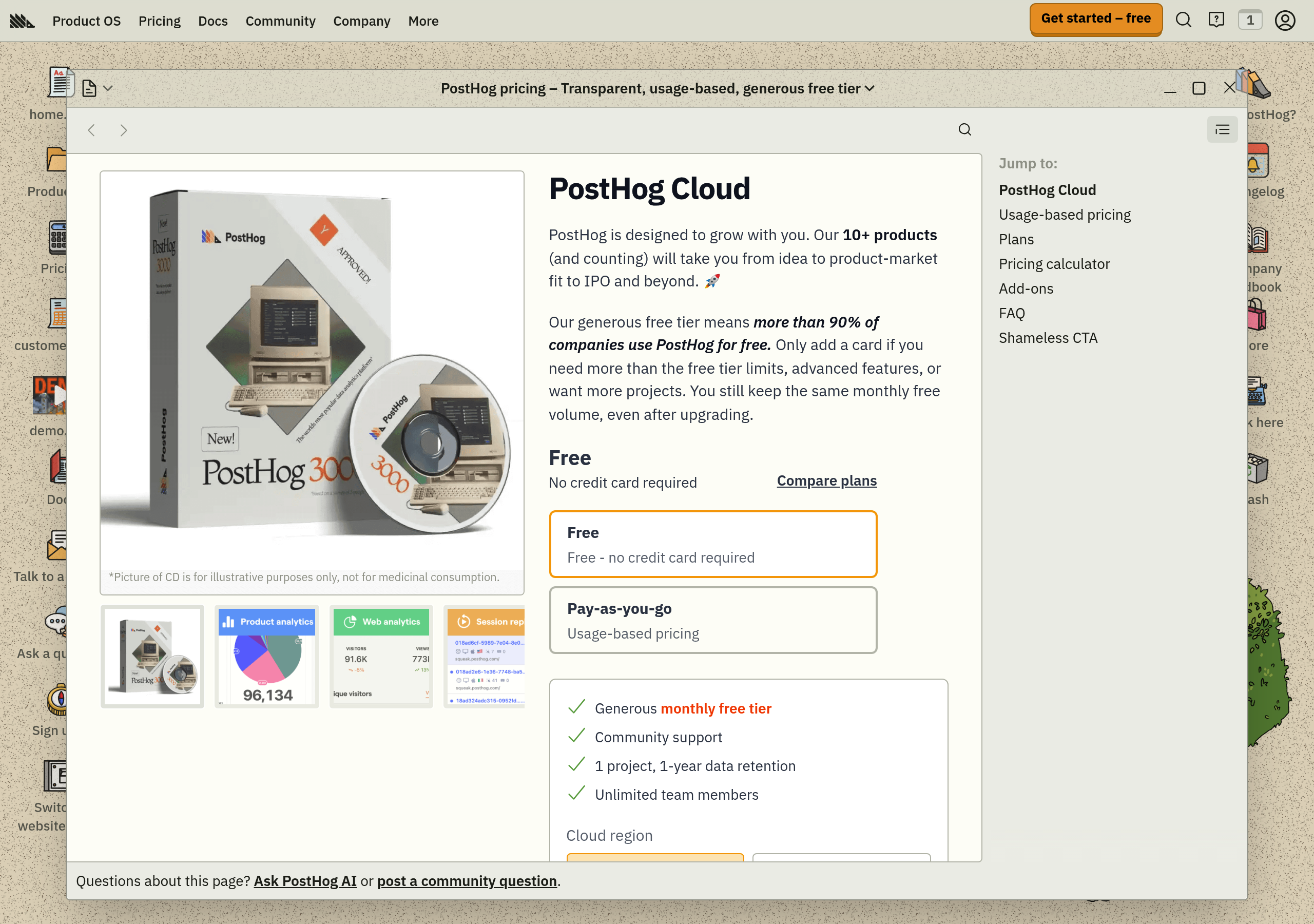
Pricing – PostHog website breakdown
PostHog
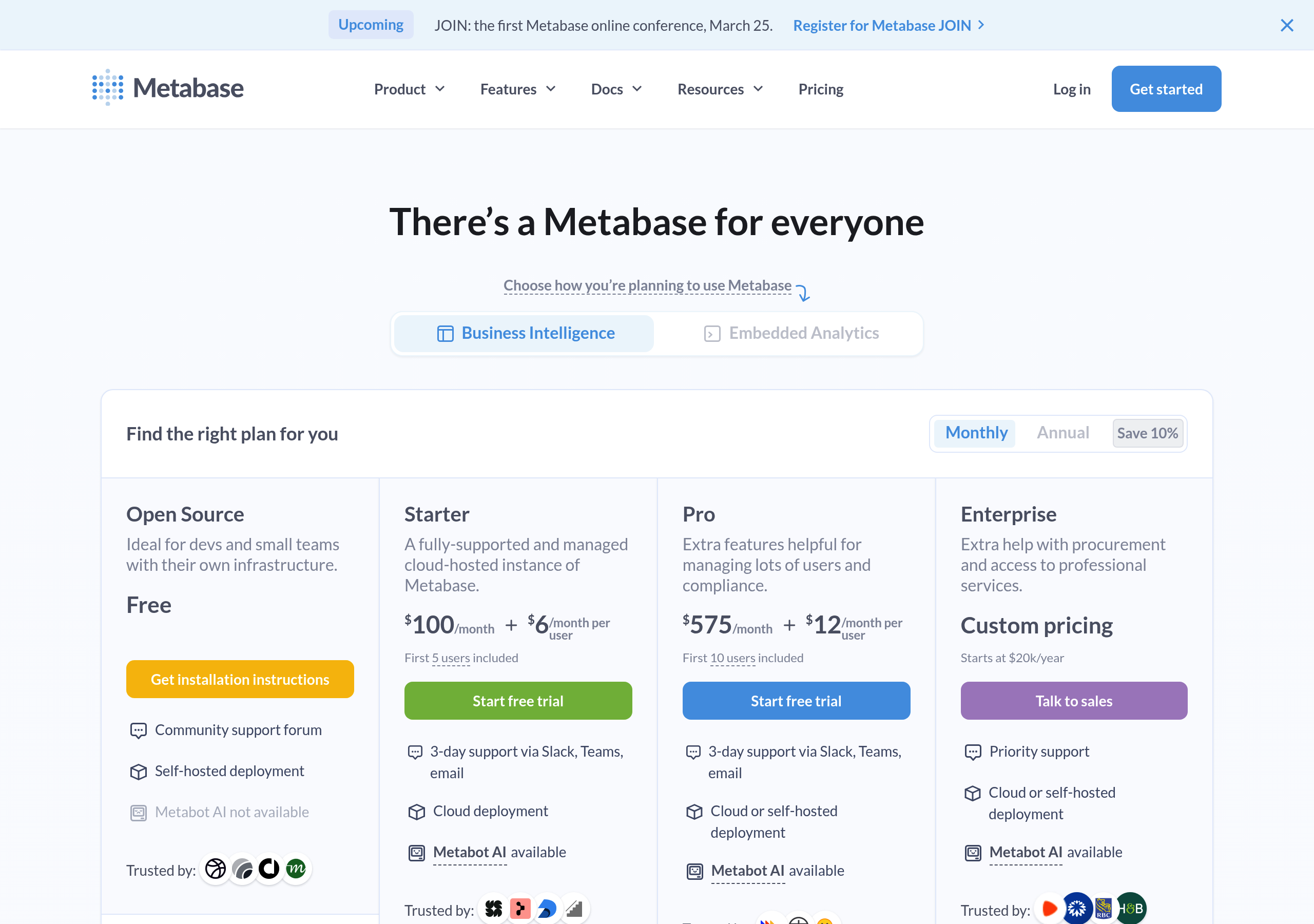
Pricing – Metabase website breakdown
Metabase
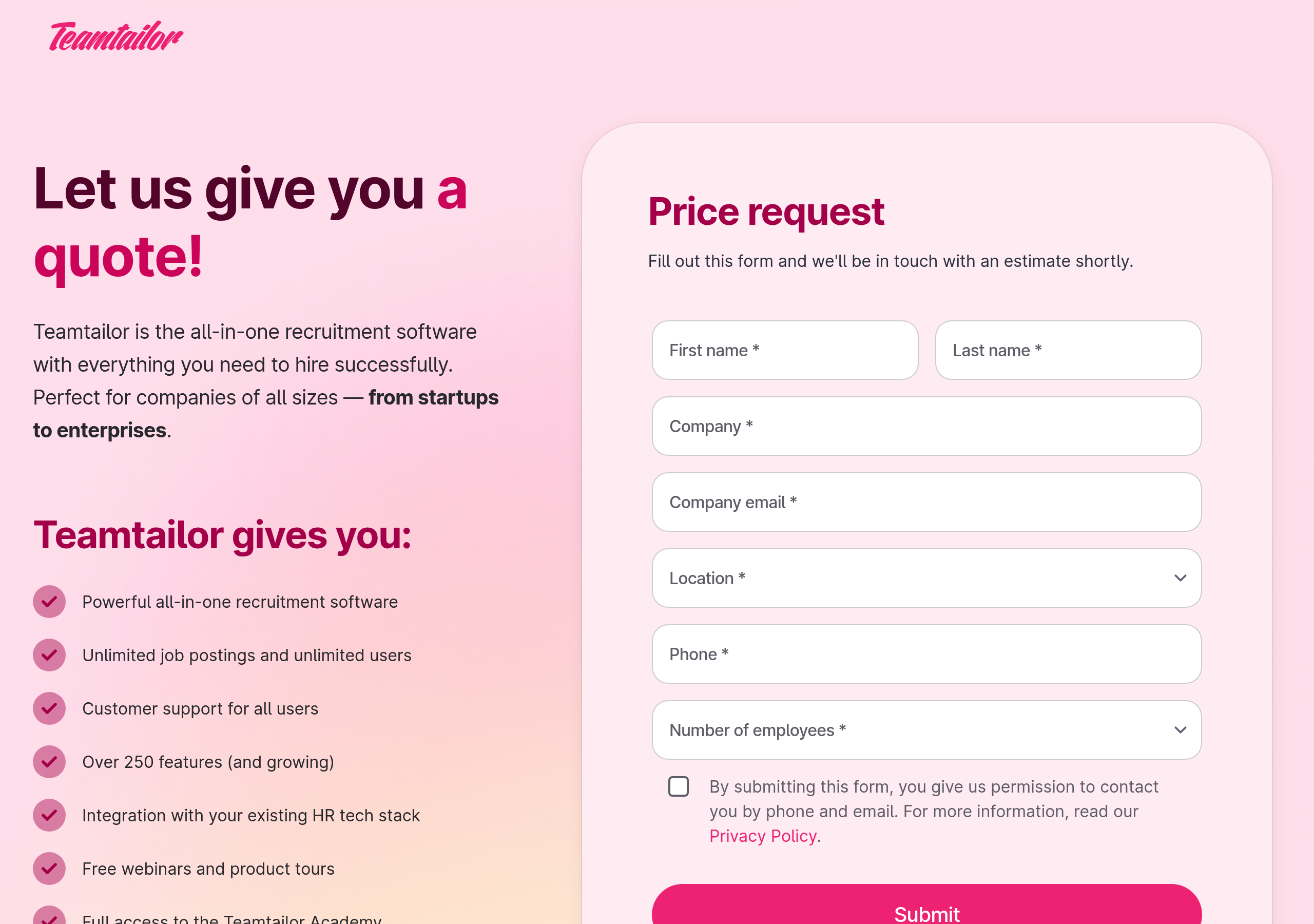
Pricing – Teamtailor website breakdown
Teamtailor
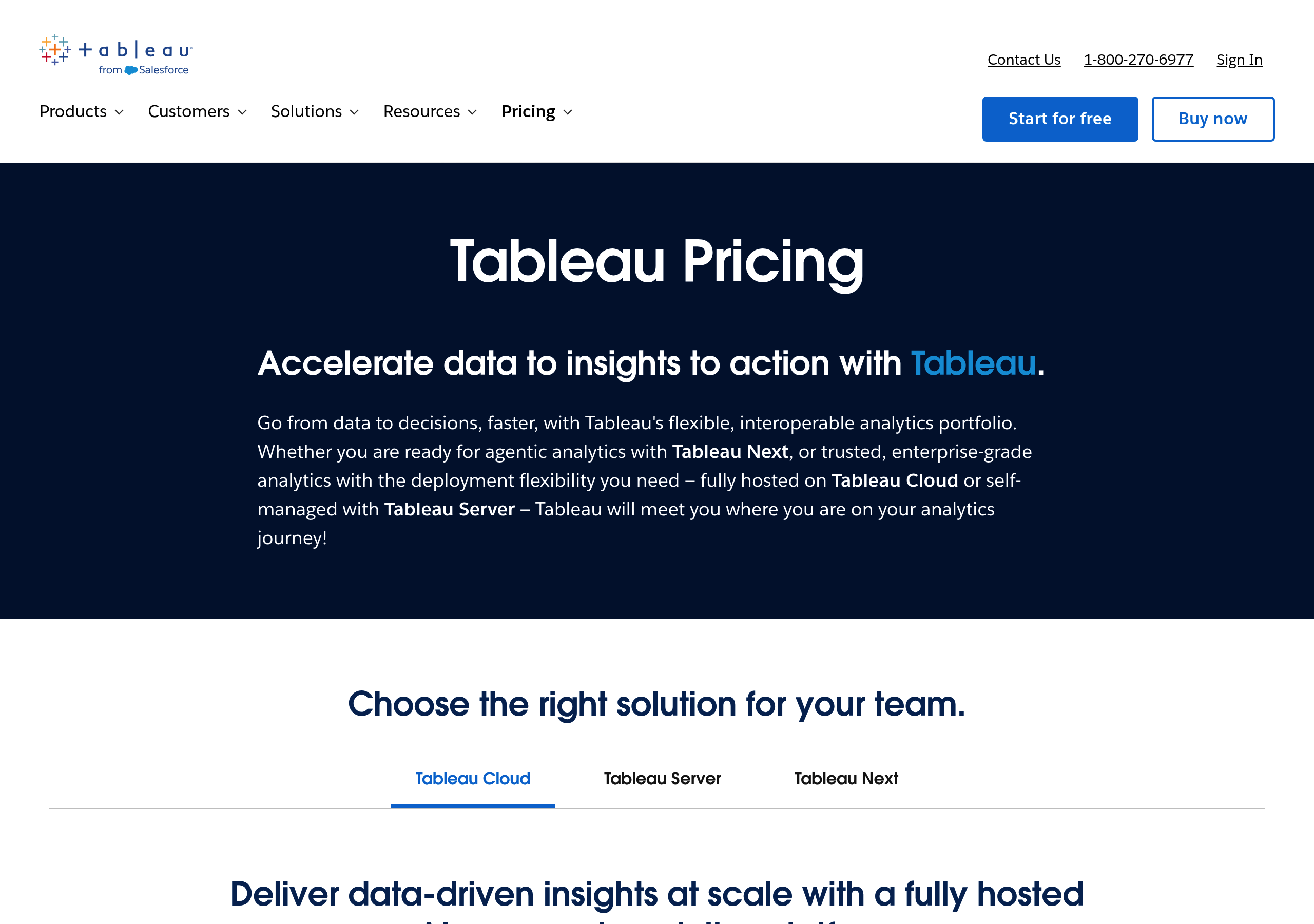
Pricing – Tableau website breakdown
Tableau
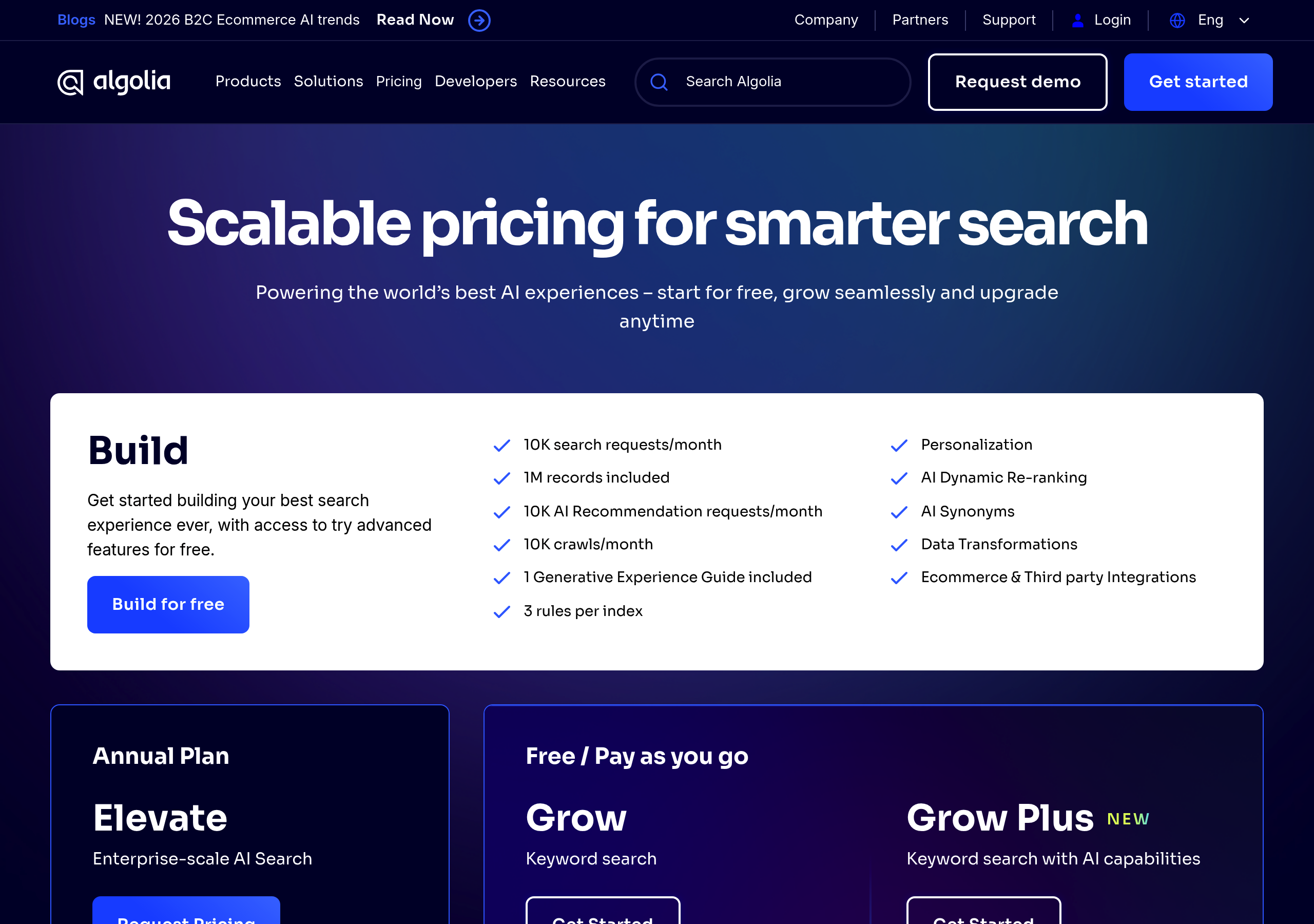
Pricing – Algolia website breakdown
Algolia
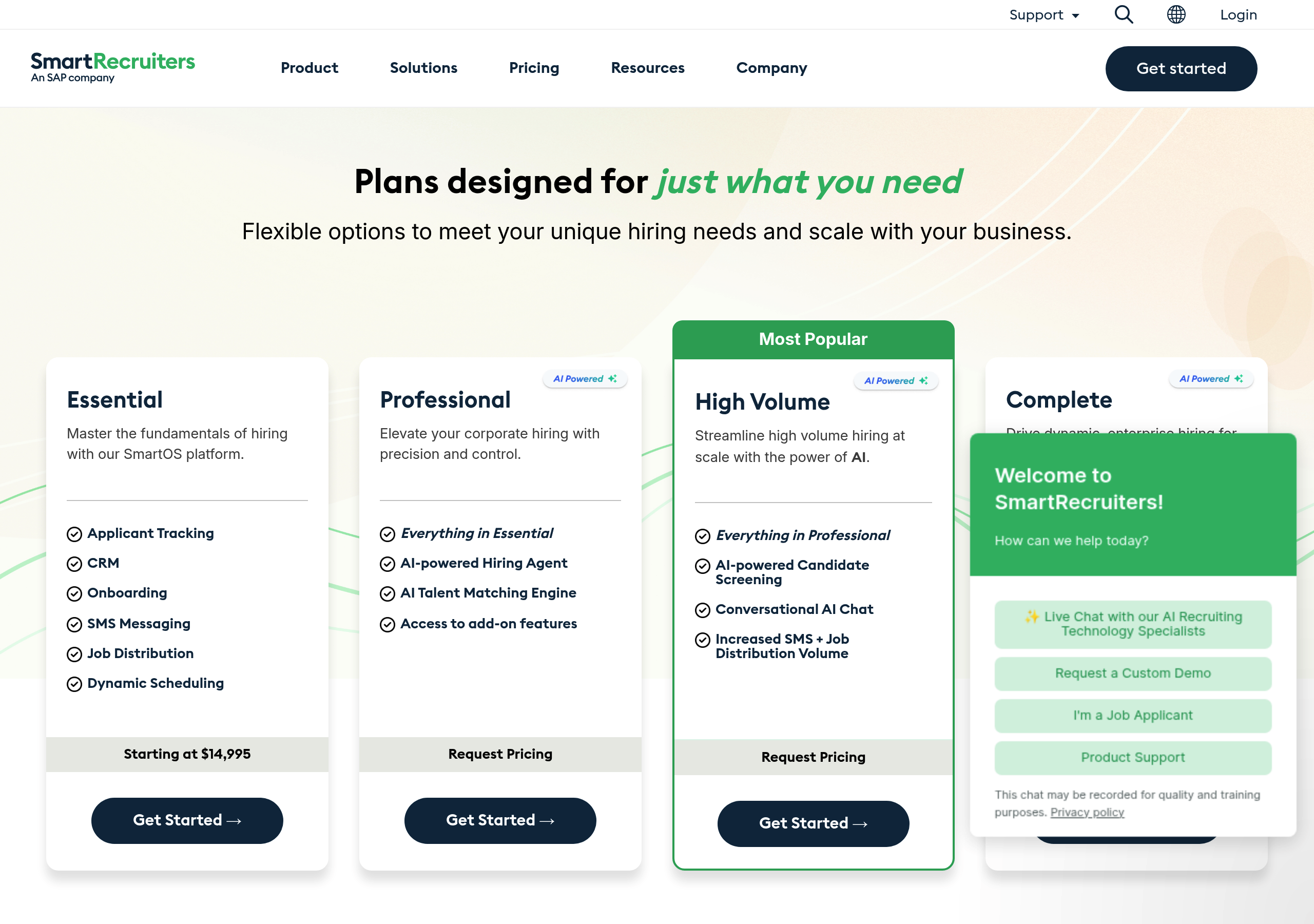
Pricing – SmartRecruiters website breakdown
SmartRecruiters
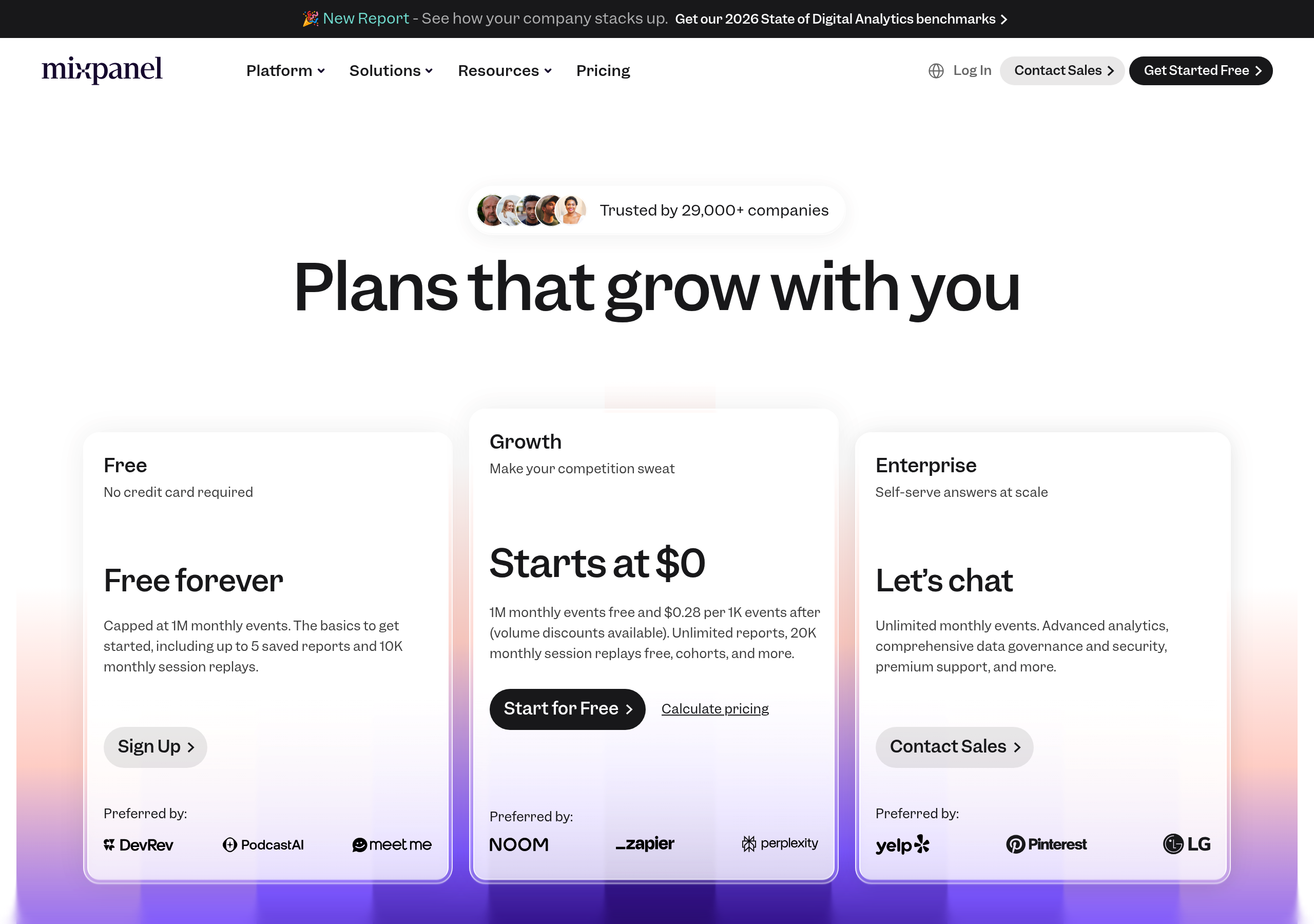
Pricing – Mixpanel website breakdown
Mixpanel
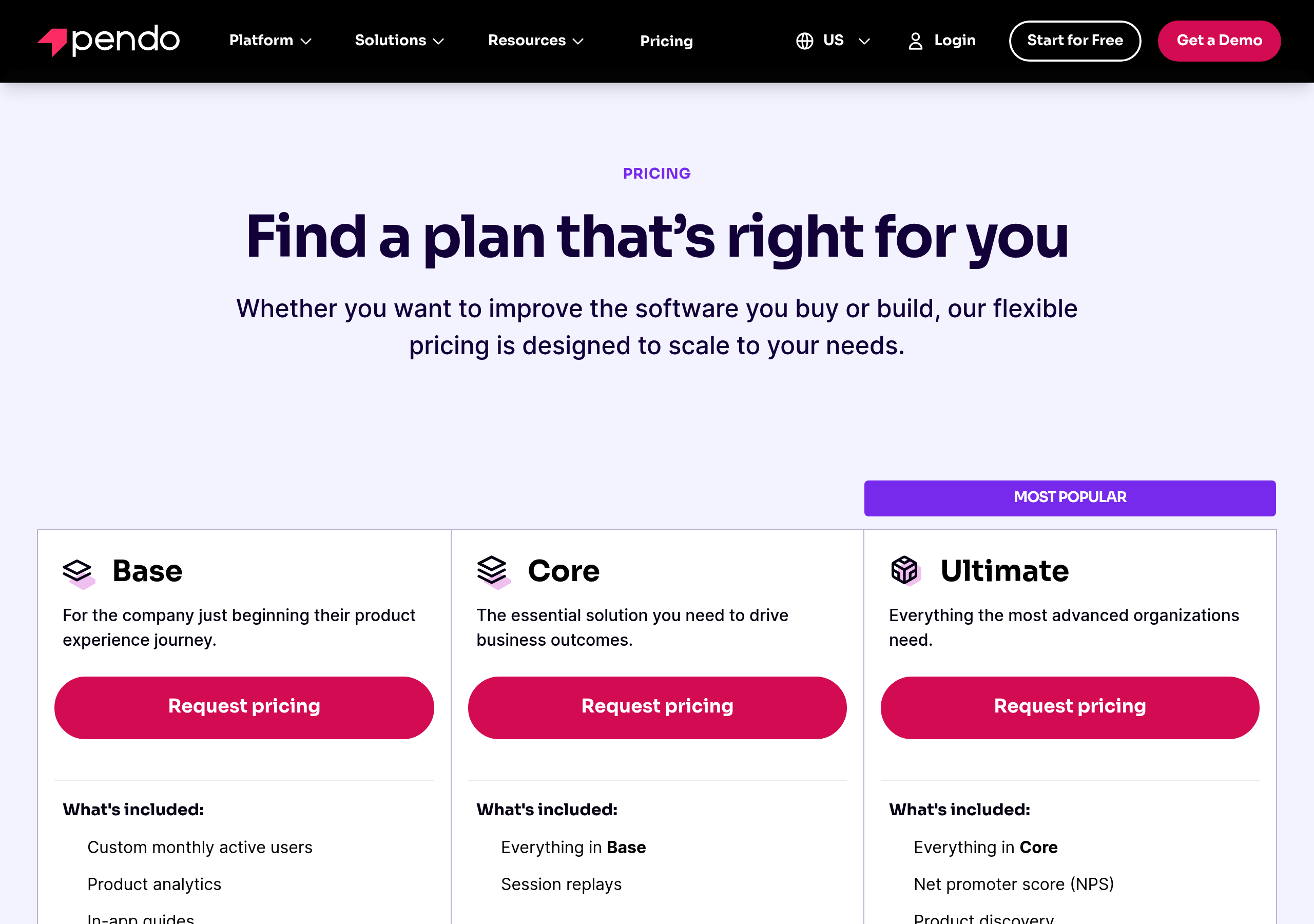
Pricing – Pendo website breakdown
Pendo
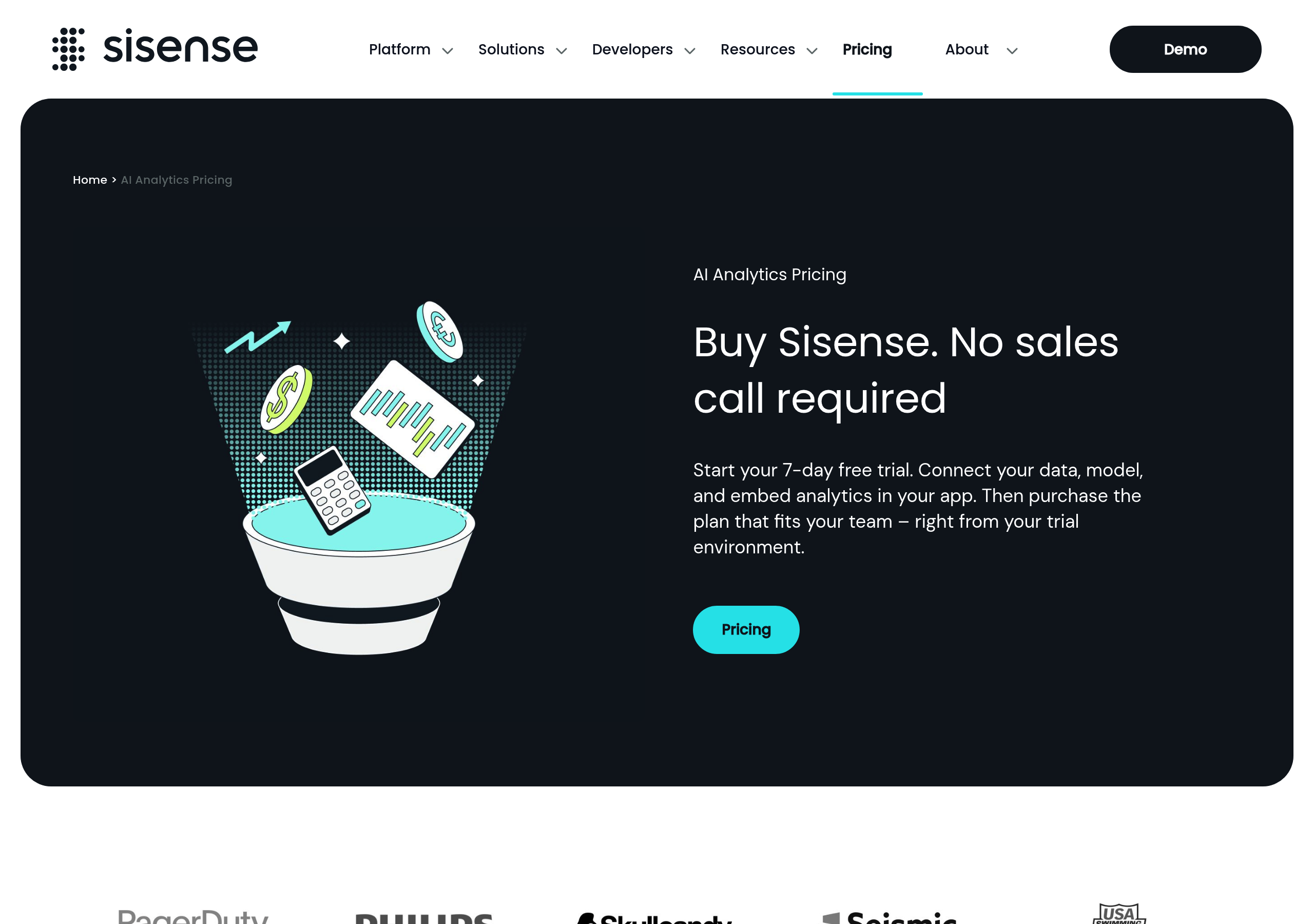
Pricing – Sisense website breakdown
Sisense
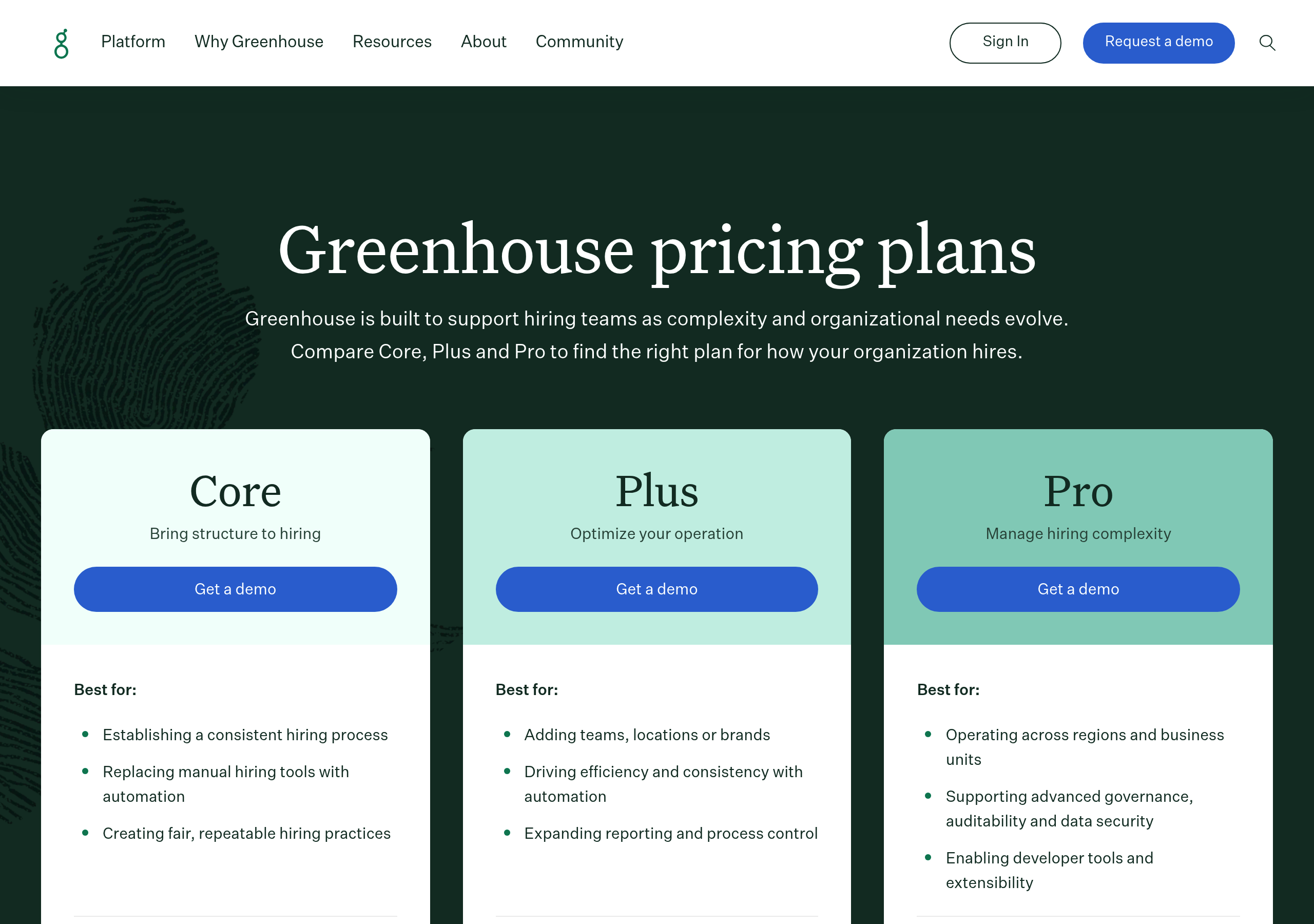
Pricing – Greenhouse website breakdown
Greenhouse
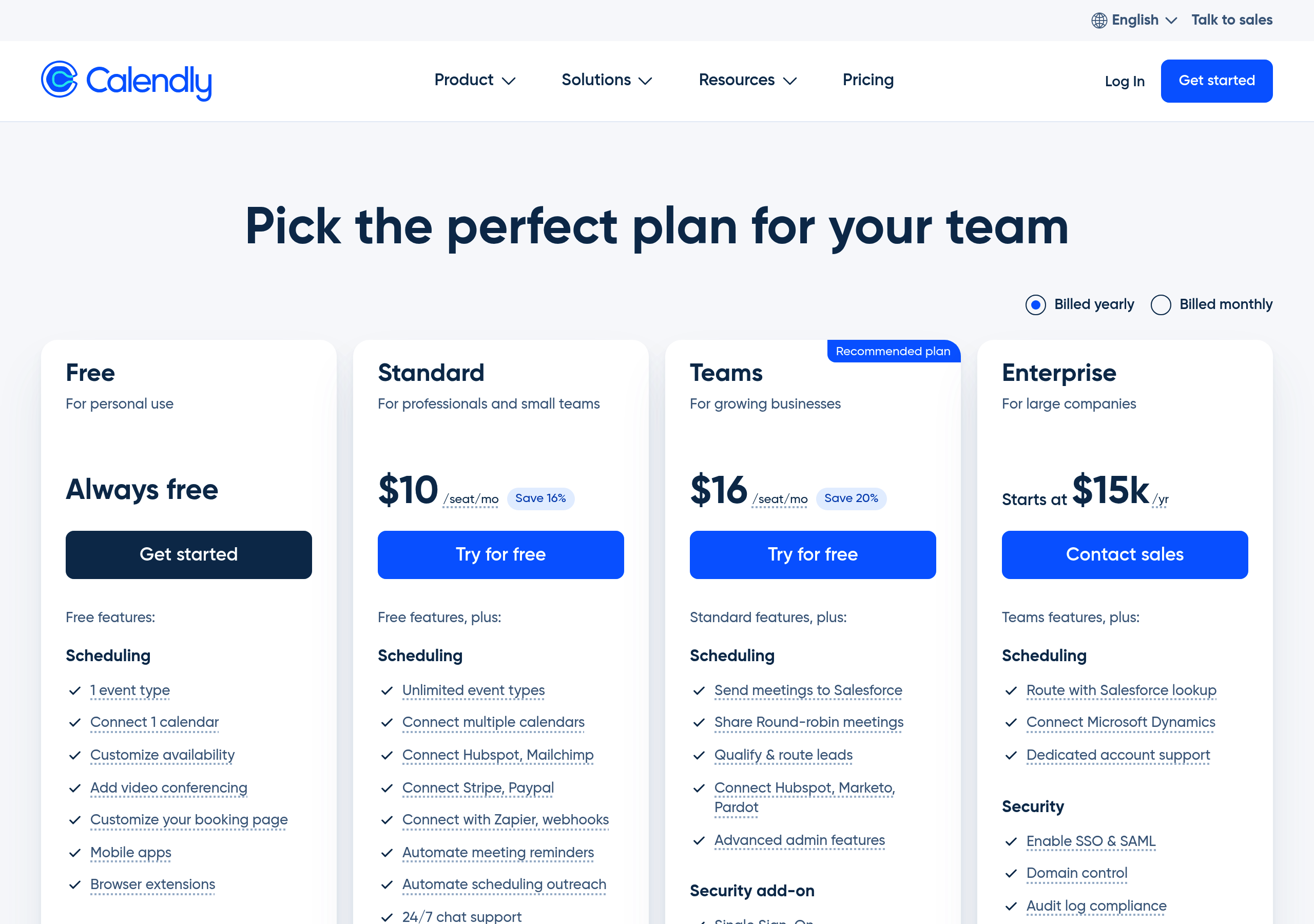
Pricing – Calendly website breakdown
Calendly
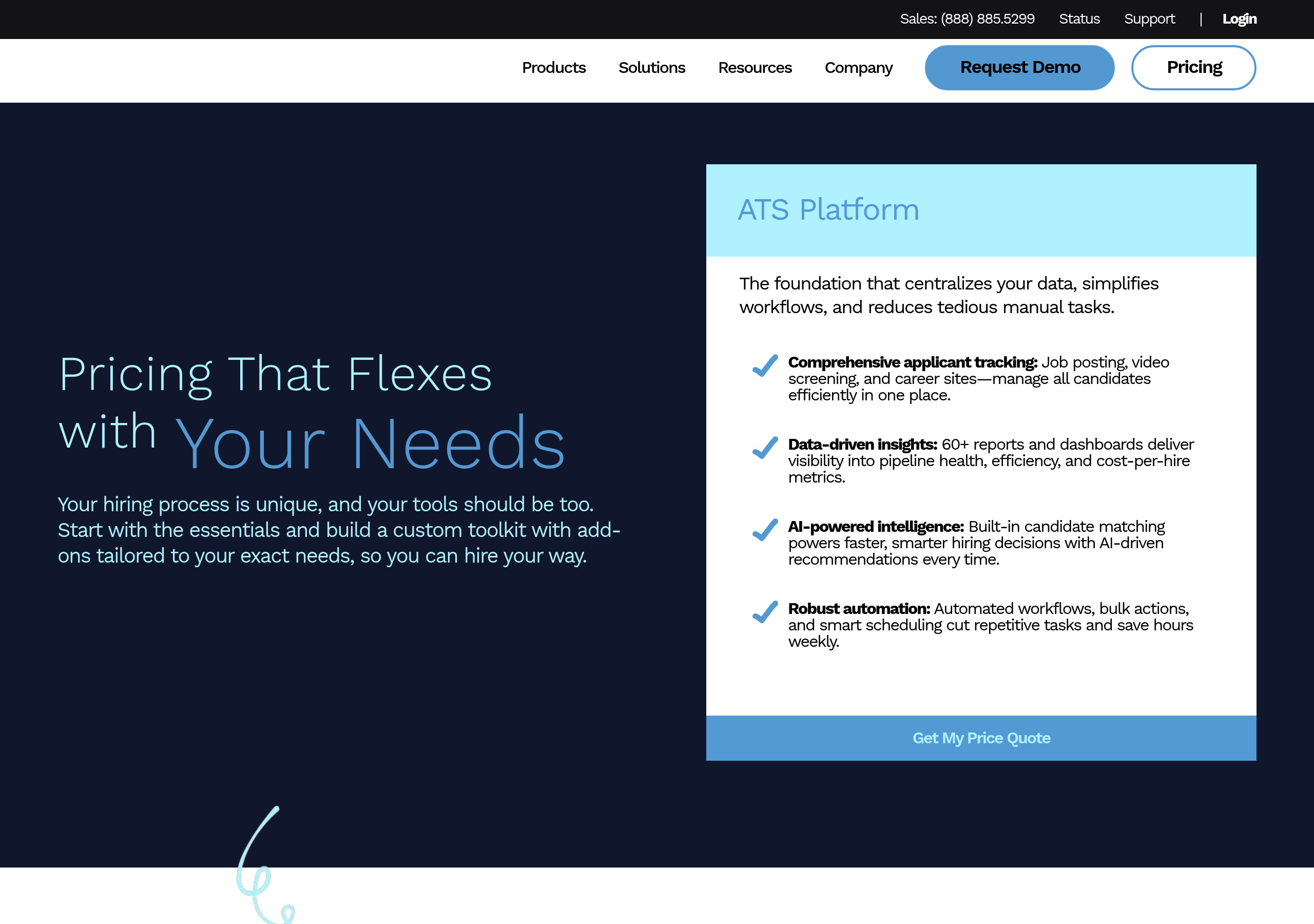
Pricing – Jobvite website breakdown
Jobvite
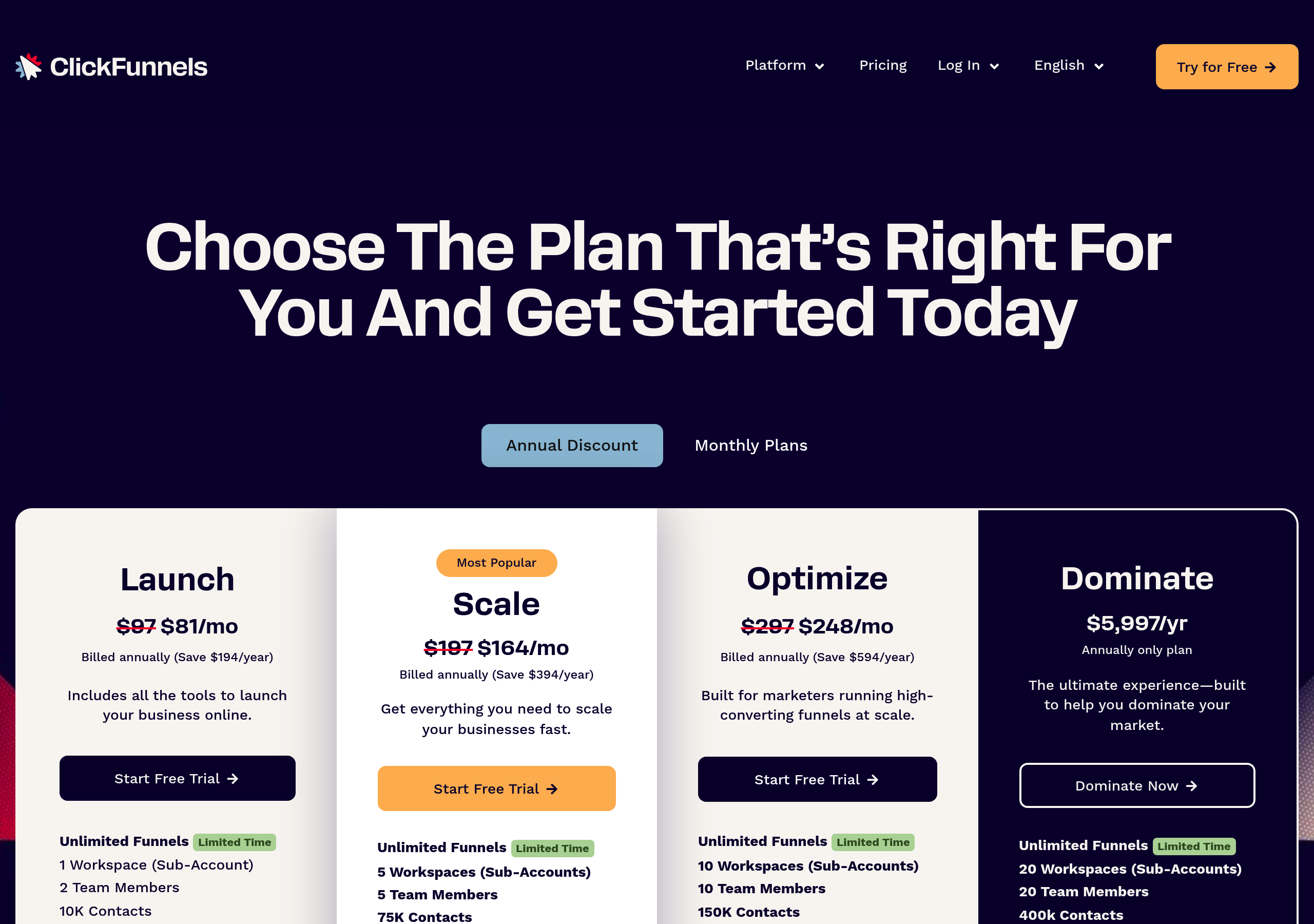
Pricing – ClickFunnels website breakdown
ClickFunnels
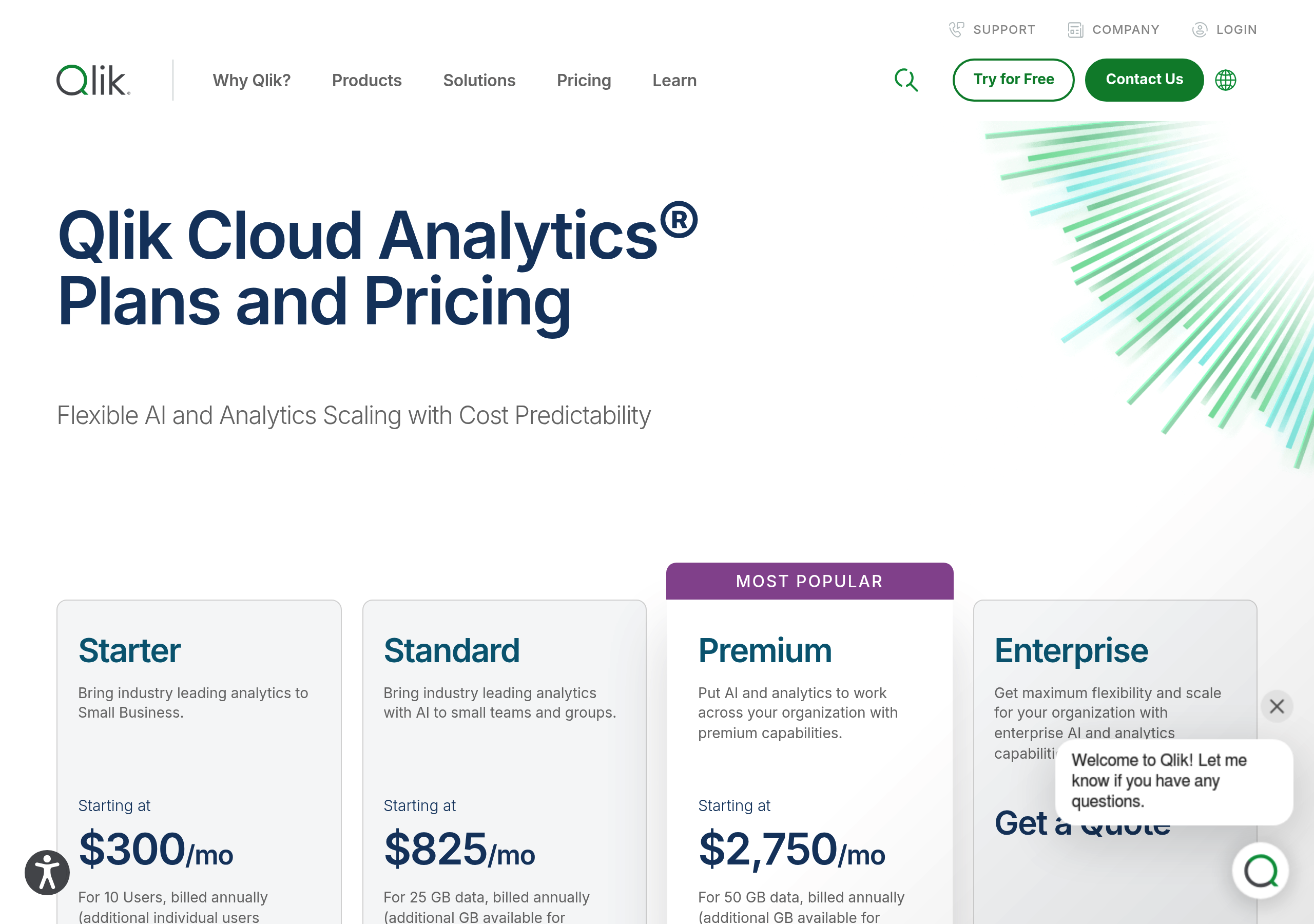
Pricing – Qlik website breakdown
Qlik
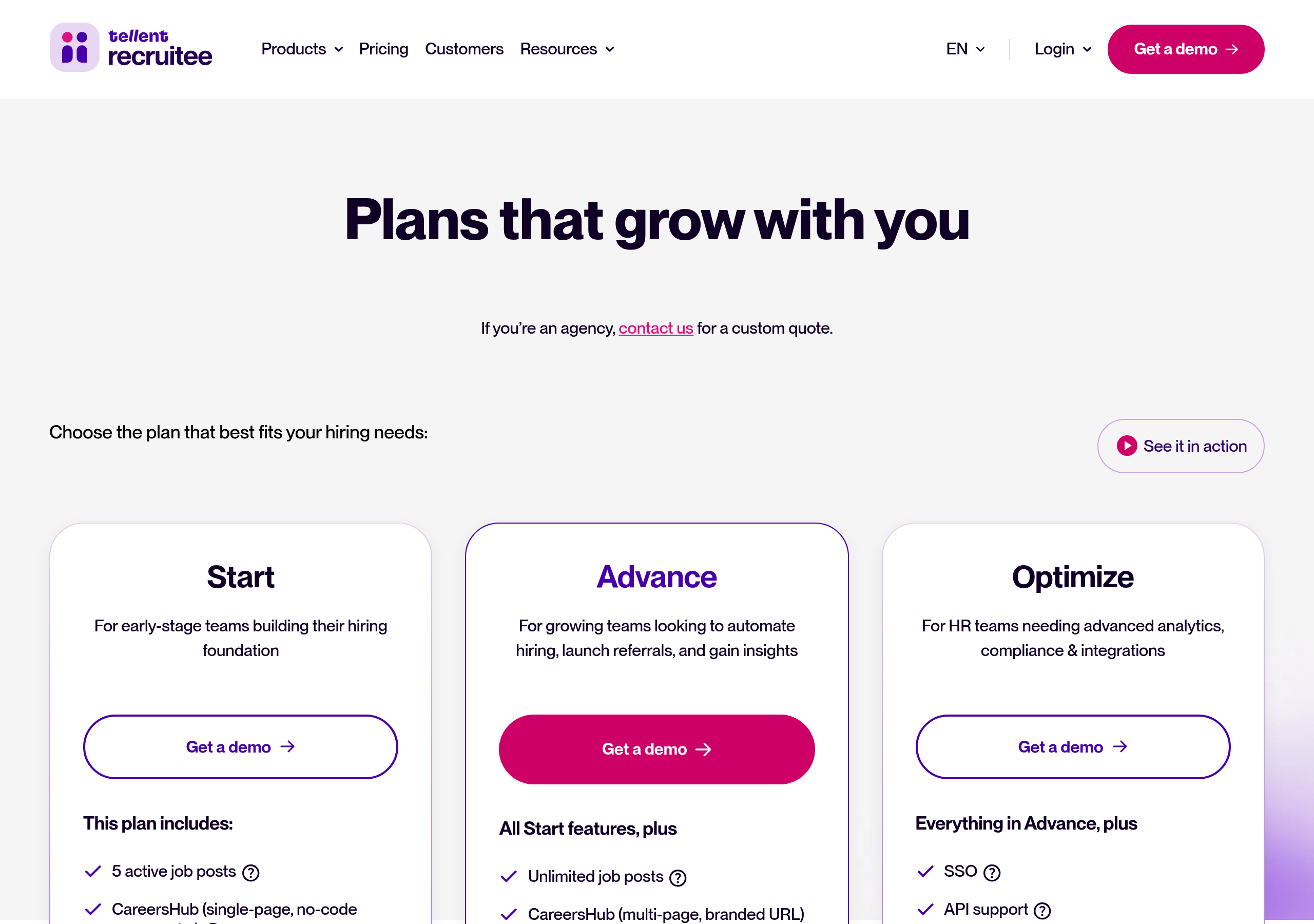
Pricing – Recruitee website breakdown
Recruitee
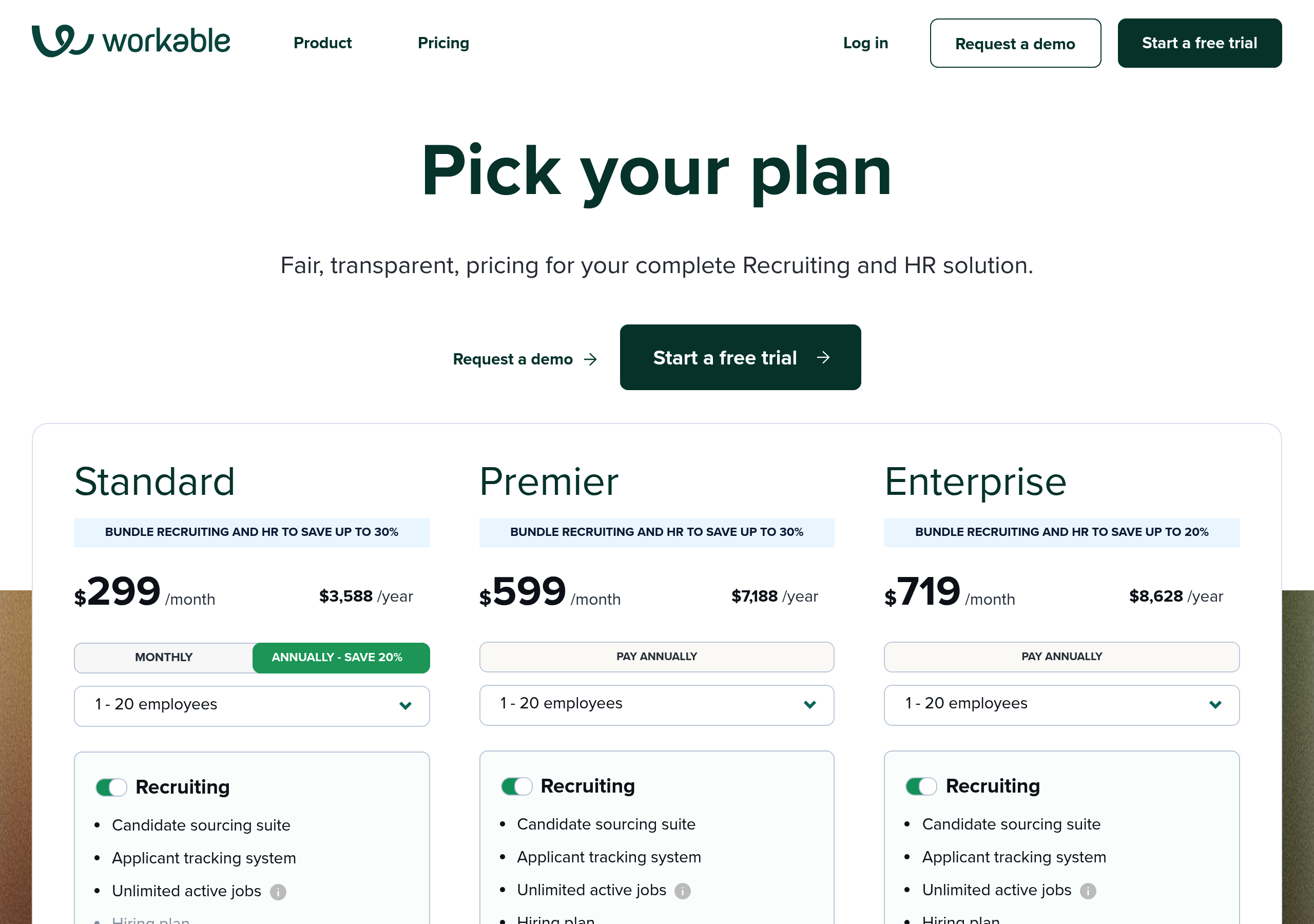
Pricing – Workable website breakdown
Workable
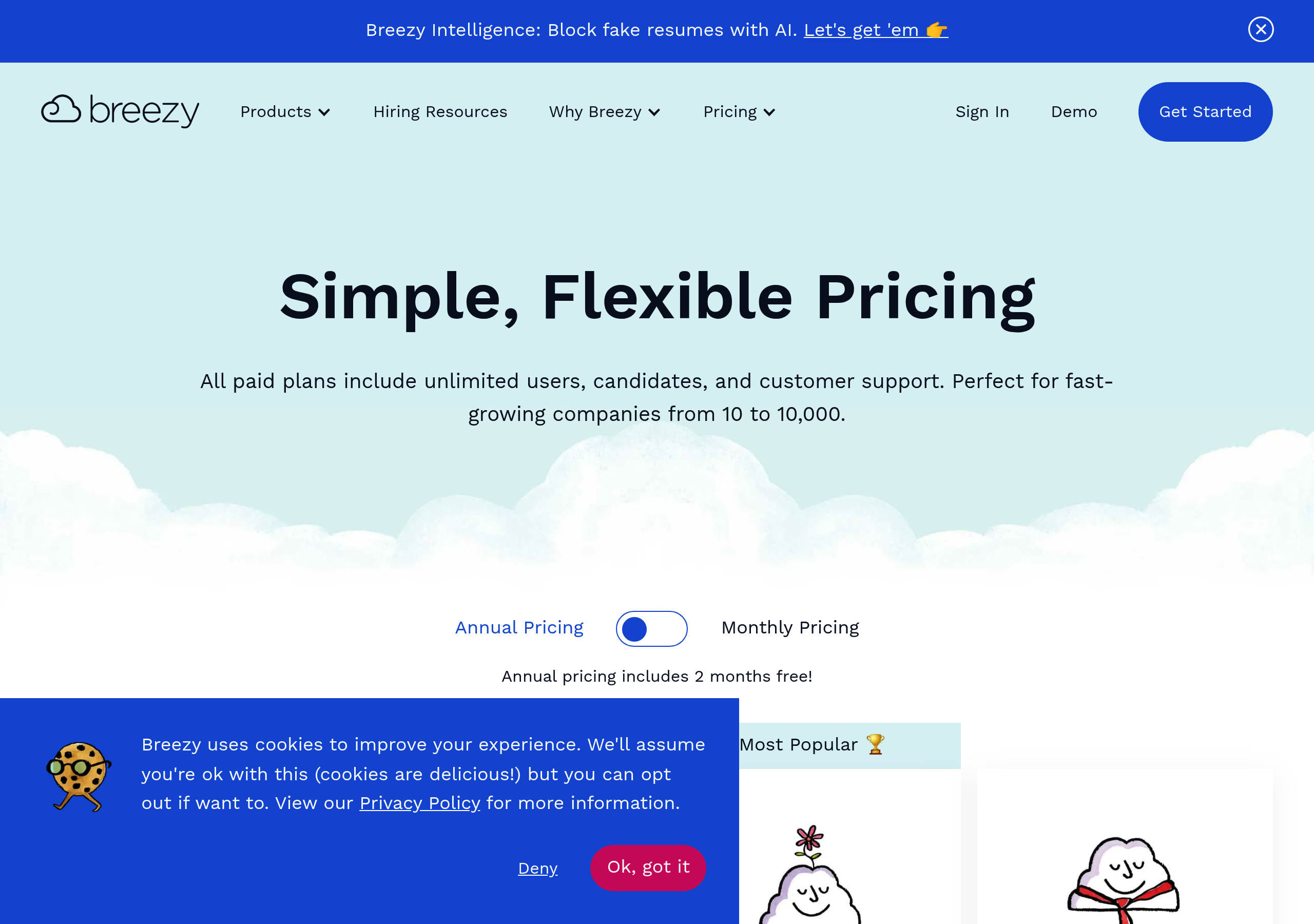
Pricing – Breezy HR website breakdown
Breezy HR
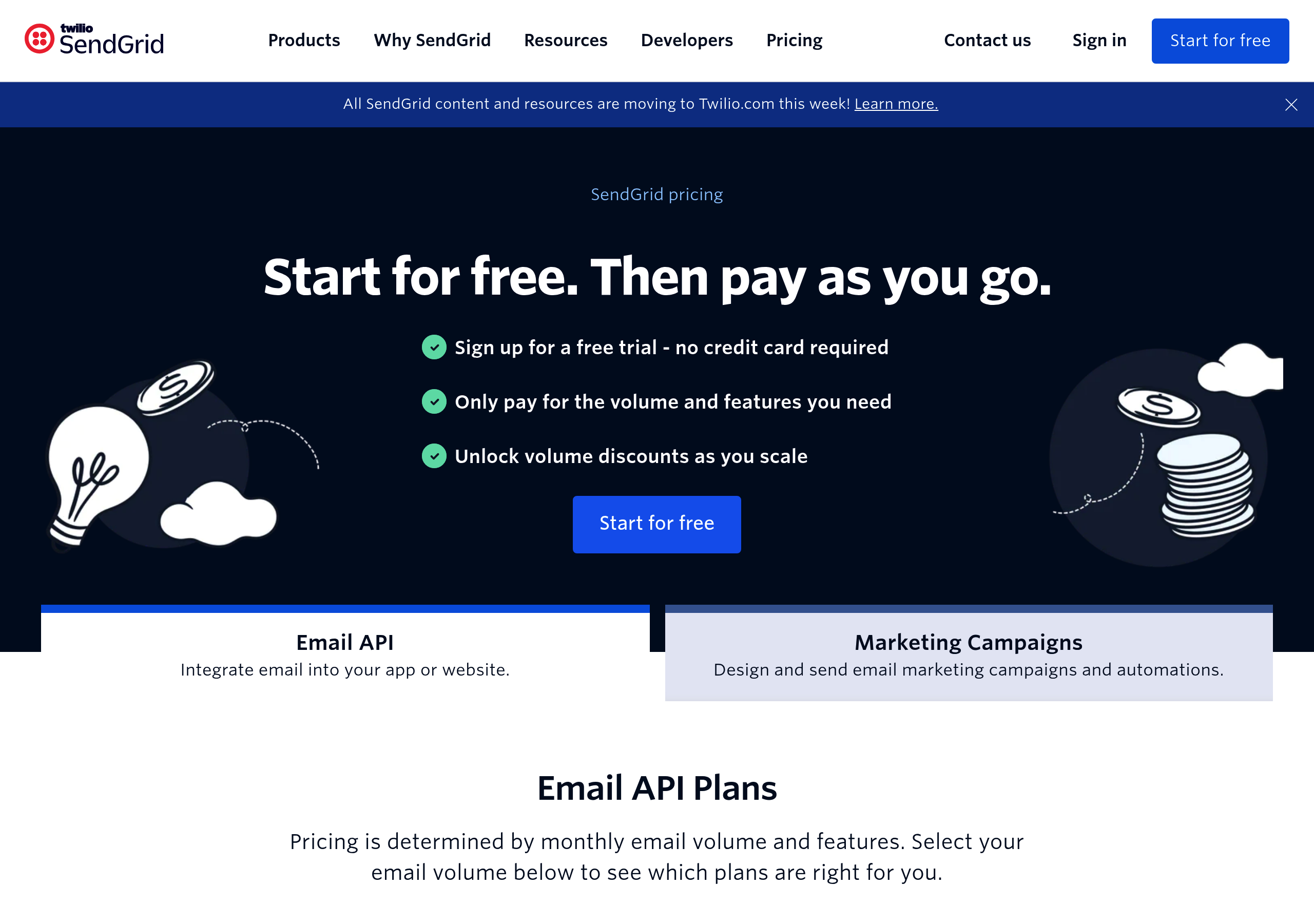
Pricing – SendGrid website breakdown
SendGrid
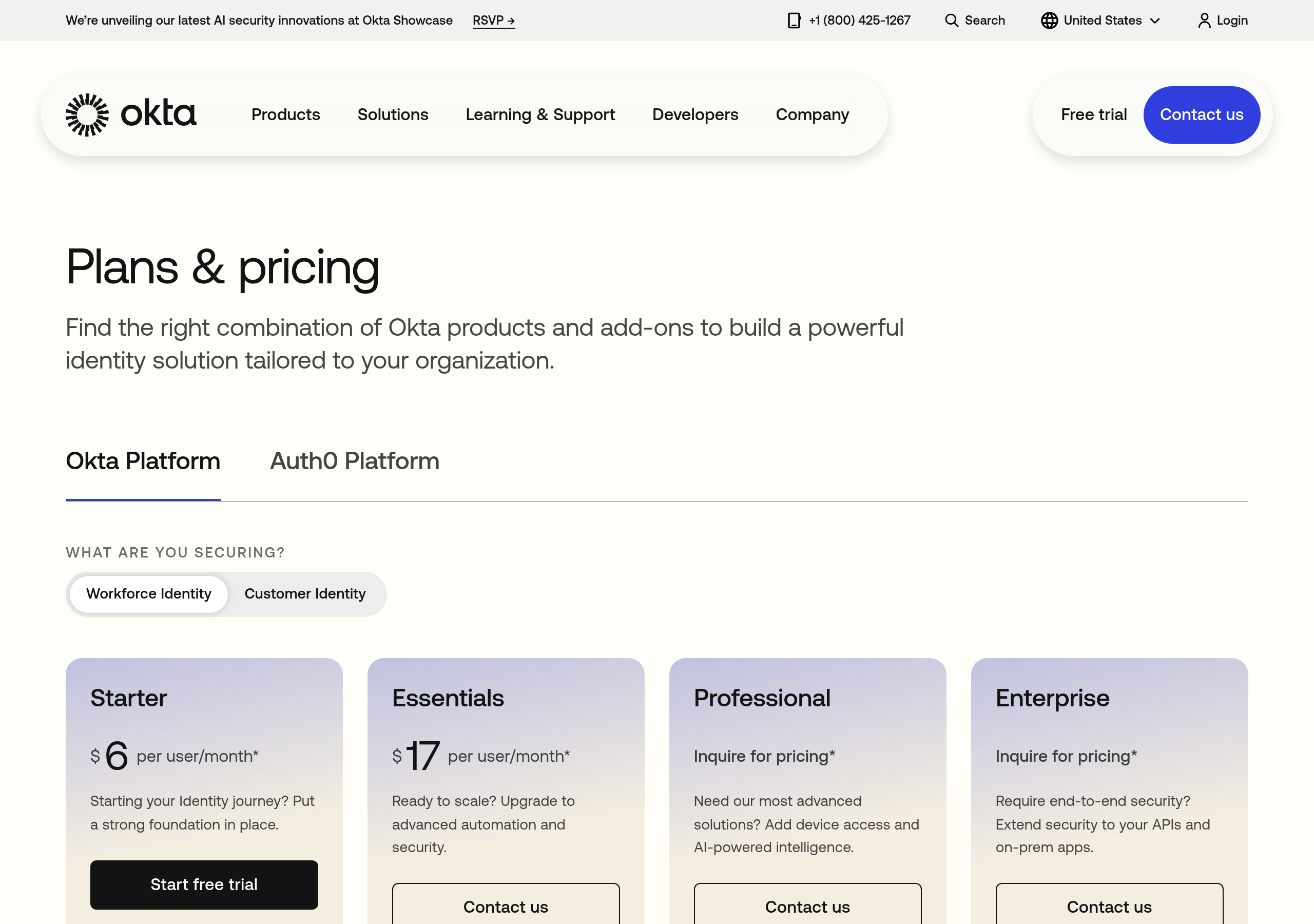
Pricing – Okta website breakdown
Okta
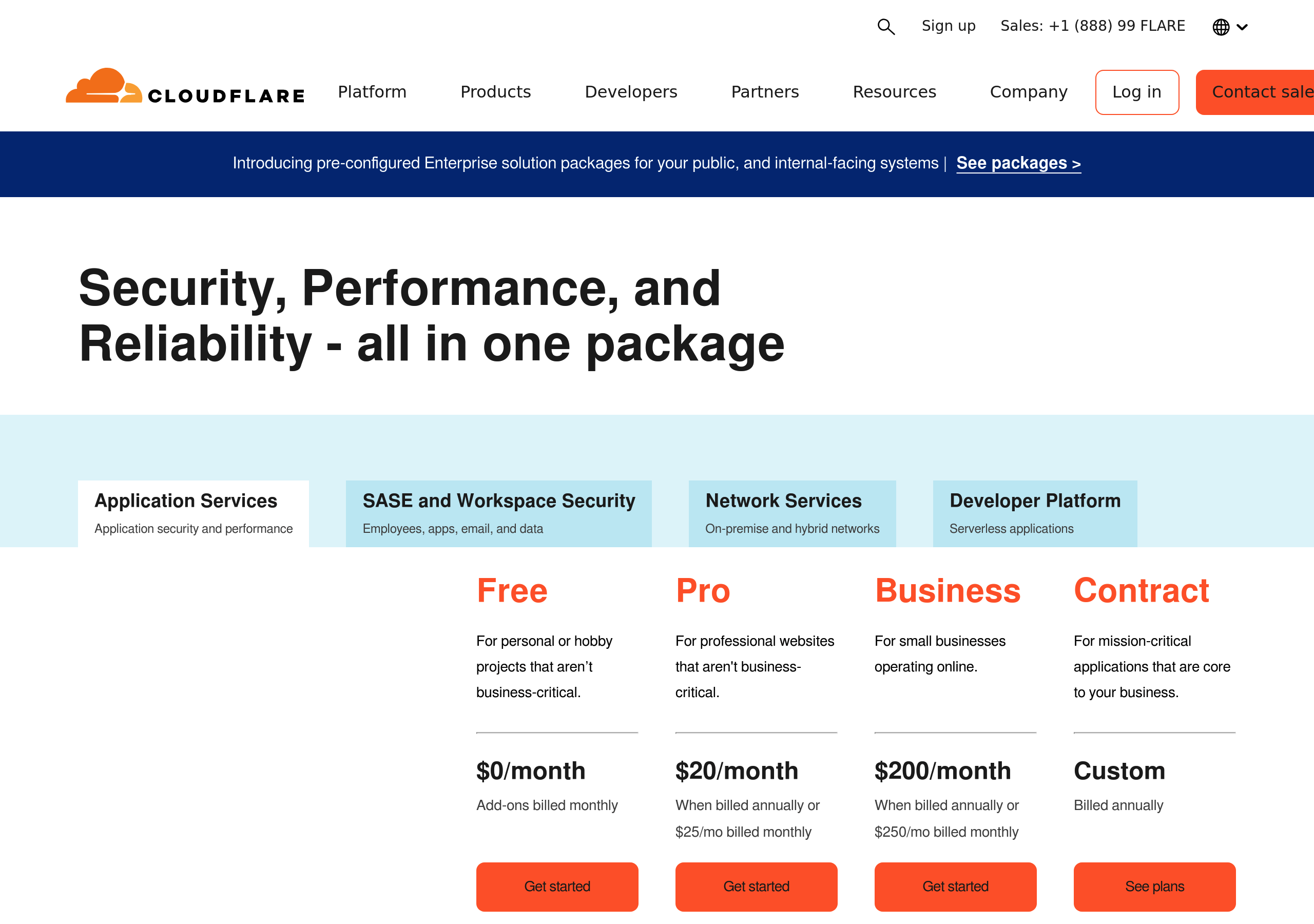
Pricing – Cloudflare website breakdown
Cloudflare
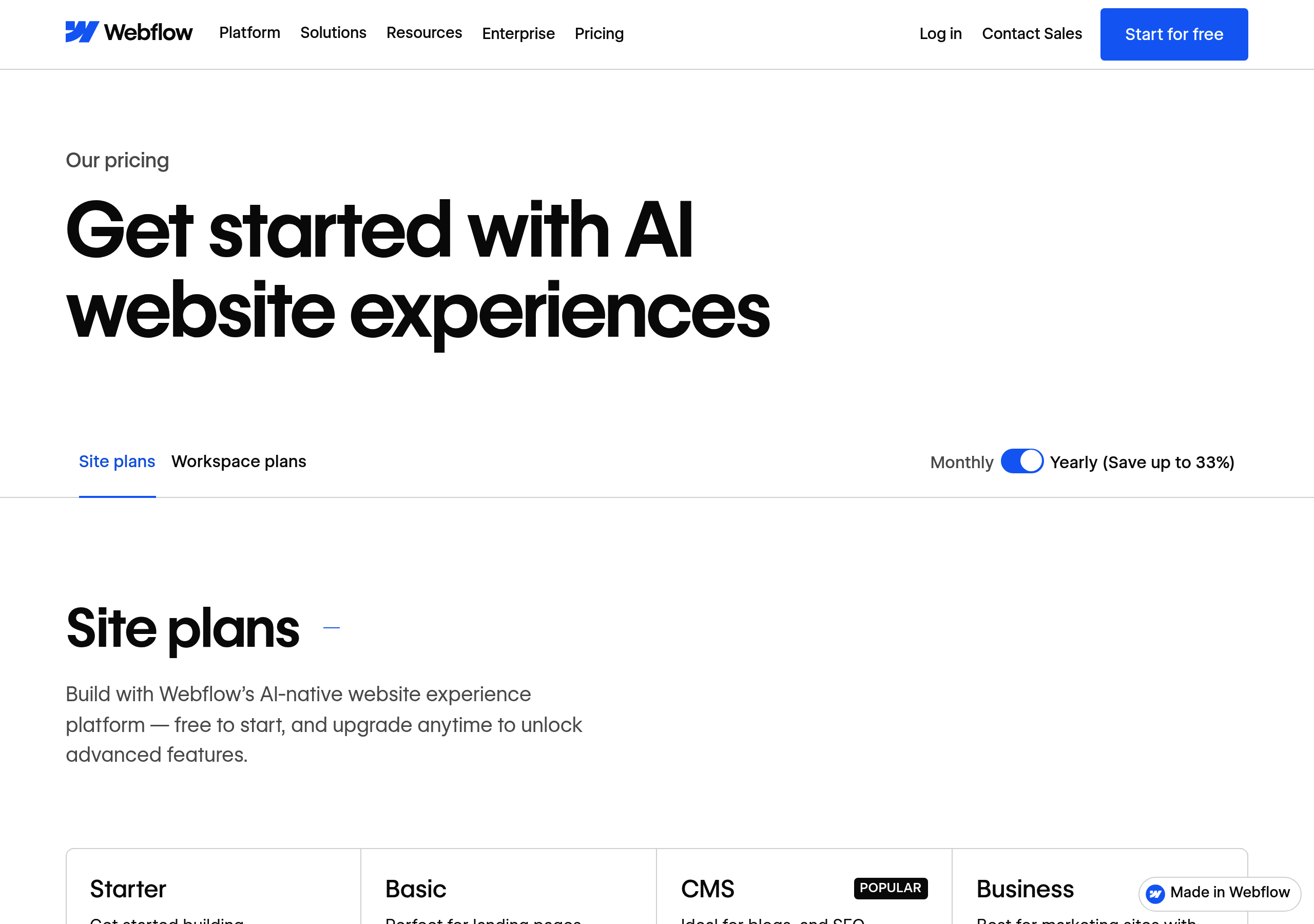
Pricing – Webflow website breakdown
Webflow
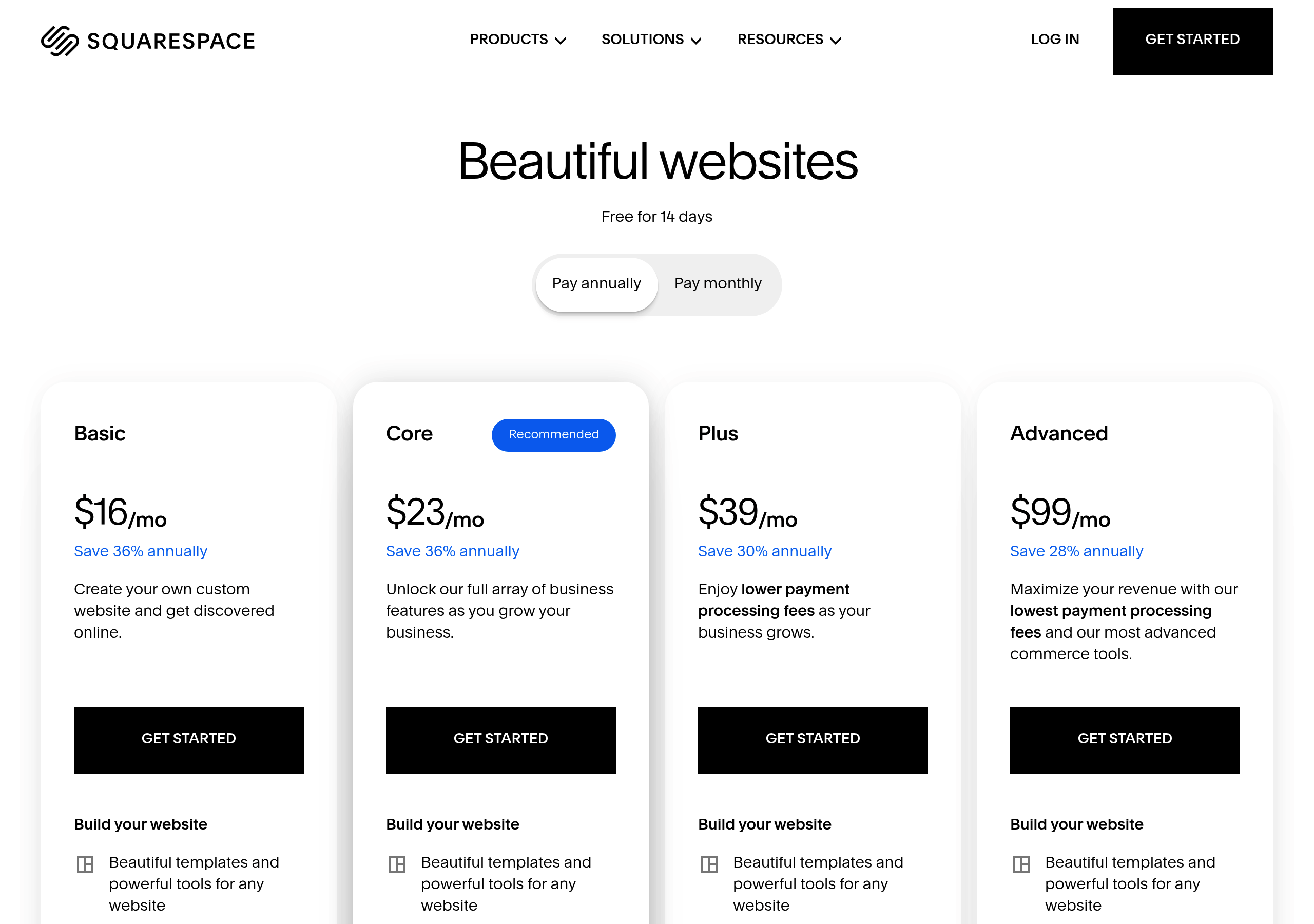
Pricing – Squarespace website breakdown
Squarespace
Pricing – Snowflake website breakdown
Snowflake
Pricing – PayPal website breakdown
PayPal
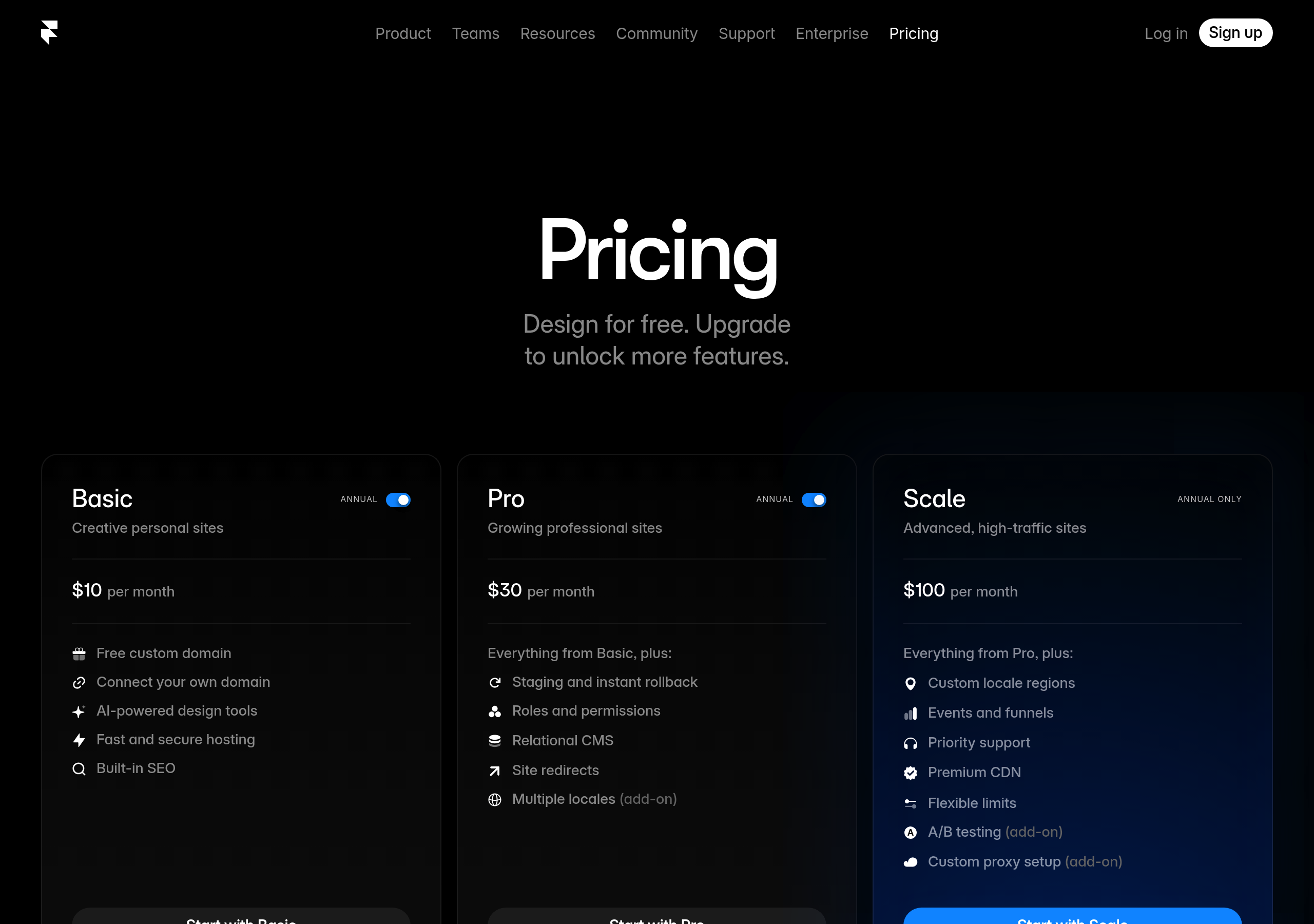
Pricing – Framer website breakdown
Framer
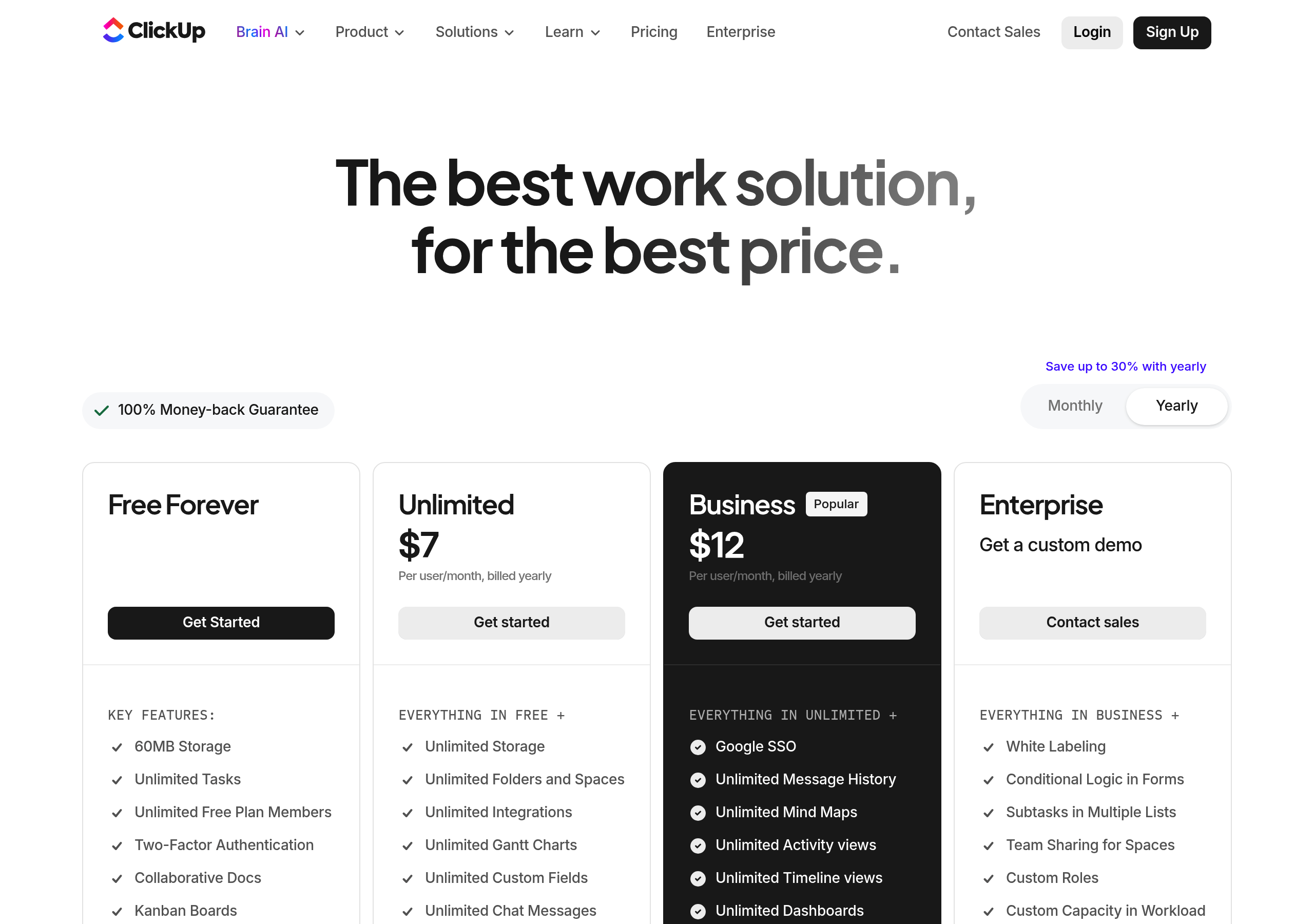
Pricing – ClickUp website breakdown
ClickUp
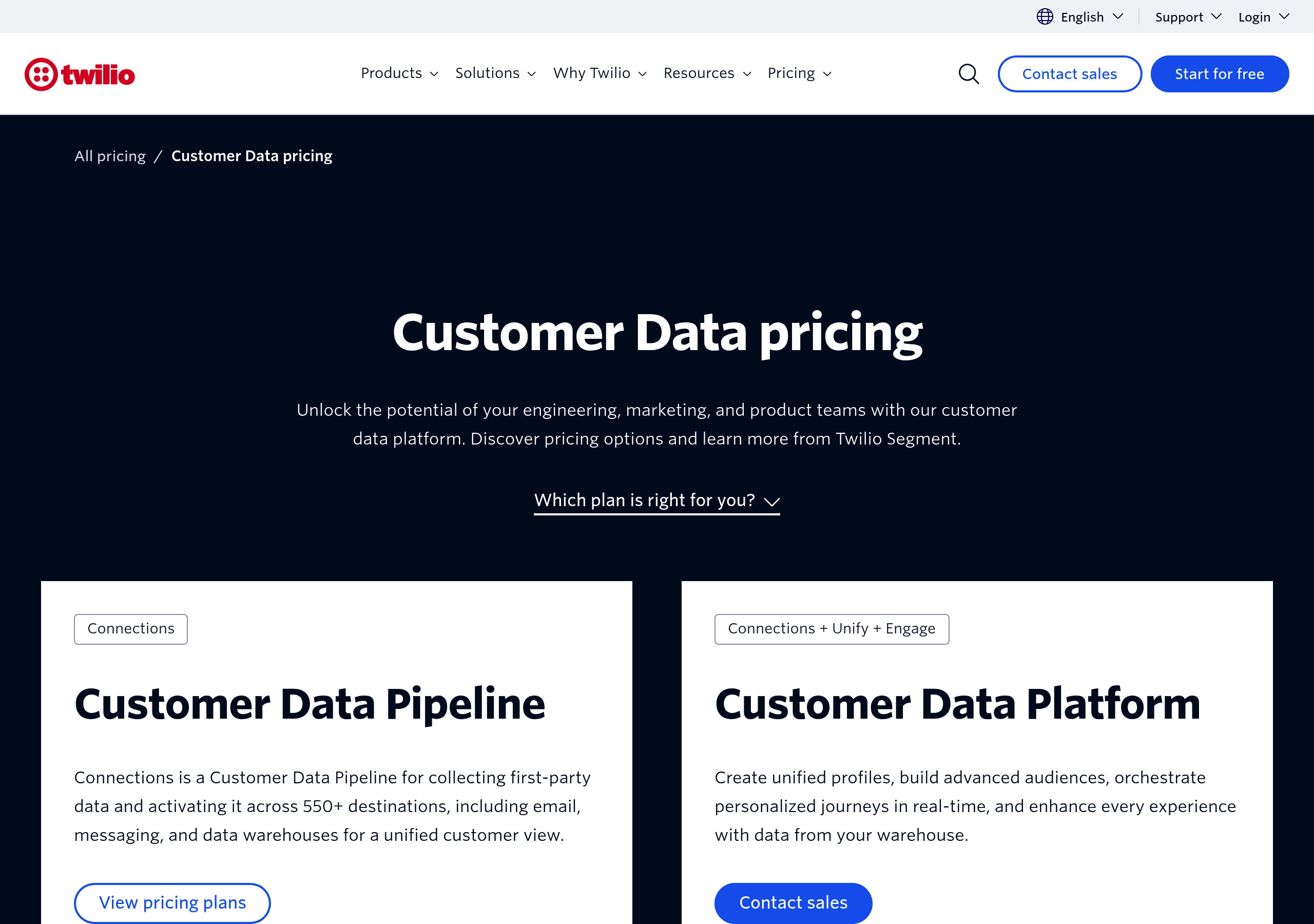
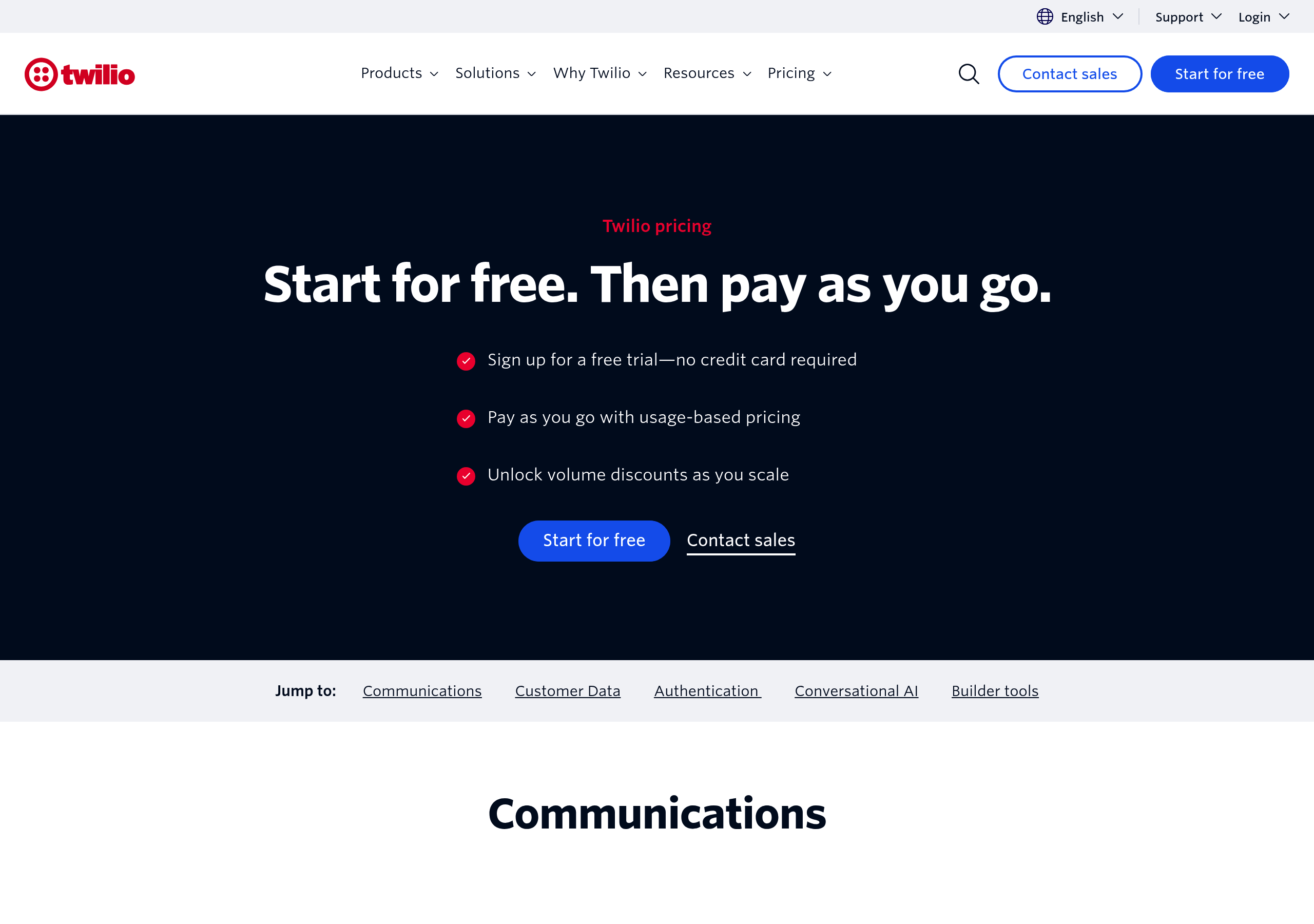
Pricing – Twilio website breakdown
Twilio
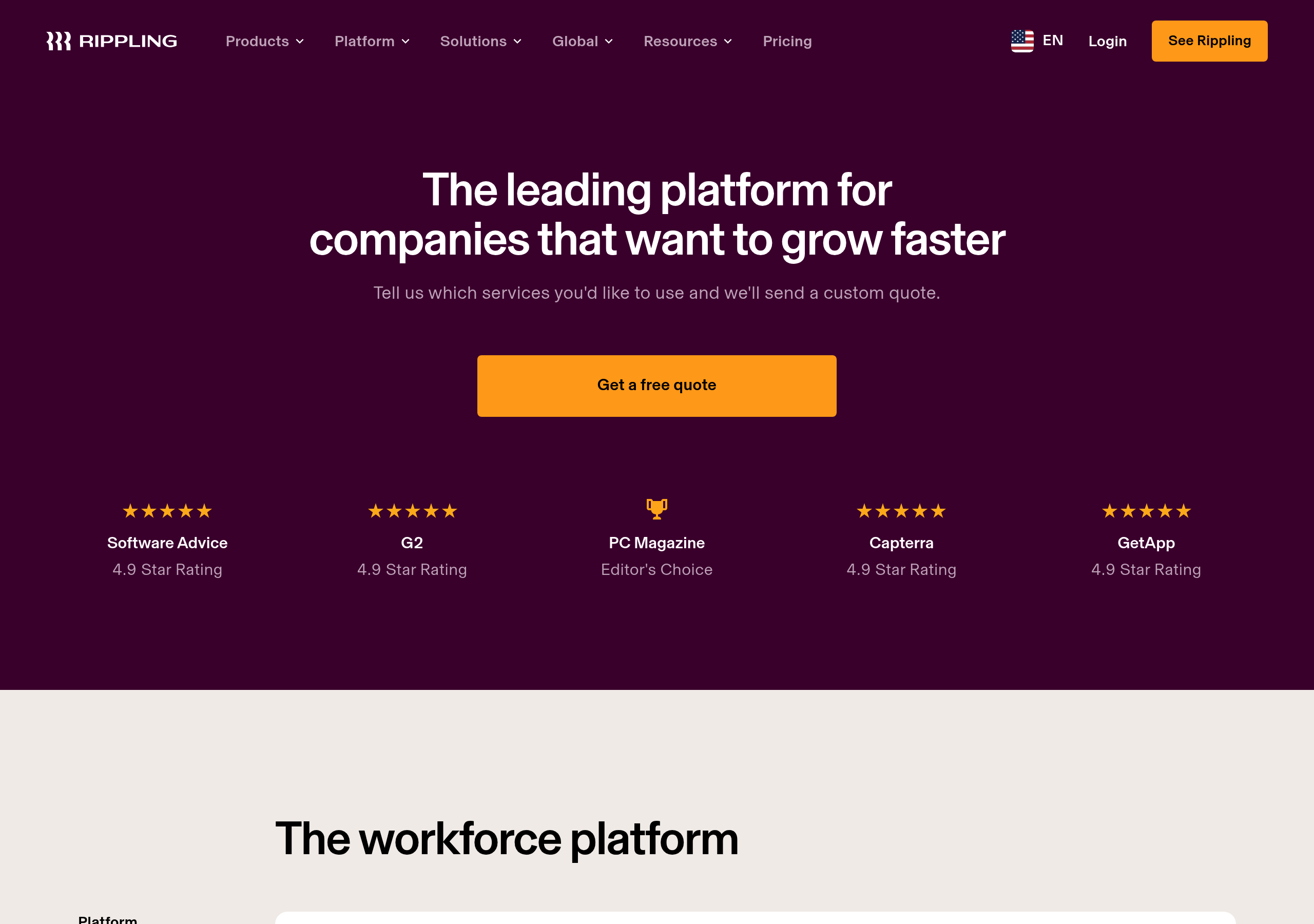
Pricing – Rippling website breakdown
Rippling
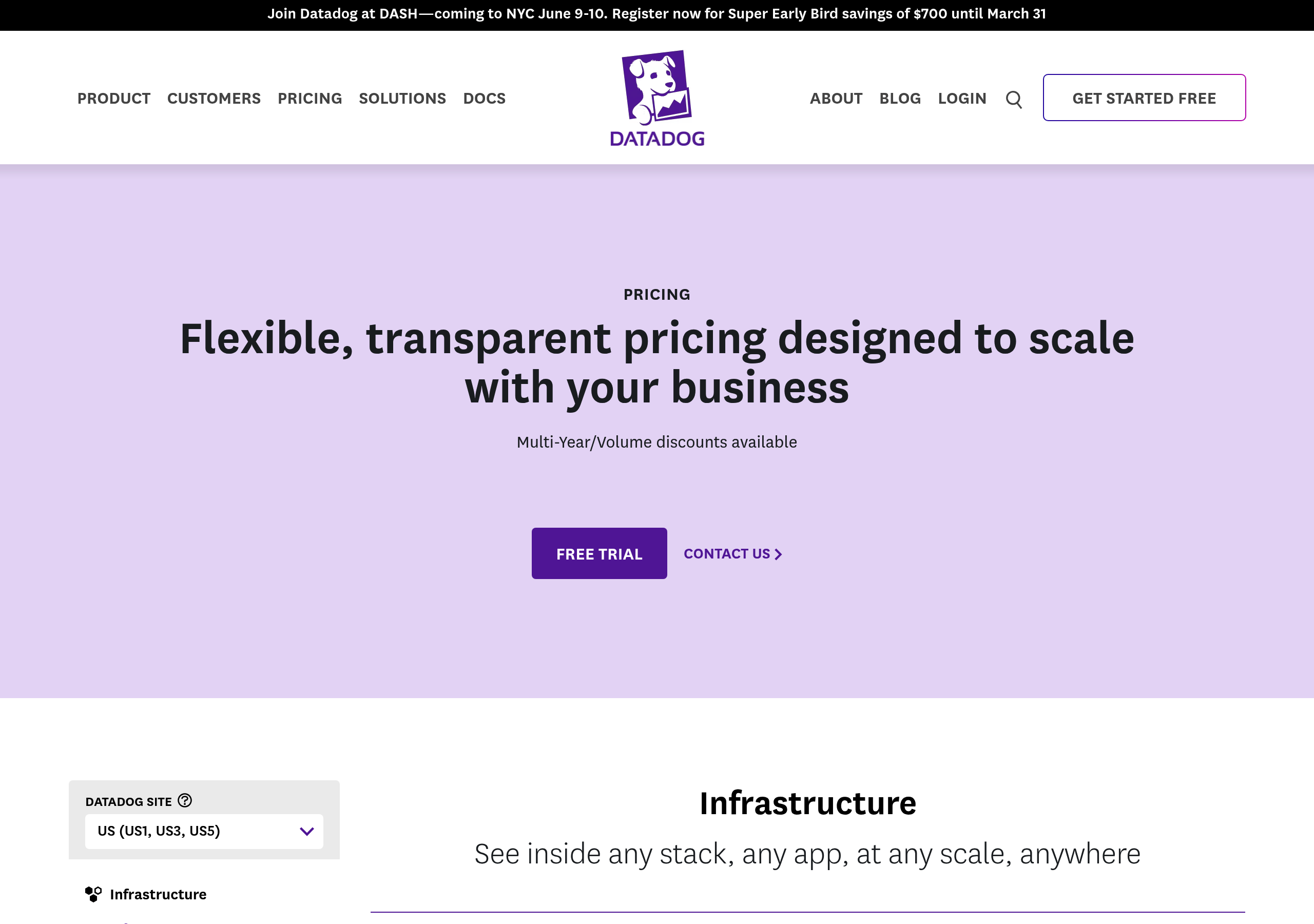
Pricing – Datadog website breakdown
Datadog
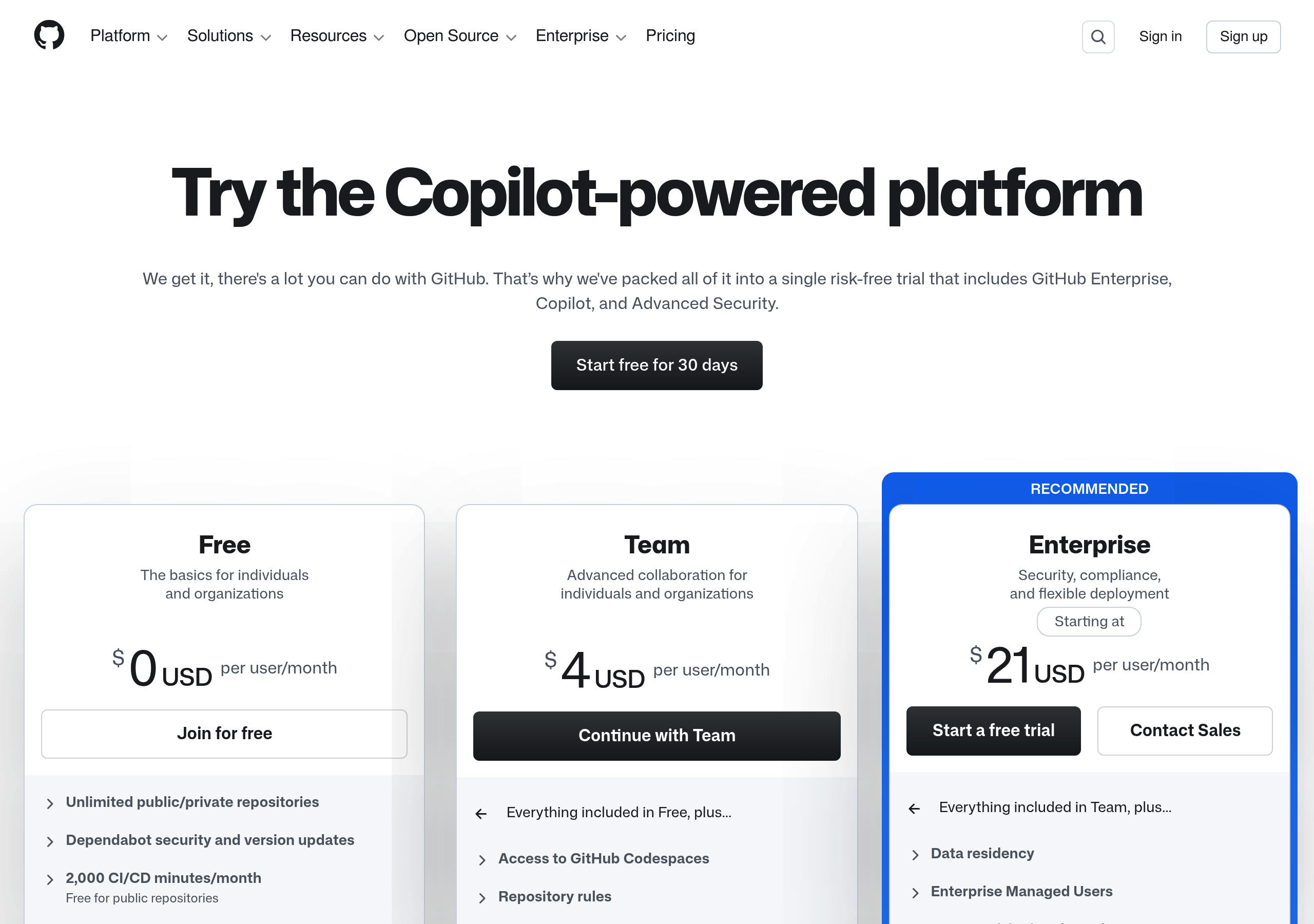
Pricing – GitHub website breakdown
GitHub
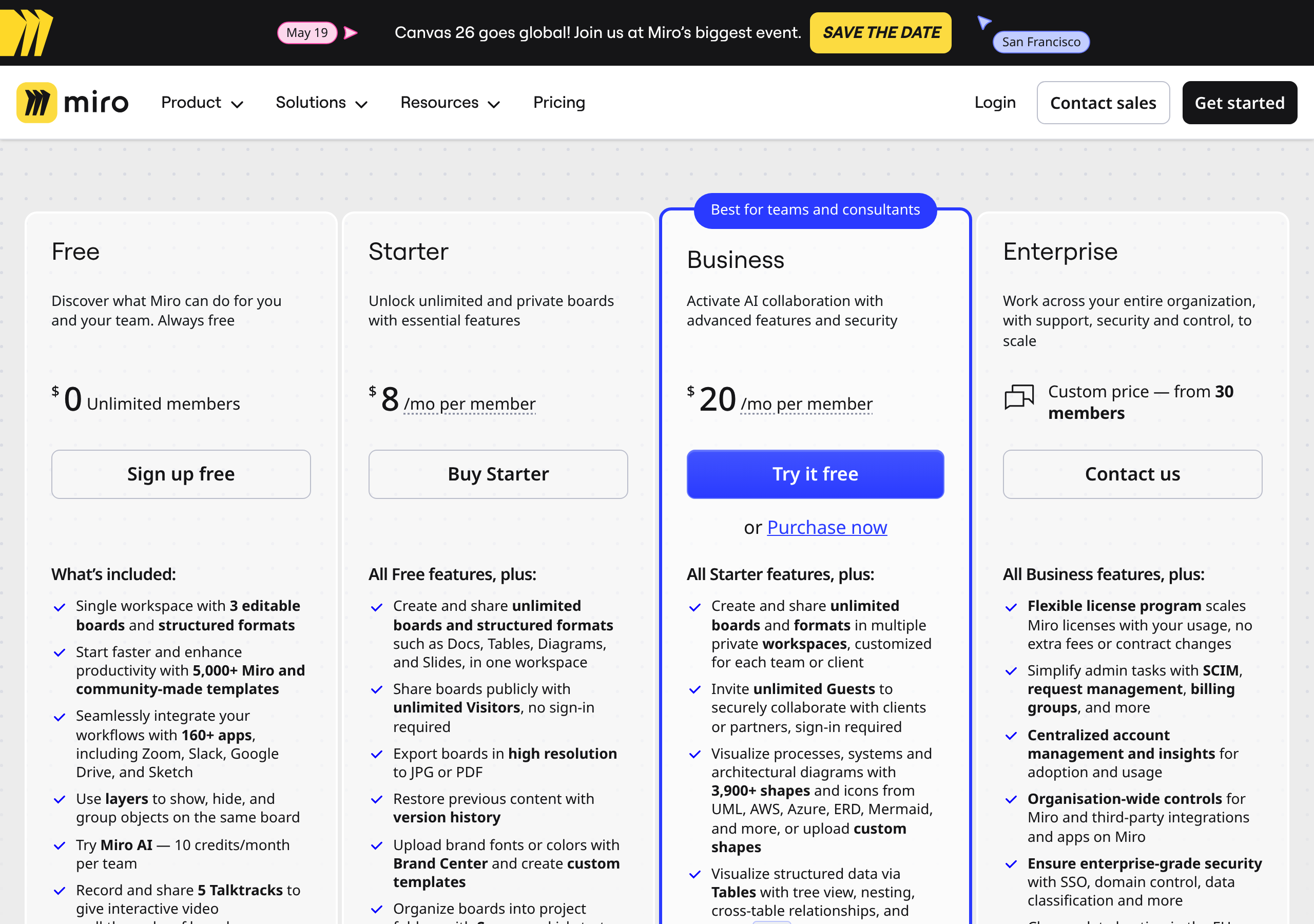
Pricing – Miro website breakdown
Miro
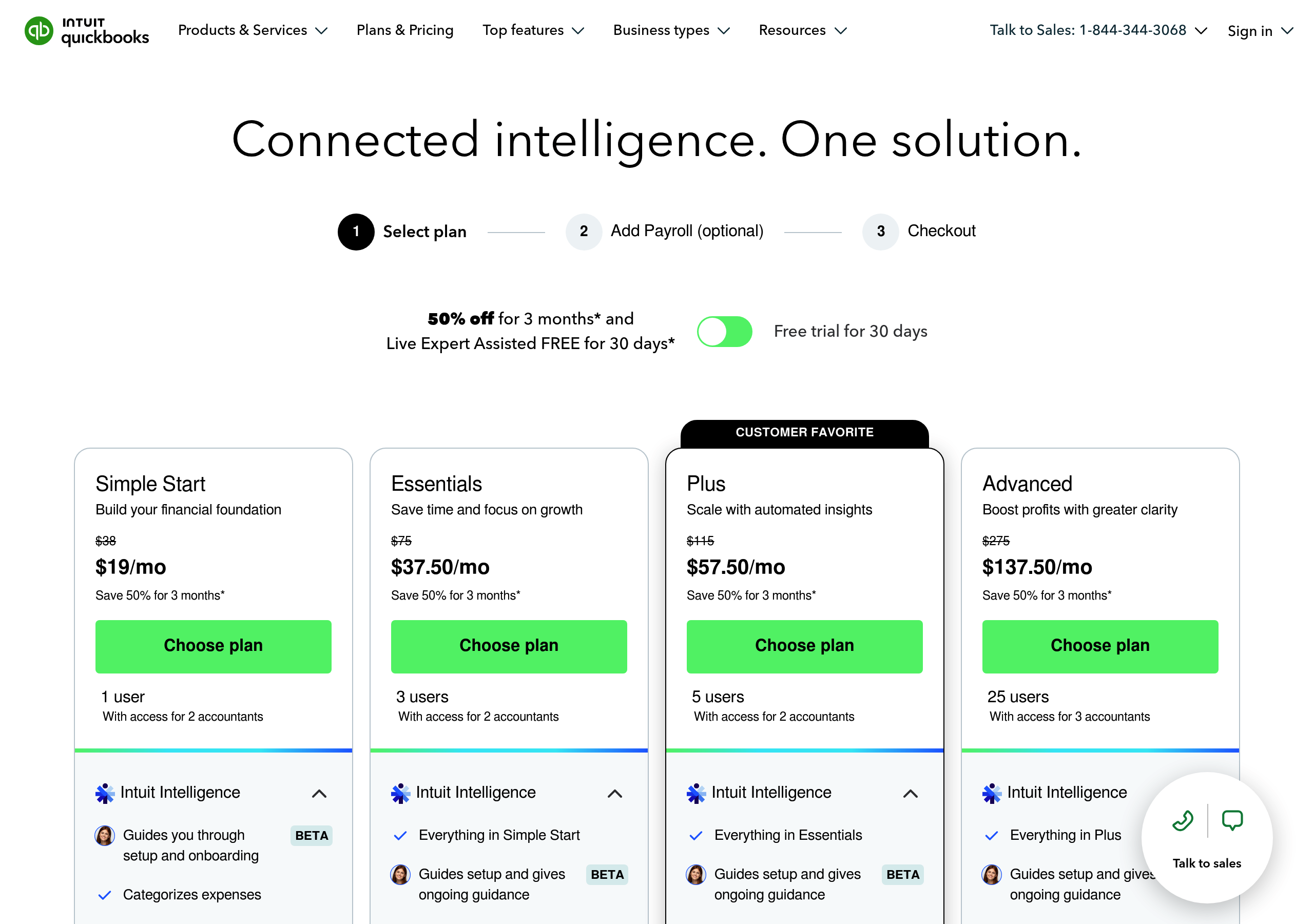
Pricing – QuickBooks website breakdown
QuickBooks
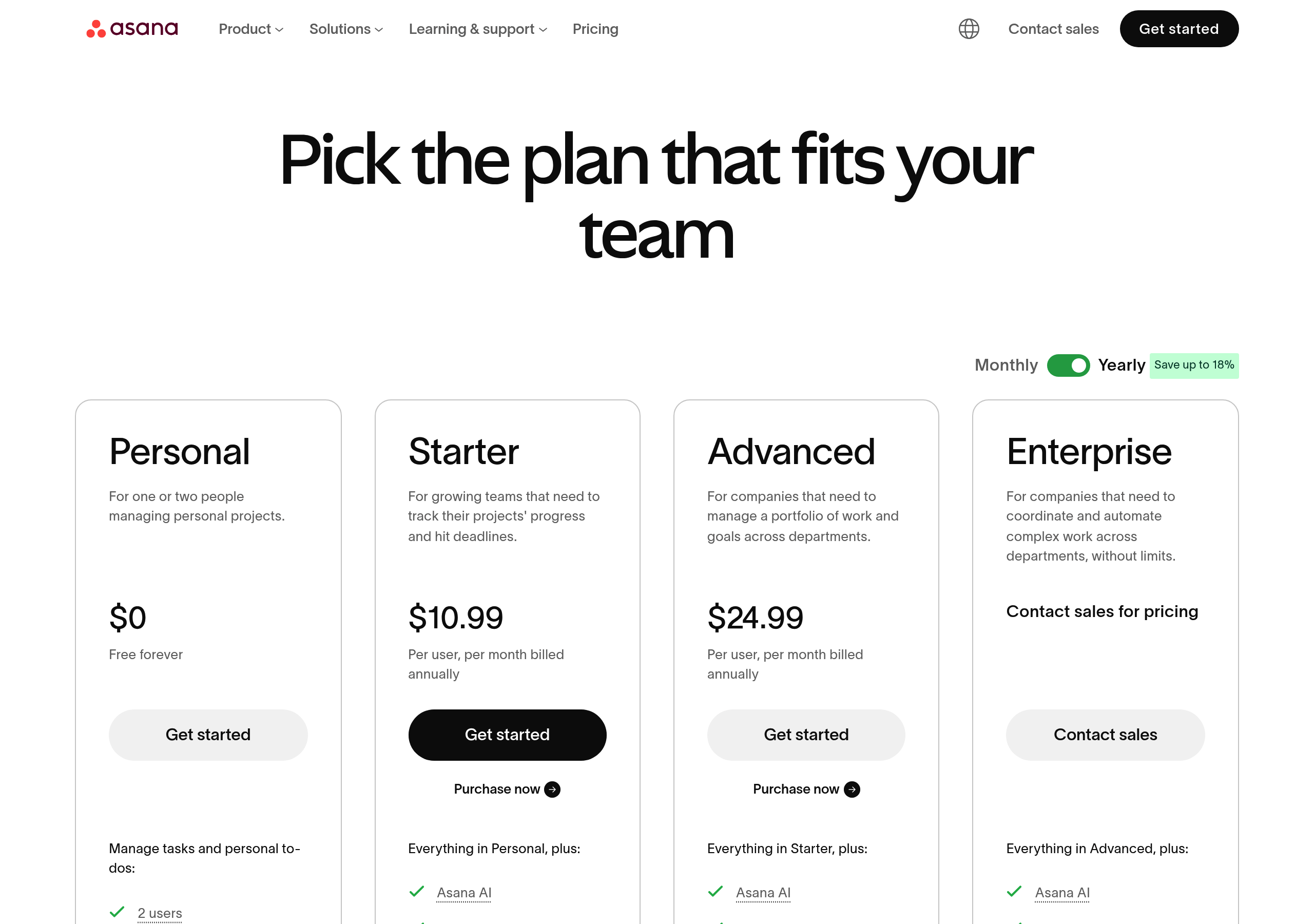
Pricing – Asana website breakdown
Asana
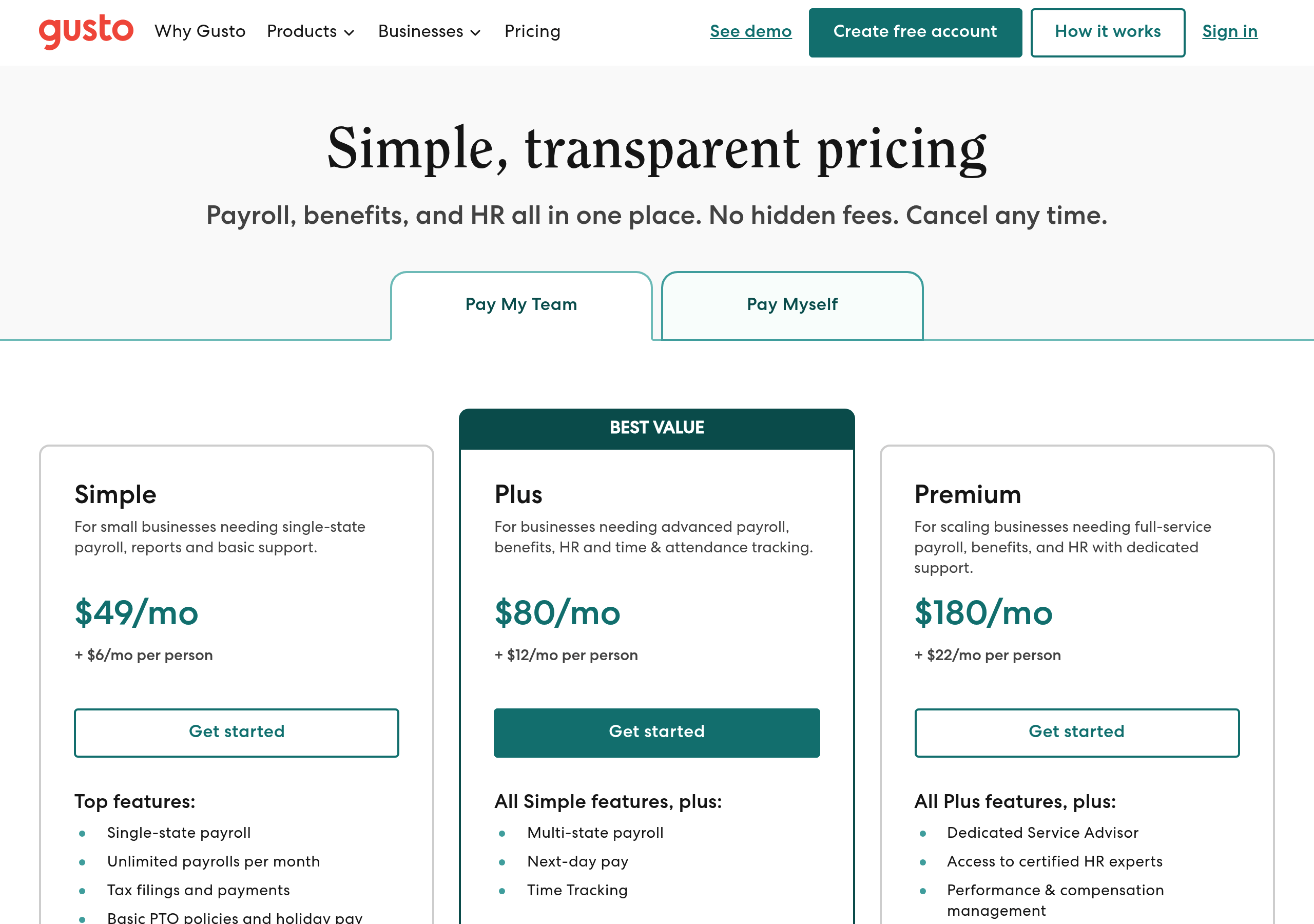
Pricing – Gusto website breakdown
Gusto
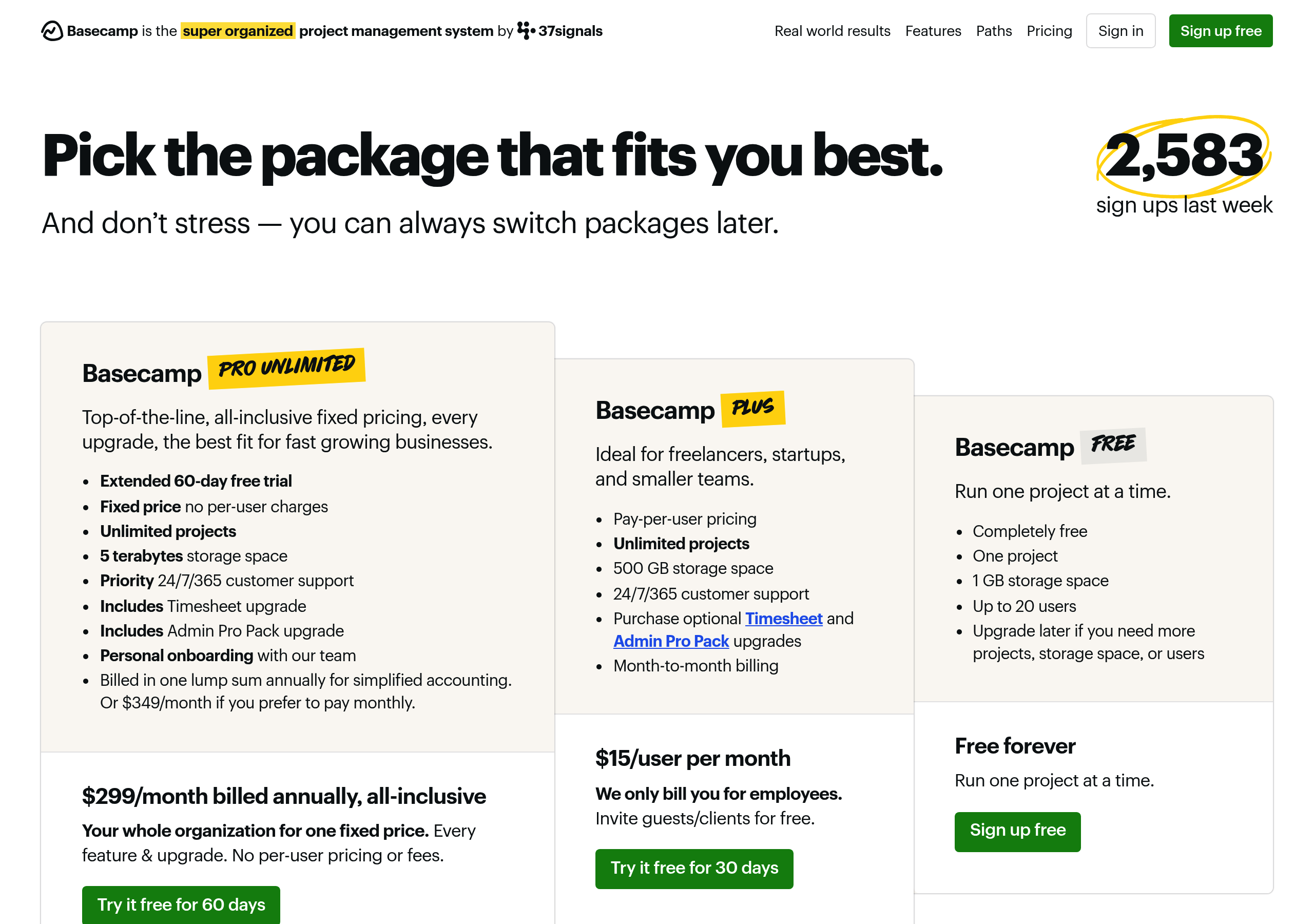
Pricing – Basecamp website breakdown
Basecamp
Pricing – Notion website breakdown
Notion
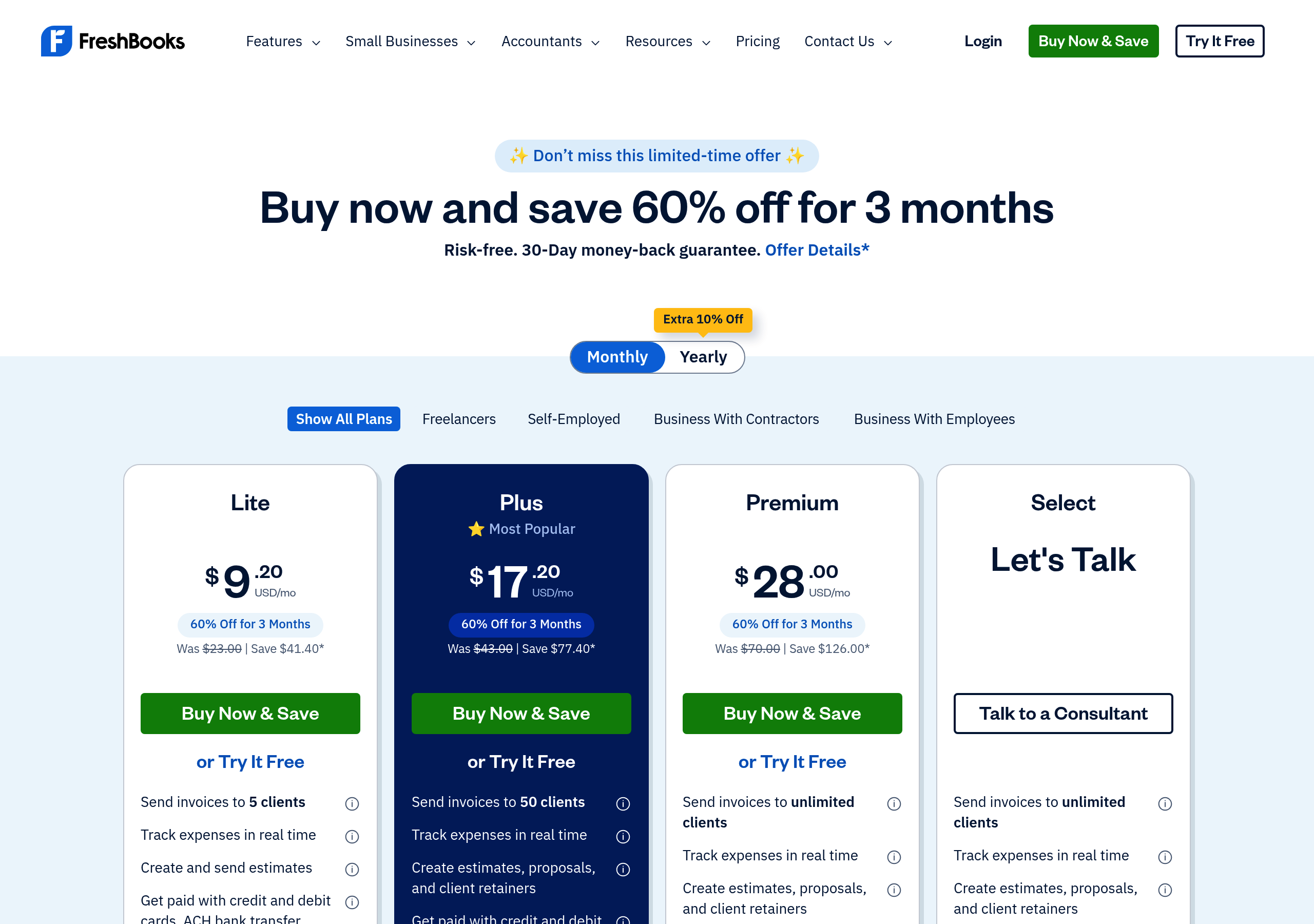
Pricing – FreshBooks website breakdown
FreshBooks
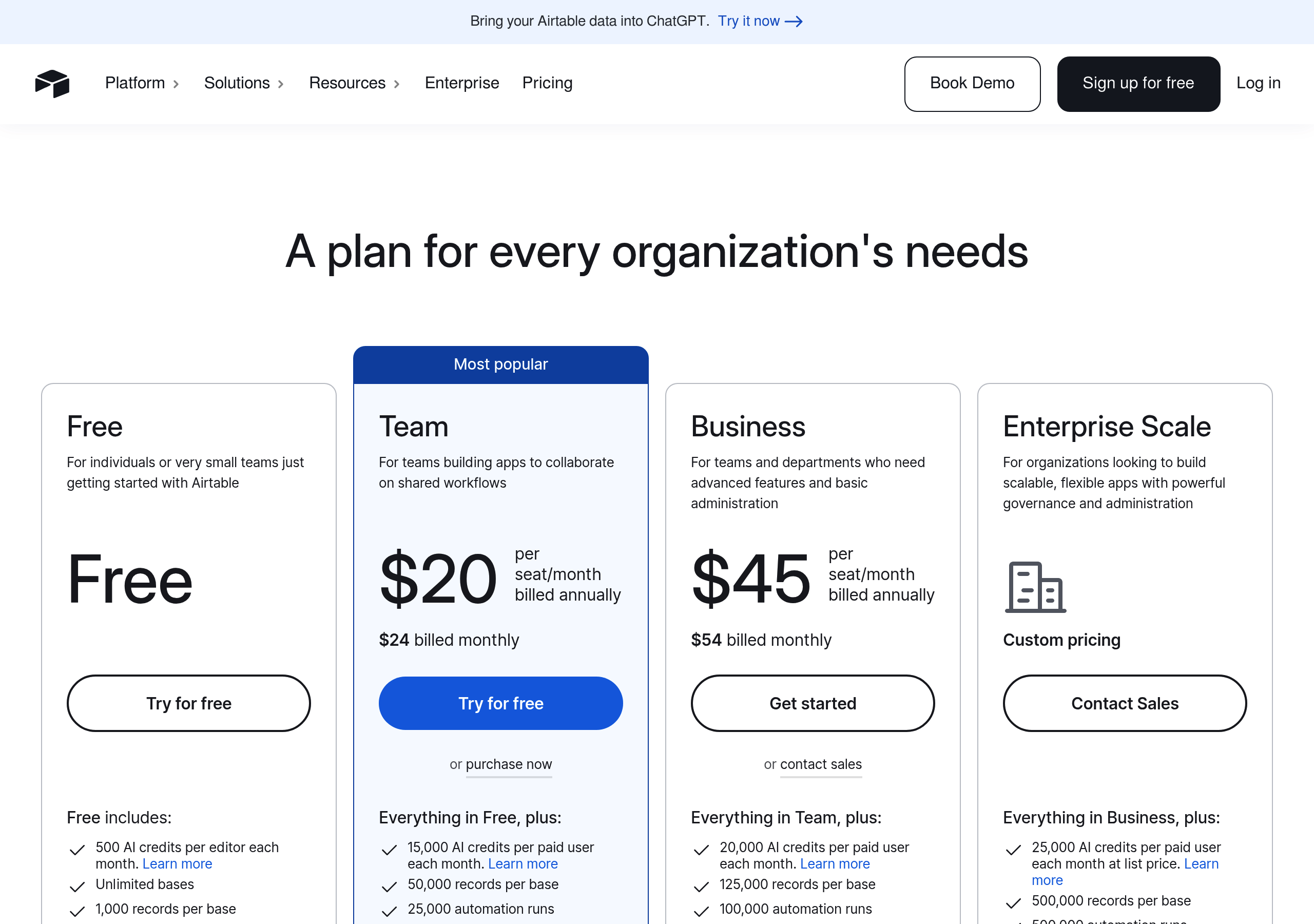
Pricing – Airtable website breakdown
Airtable
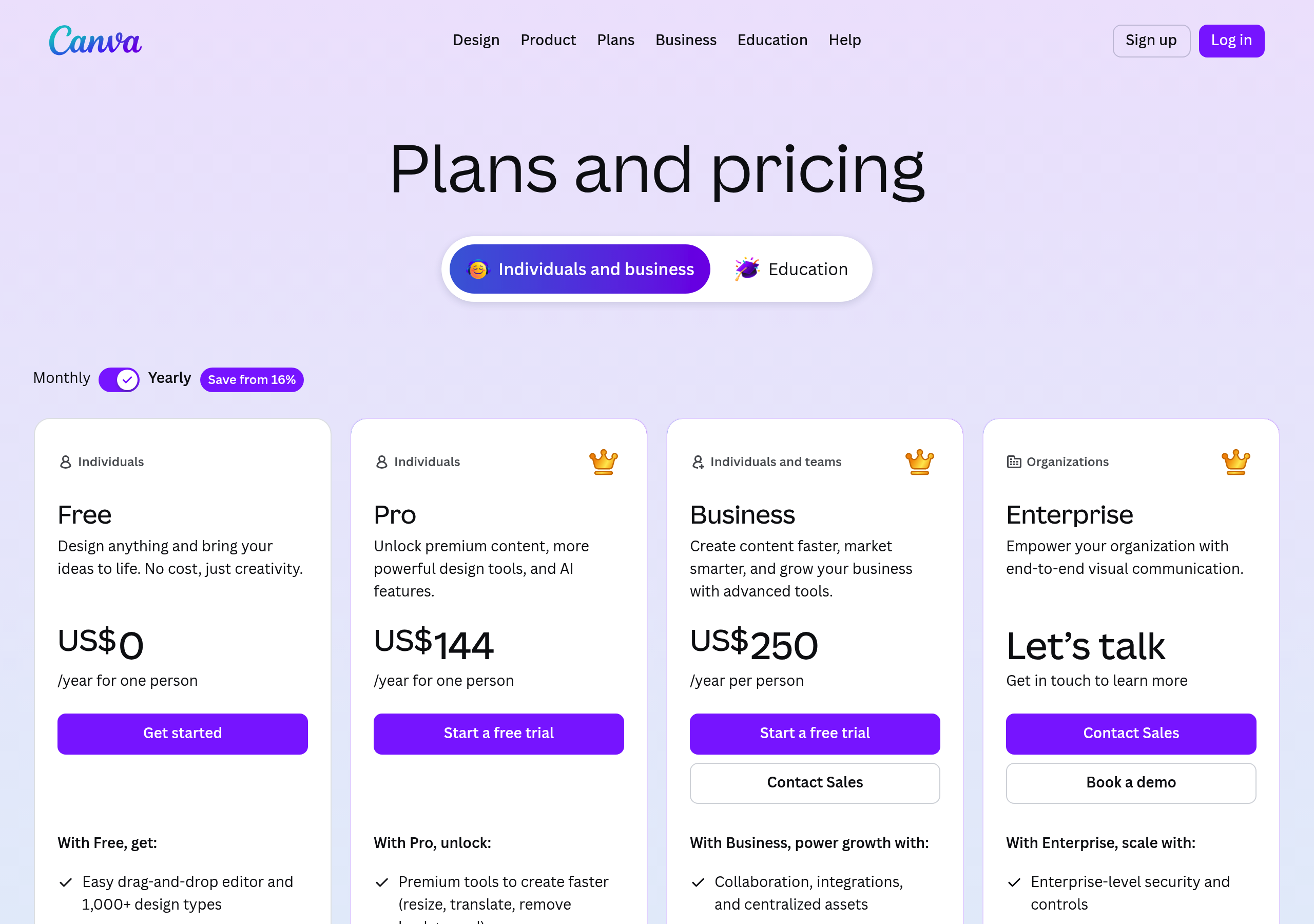
Pricing – Canva website breakdown
Canva
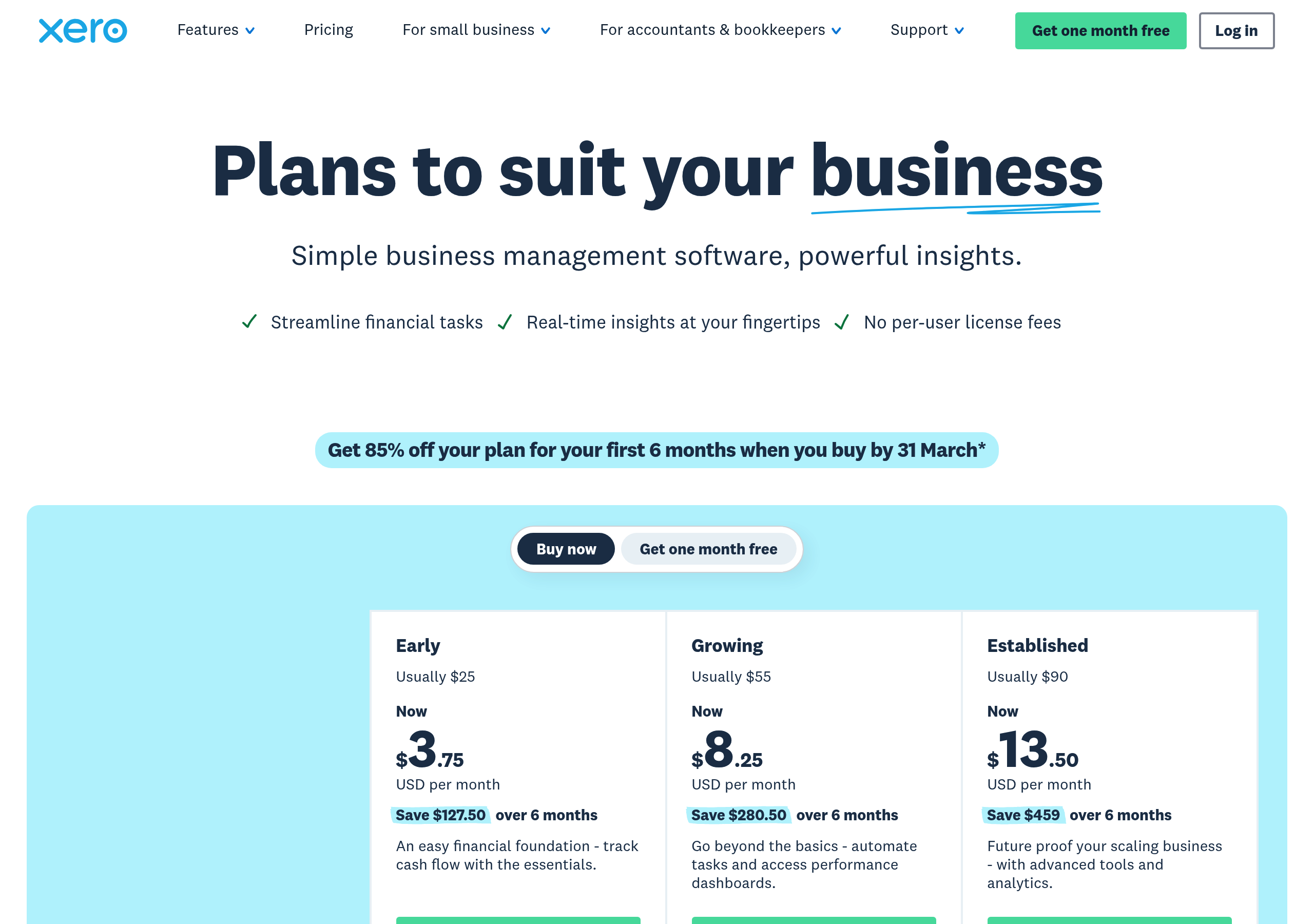
Pricing – Xero website breakdown
Xero
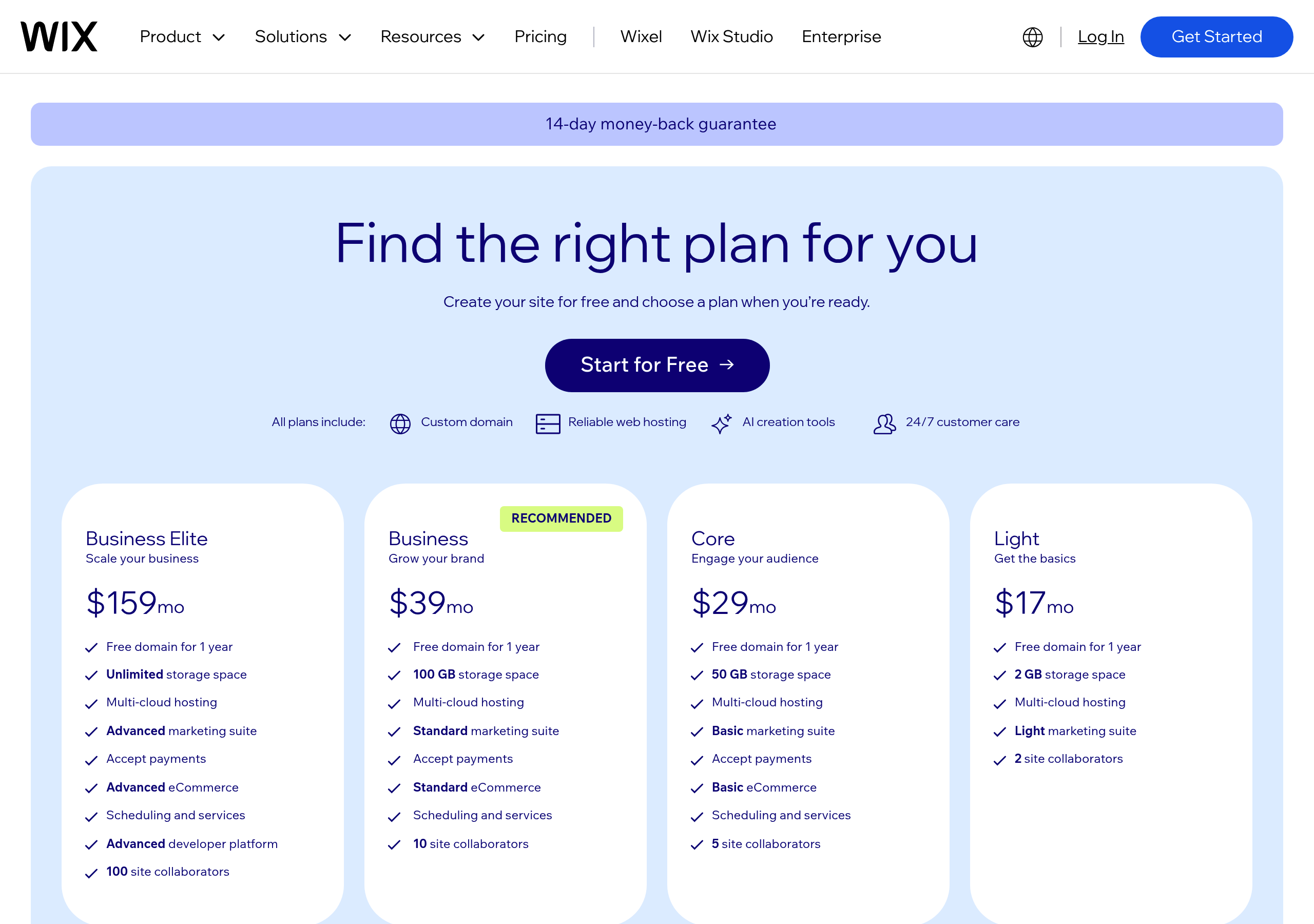
Pricing – Wix website breakdown
Wix
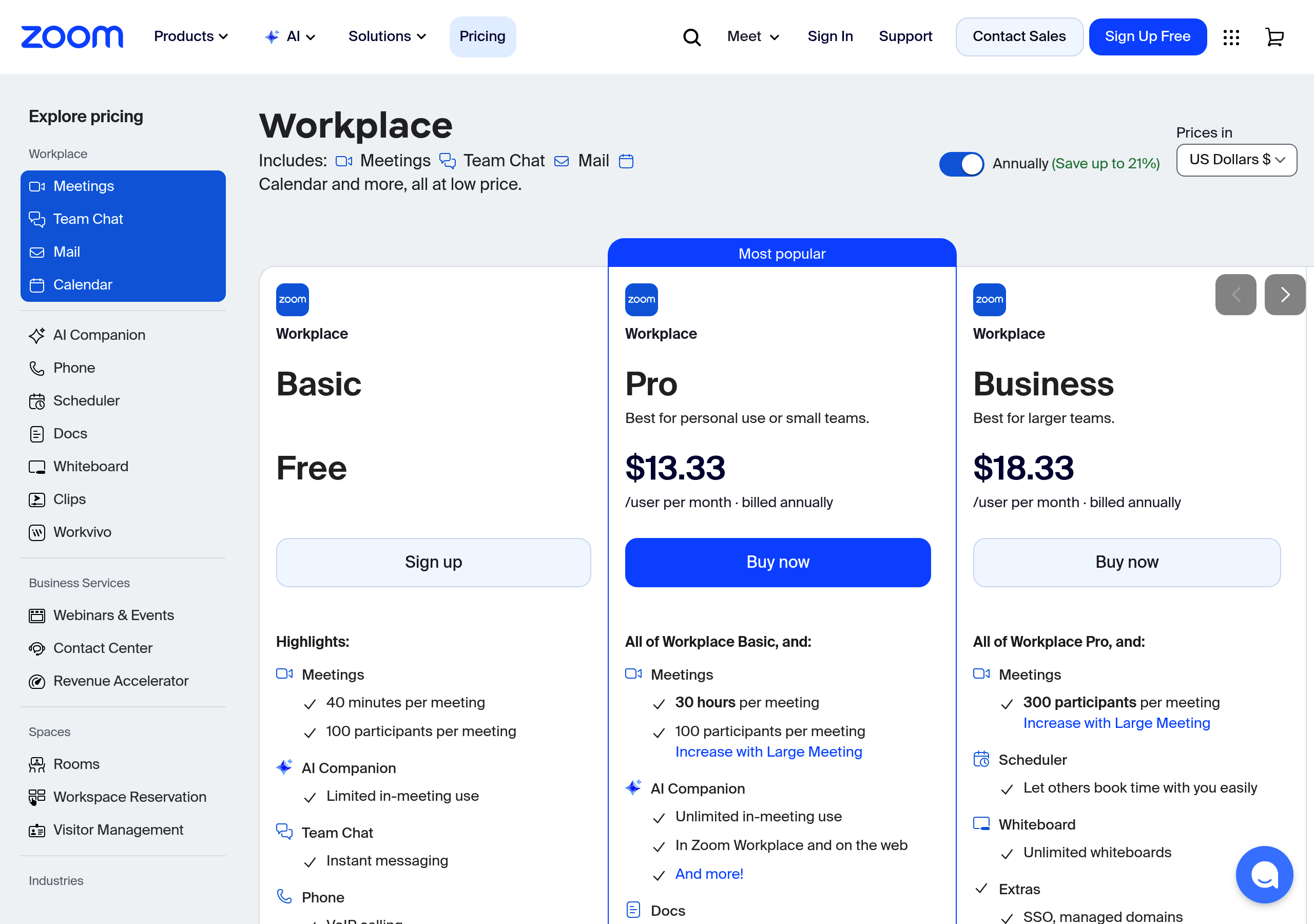
Pricing – Zoom website breakdown
Zoom
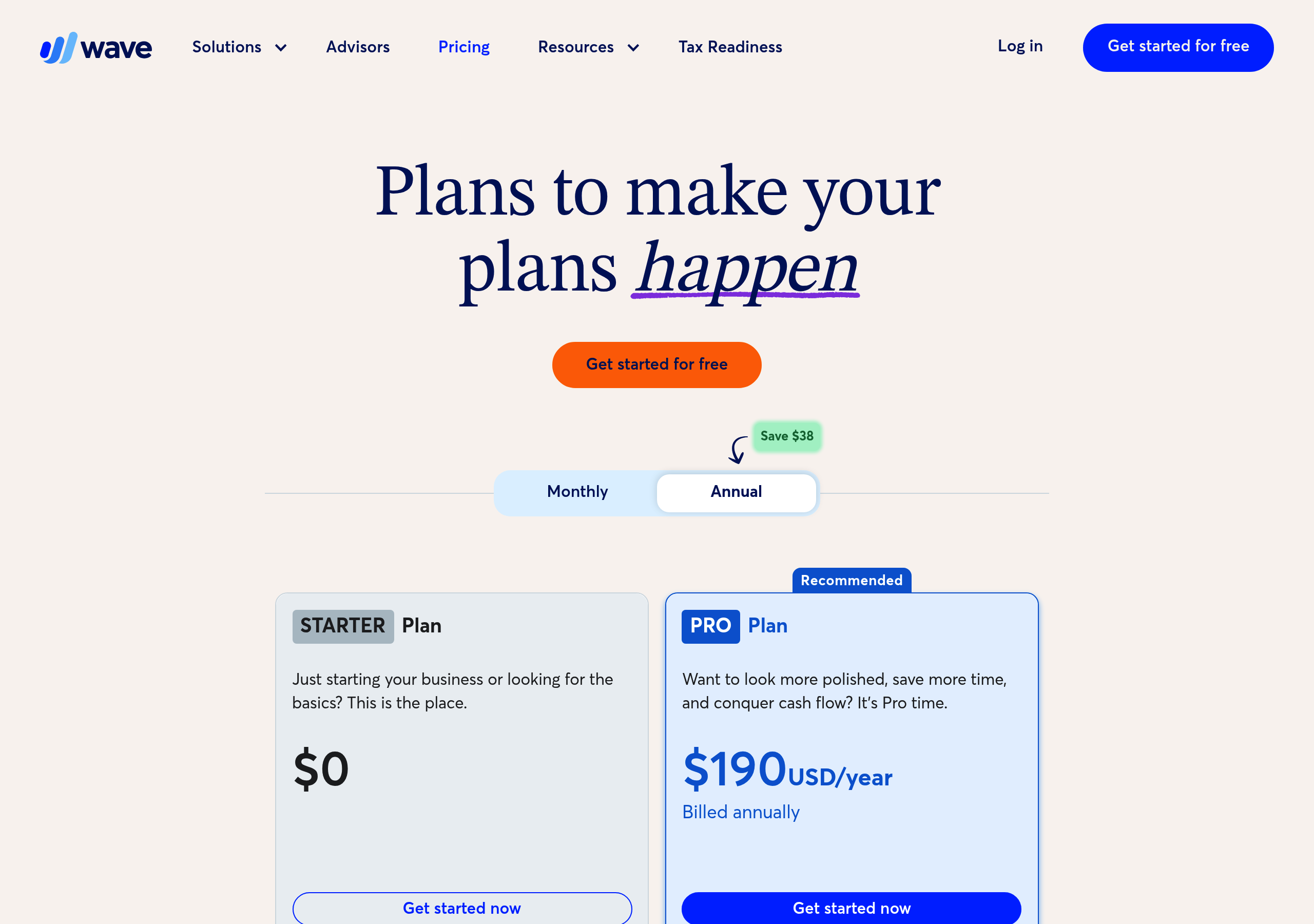
Pricing – Wave Financial website breakdown
Wave Financial
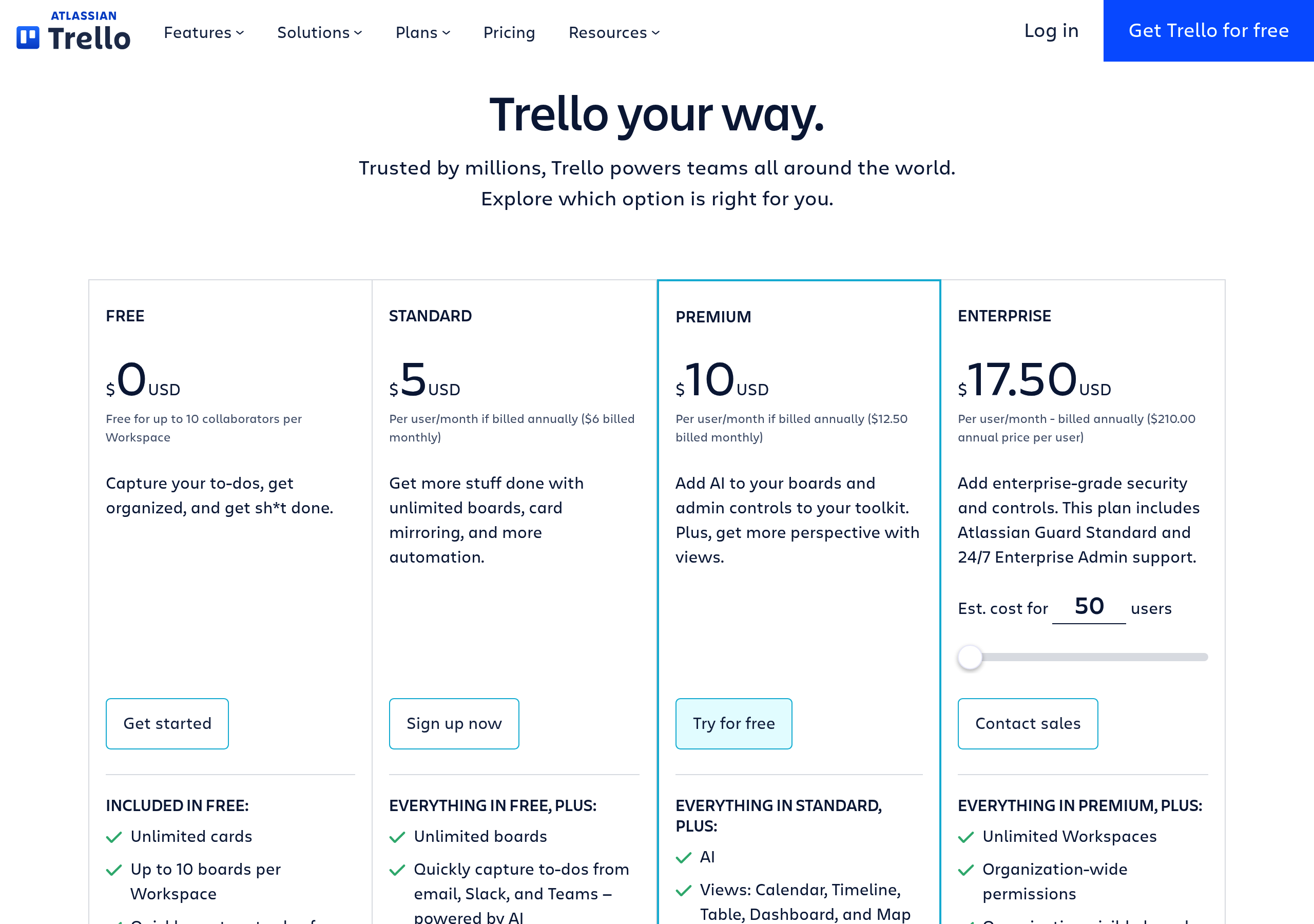
Pricing – Trello website breakdown
Trello
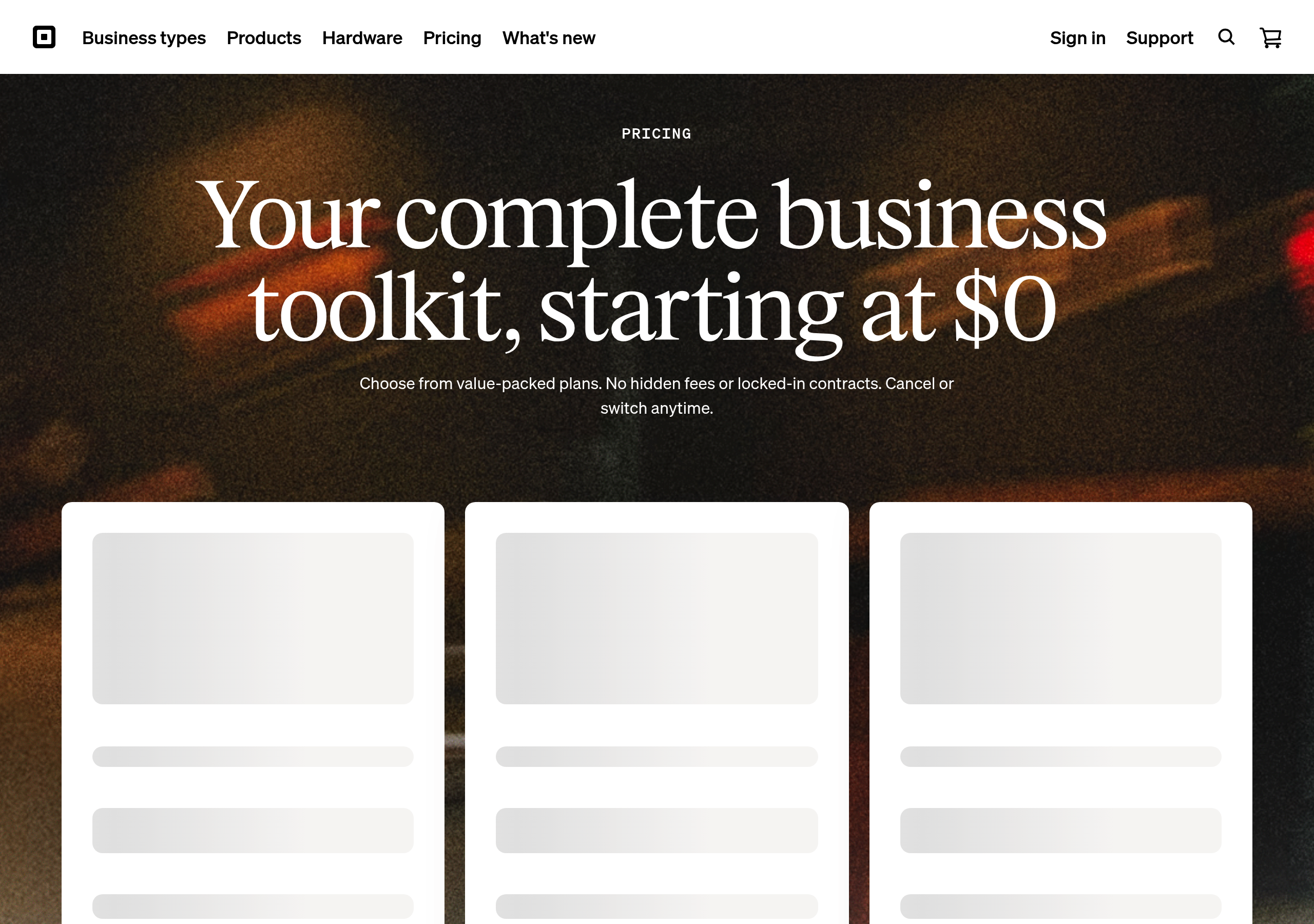
Pricing – Square website breakdown
Square
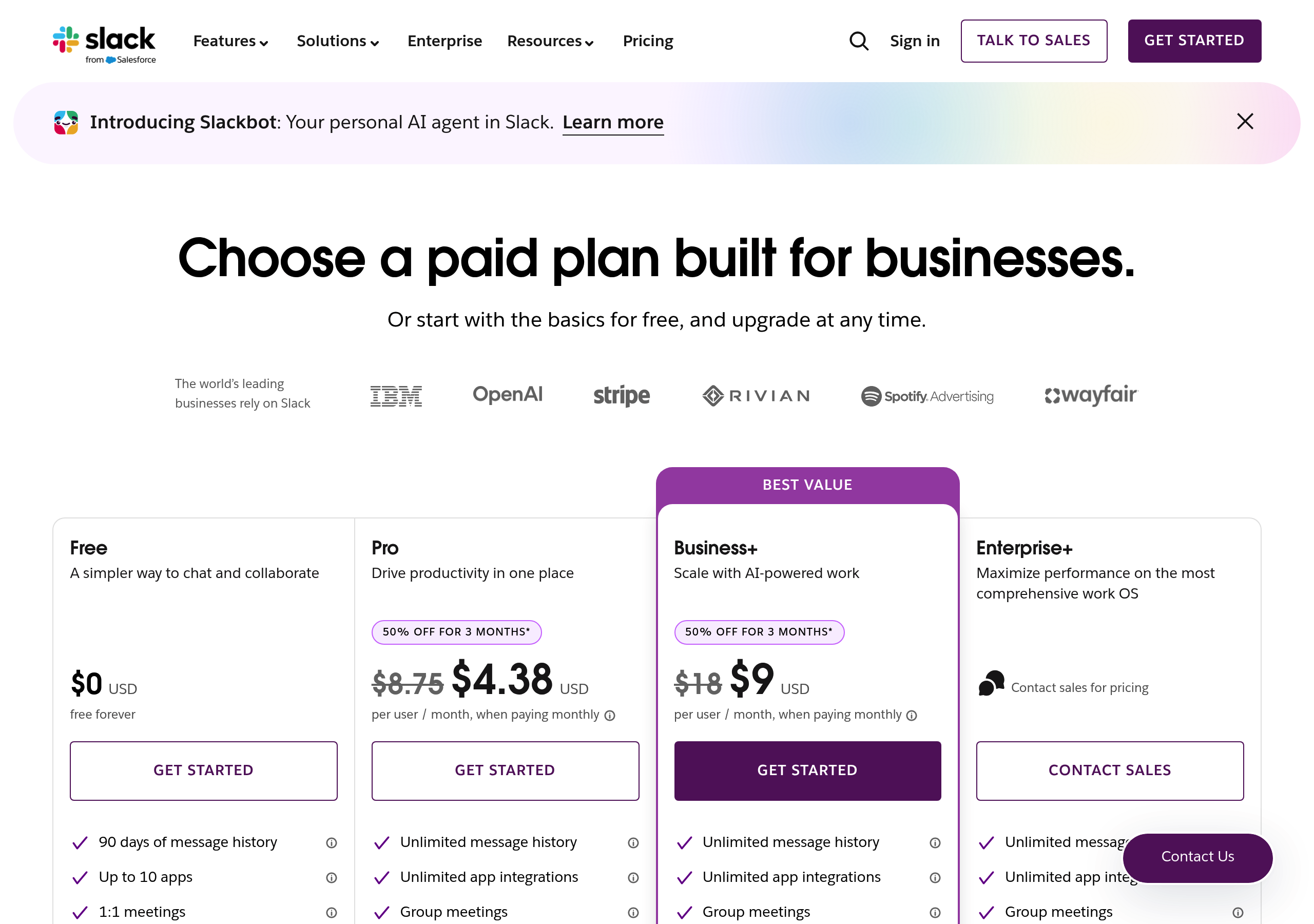
Pricing – Slack website breakdown
Slack
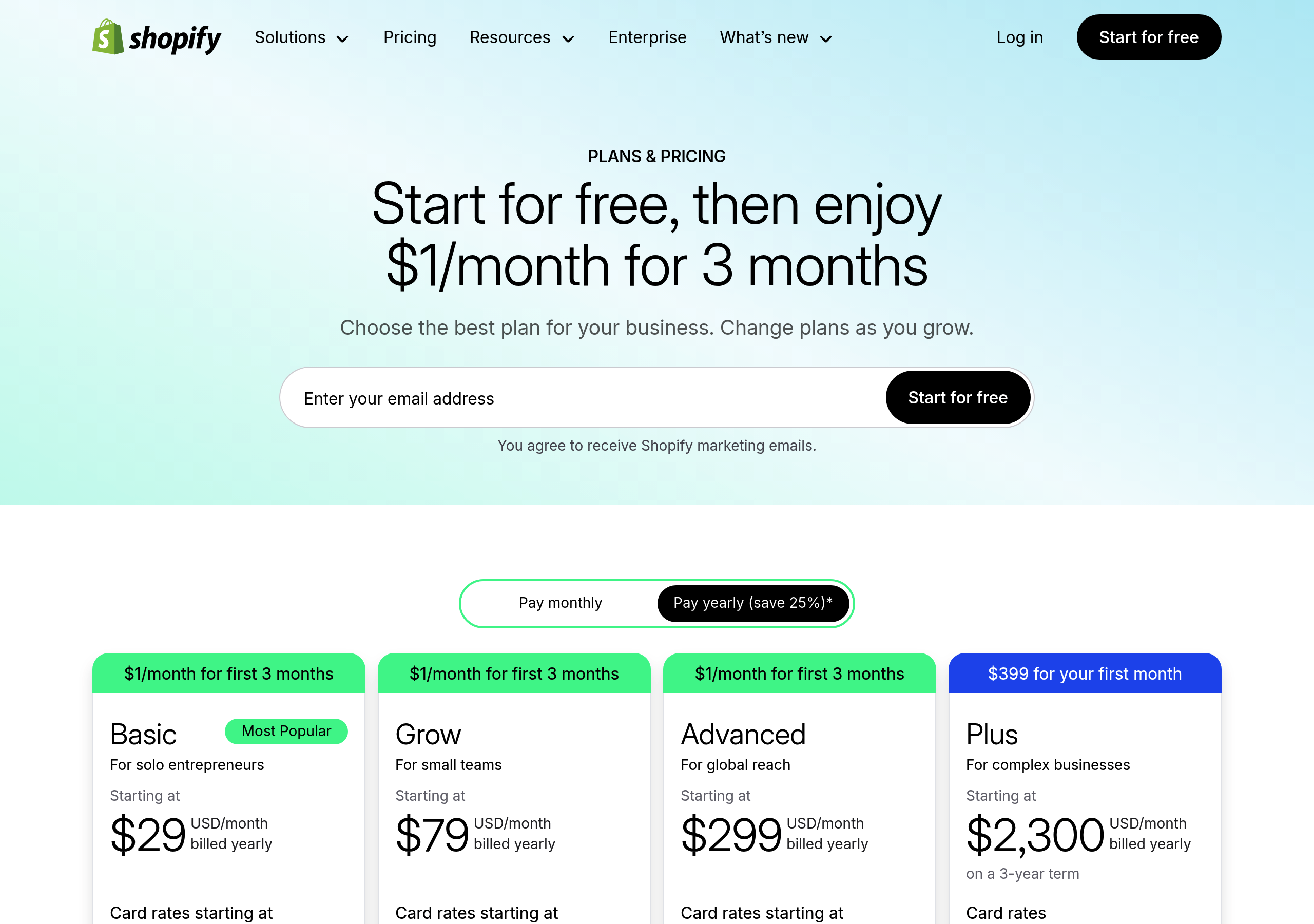
Pricing – Shopify website breakdown
Shopify
Pricing – Salesforce website breakdown
Salesforce
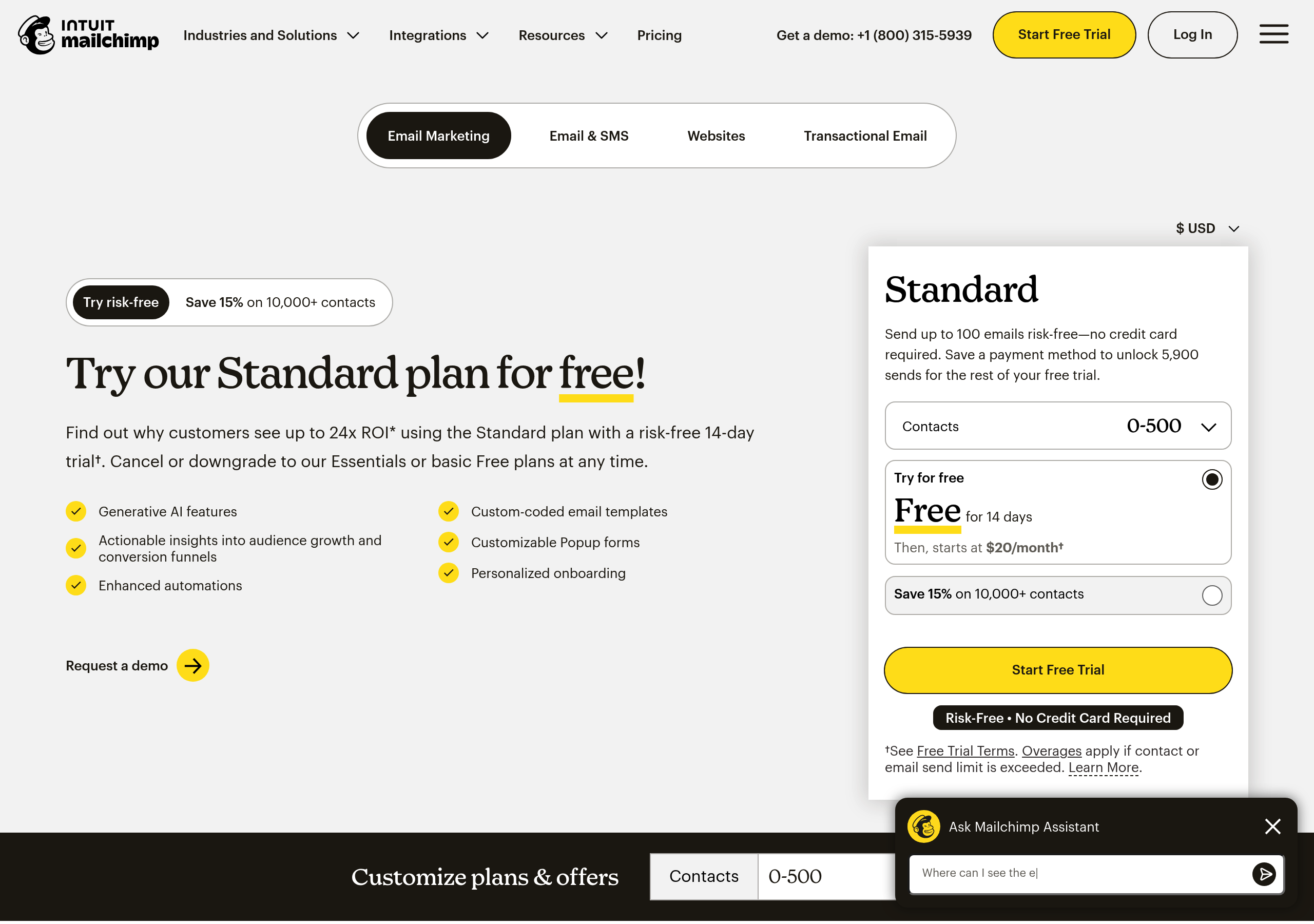
Pricing – Mailchimp website breakdown
Mailchimp
Pricing – Linear website breakdown
Linear
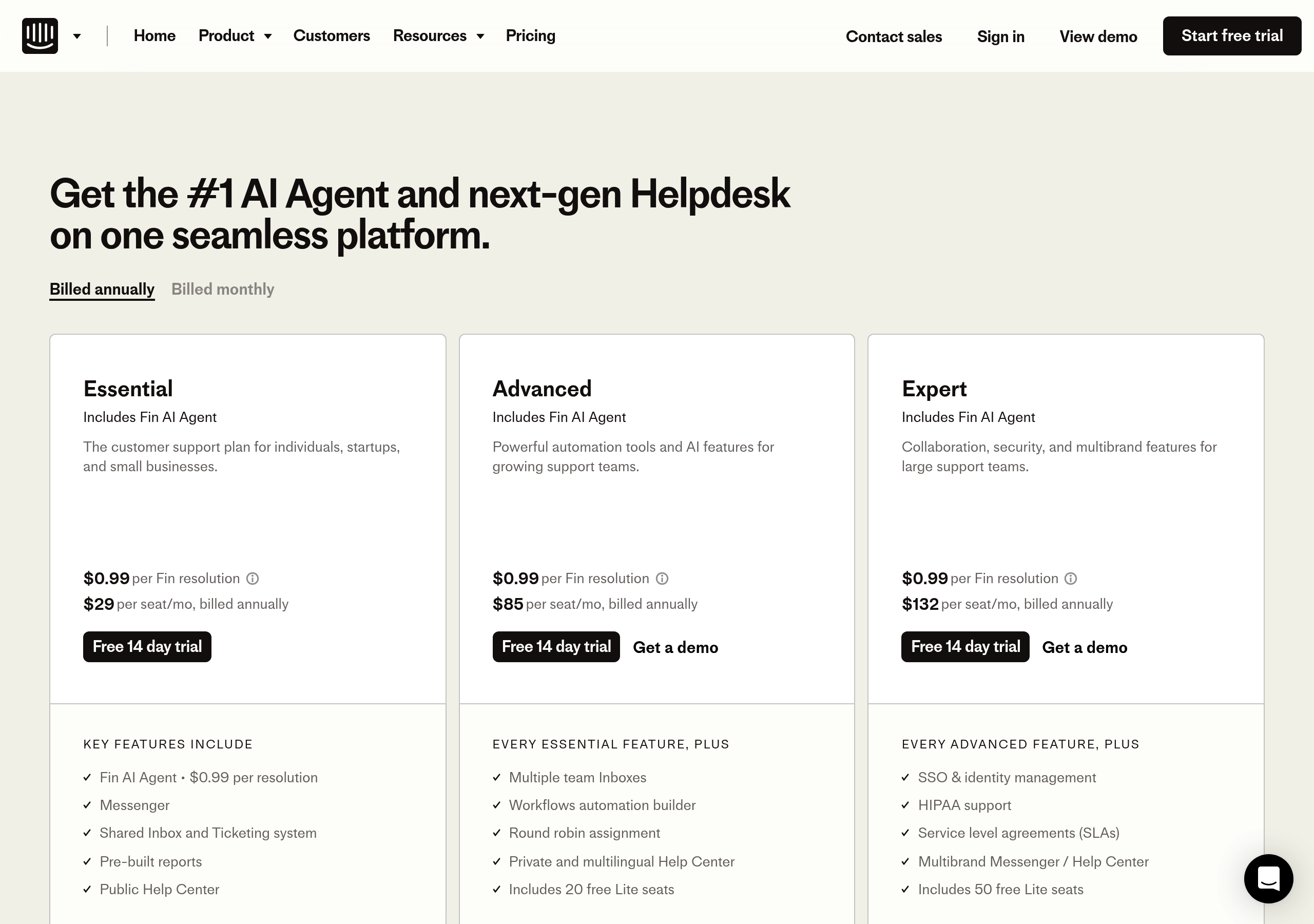
Pricing – Intercom website breakdown
Intercom
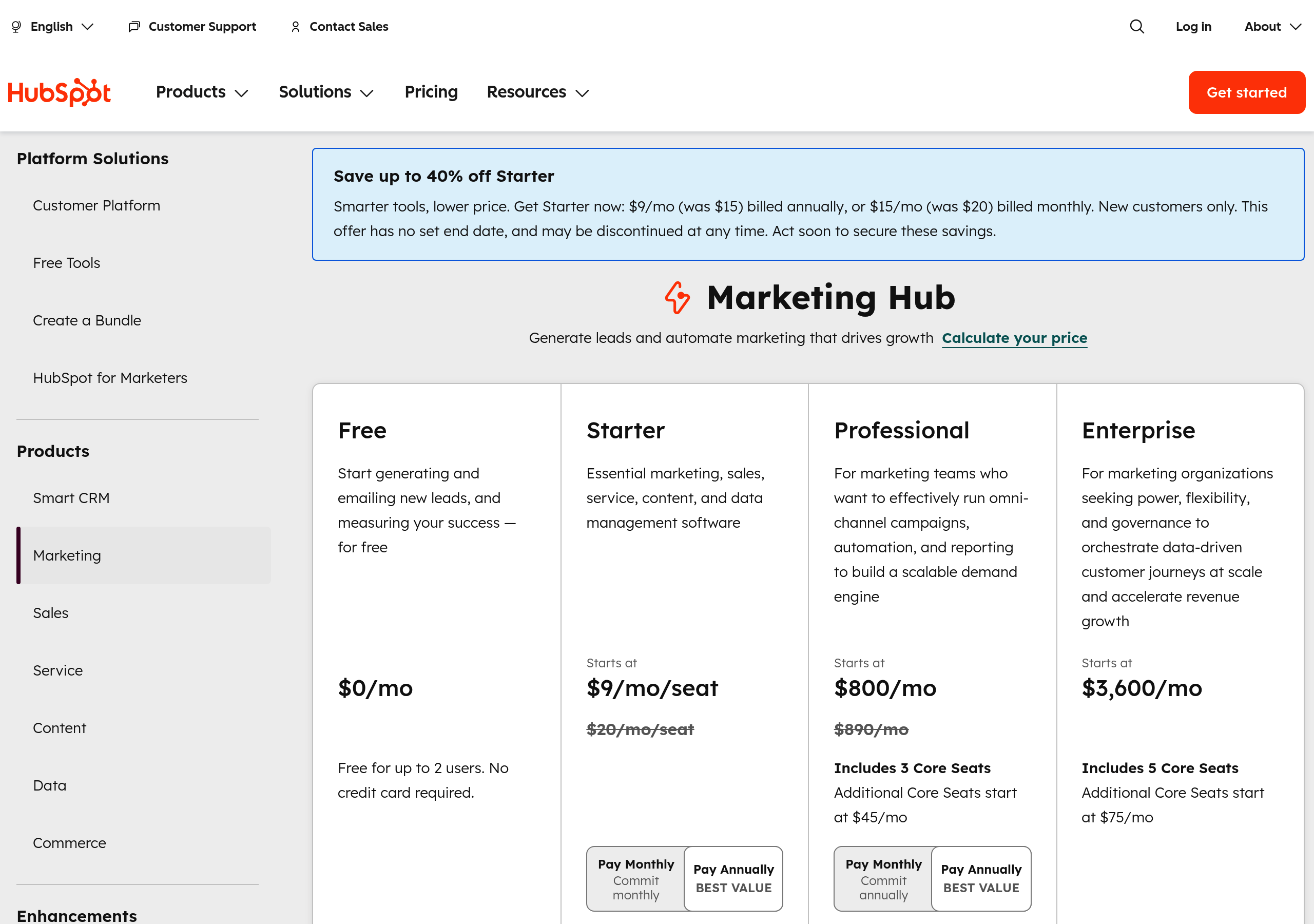
Pricing – HubSpot website breakdown
HubSpot
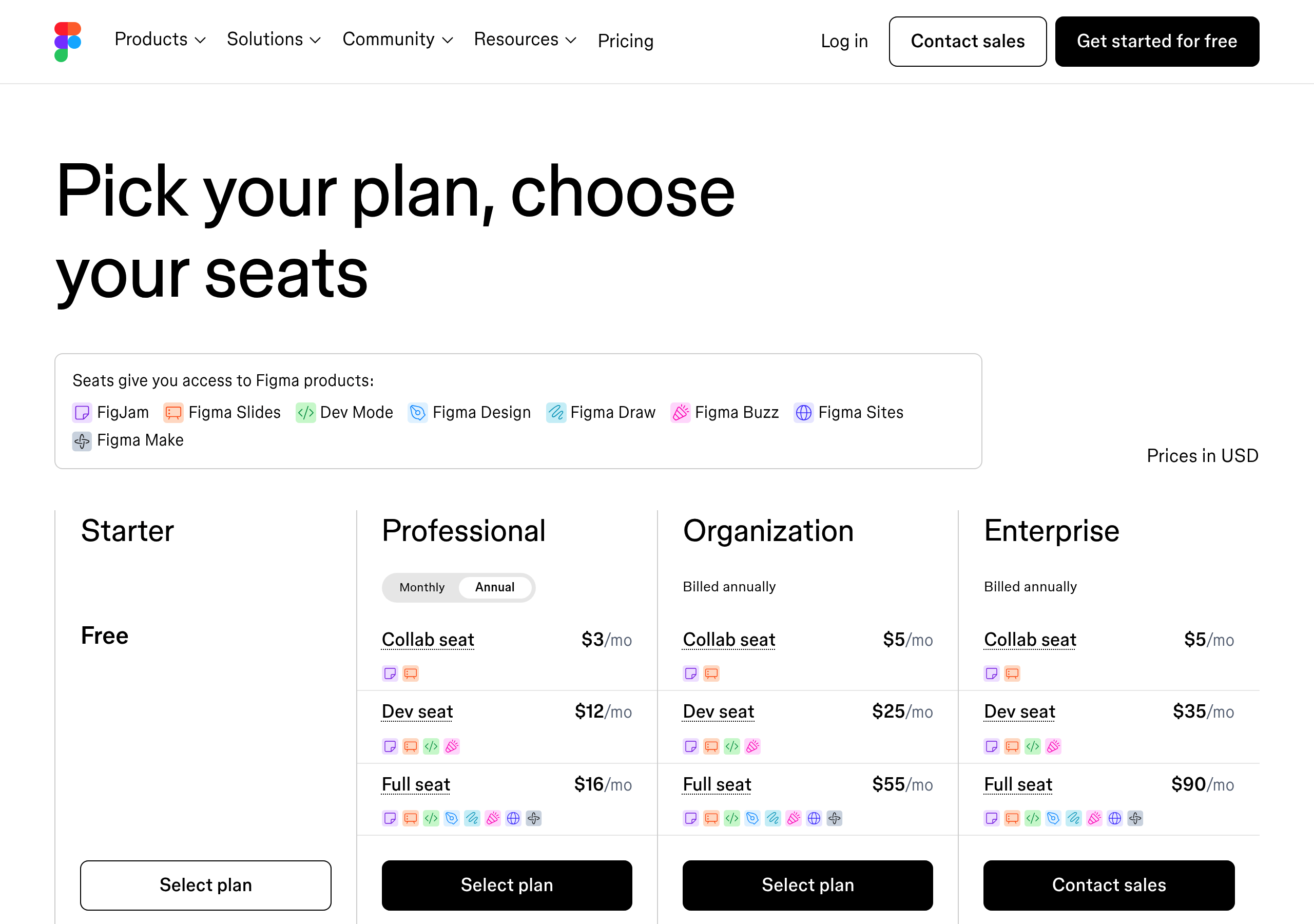
Pricing – Figma website breakdown
Figma
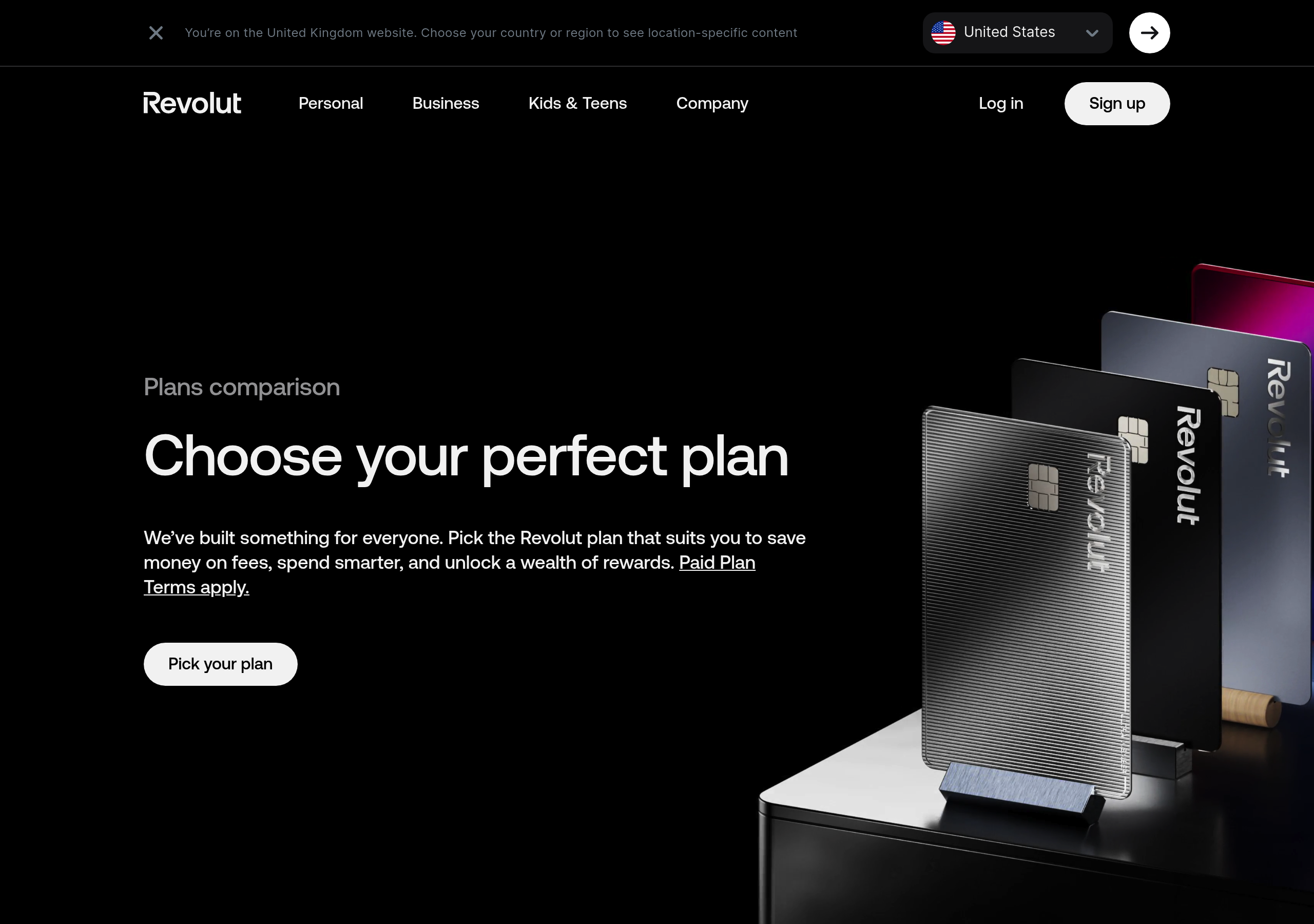
Pricing – Revolut website breakdown
Revolut
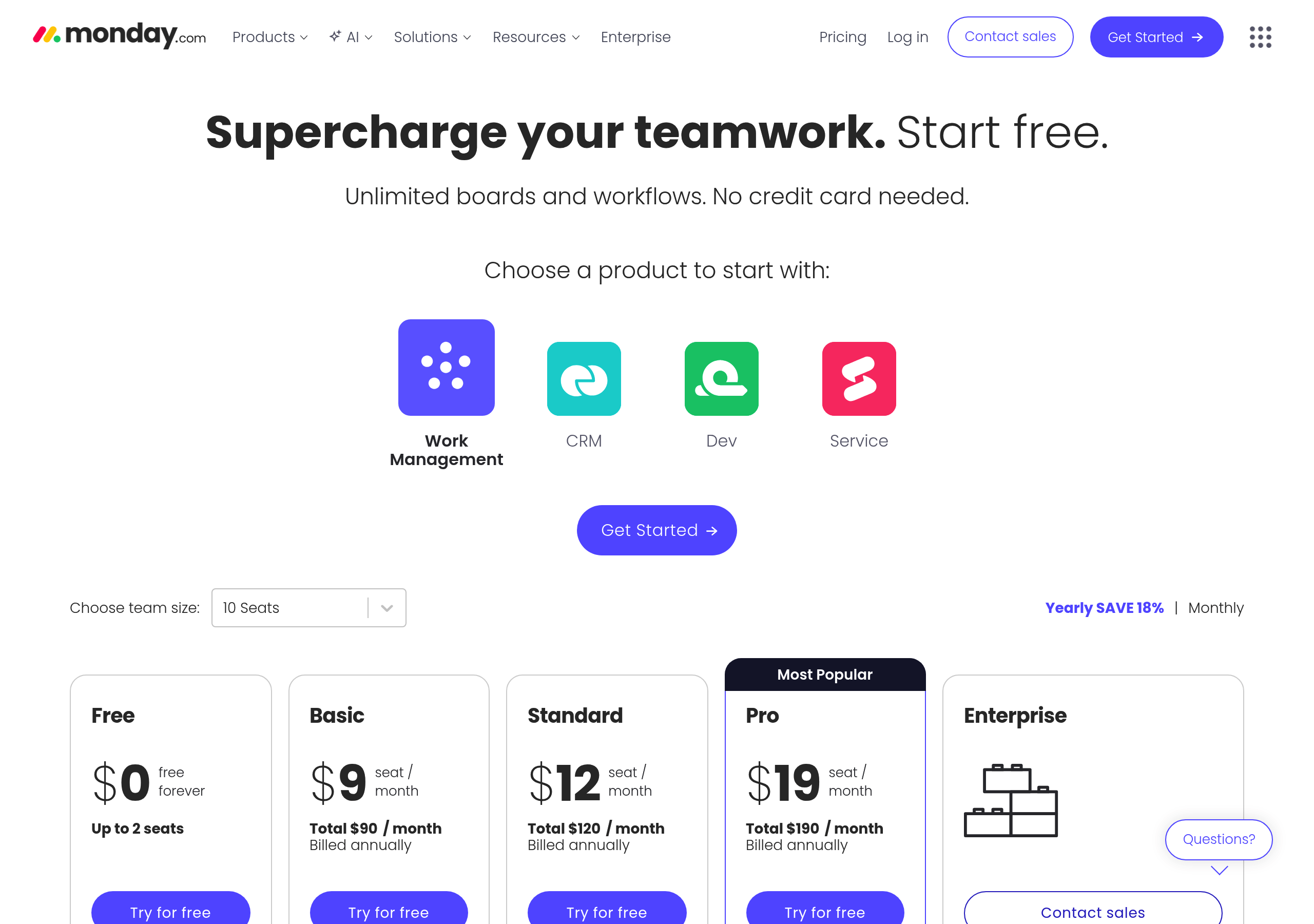
Pricing – Monday.com website breakdown
Monday.com
Pricing – DocuSign website breakdown
DocuSign

Accessibility considerations

Ensure your component is usable by everyone.
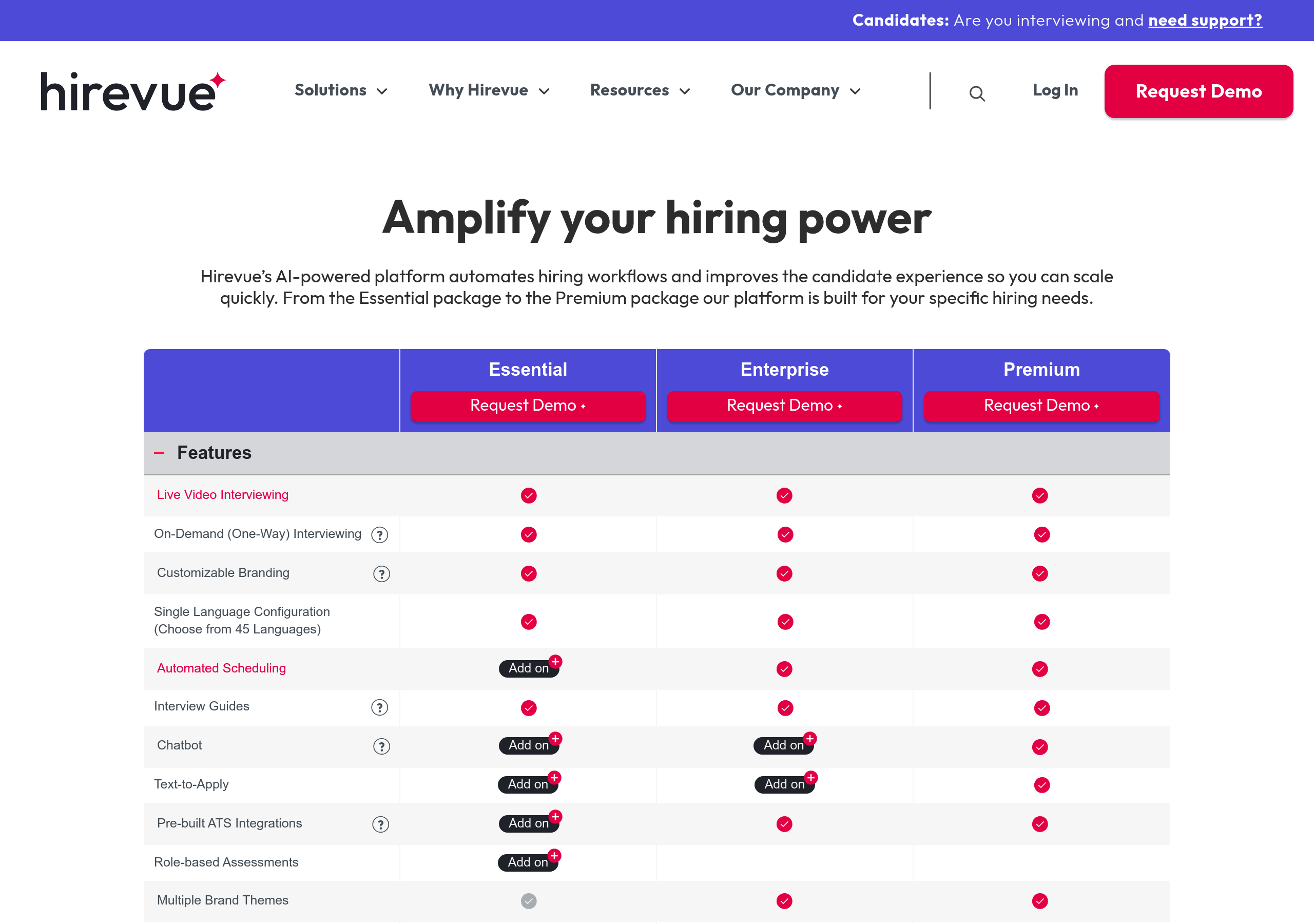
  • Use semantic HTML: <table> for comparison tables with proper <th> and <td> elements.
  • Ensure pricing tables are keyboard navigable and screen reader friendly.
  • Use proper heading hierarchy: <h2> for plan names, <h3> for sections.
  • Ensure sufficient color contrast for pricing text, especially for highlighted plans.
  • For interactive elements (plan selectors, calculators), ensure they're keyboard accessible.
  • Test with screen readers to ensure plan comparisons are clear and understandable.
  • Provide text alternatives for any icons or visual indicators (checkmarks, badges).