
Overview
CTA (Call-to-Action) strips are focused conversion moments placed strategically throughout the page. They remind users of the value proposition and provide clear next steps.
CTAs work best when they're placed after users have consumed value (after features, social proof, use cases).
Effective CTAs are specific and action-oriented. "Start your free trial" is better than "Get started".
Reduce friction: clearly state what happens next ("No credit card required", "14-day trial", "Cancel anytime").
One primary CTA per section is ideal. Multiple competing CTAs create decision paralysis.
Best practices
Actionable guidelines to implement this component effectively.
- Repeat the core promise in different words; keep the CTA text action-oriented.
- Reduce friction: show what happens next ("No credit card", "14-day trial").
- Avoid multiple competing CTAs in the same block: one primary is enough.
- Place CTAs after proof and after key explanations (not only at the top).
- Use contrasting colors to make CTAs stand out, but ensure they're not jarring.
- Include secondary CTAs ("Watch demo", "See pricing") for users not ready to commit.
- Test different CTA copy and placements to find what converts best for your audience.
Common patterns
Popular variations and approaches you'll see across successful SaaS sites.
Simple CTA block
Headline, subheadline, and single CTA button. Clean and focused.
- •Linear: "Try Linear for free" with clear value proposition
- •Stripe: "Start accepting payments" with friction-reducing copy
Split CTA
Two CTAs side-by-side: primary action and secondary ("Start free trial" + "Watch demo").
- •Vercel: "Deploy" and "Get started" options
- •Notion: "Get started" and "Request demo"
Value-focused CTA
Emphasizes the outcome rather than the action. "Ship faster" instead of "Sign up".
- •Linear: Outcome-focused CTAs throughout
- •Figma: "Start designing" emphasizes the benefit
Social proof + CTA
Combines CTA with trust elements ("Join 10,000+ teams", customer logos).
- •Stripe: CTA with customer count
- •GitHub: "Join millions of developers"
Examples
Real-world implementations from top SaaS companies.
Linear
View site →Clear, action-oriented CTAs: "Try Linear for free". Includes friction-reducing copy and appears after value sections.
Stripe
View site →Value-focused CTAs: "Start accepting payments". Clear next steps and reduced friction messaging.
Vercel
View site →Developer-focused CTAs with clear actions. Includes secondary options for different user intents.
Screenshots from website breakdowns
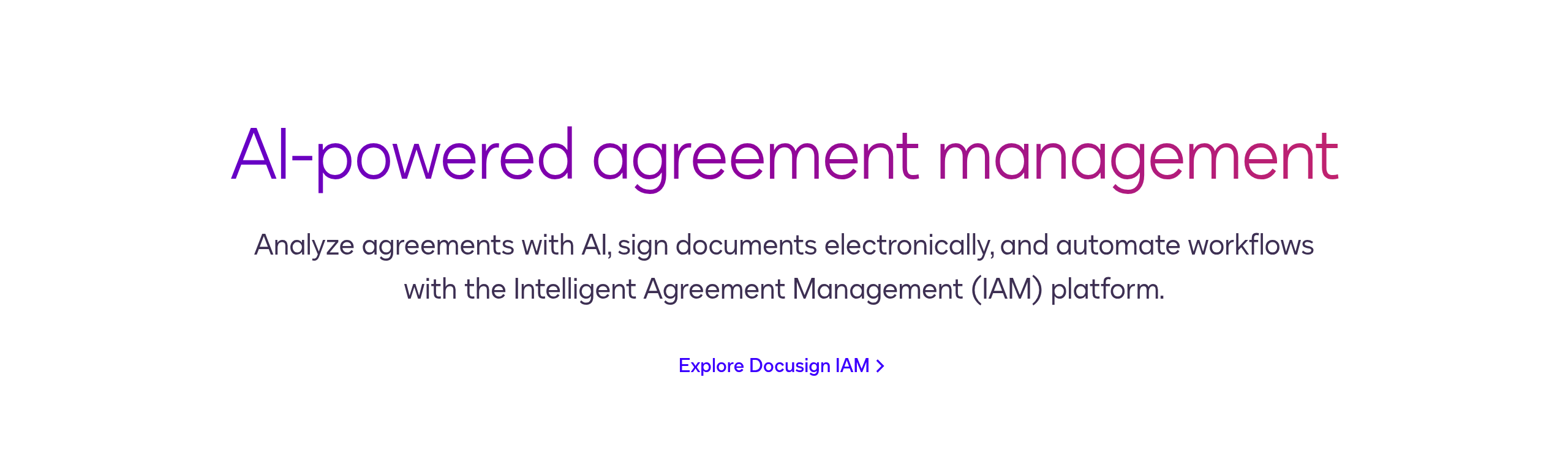
Real captures of this component from analyzed SaaS sites. Click through to see the full breakdown.
Accessibility considerations
Ensure your component is usable by everyone.
- Ensure CTA buttons are keyboard accessible and have clear focus indicators.
- Use semantic HTML: <button> for actions, <a> for navigation. Don't use <div> with onClick.
- Provide sufficient color contrast for CTA text and background (WCAG AA minimum).
- Ensure CTA text is descriptive: "Start free trial" not just "Click here".
- For split CTAs, ensure both options are keyboard navigable and clearly labeled.
- Test with screen readers to ensure CTA purpose and action are clear.
- Avoid relying solely on color to convey meaning: use text and icons as well.