
Overview
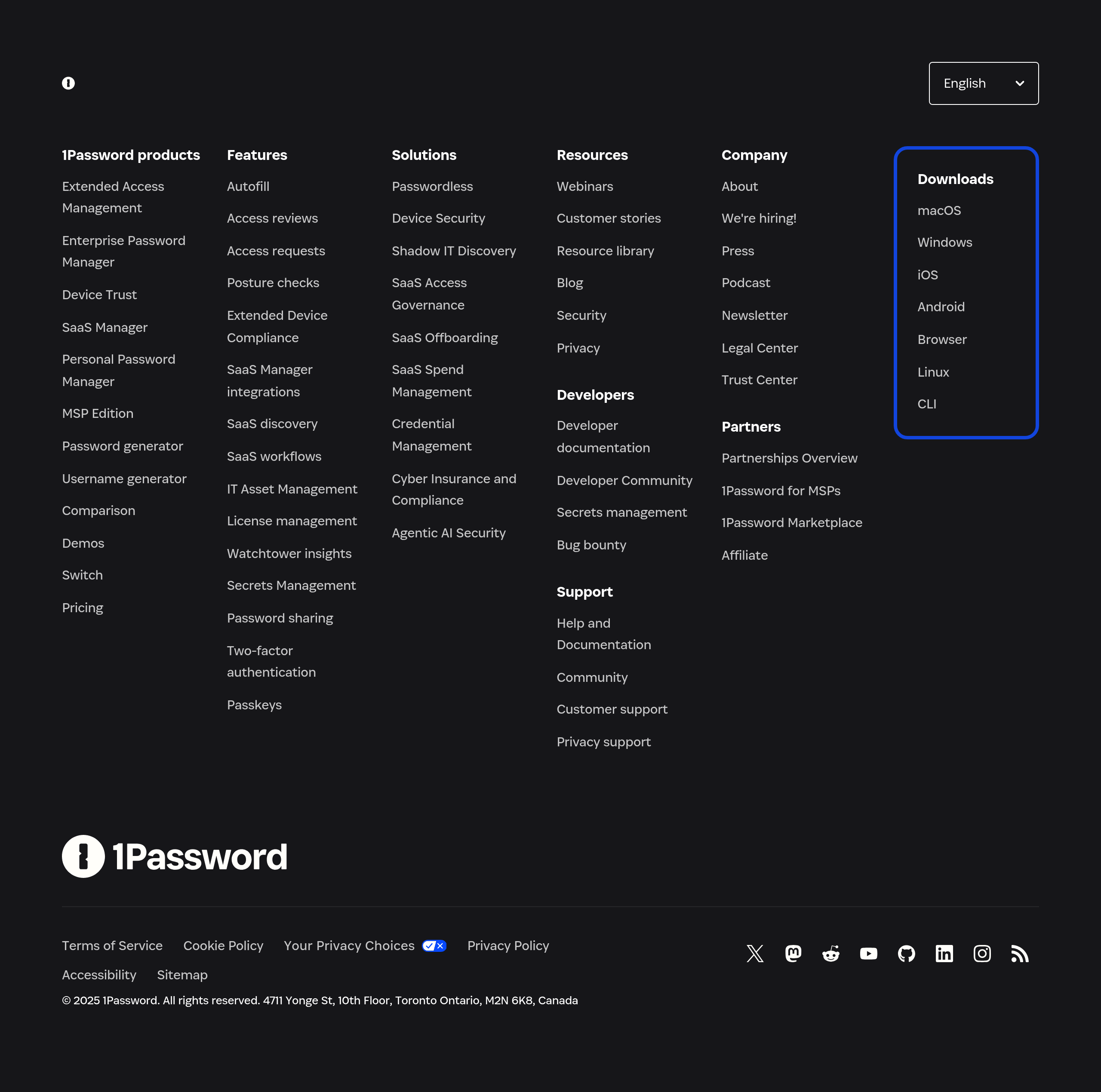
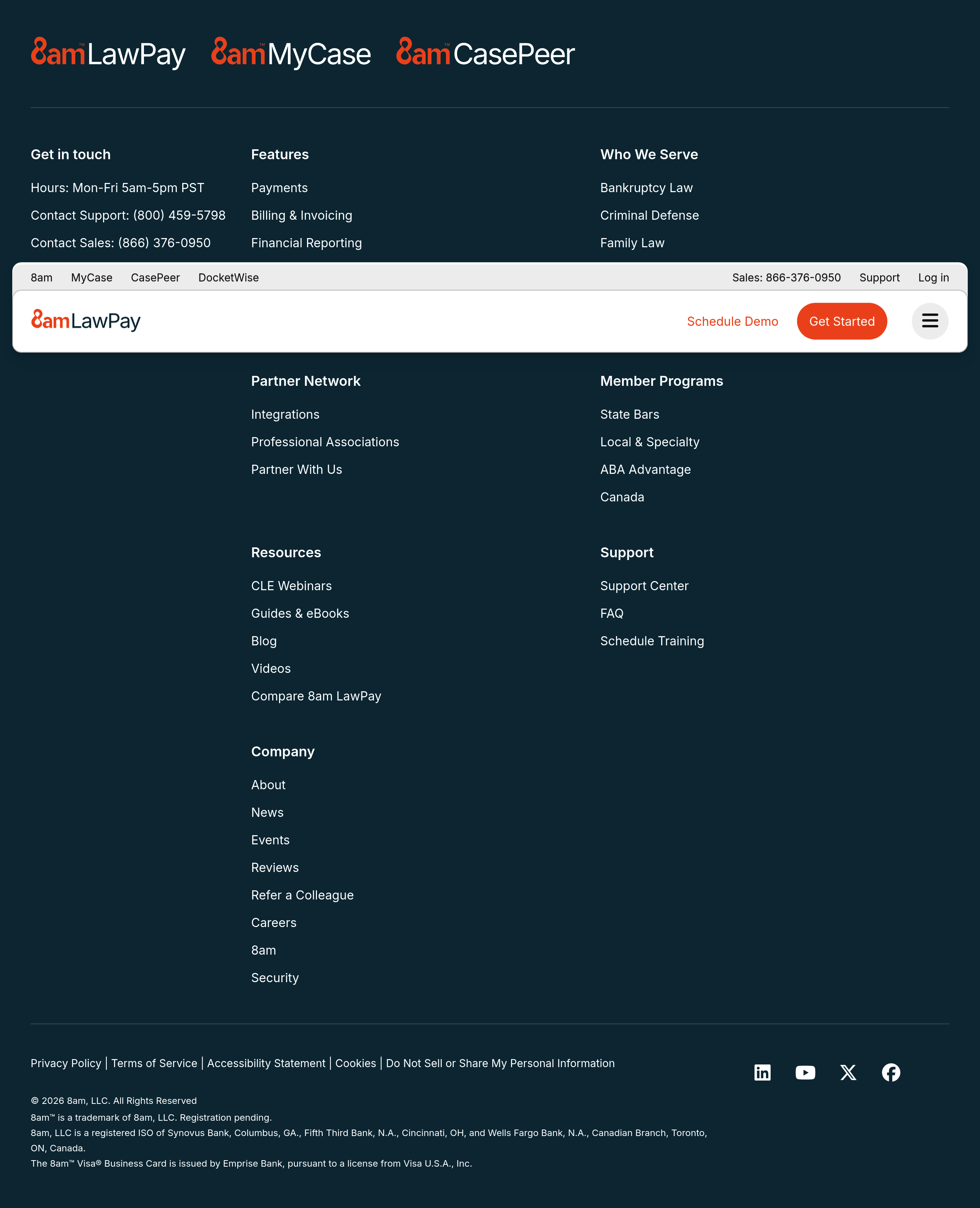
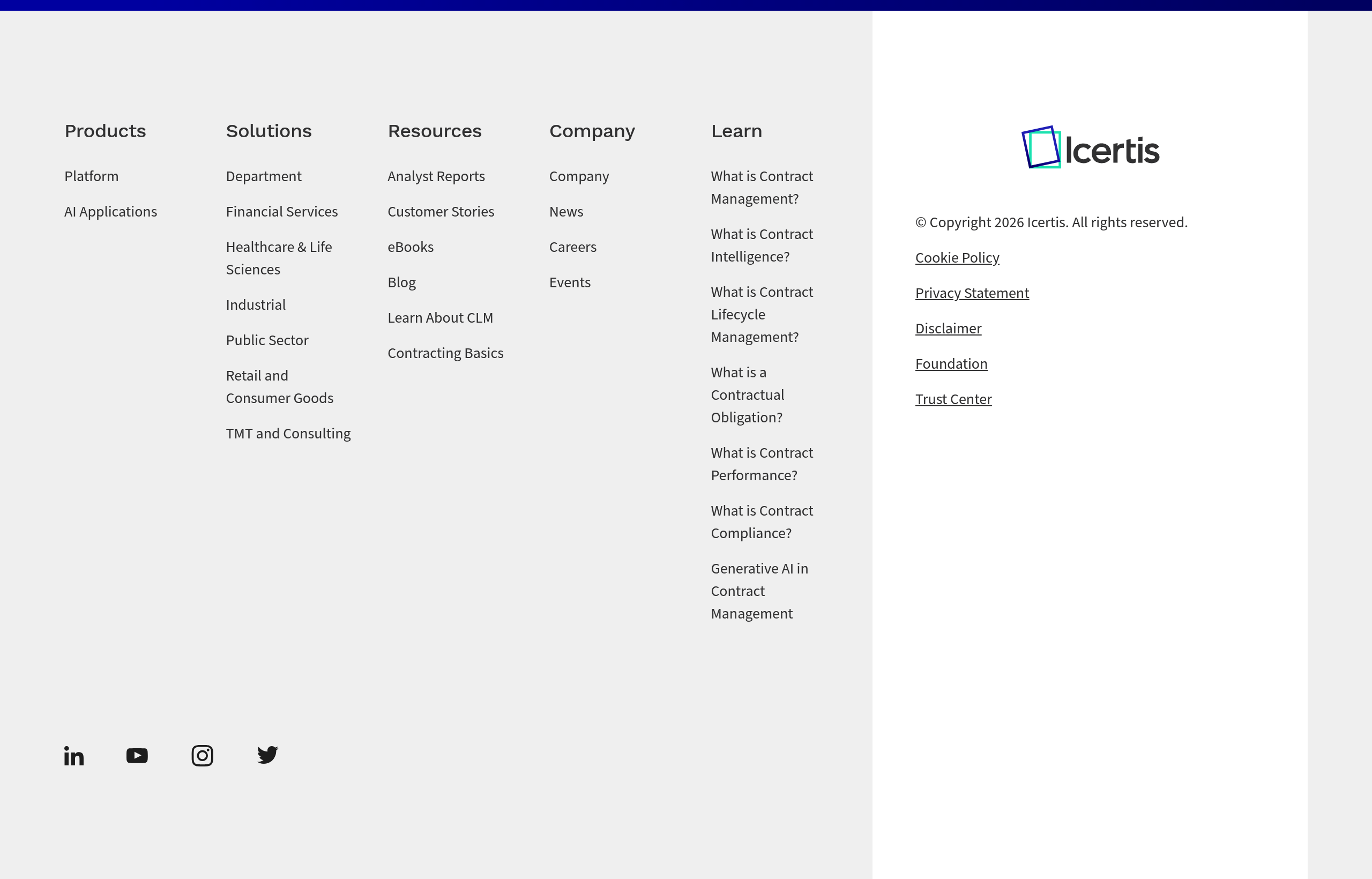
The footer is the last thing users see. It provides secondary navigation, legal information, and trust signals. While not the primary conversion point, it's important for completeness and SEO.
Footers serve multiple purposes: navigation for users who scrolled to the bottom, legal/trust information, and SEO through internal linking.
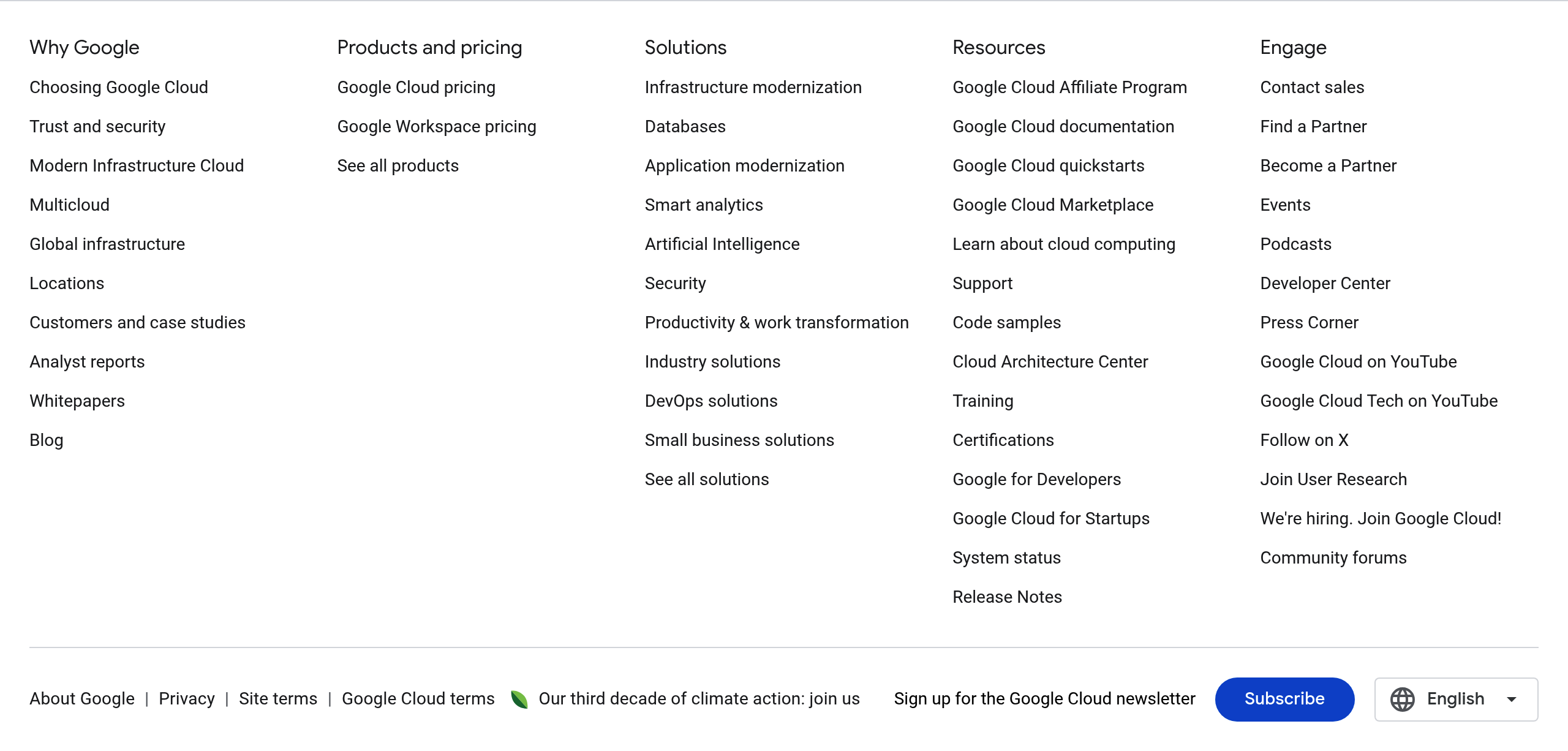
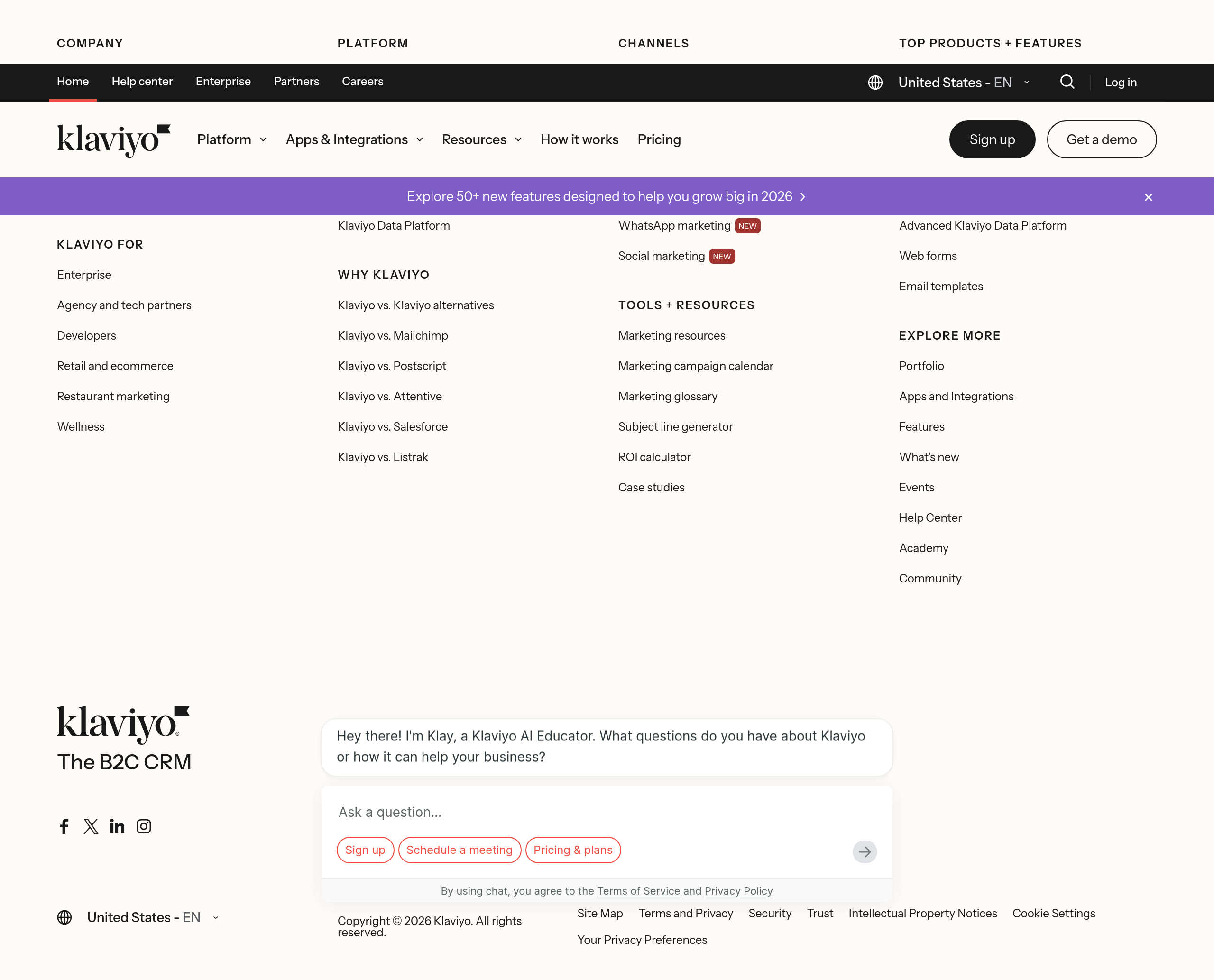
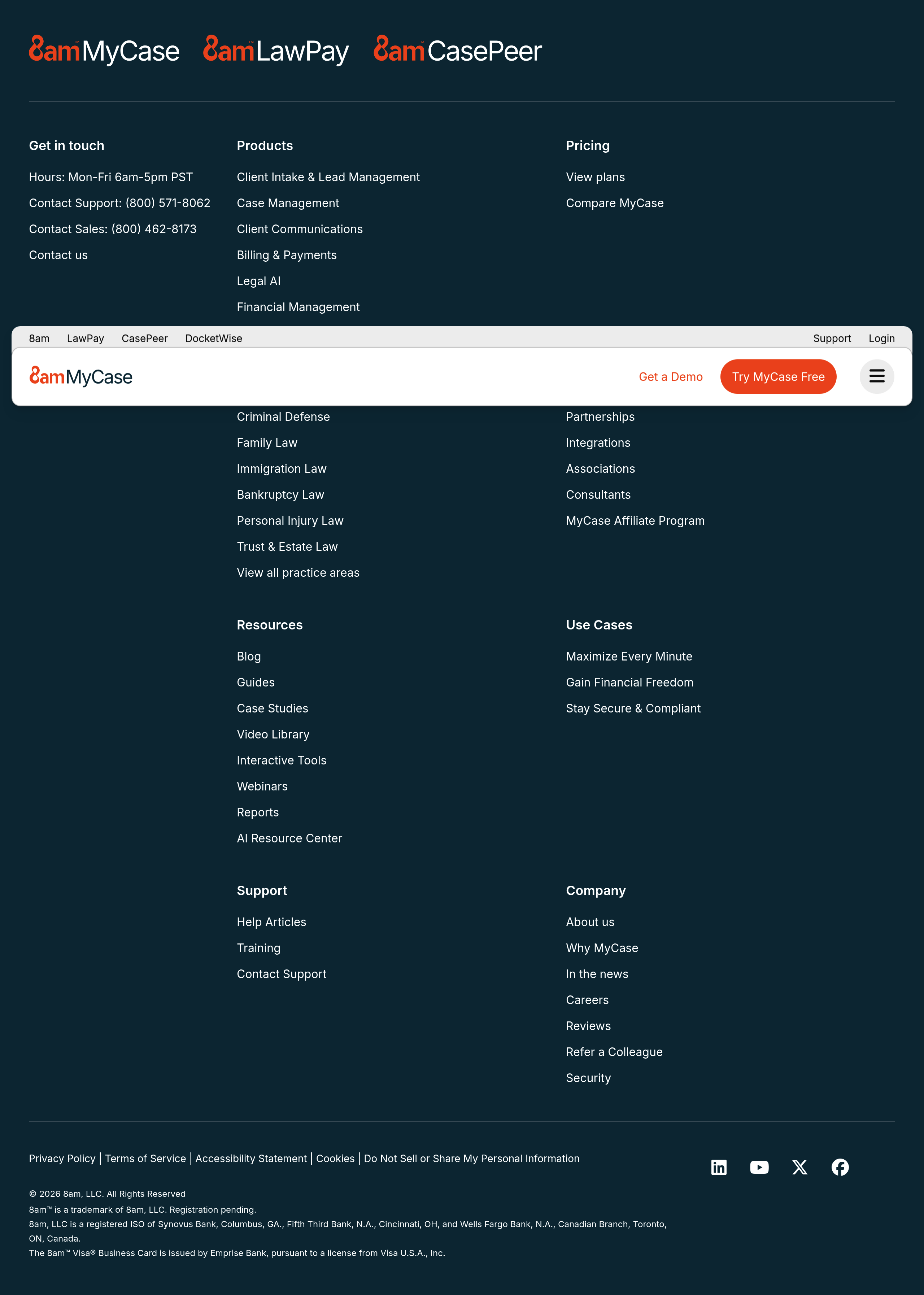
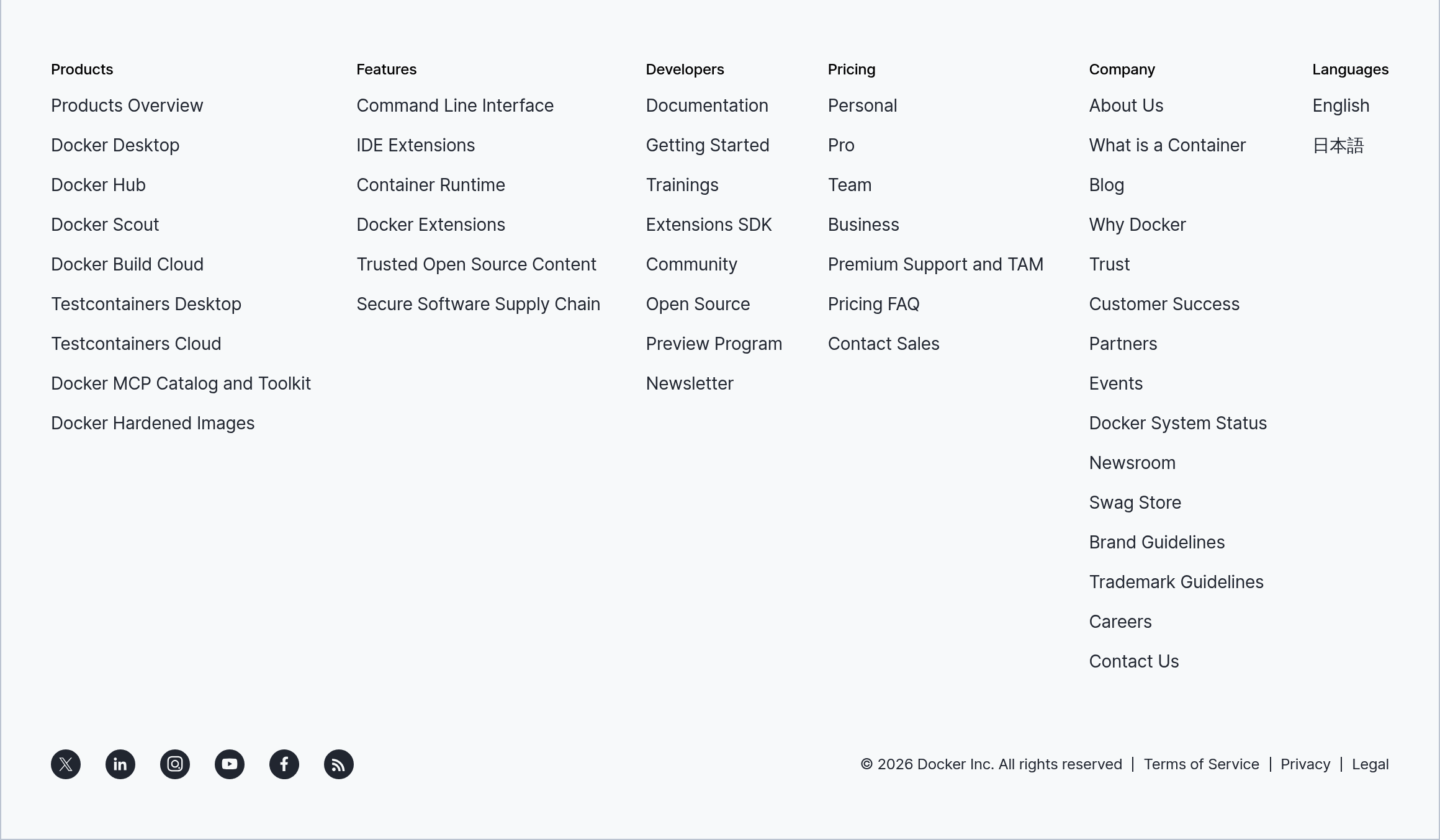
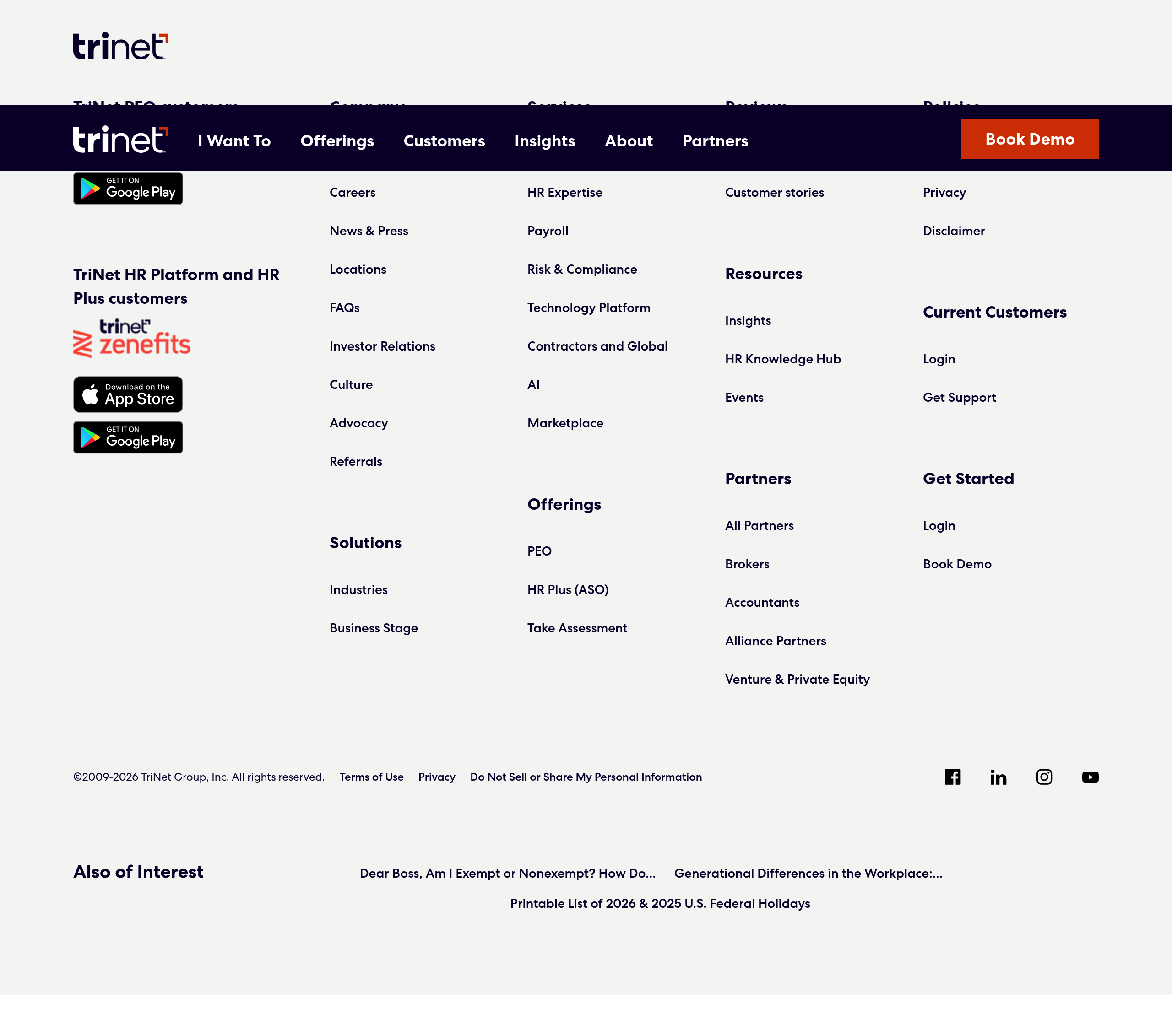
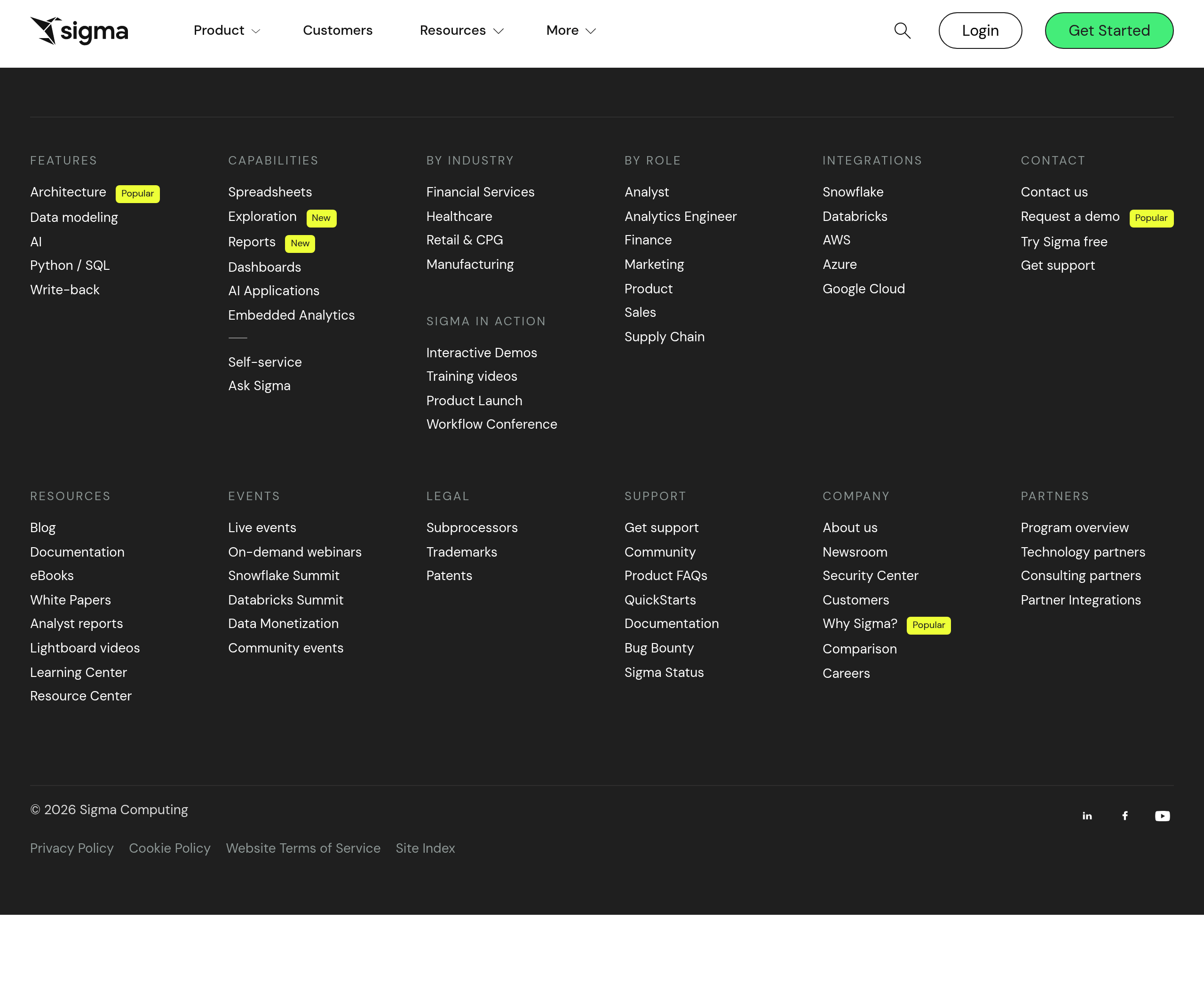
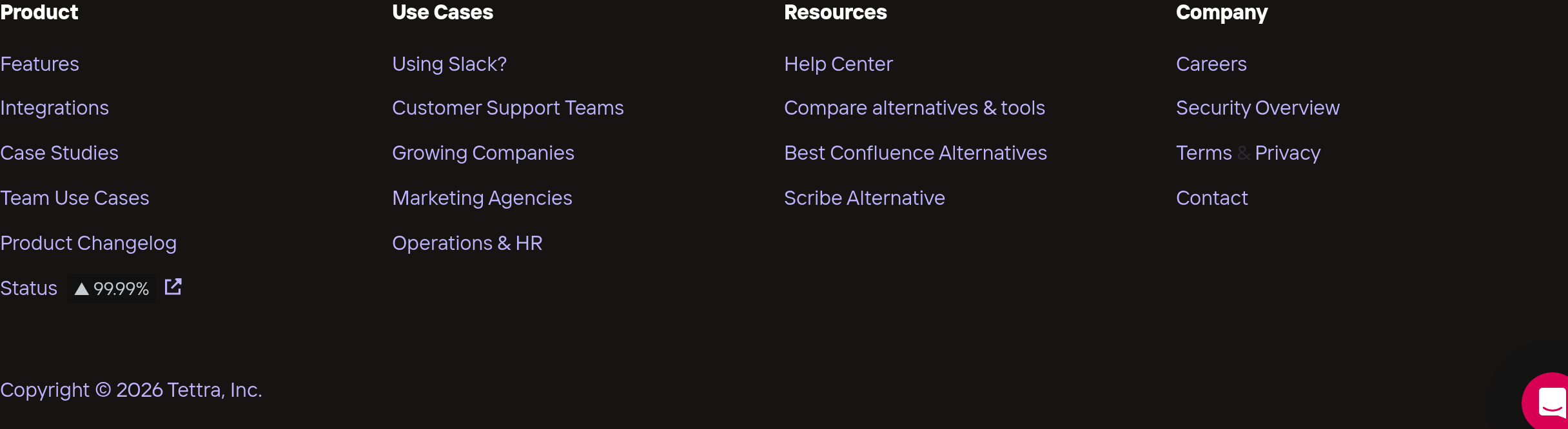
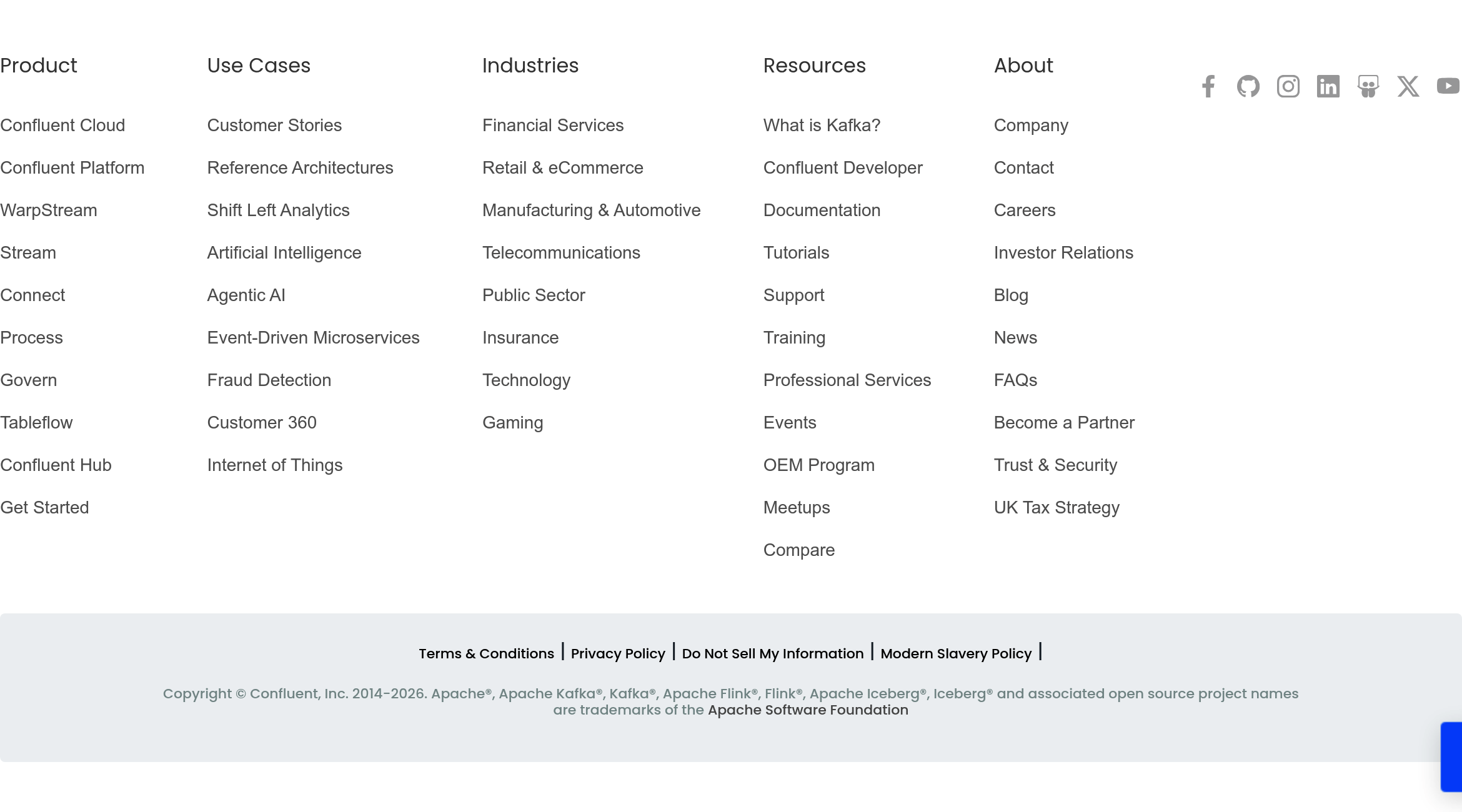
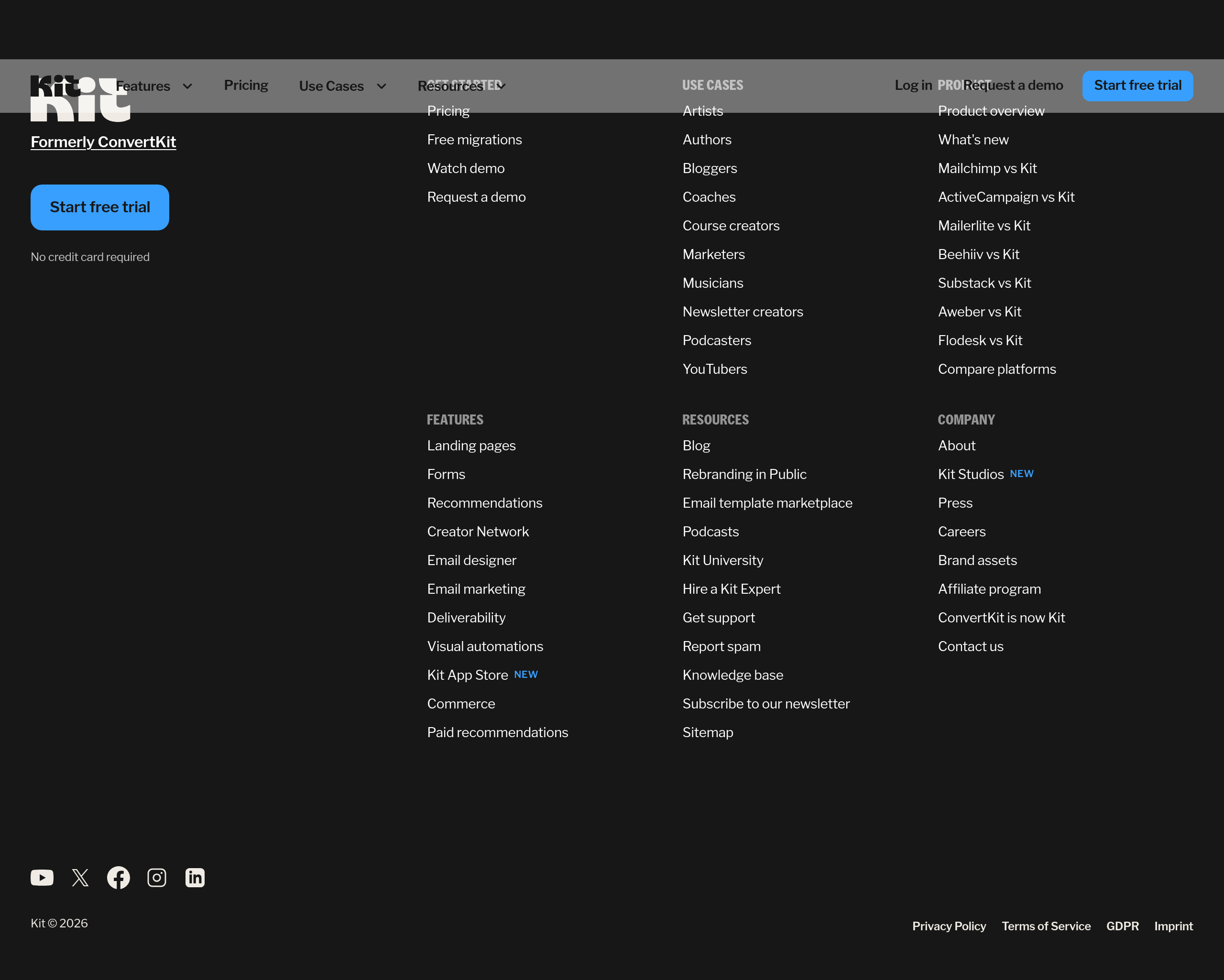
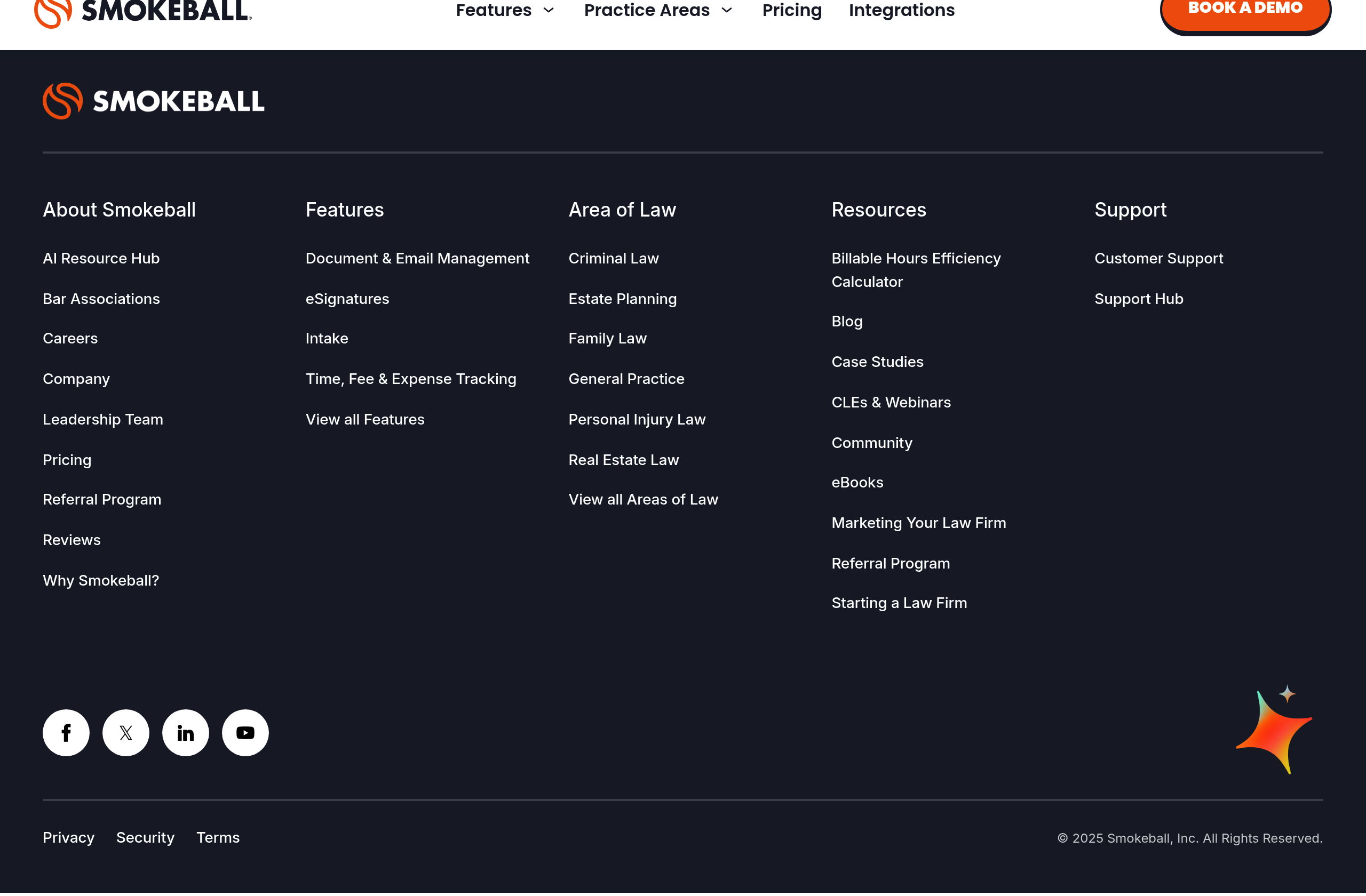
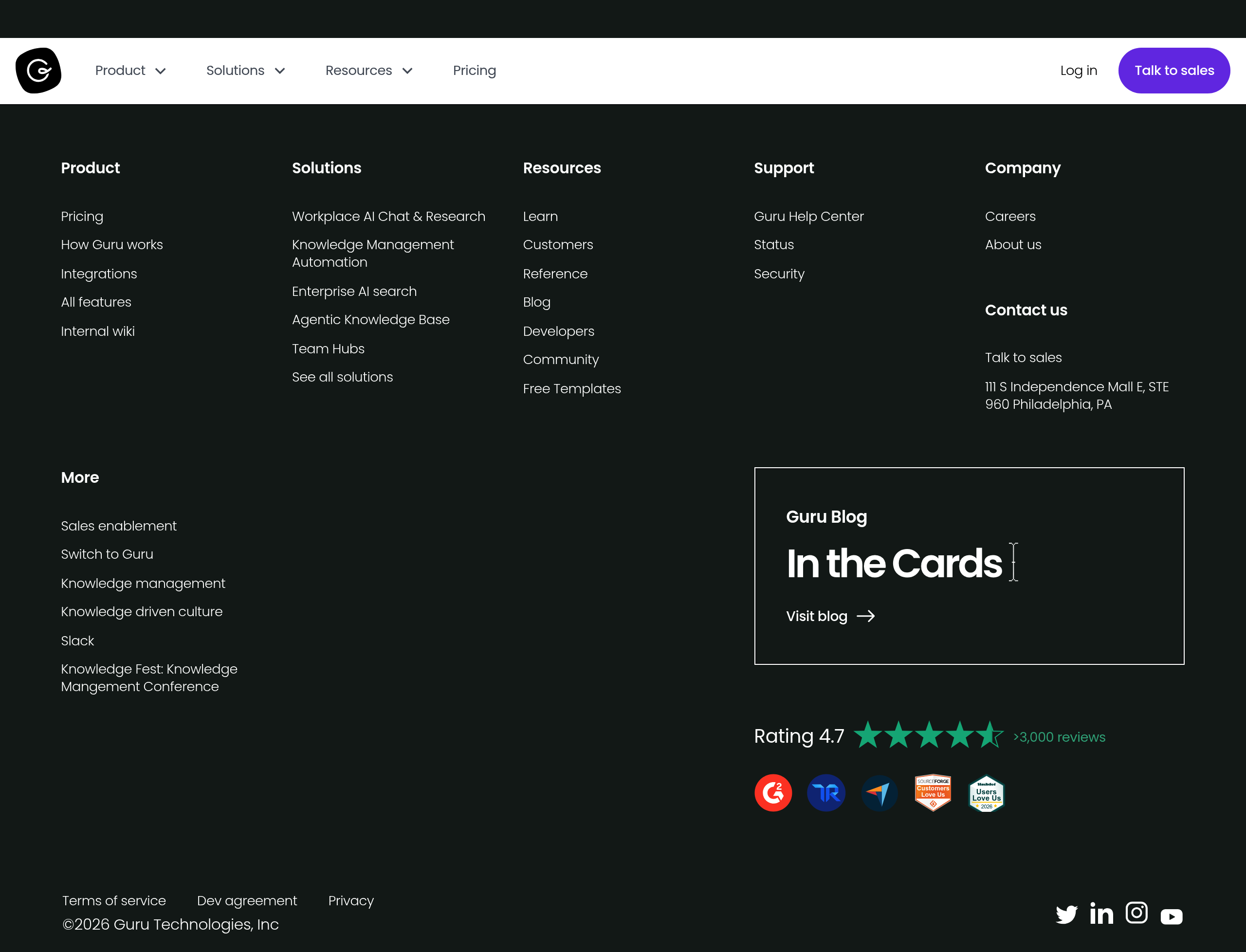
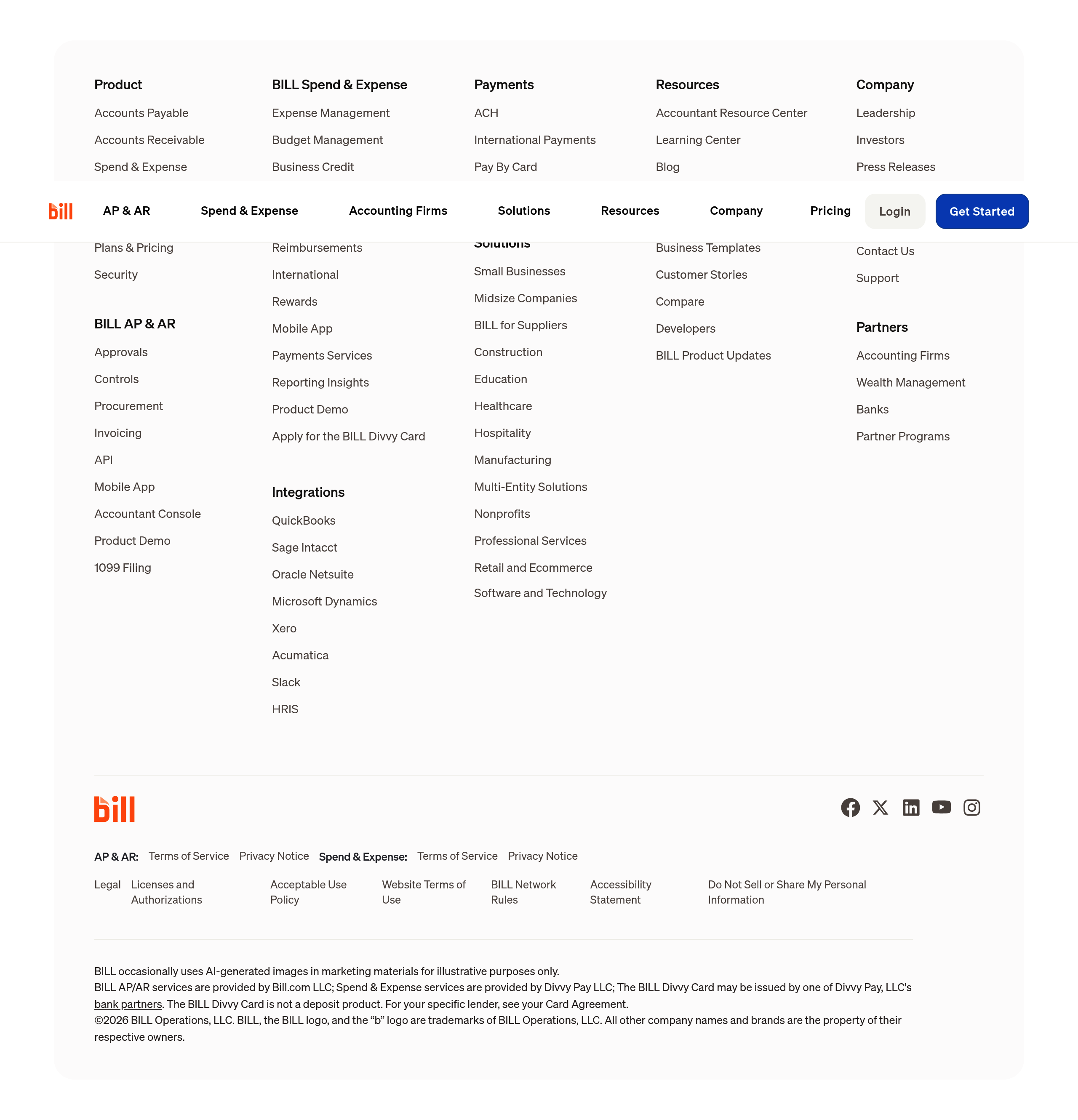
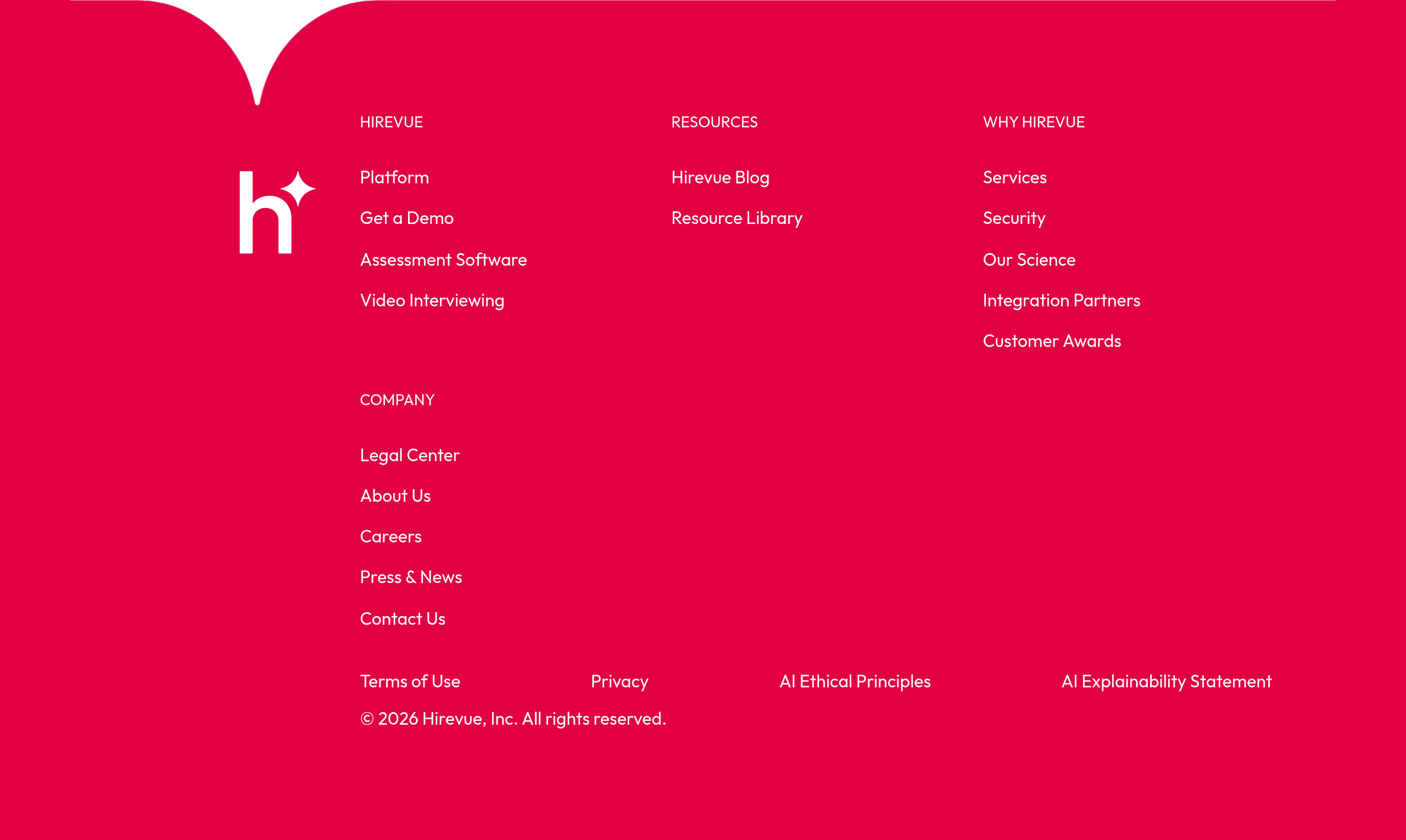
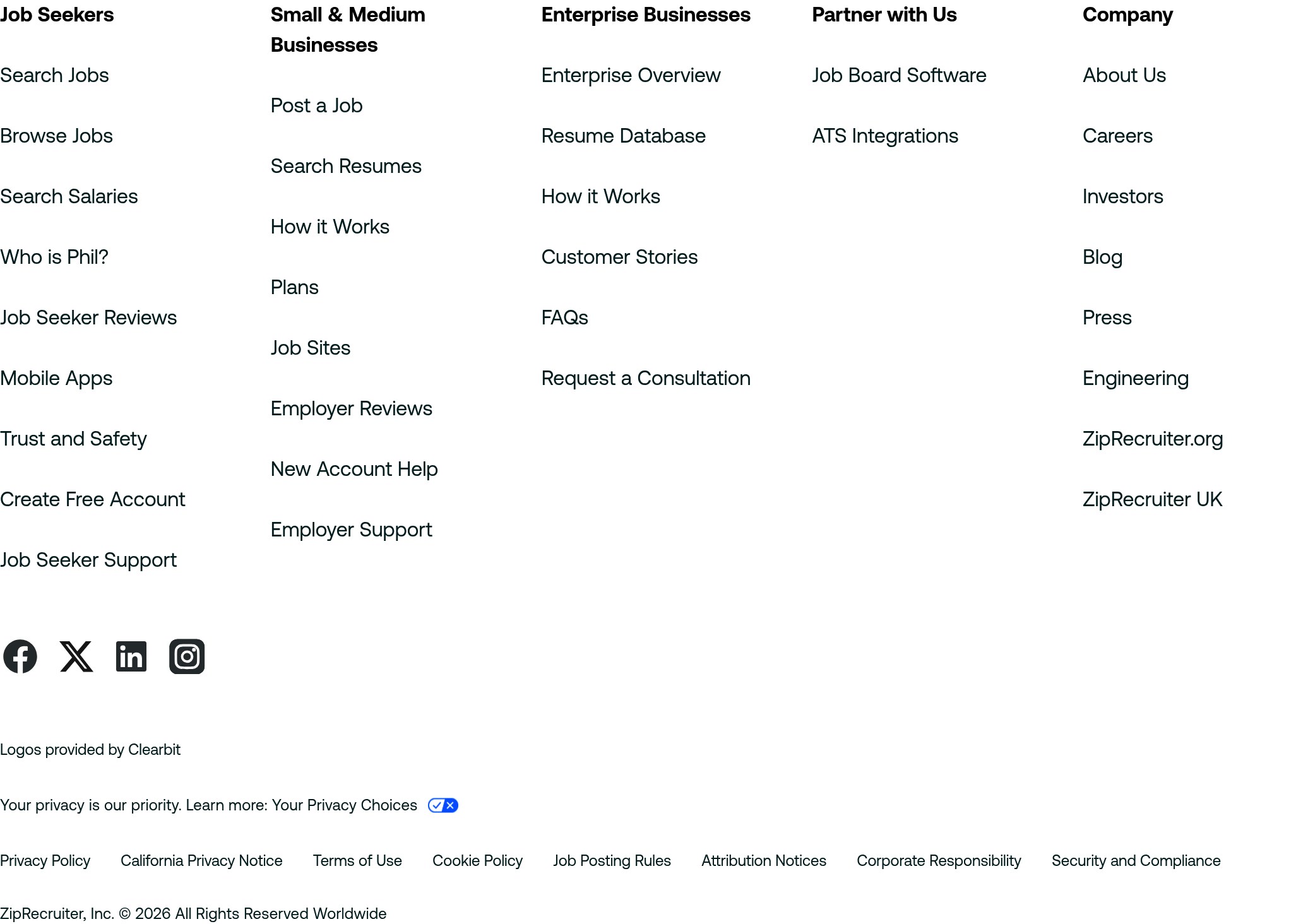
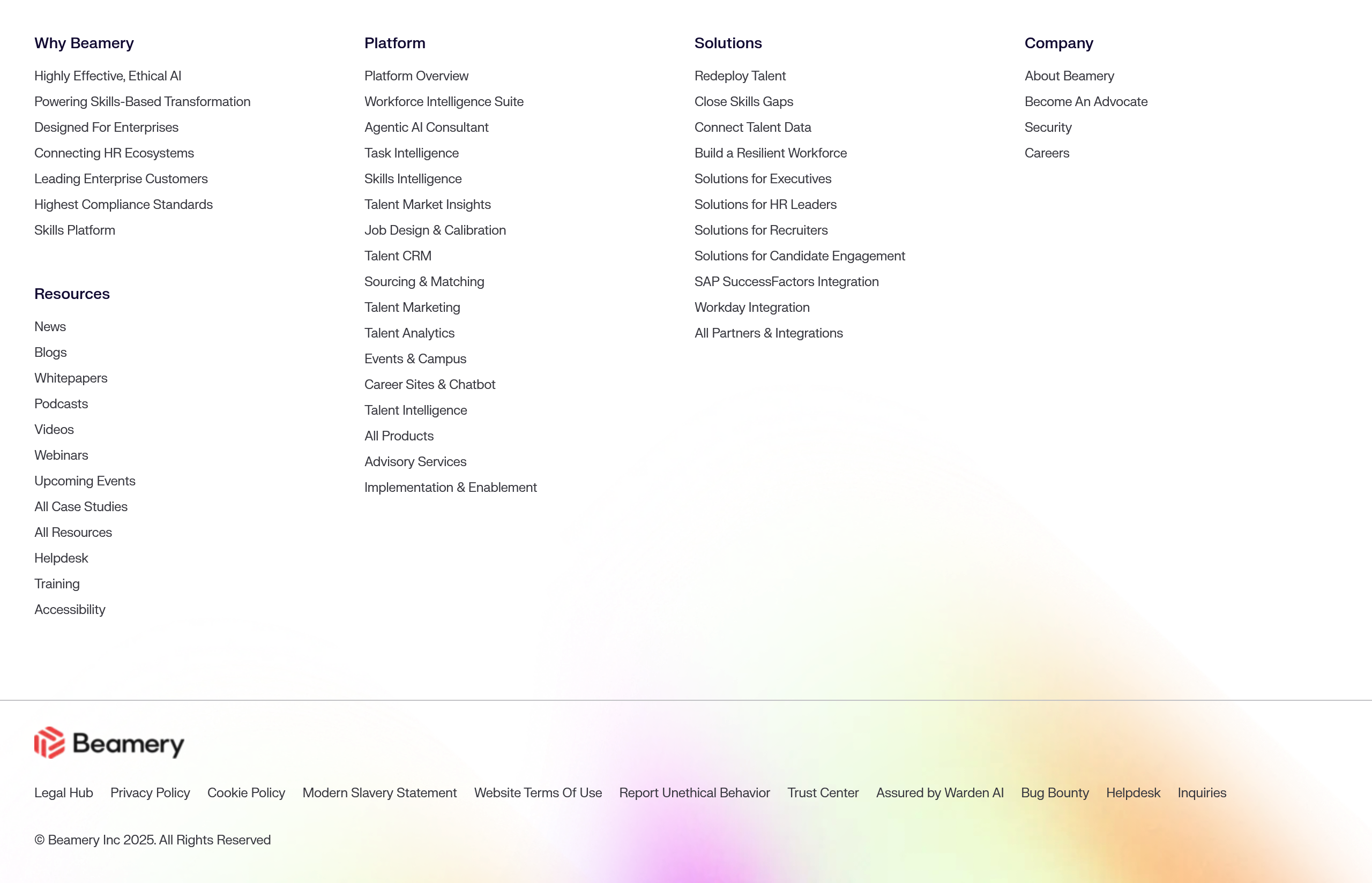
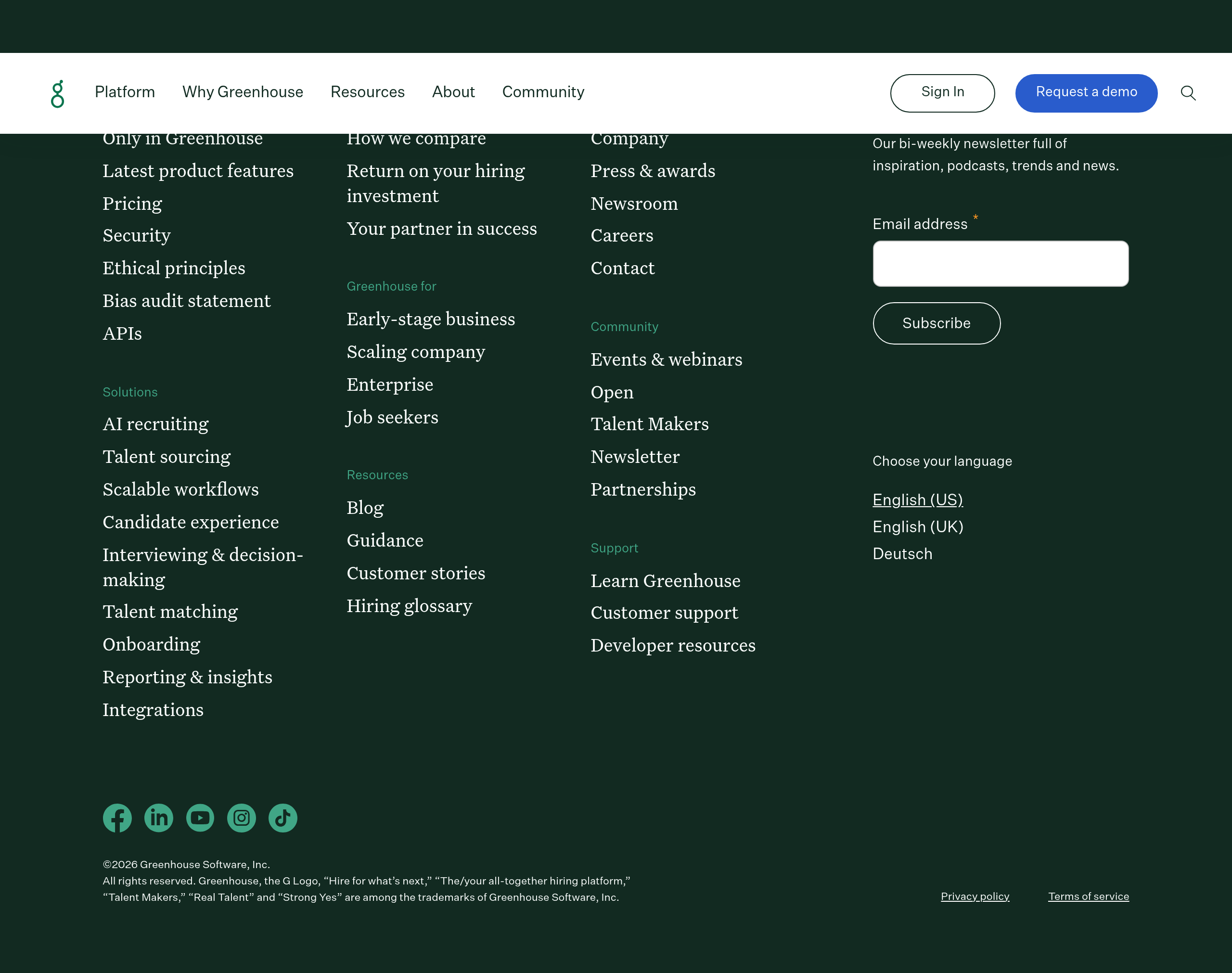
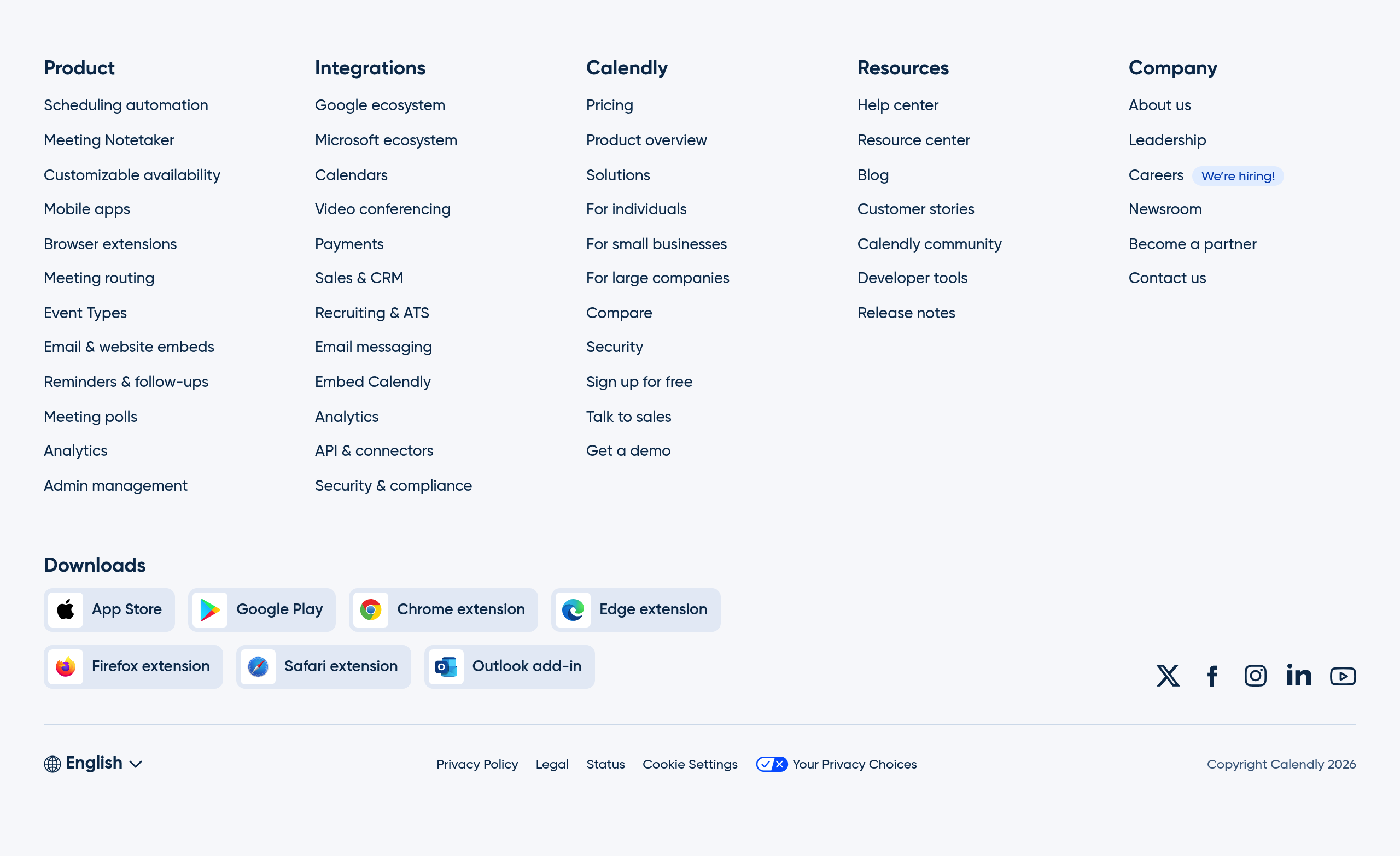
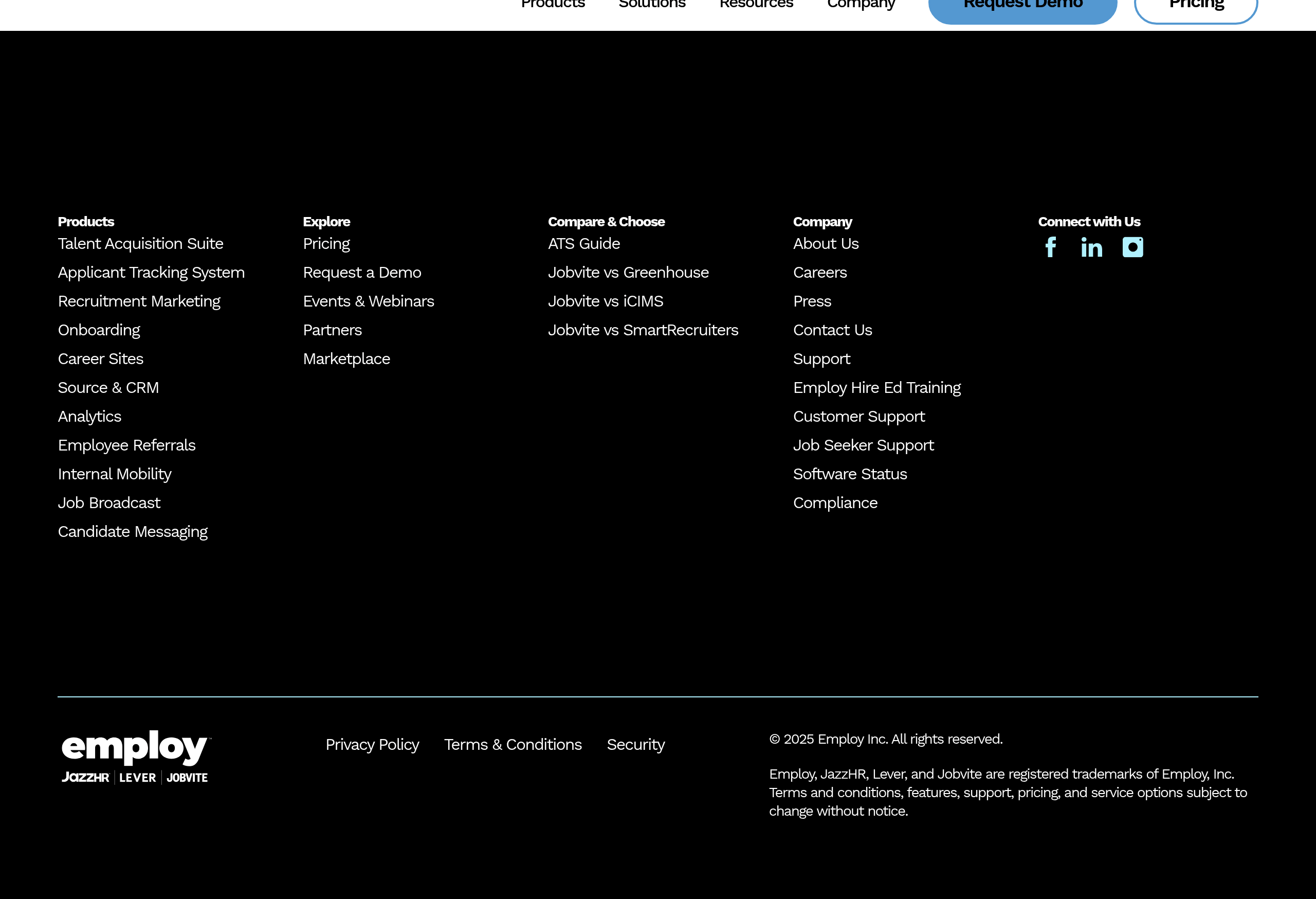
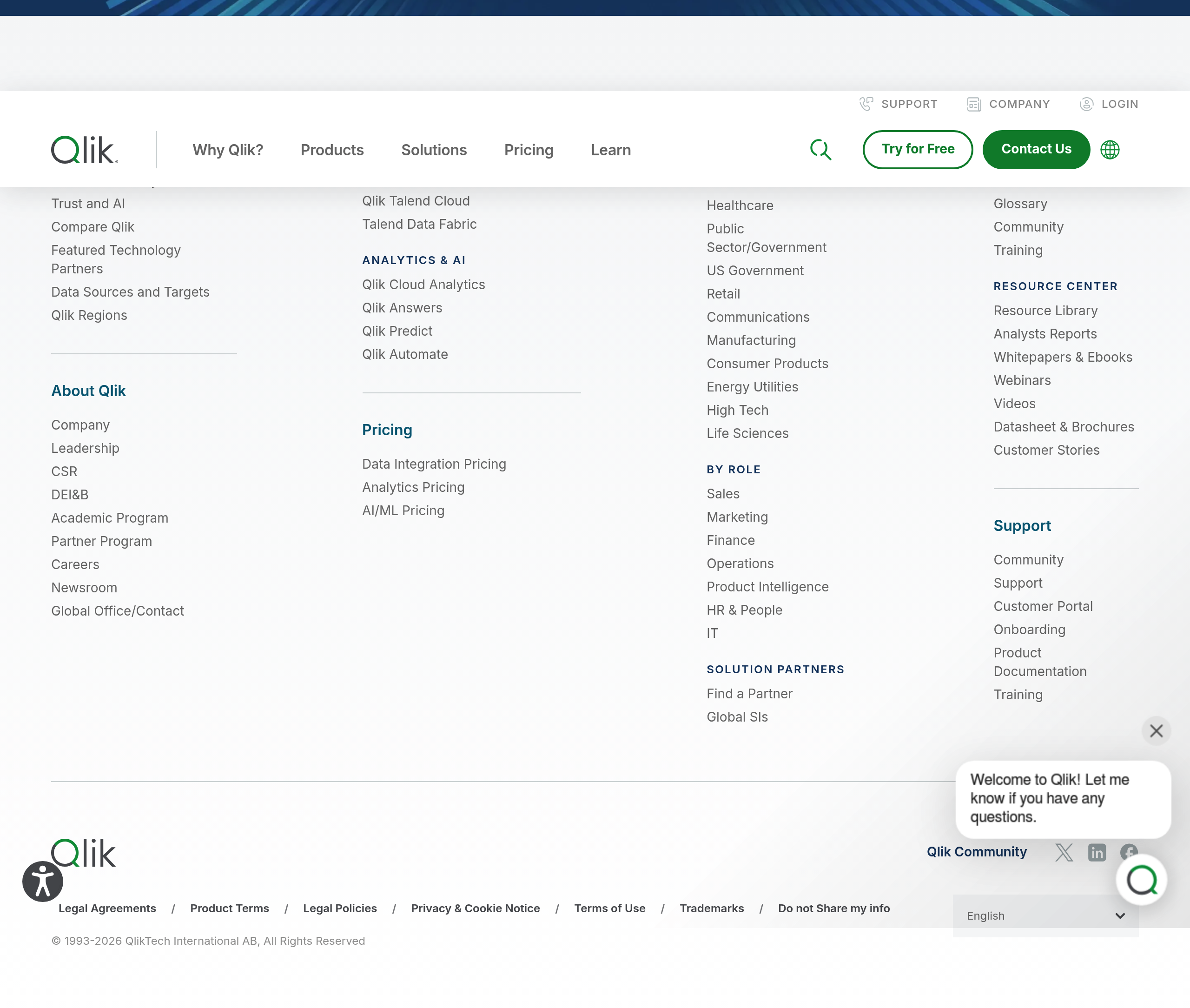
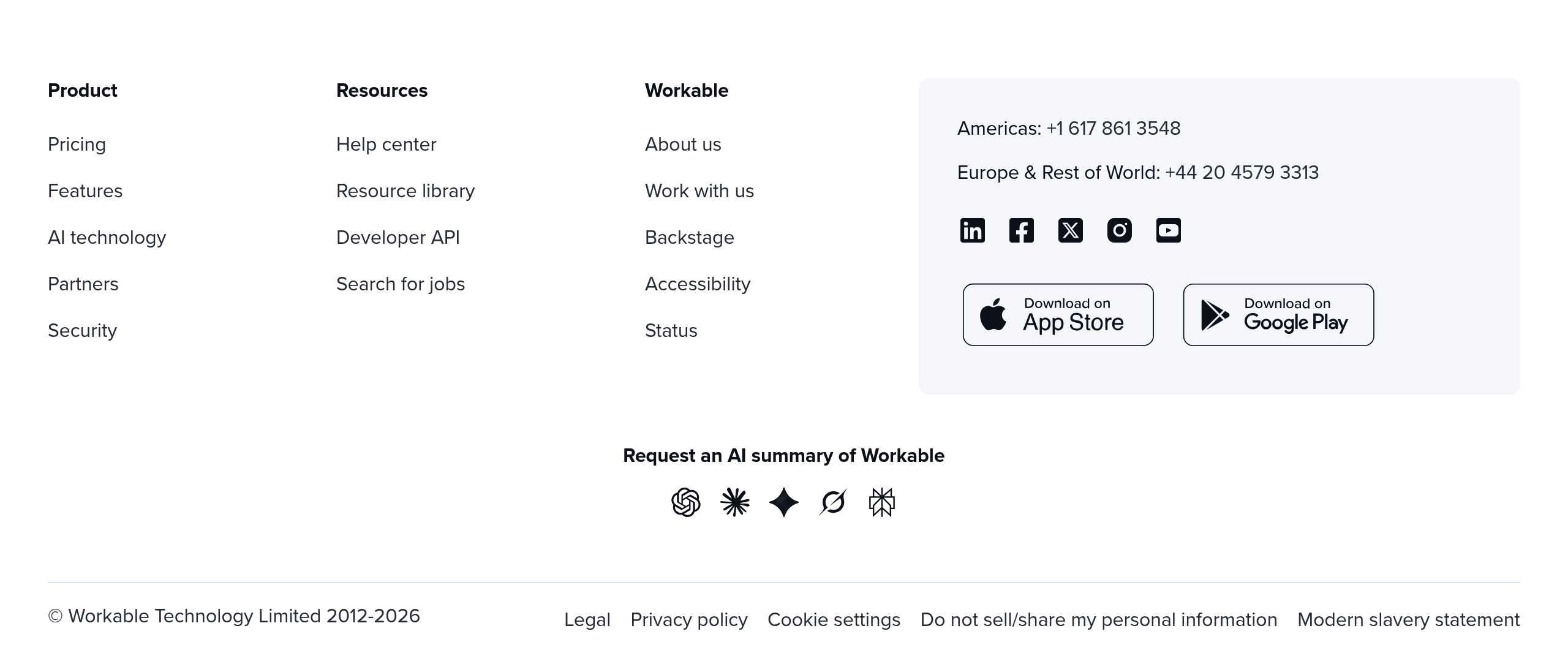
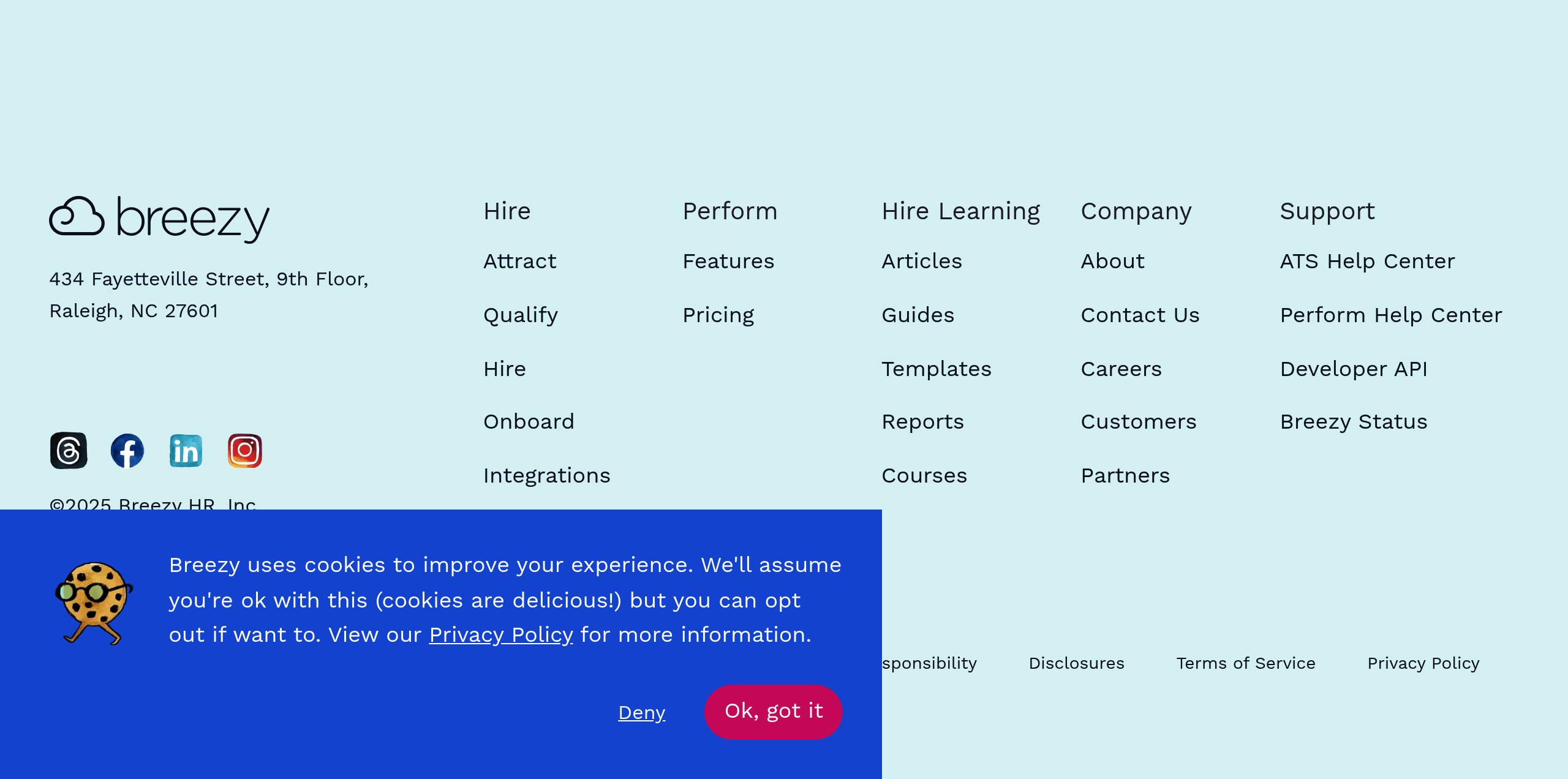
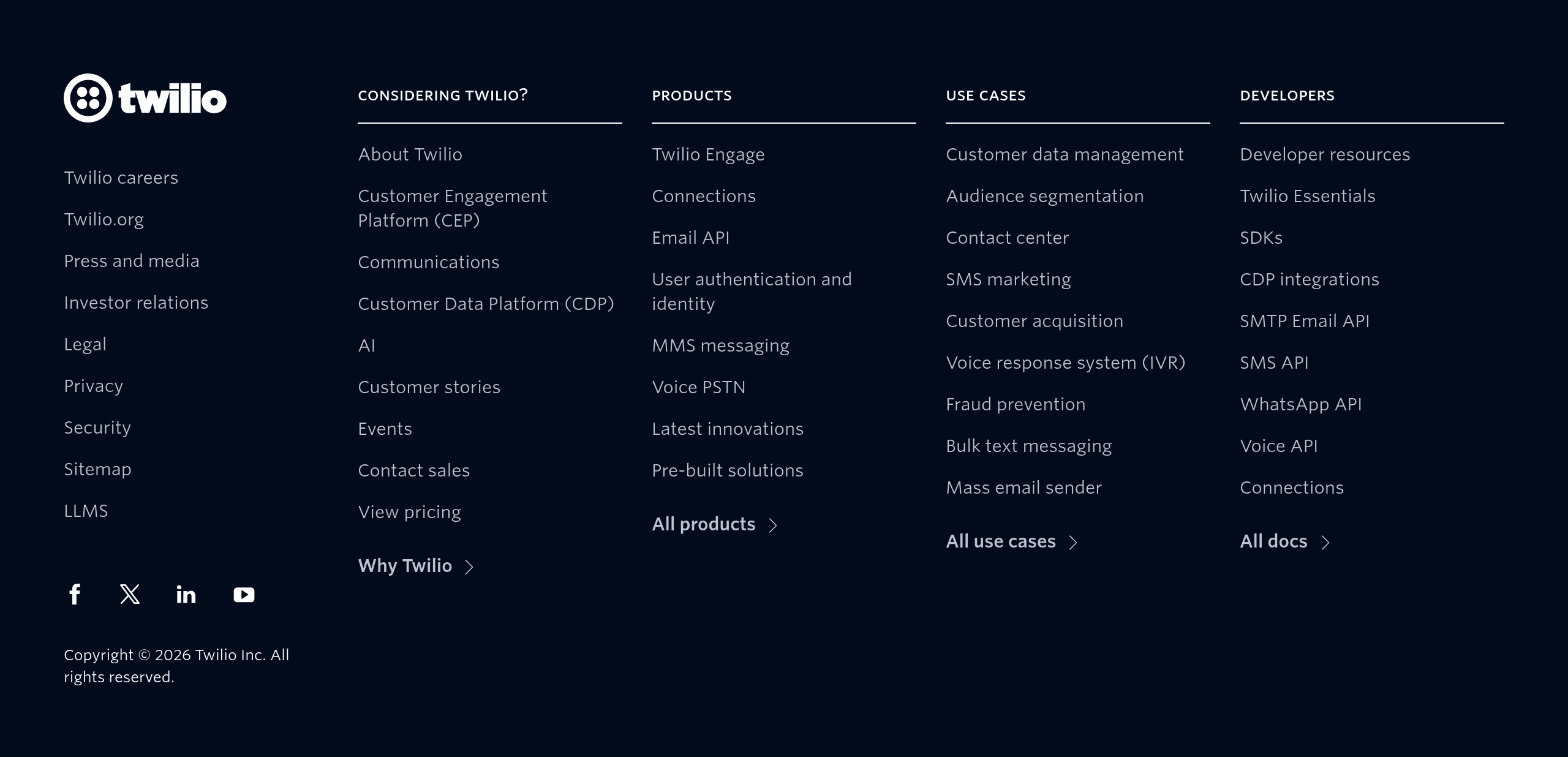
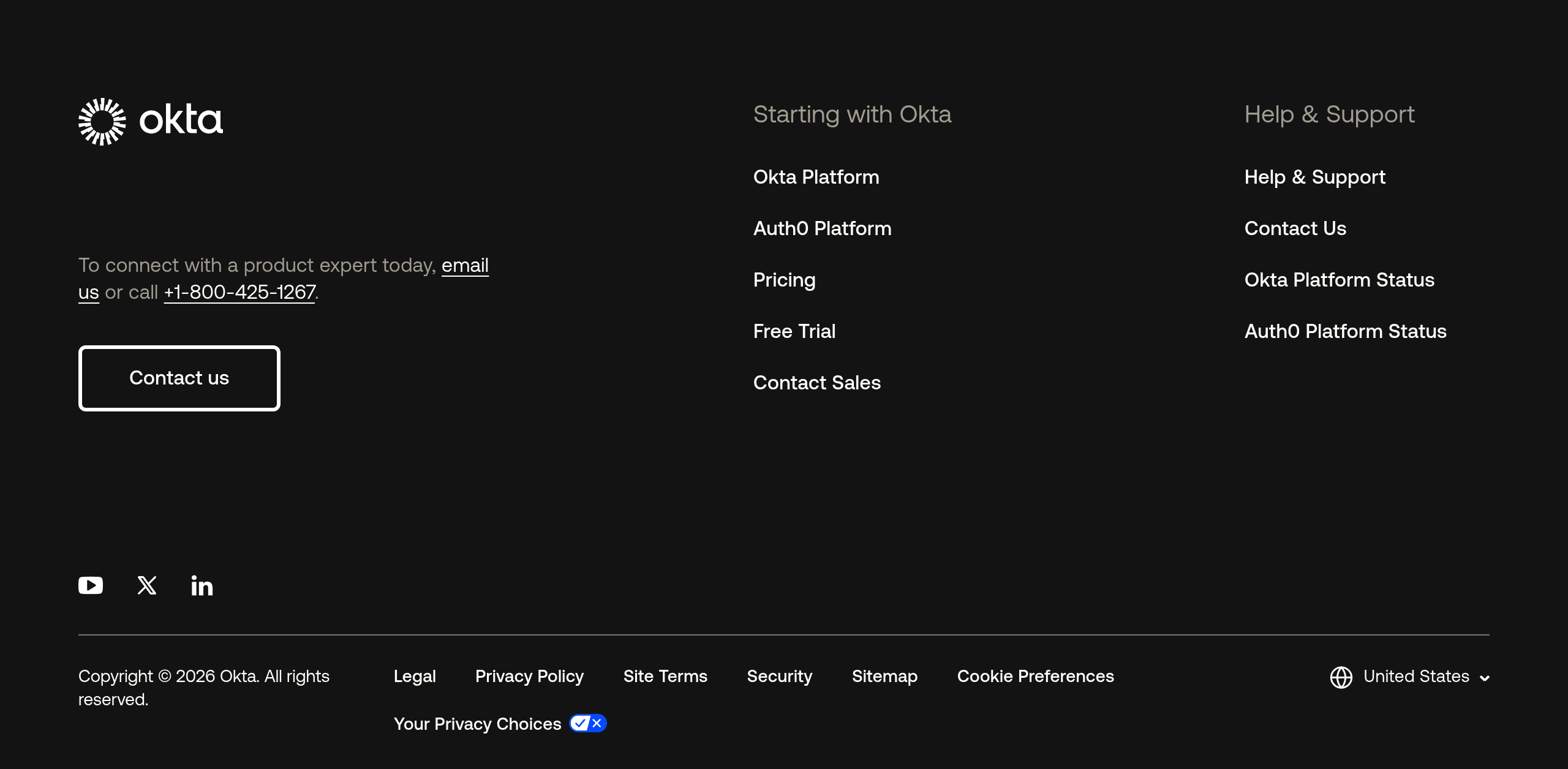
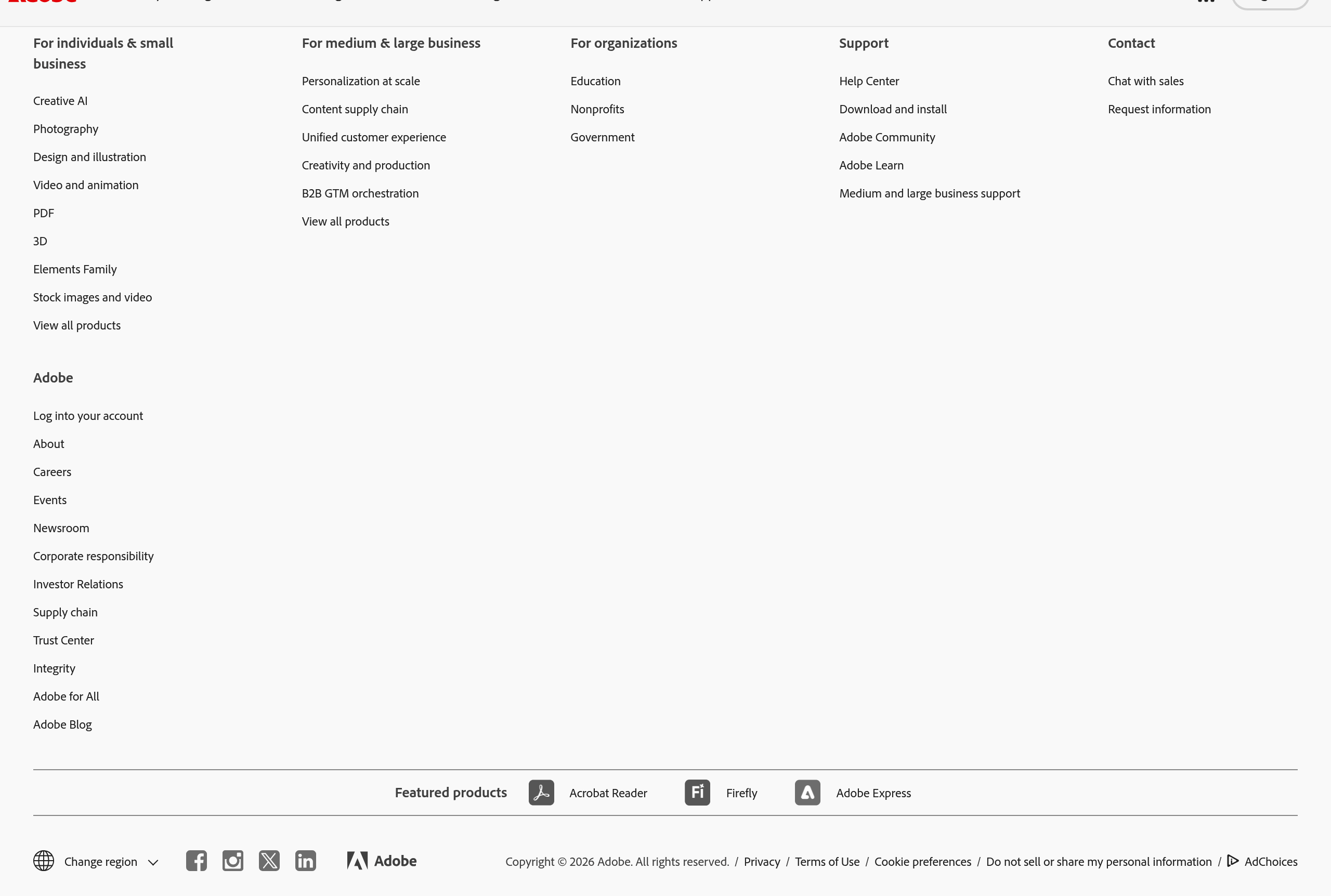
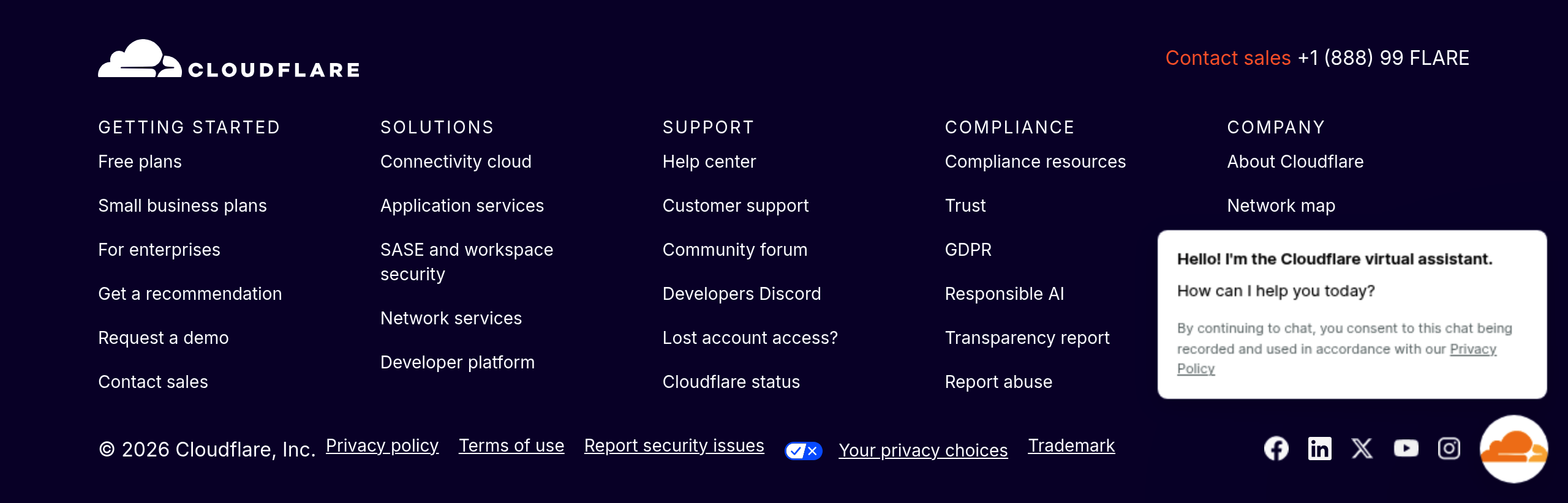
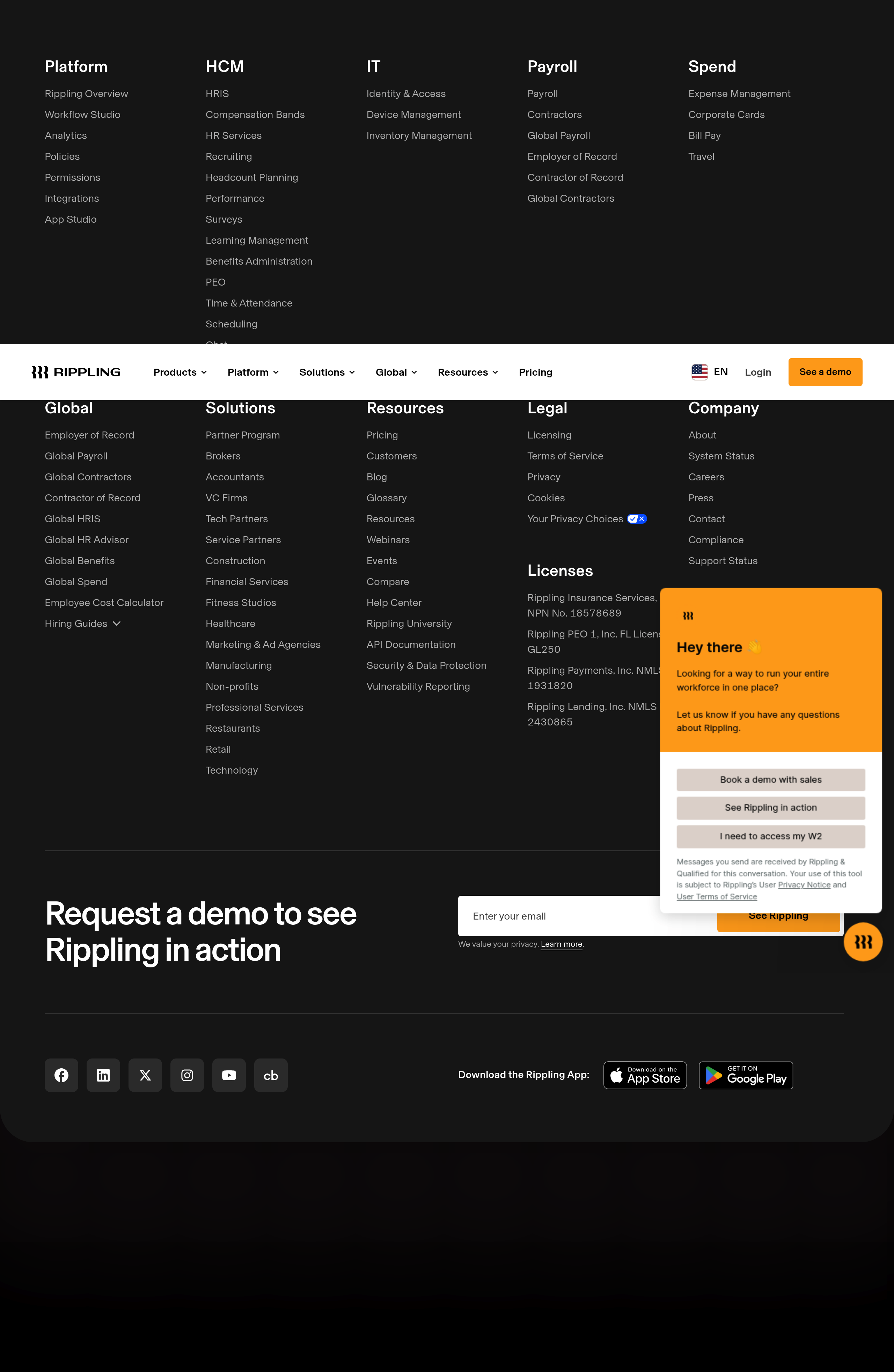
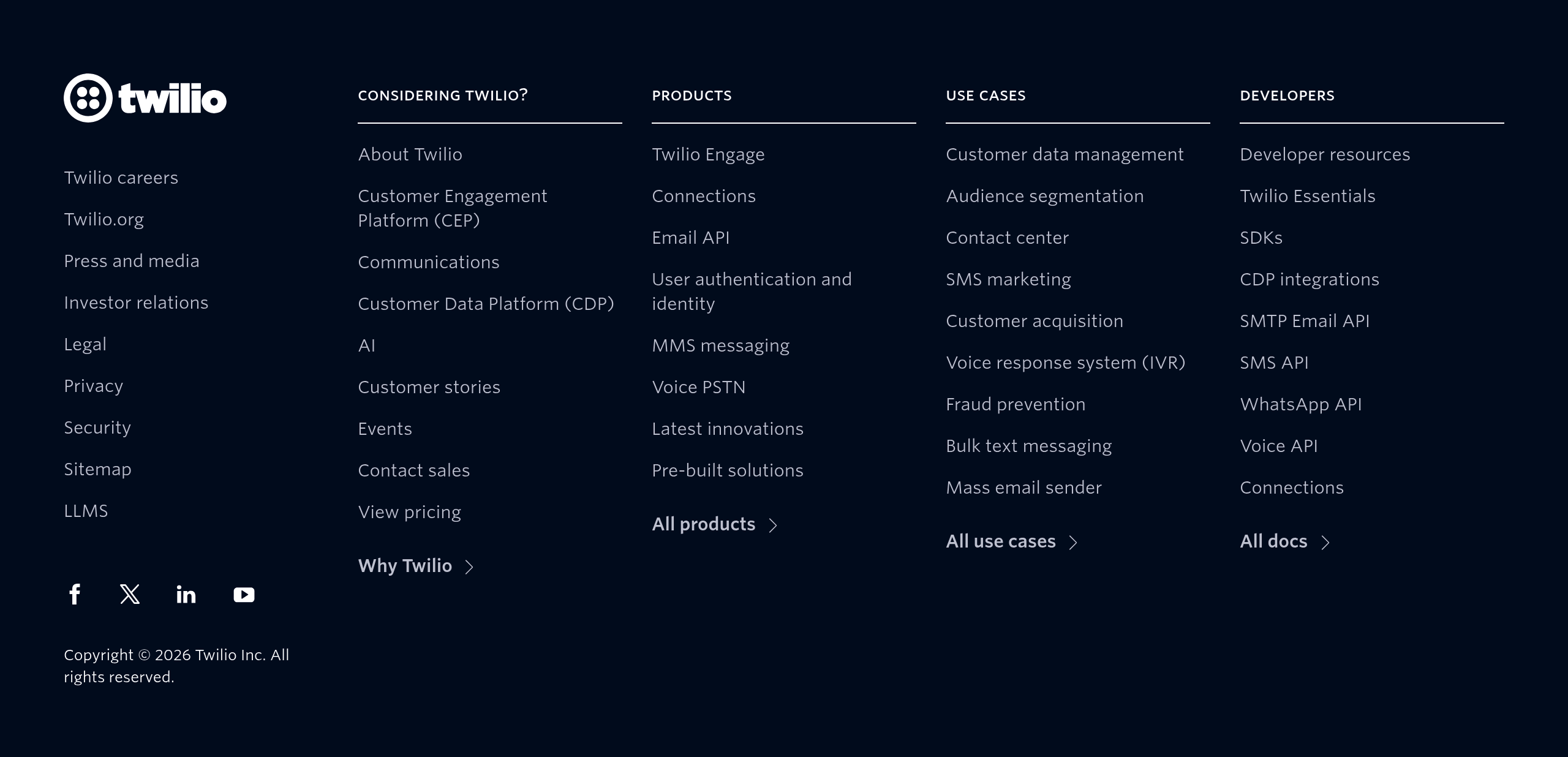
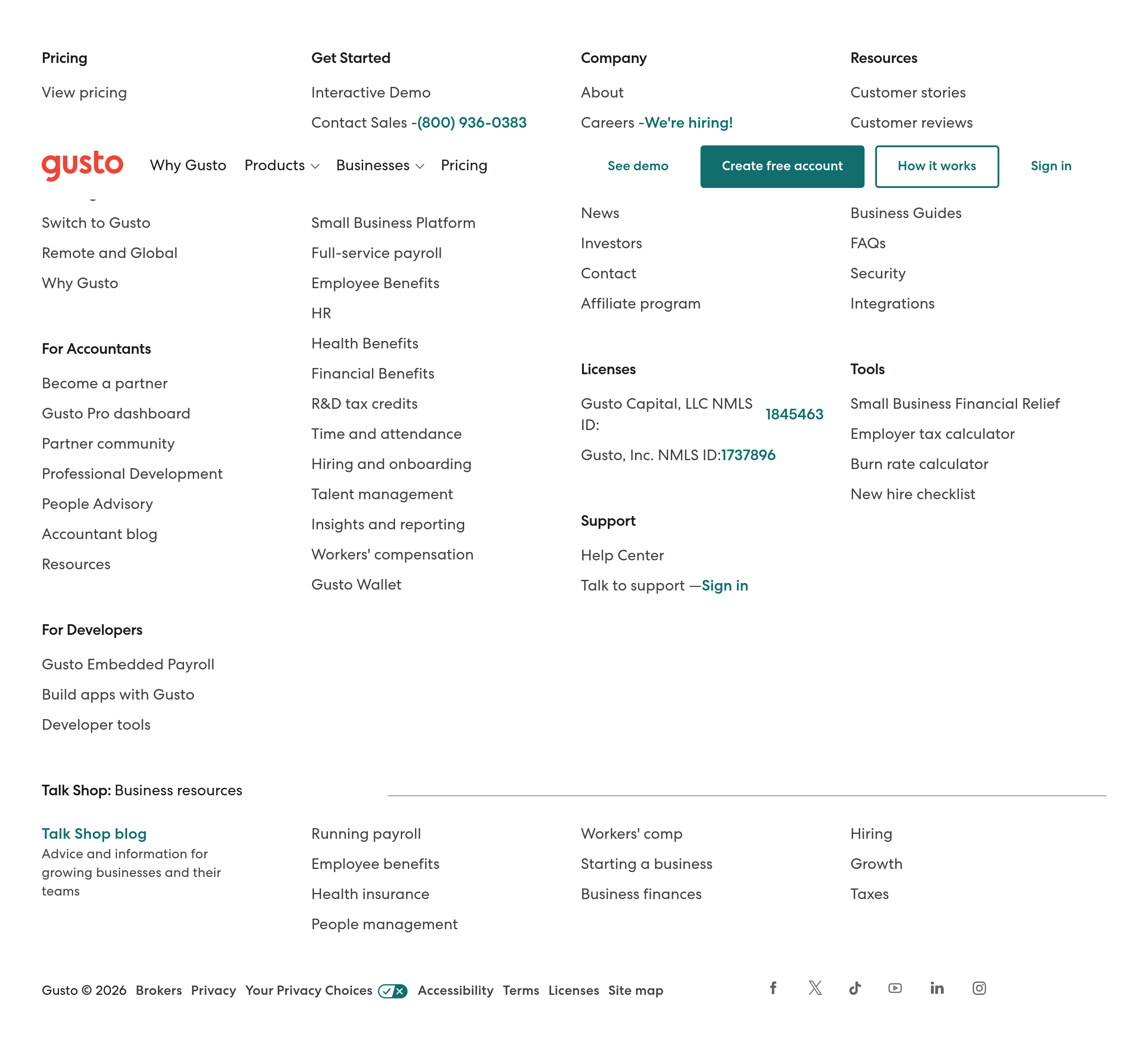
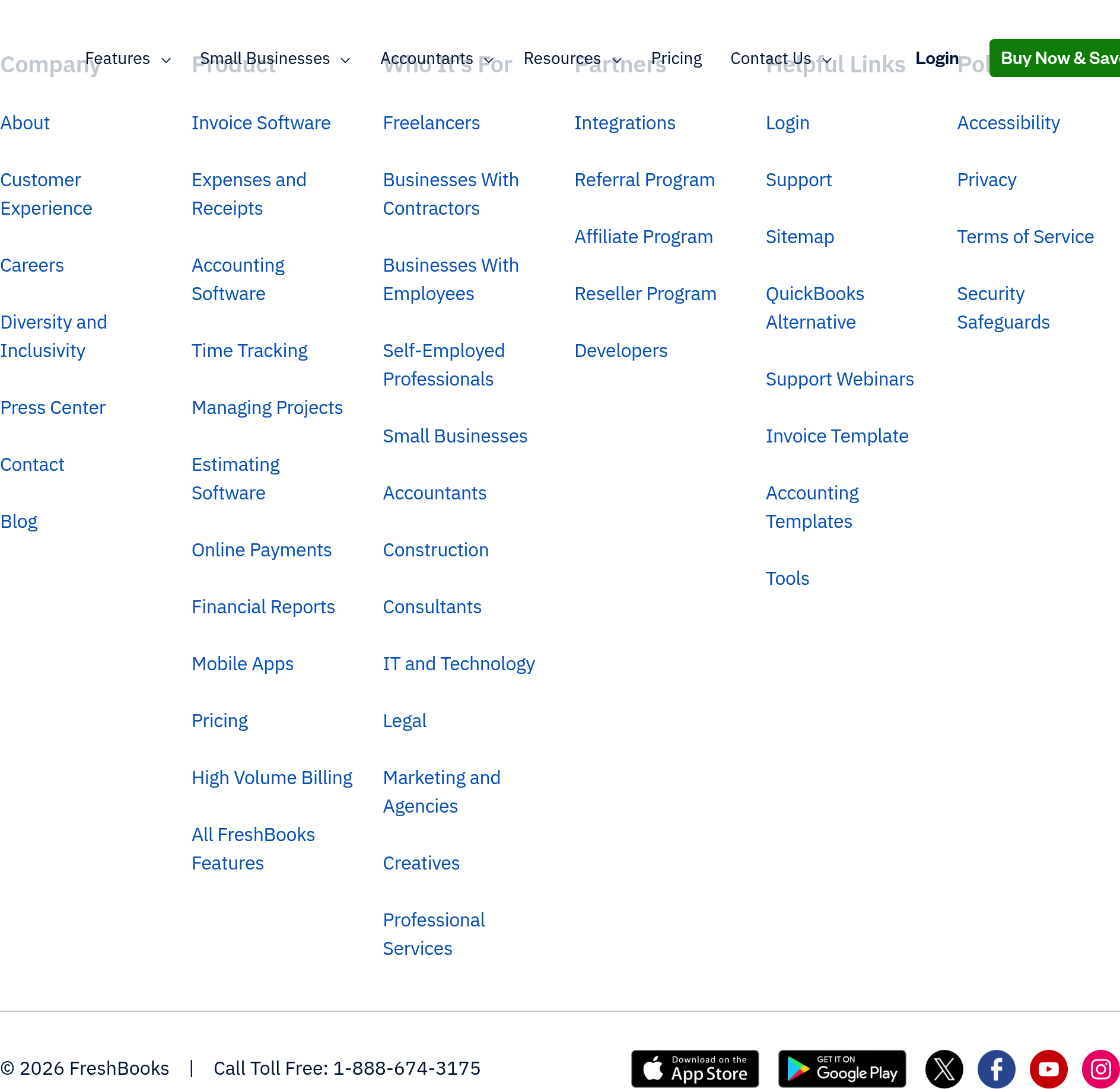
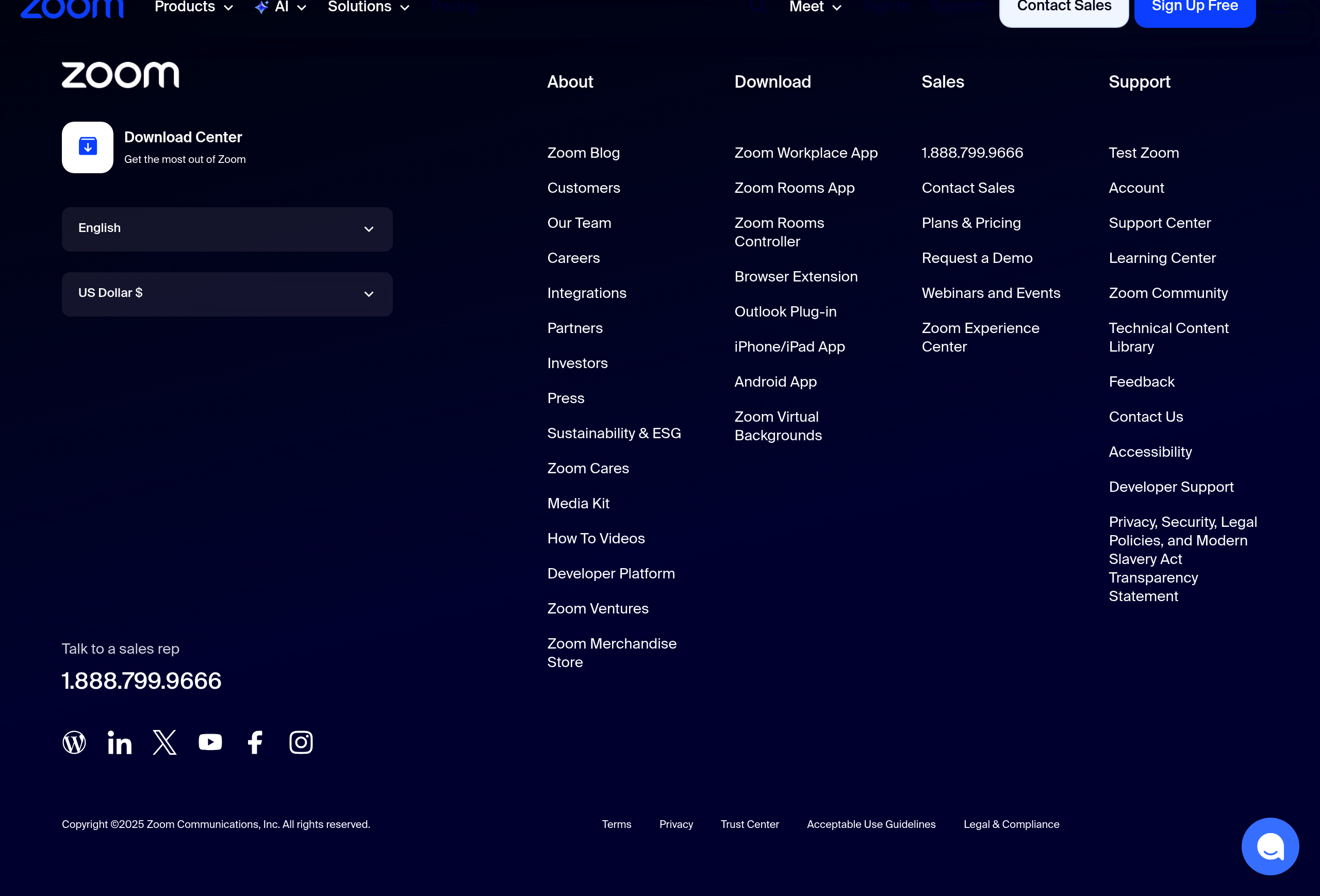
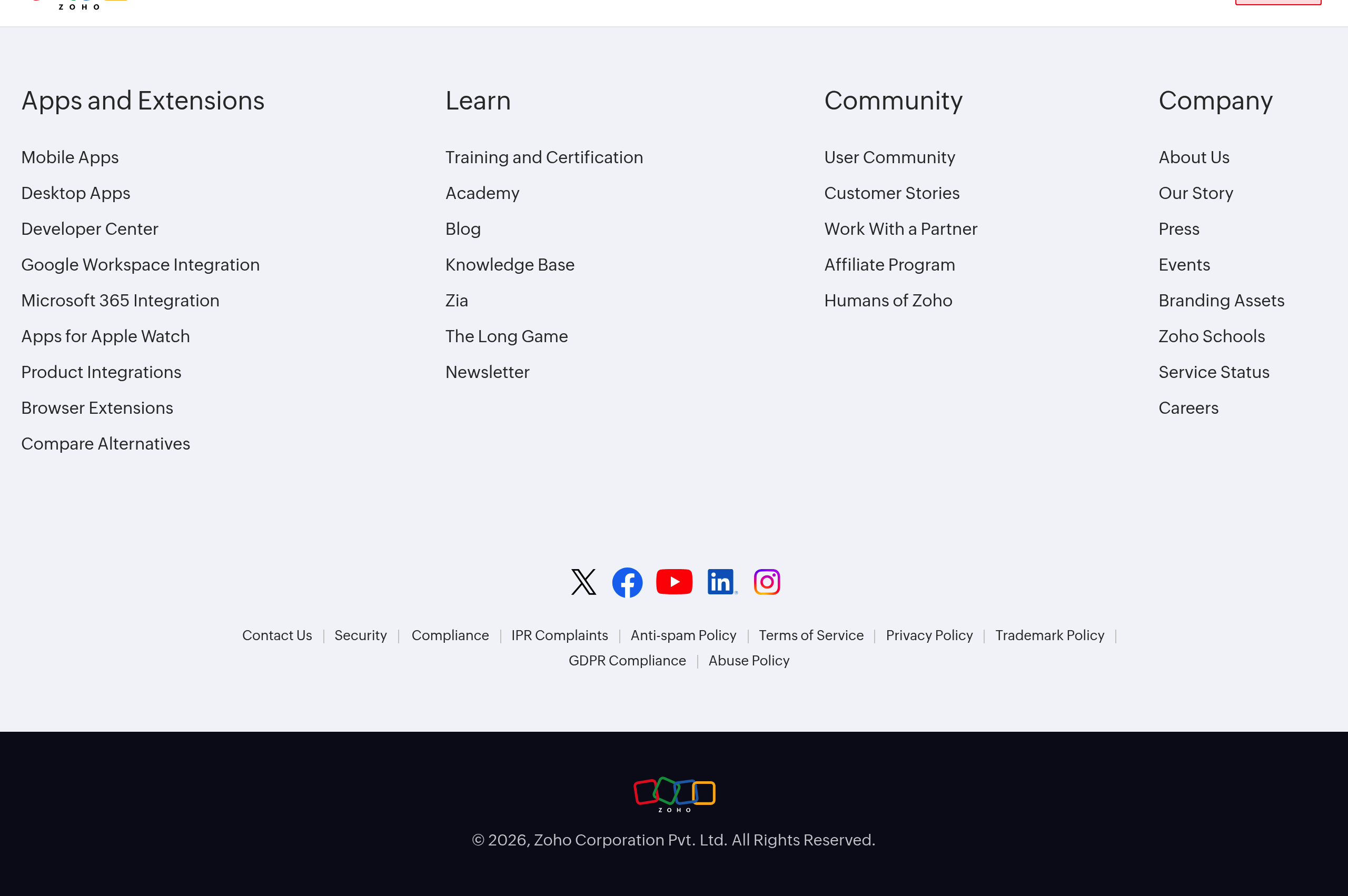
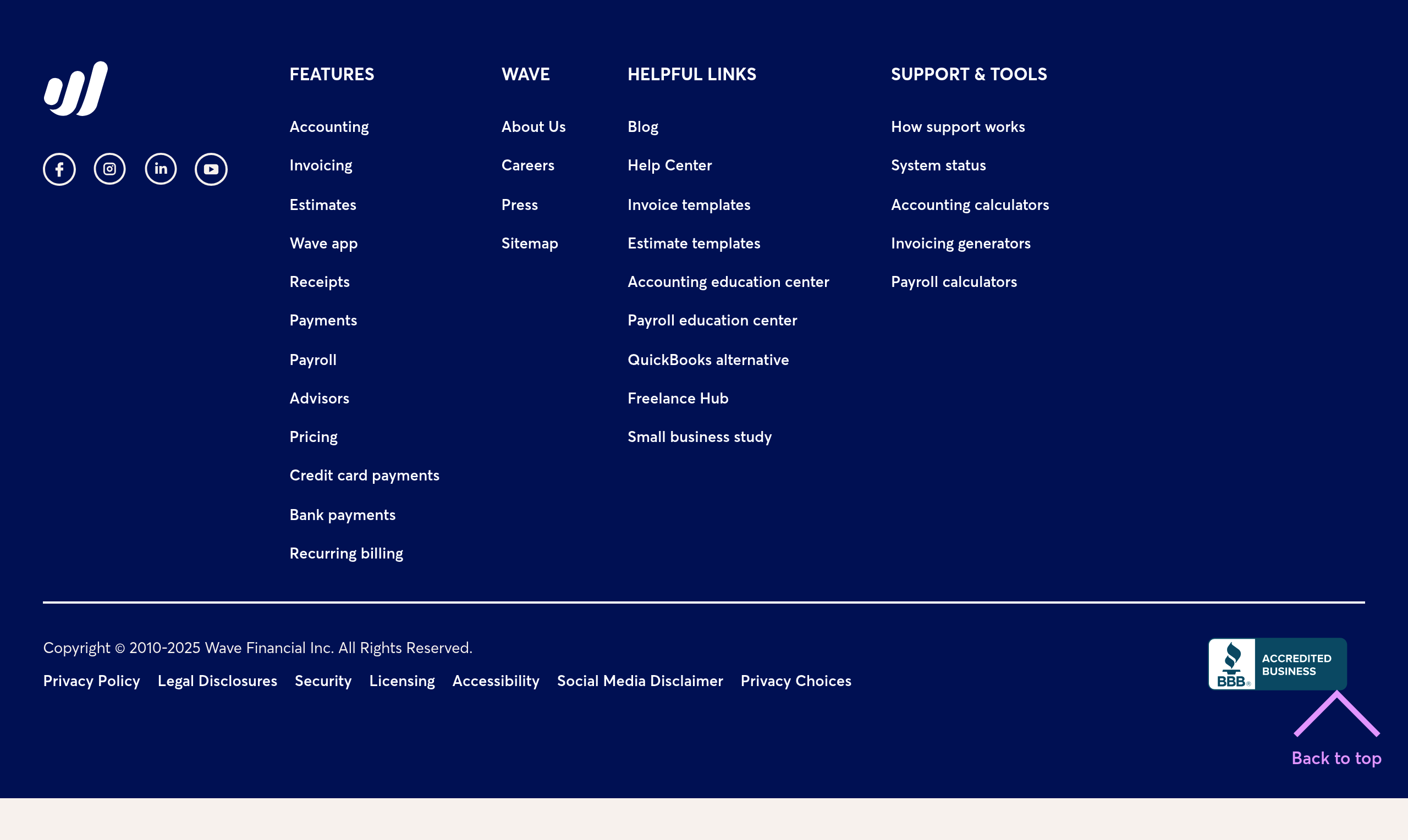
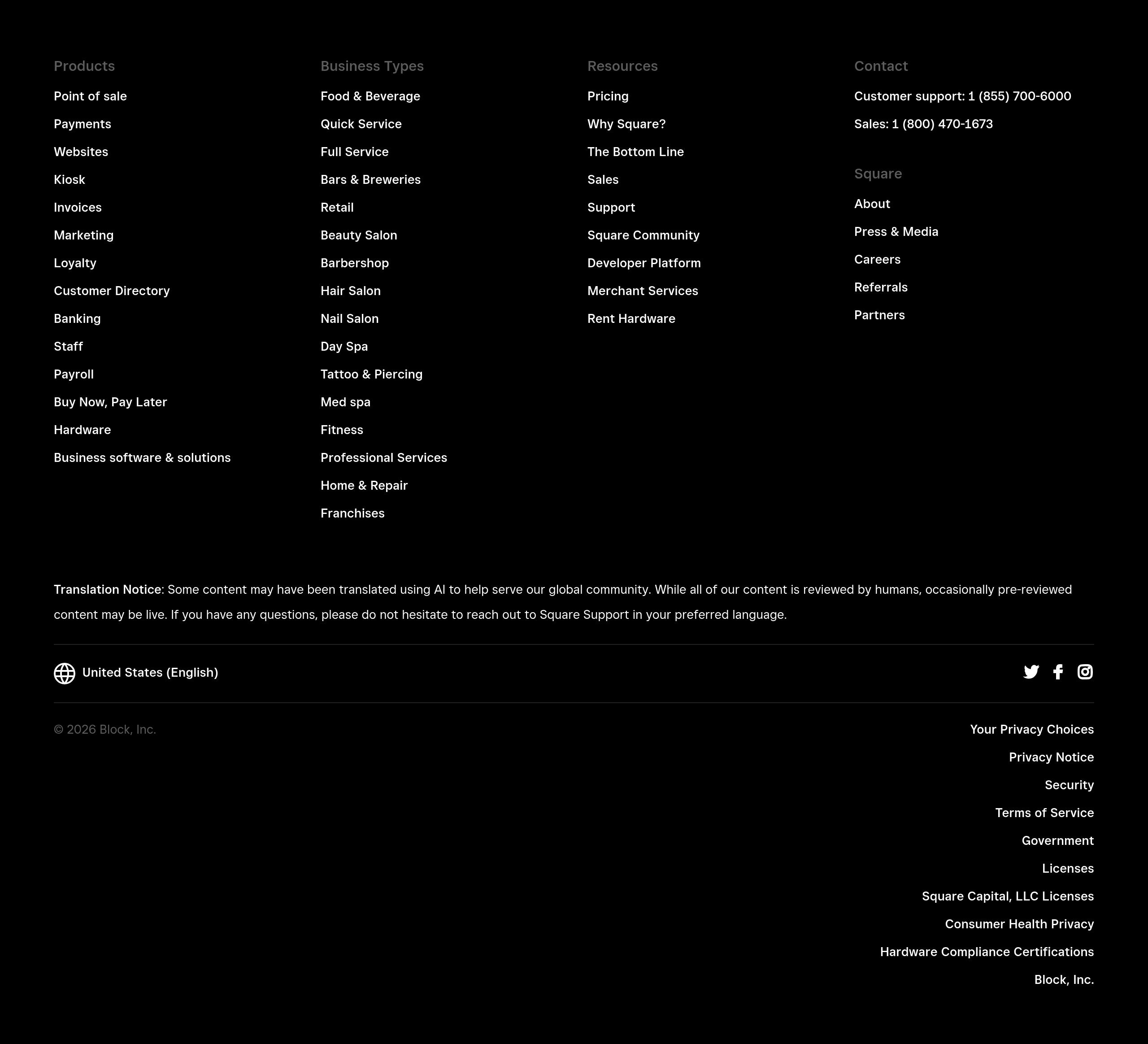
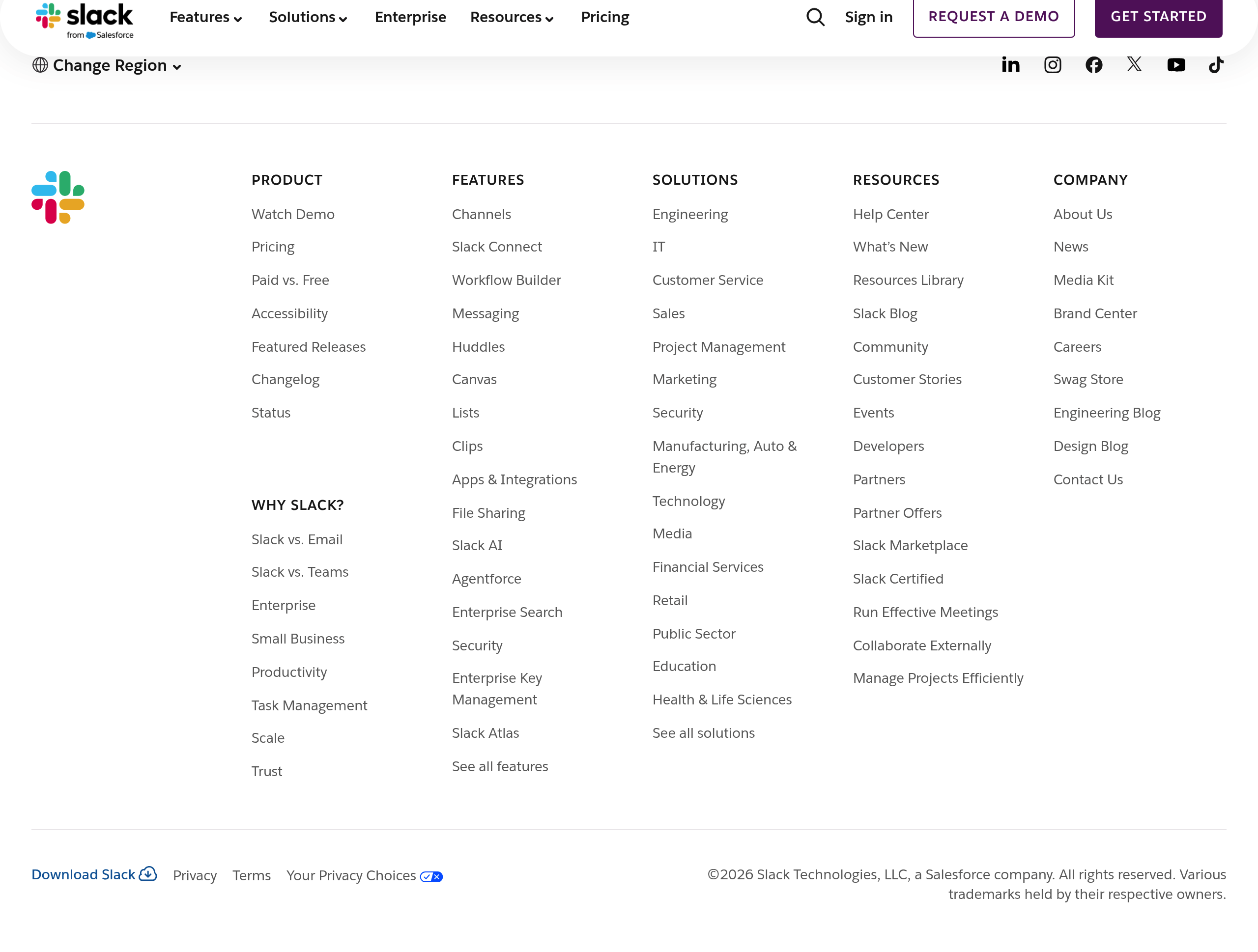
Effective footers are organized into clear sections: product links, company info, legal, and contact.
Footers should be consistent across the site but can be contextual (different links on product vs. marketing pages).
Don't overload the footer: keep it scannable and organized. Too many links defeats the purpose.
Best practices
Actionable guidelines to implement this component effectively.
- Include company + product links, plus legal (Privacy/Terms) and contact options.
- Add trust anchors: security page, status page, compliance notes if relevant.
- Keep link groups consistent across the site; avoid burying key pages.
- Make it readable: adequate spacing, contrast, and clear hover/focus states.
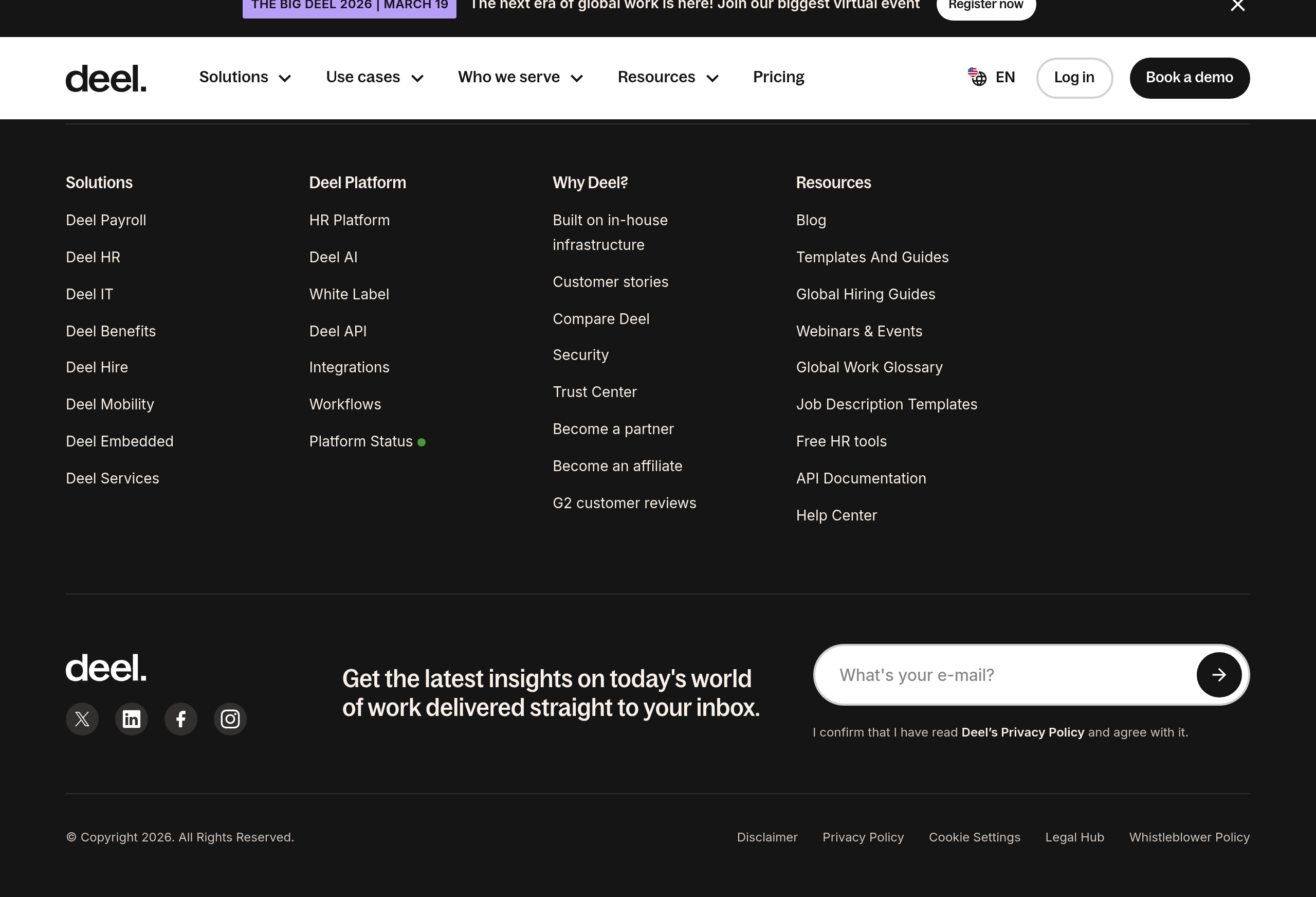
- Include social media links if relevant, but don't make them the primary focus.
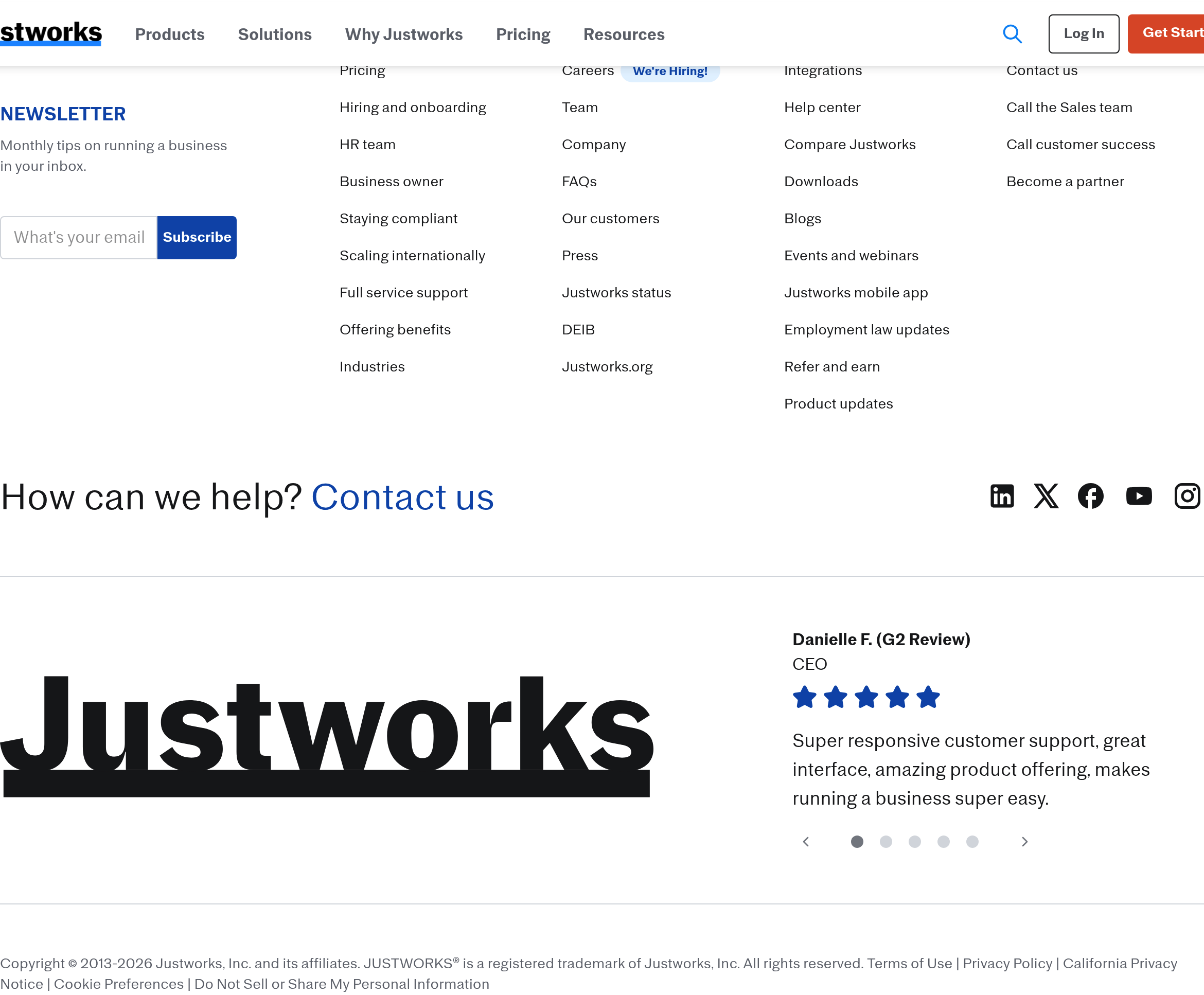
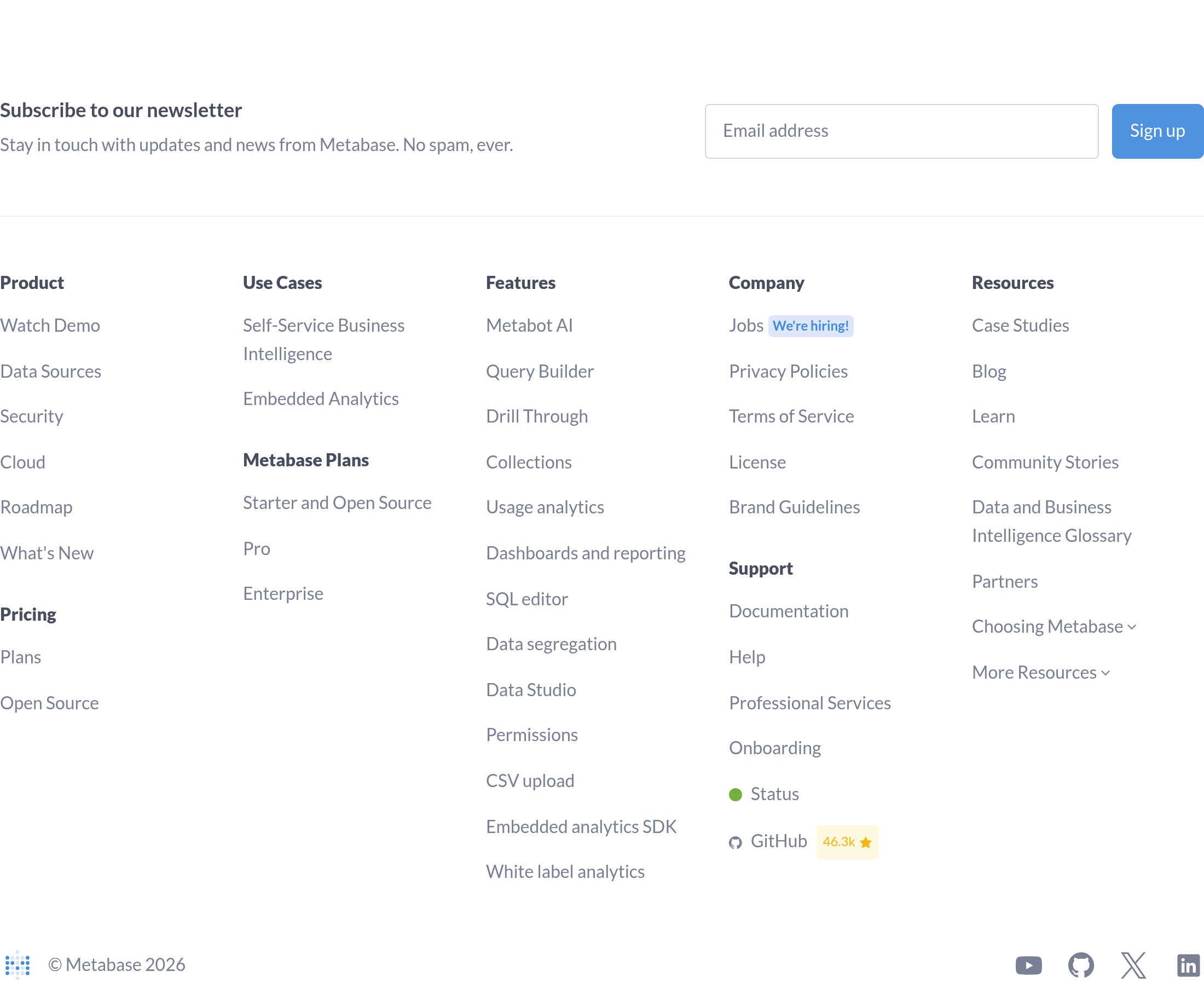
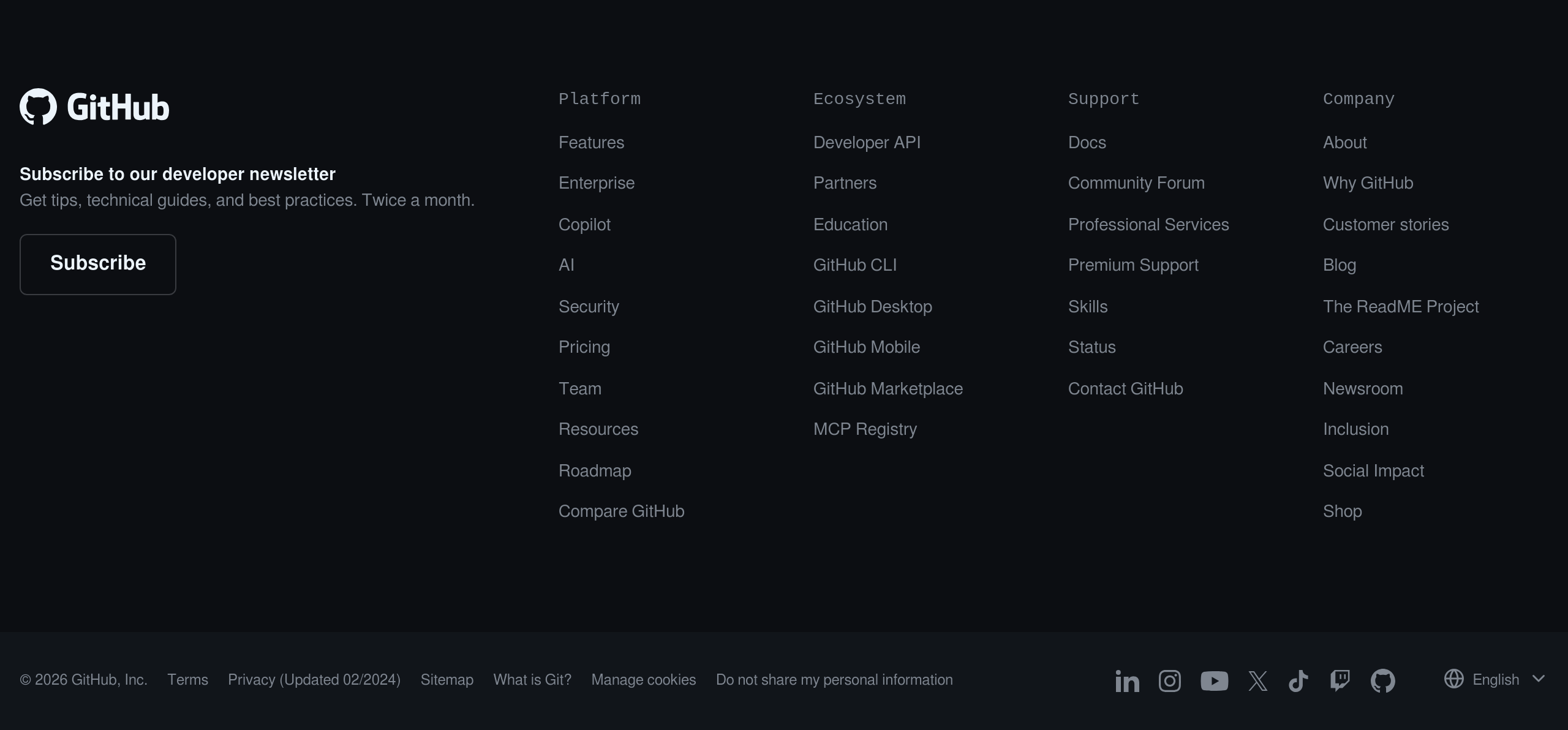
- Add a newsletter signup if you have one: footers are a common place for email capture.
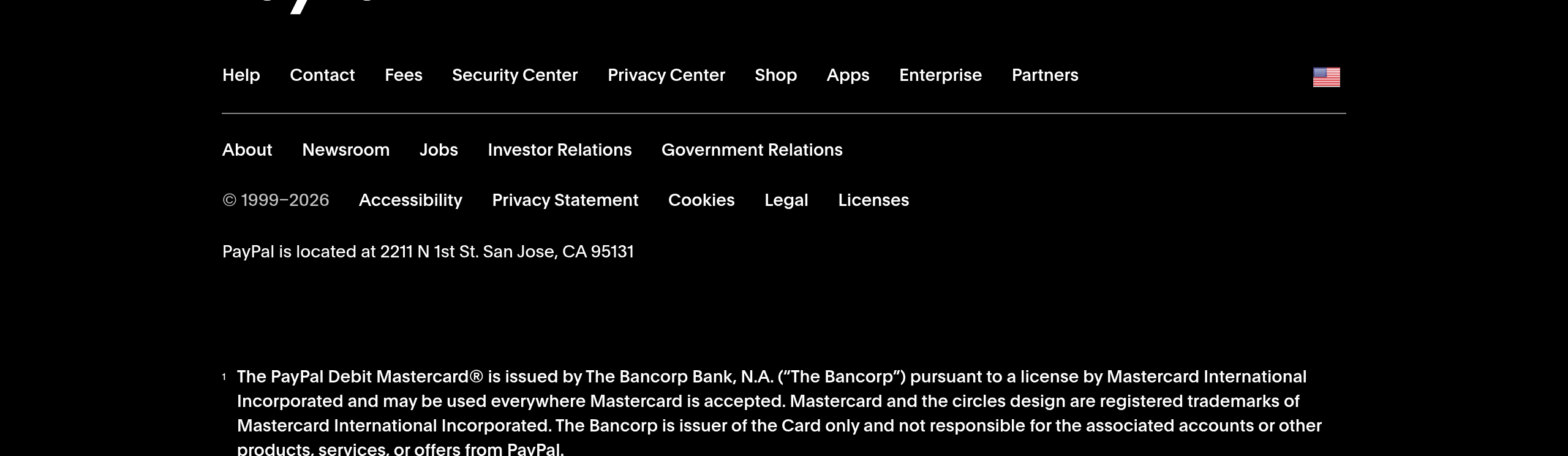
- Include copyright and legal information clearly, especially for B2B SaaS.
Common patterns
Popular variations and approaches you'll see across successful SaaS sites.
Multi-column footer
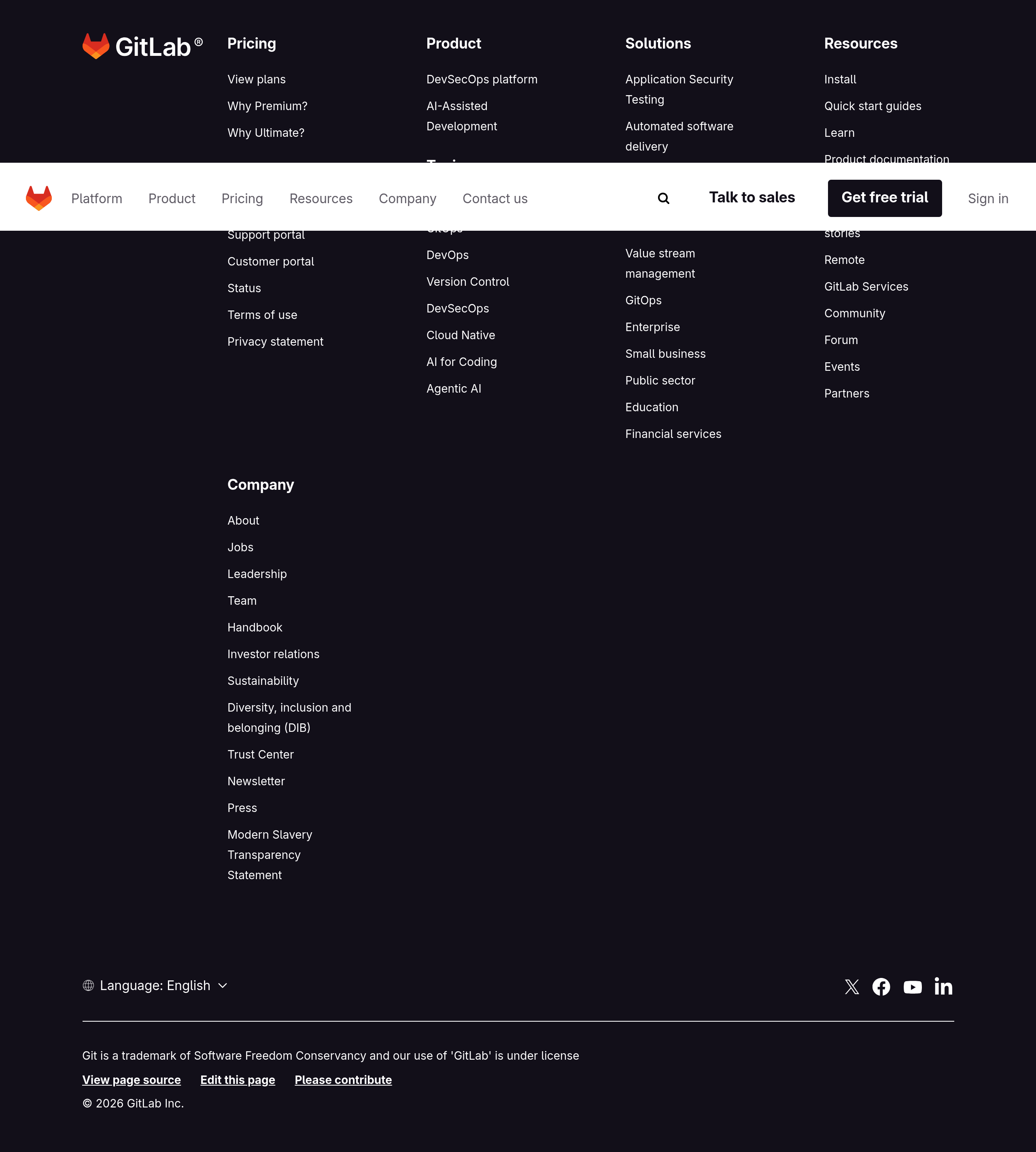
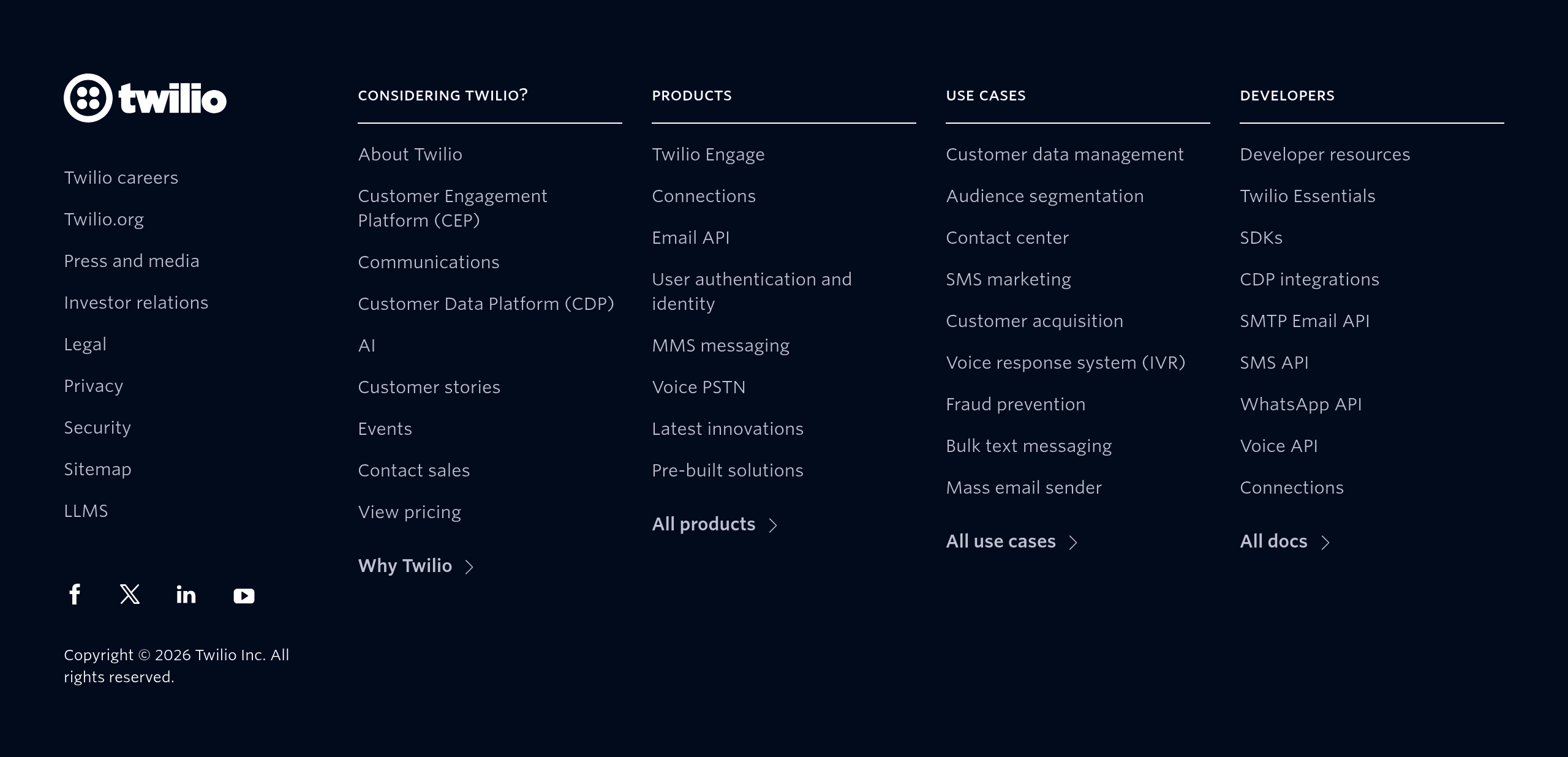
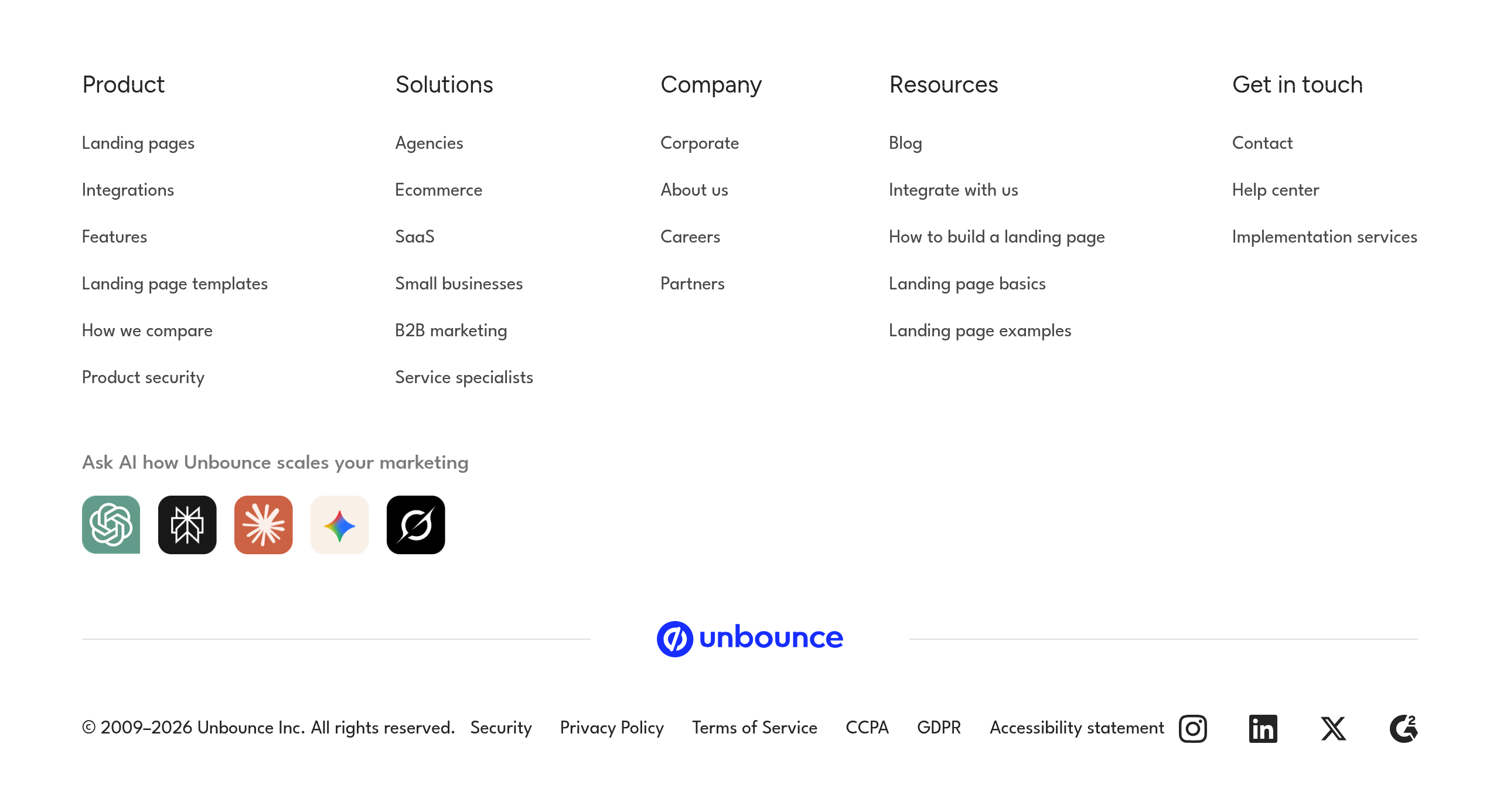
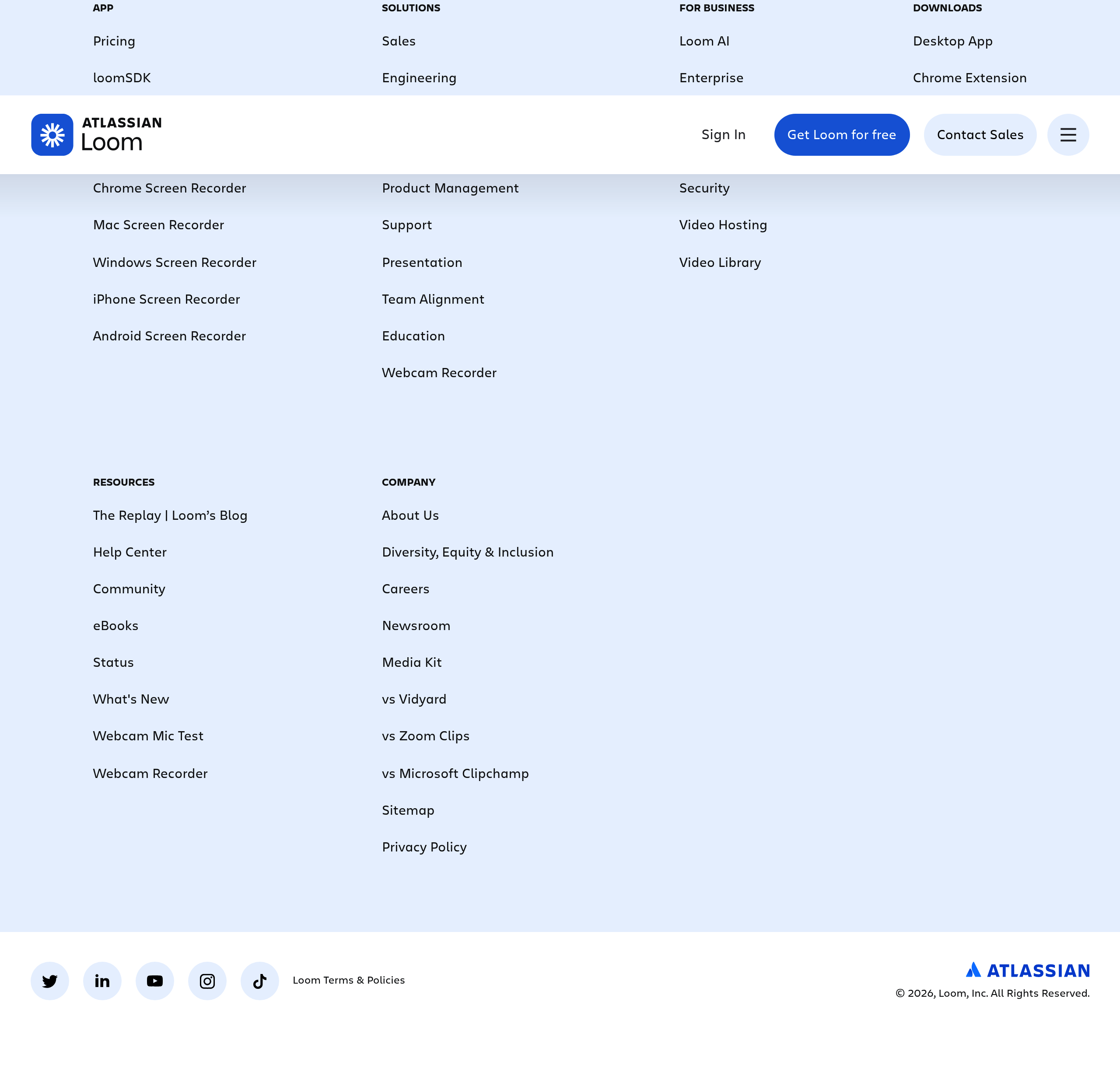
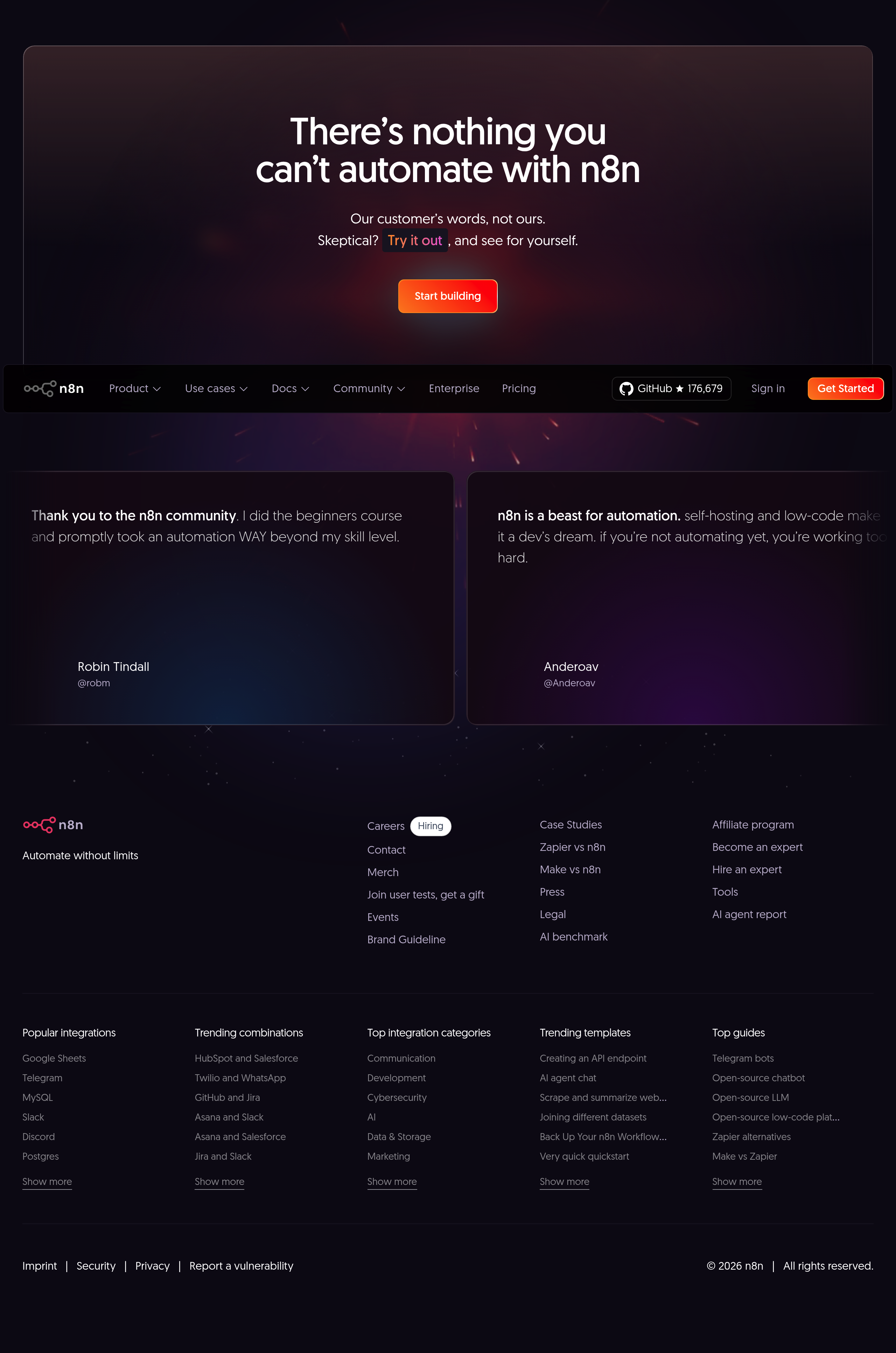
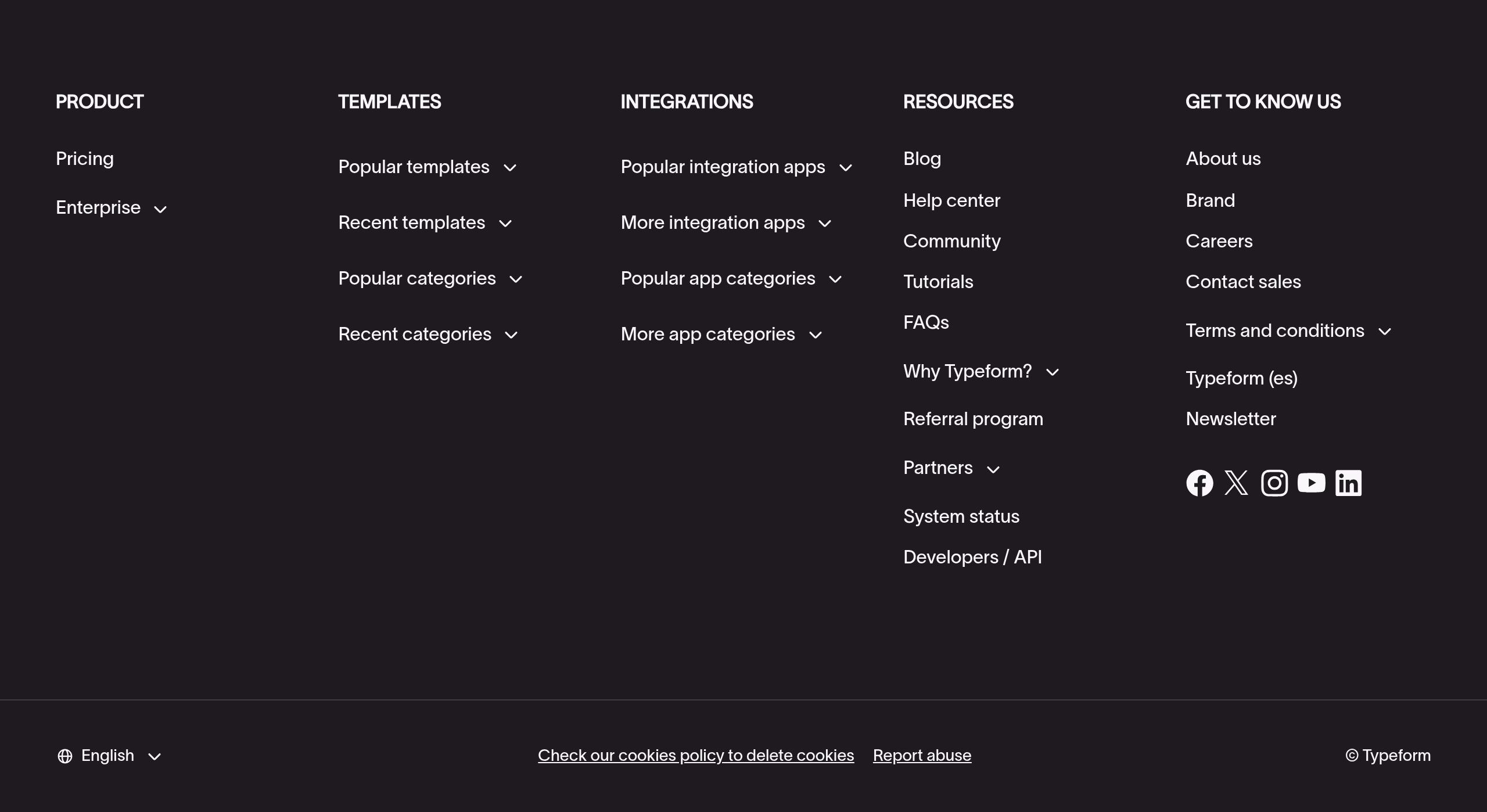
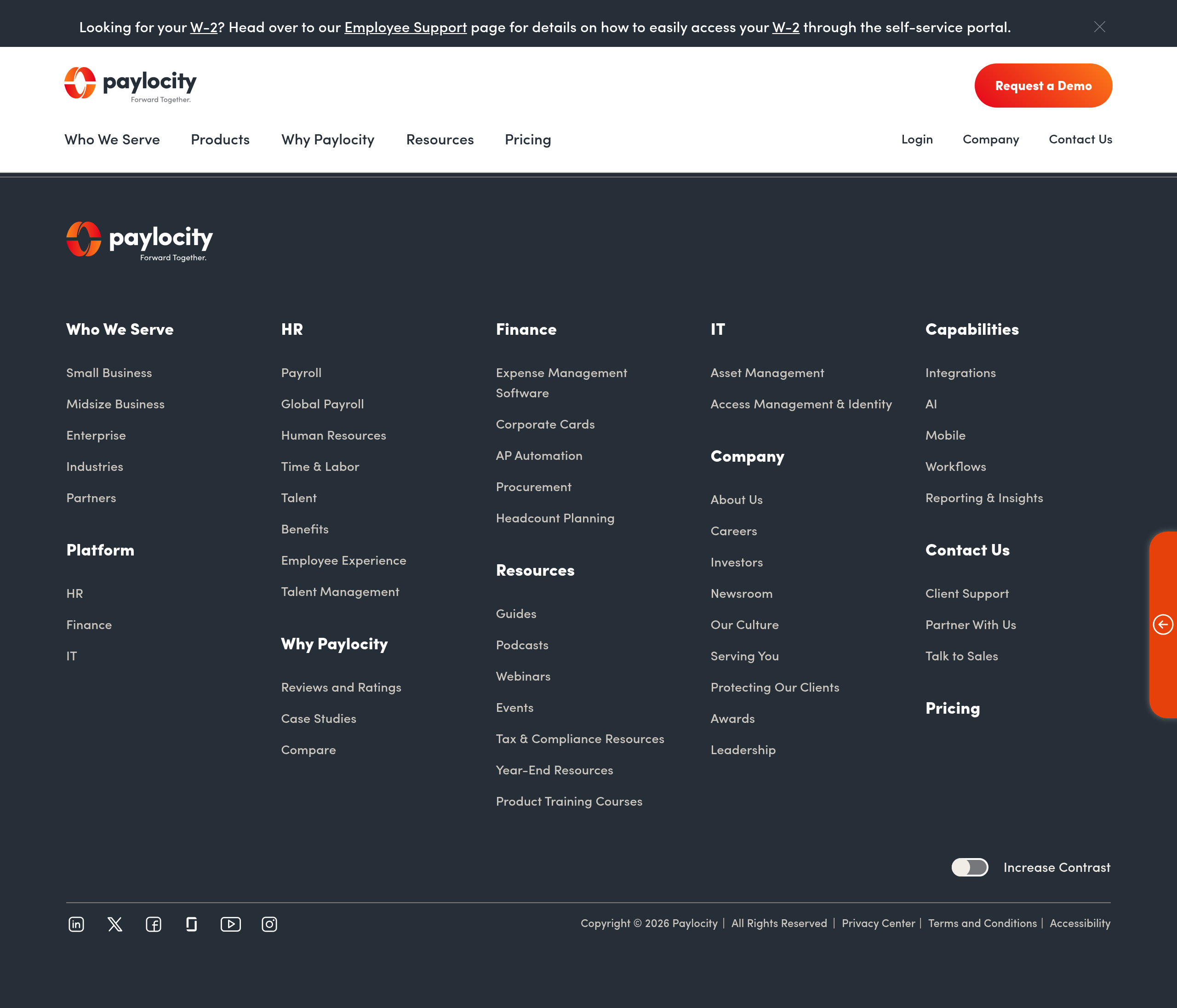
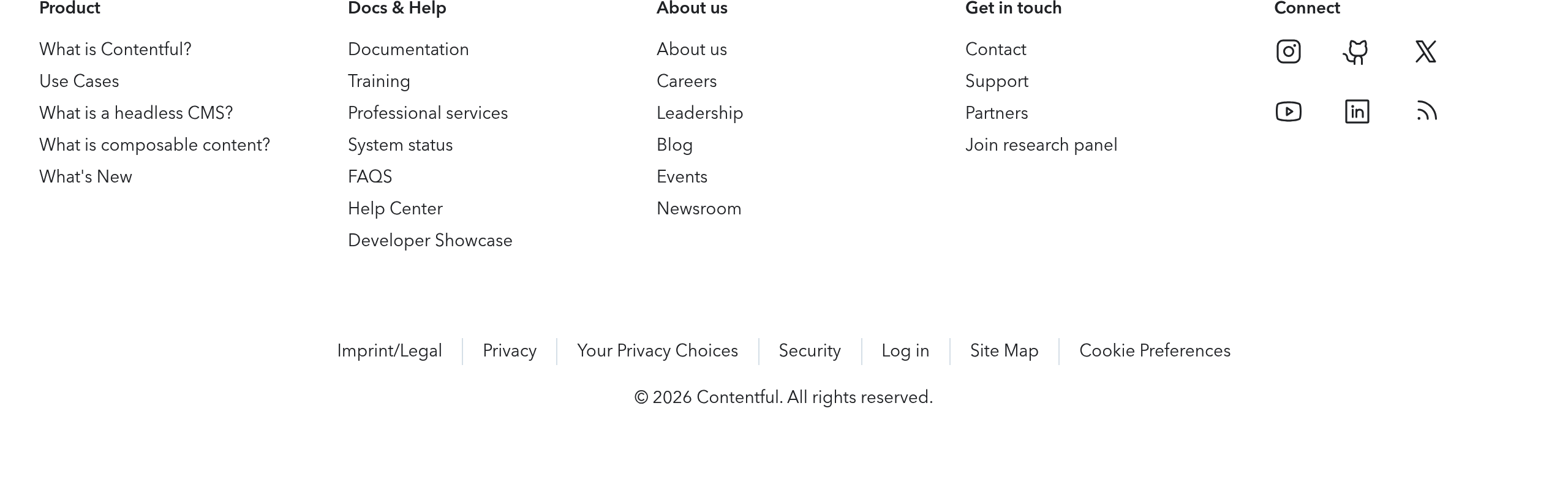
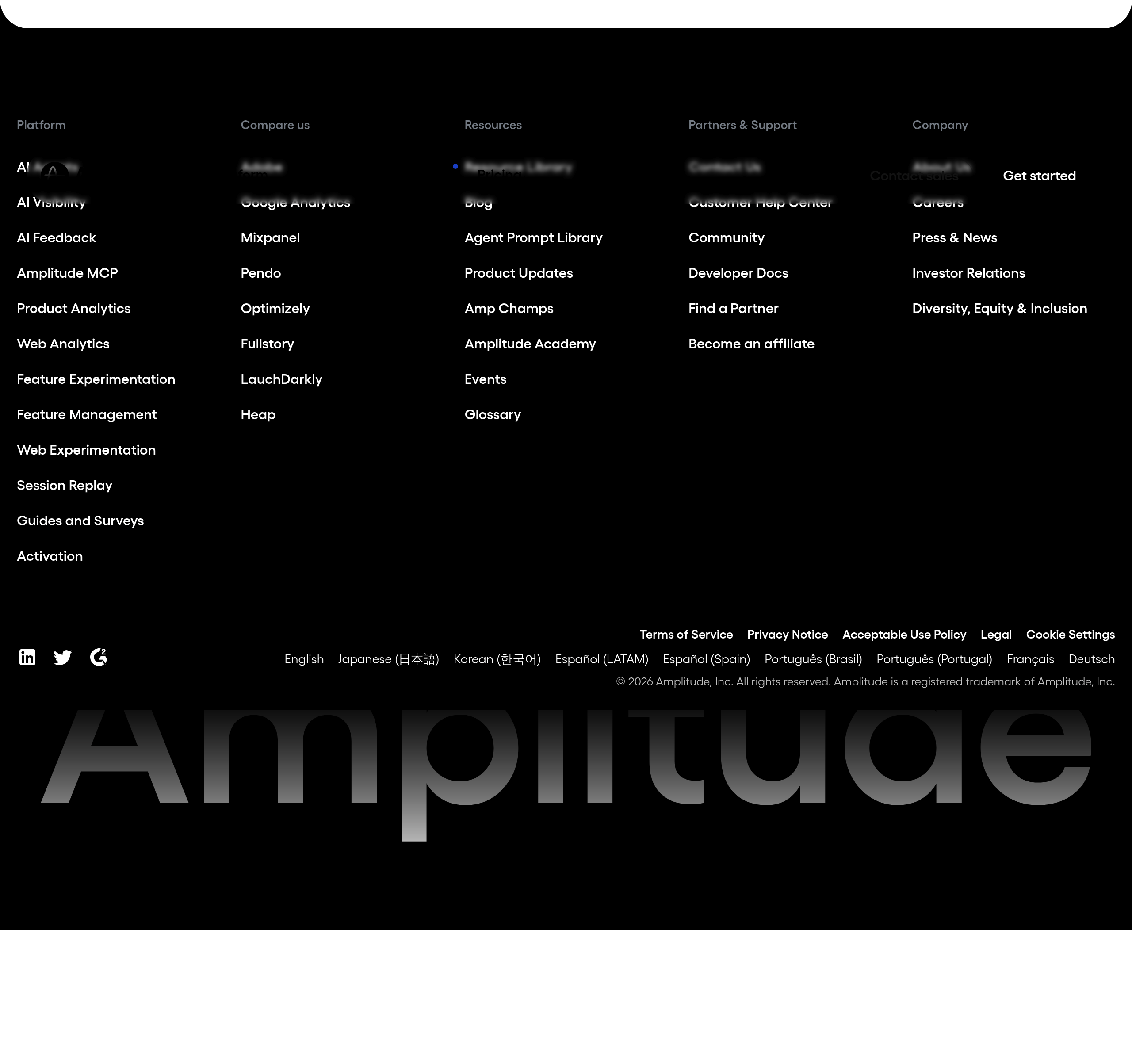
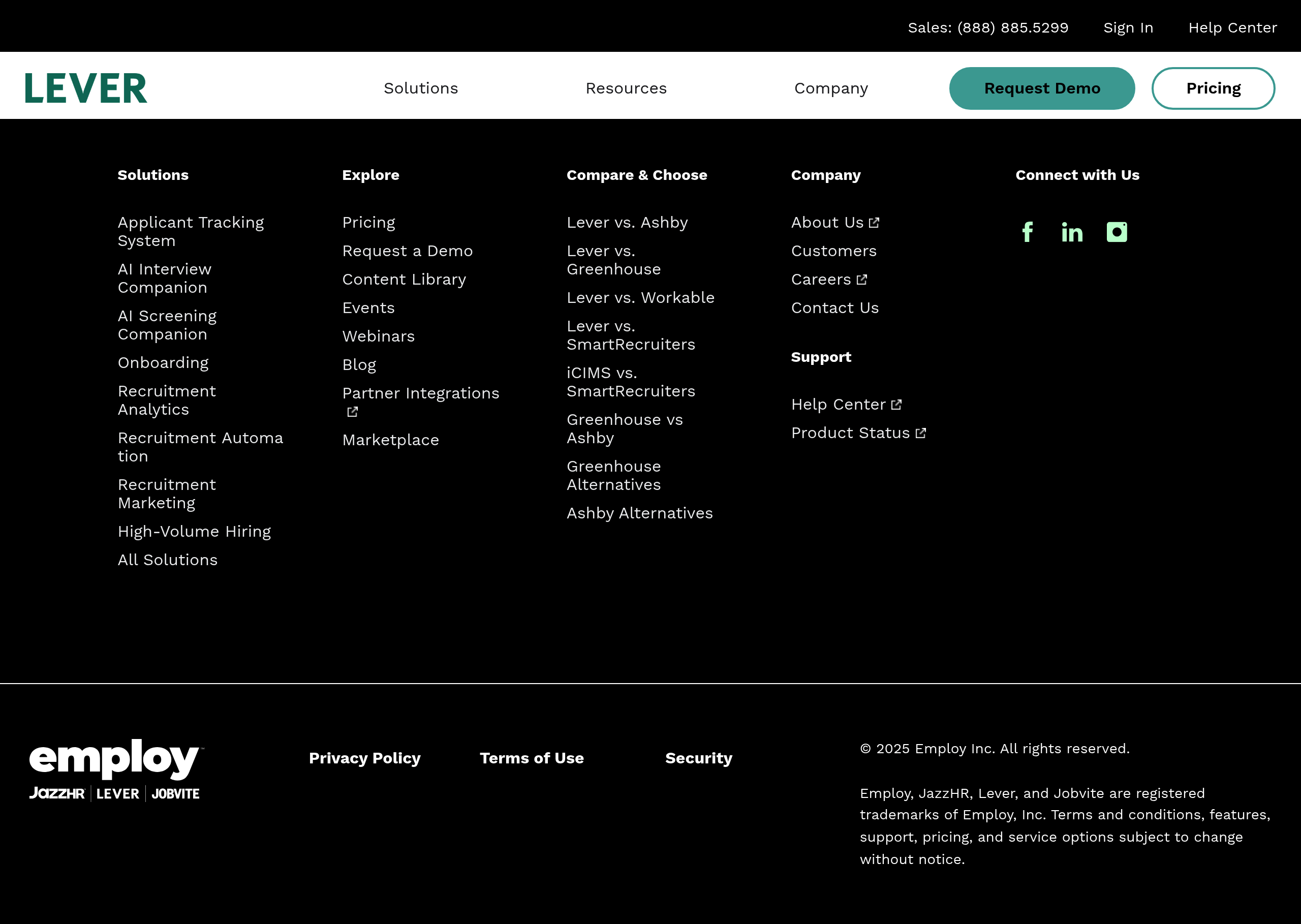
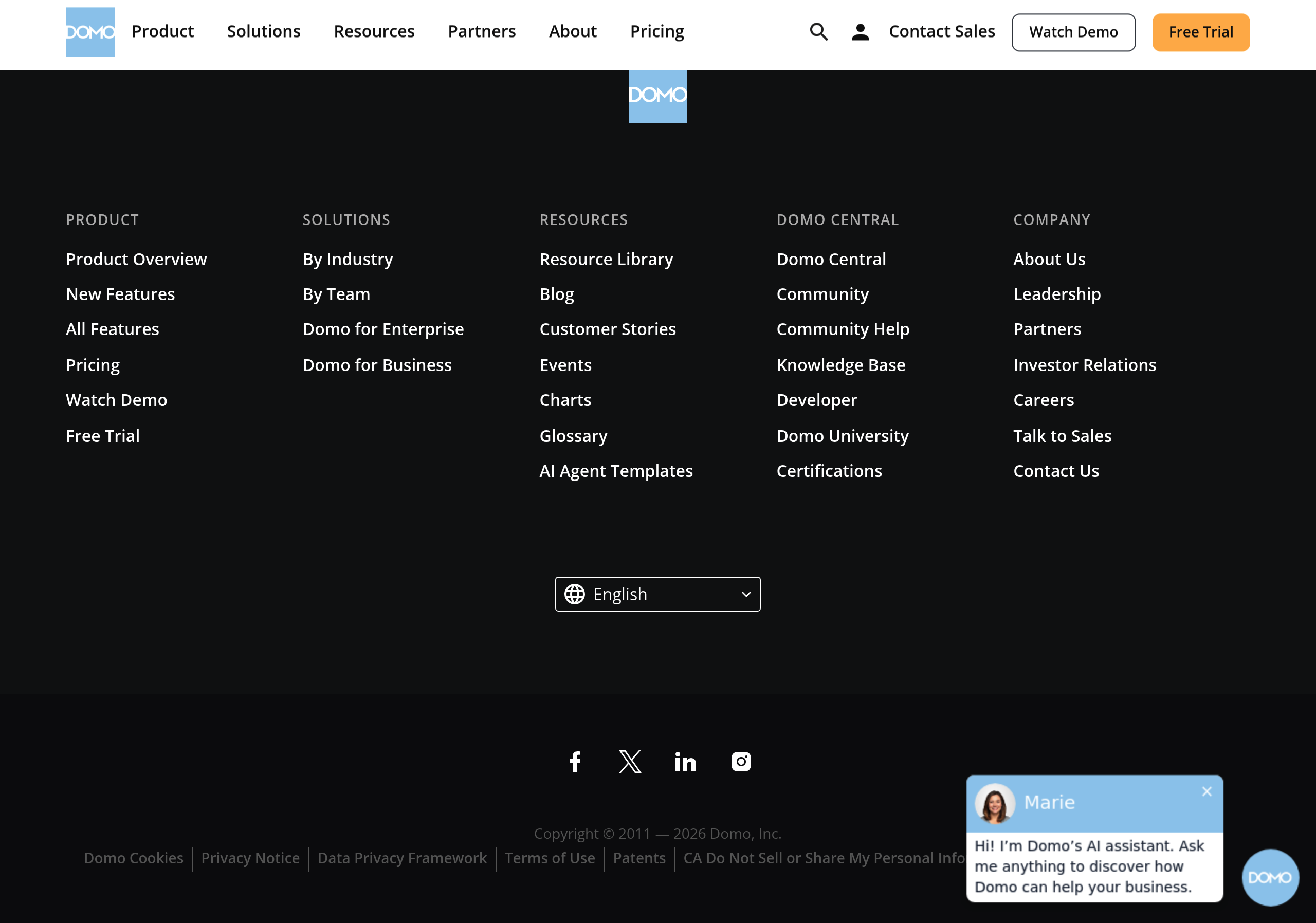
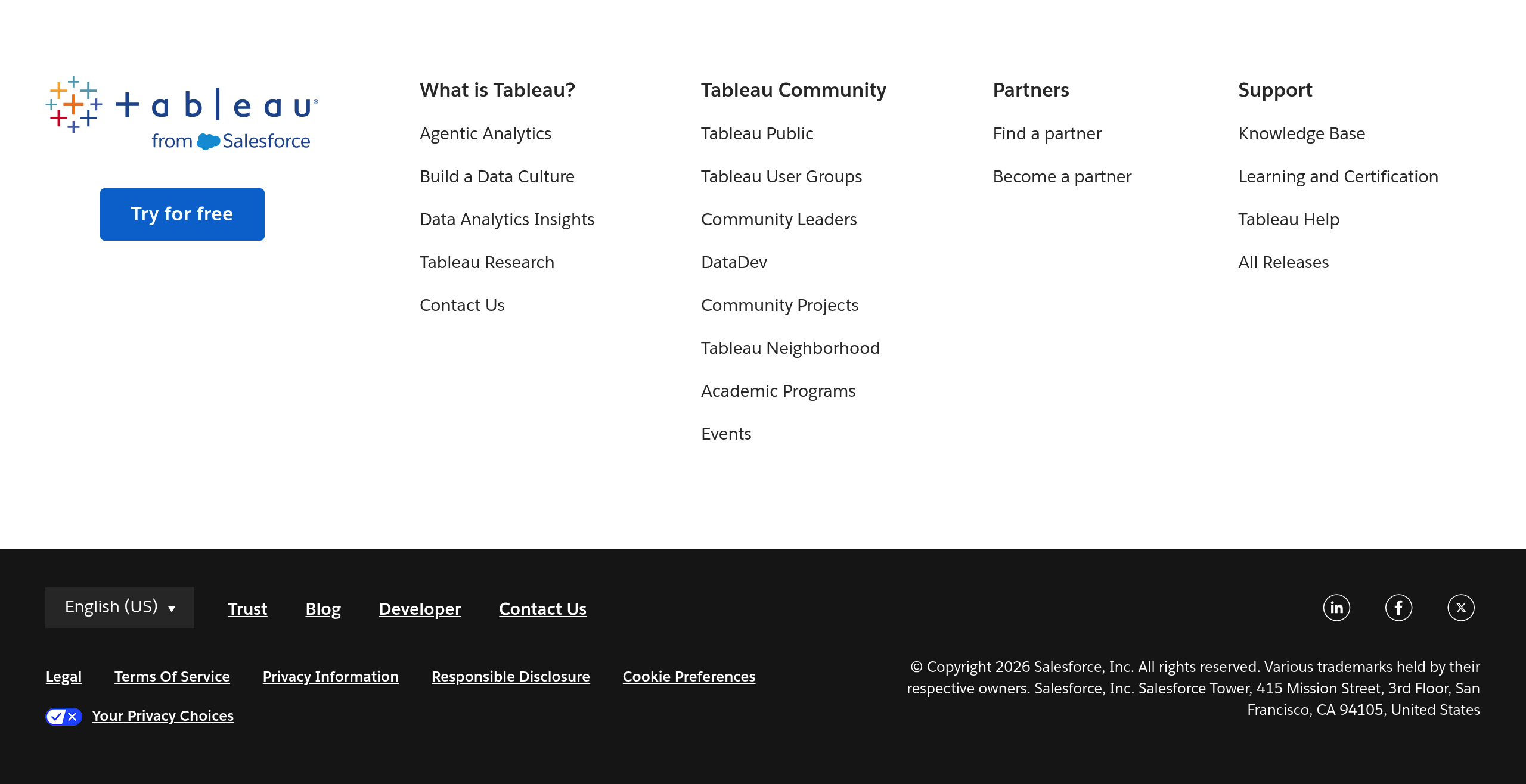
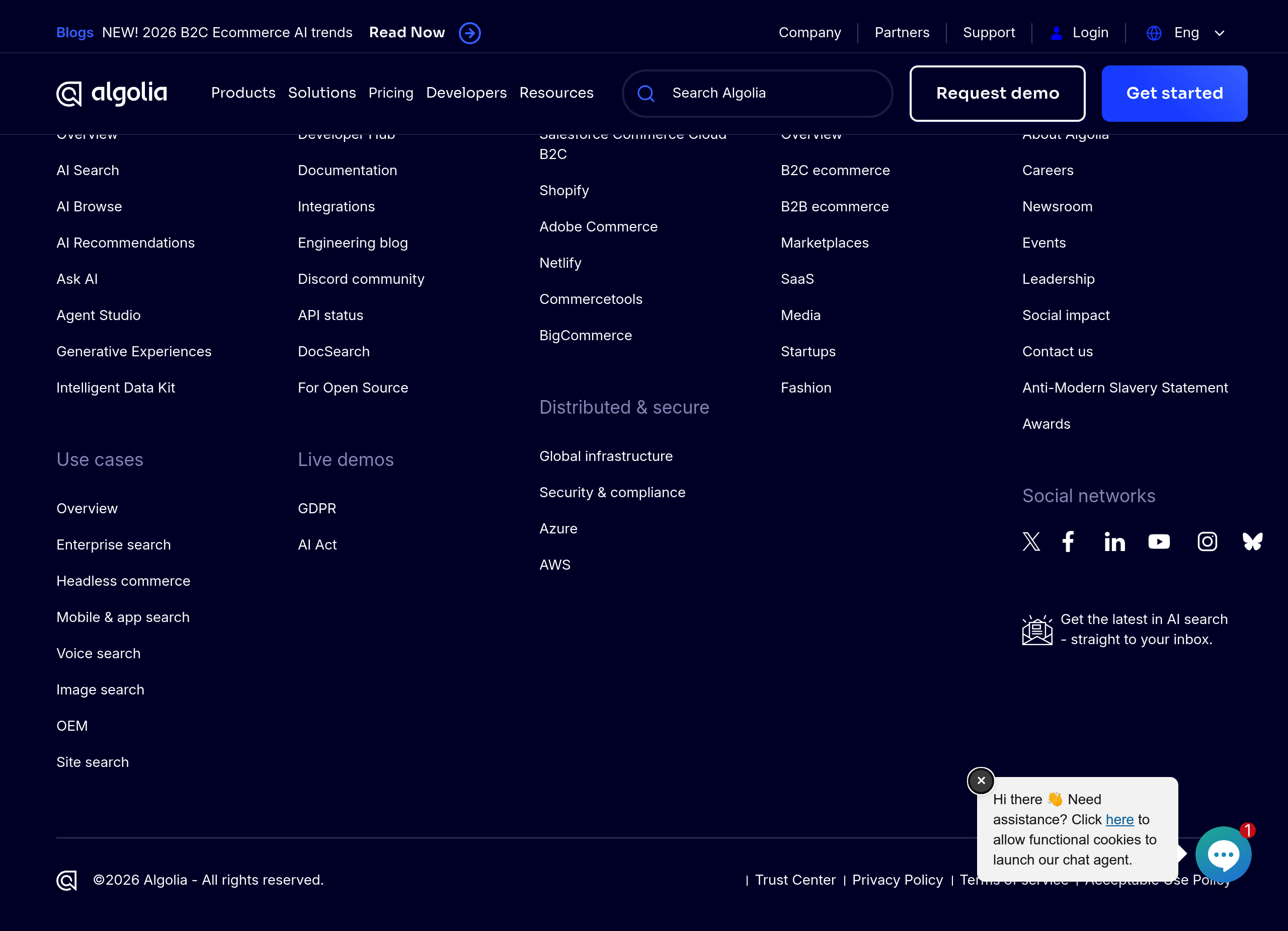
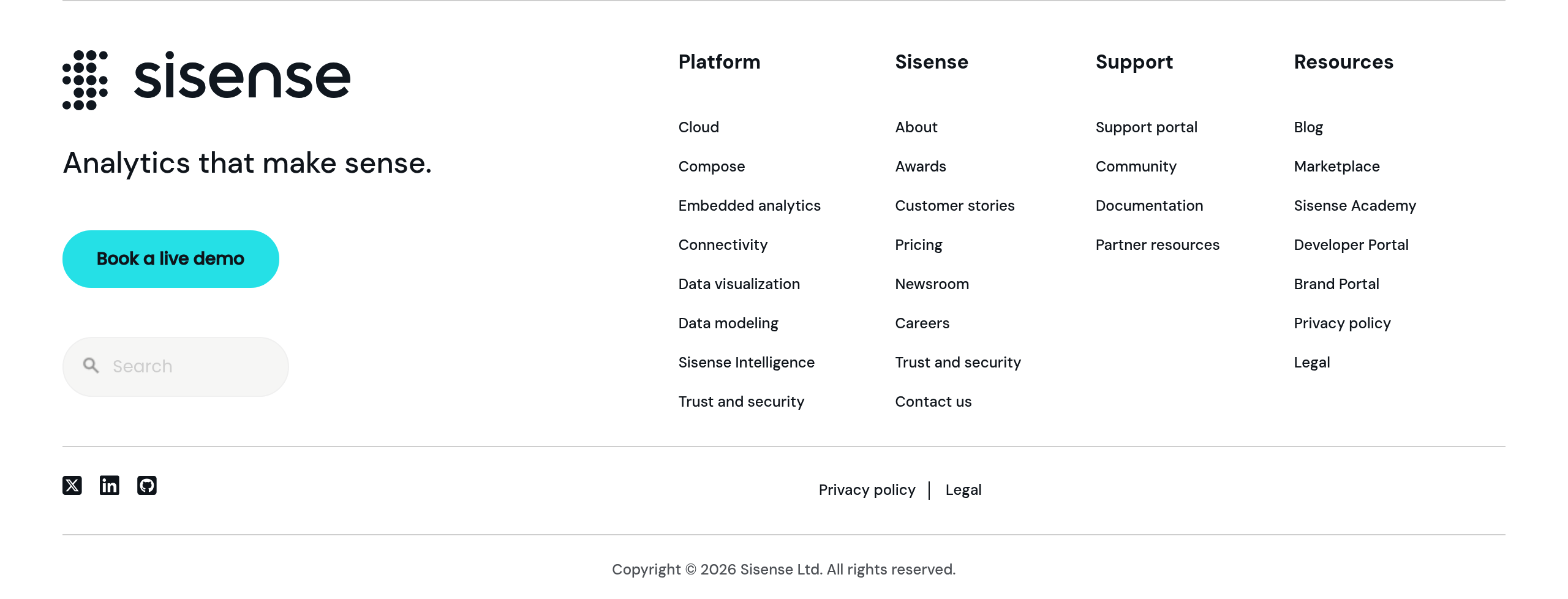
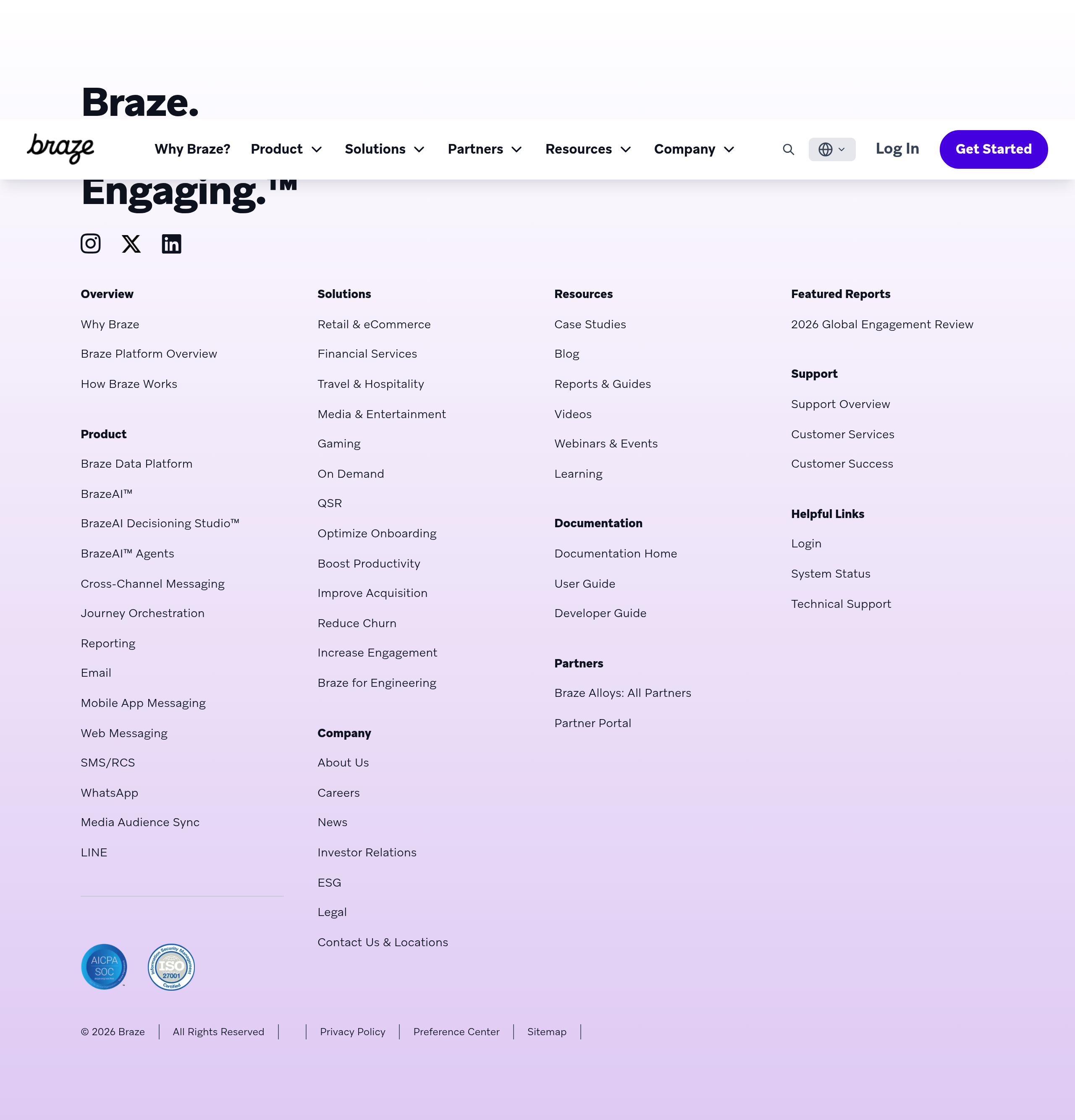
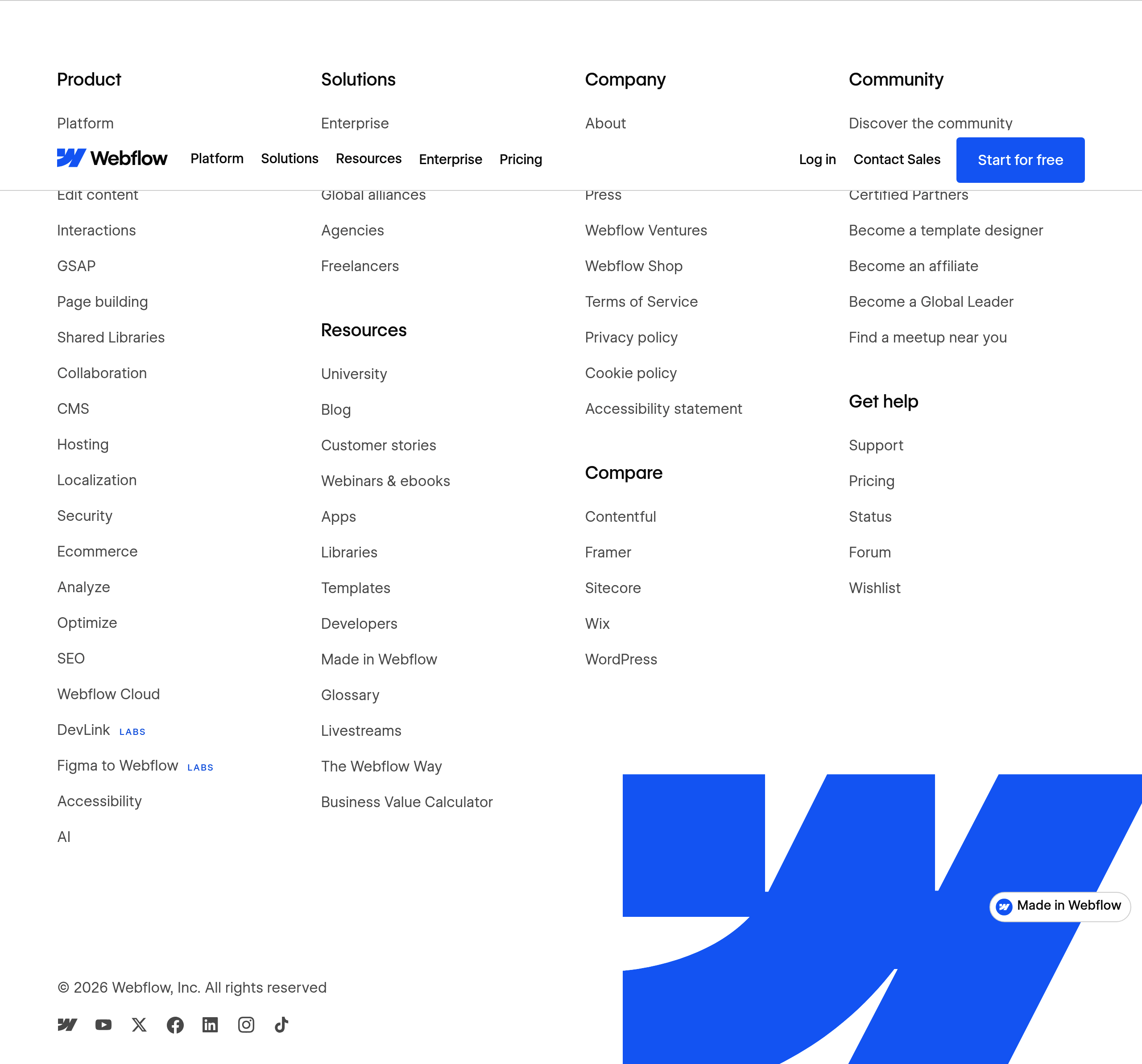
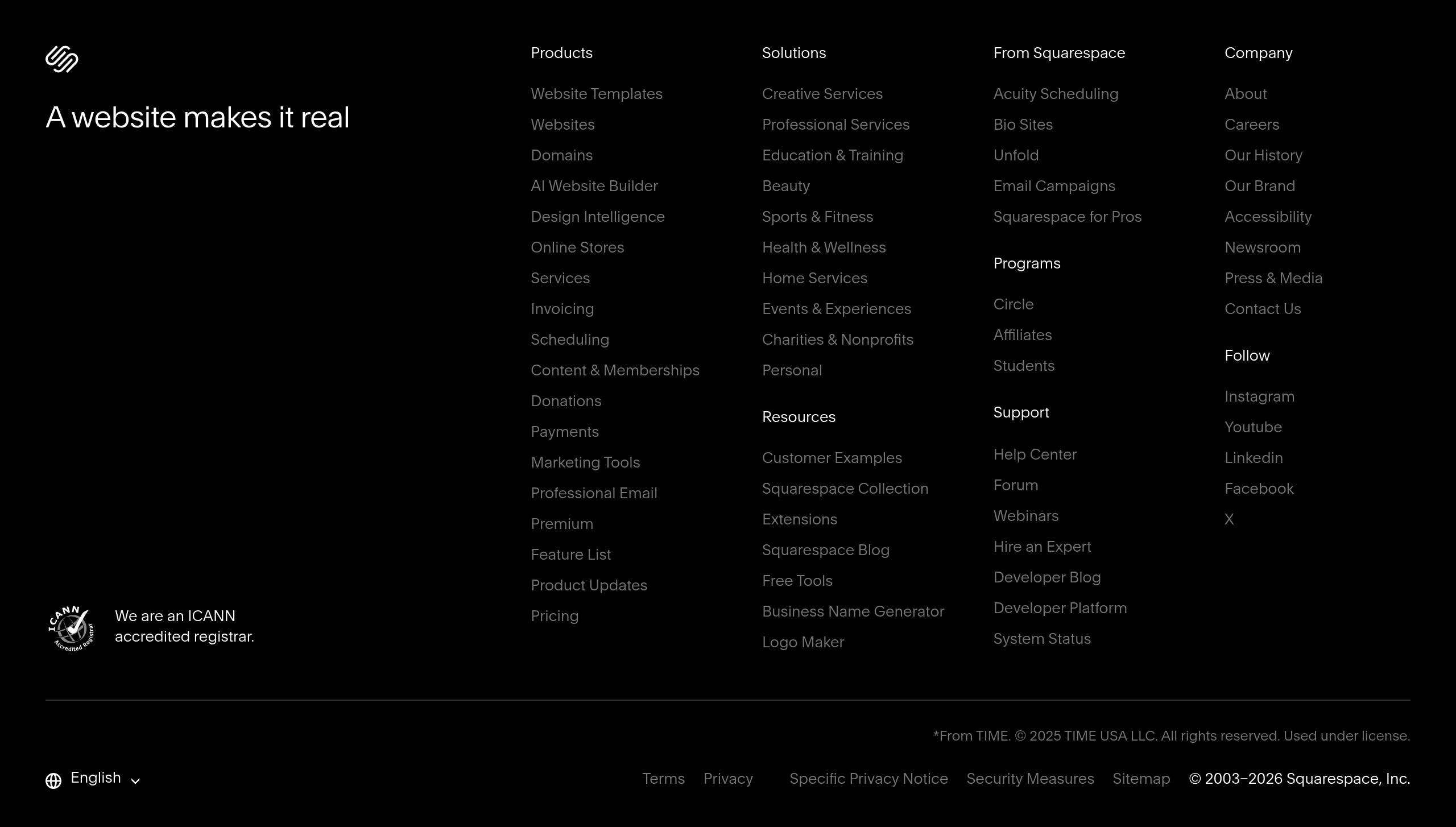
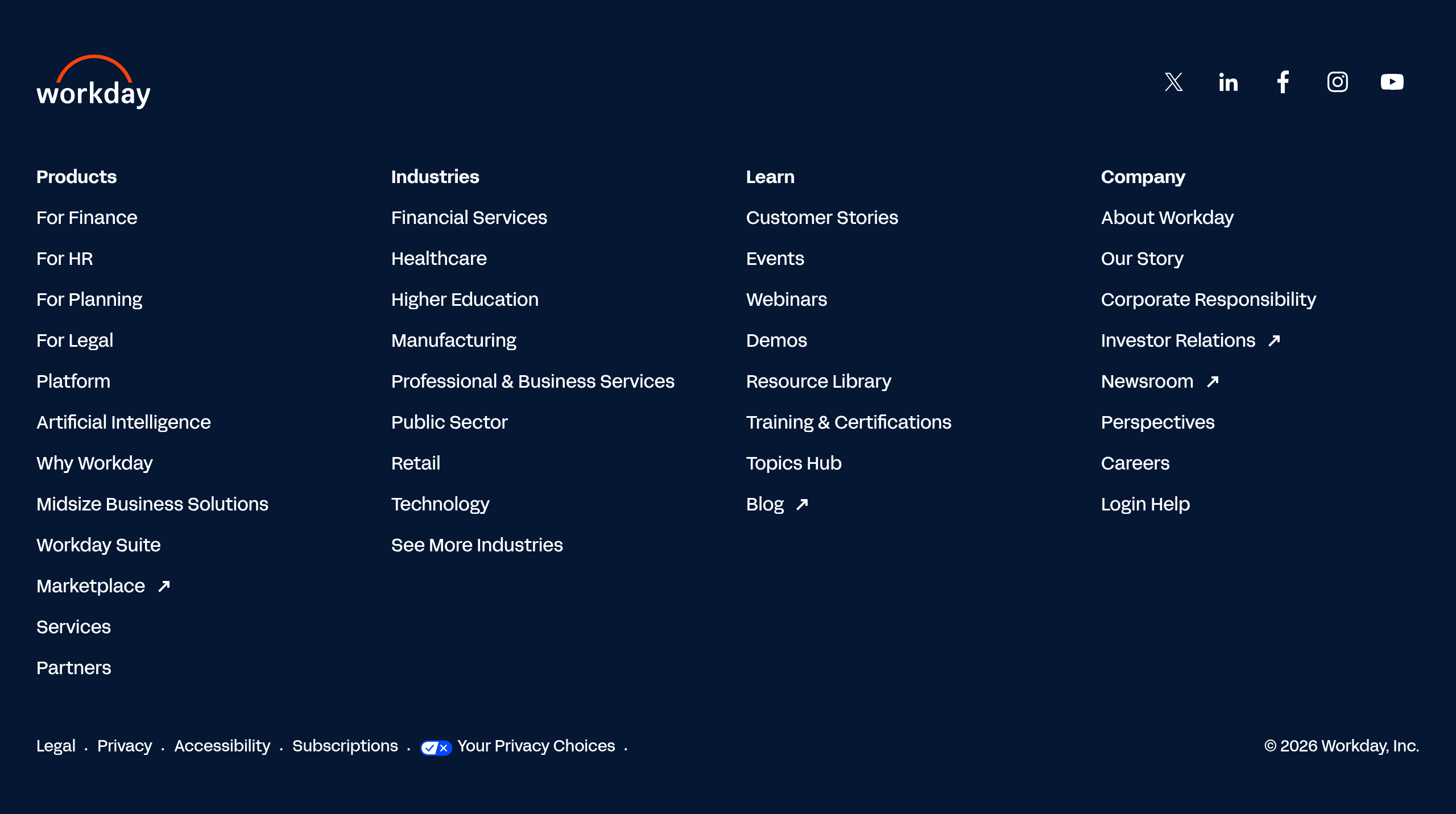
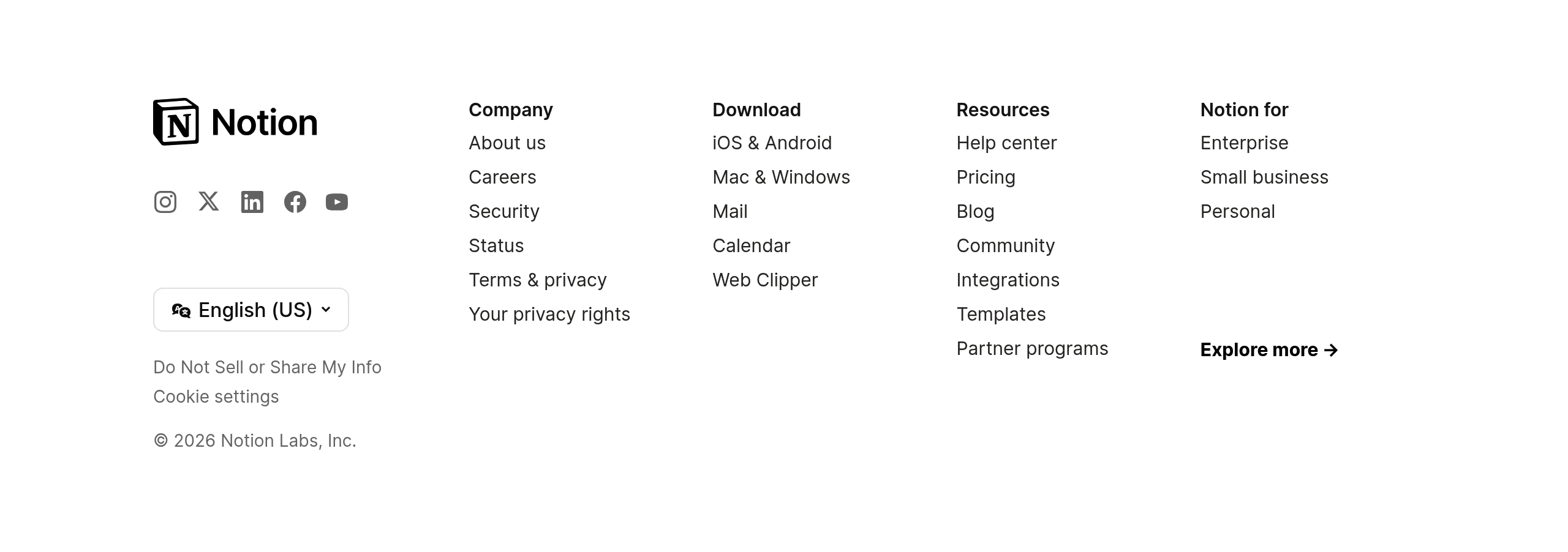
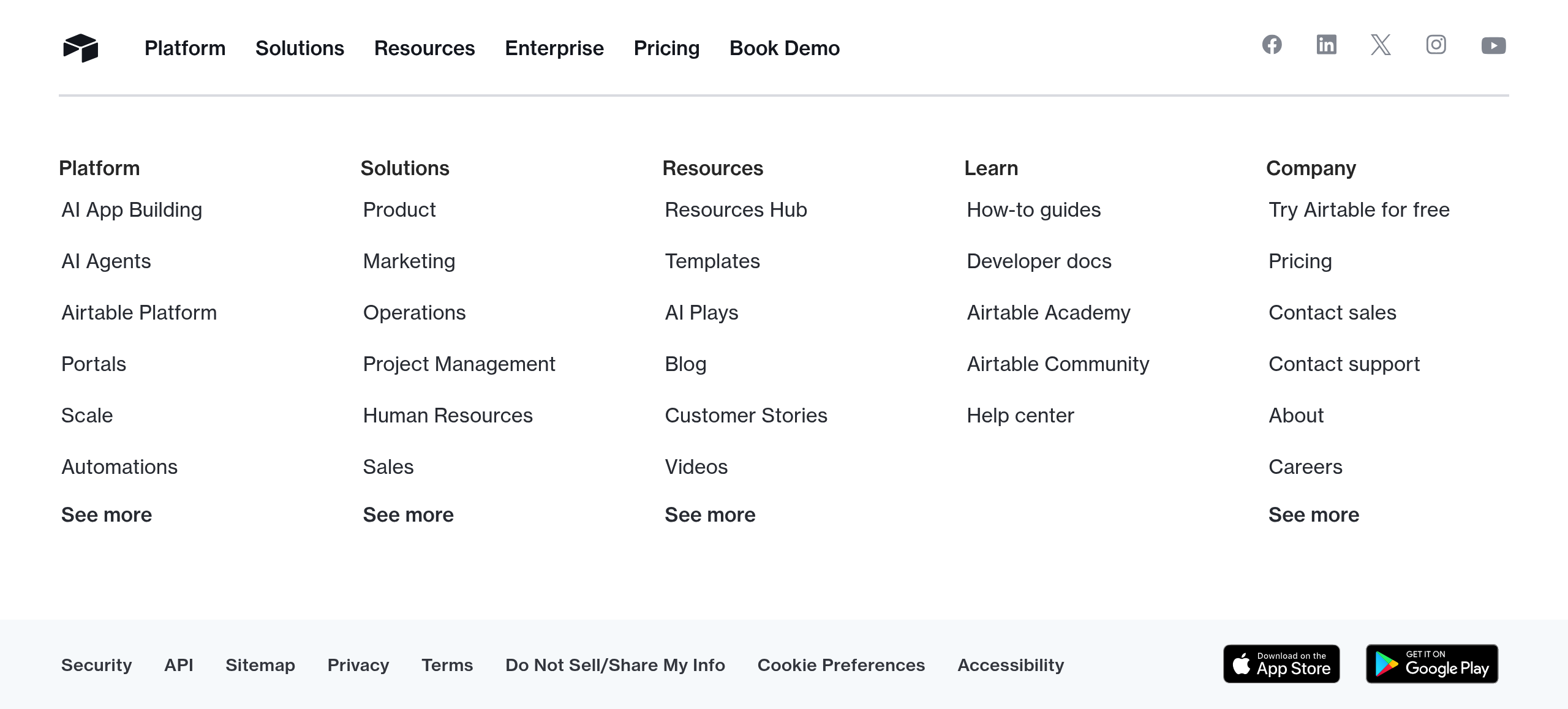
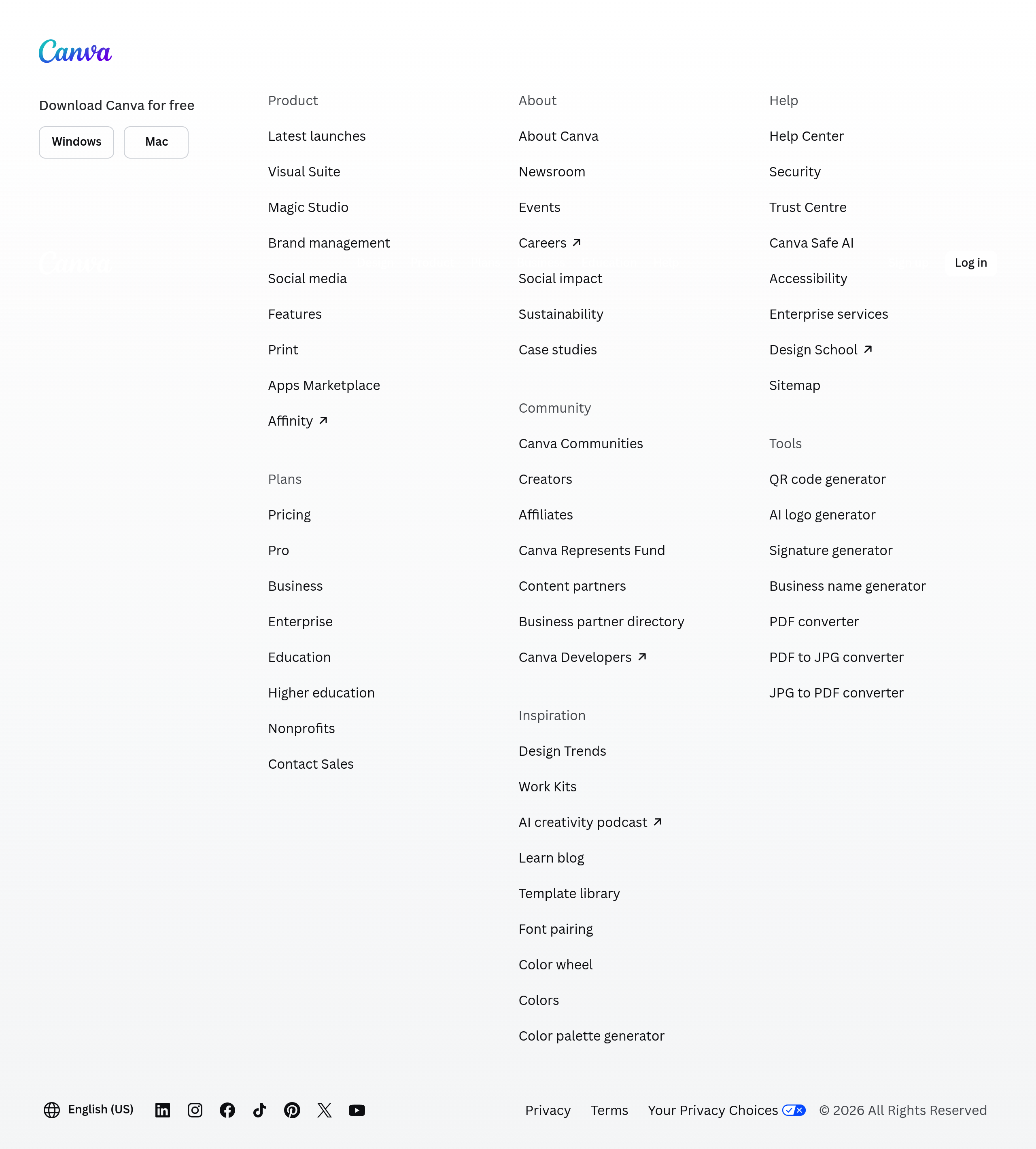
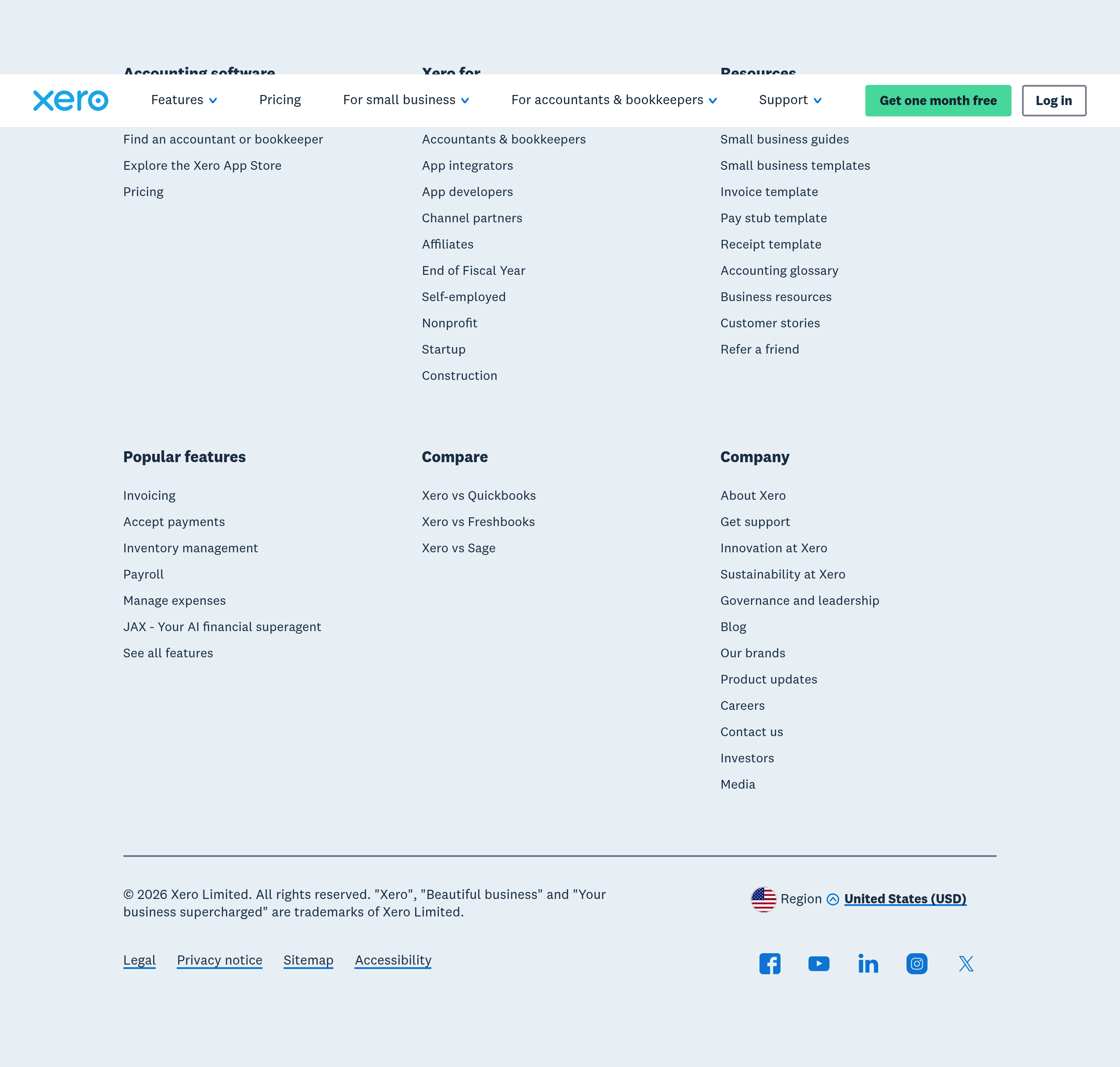
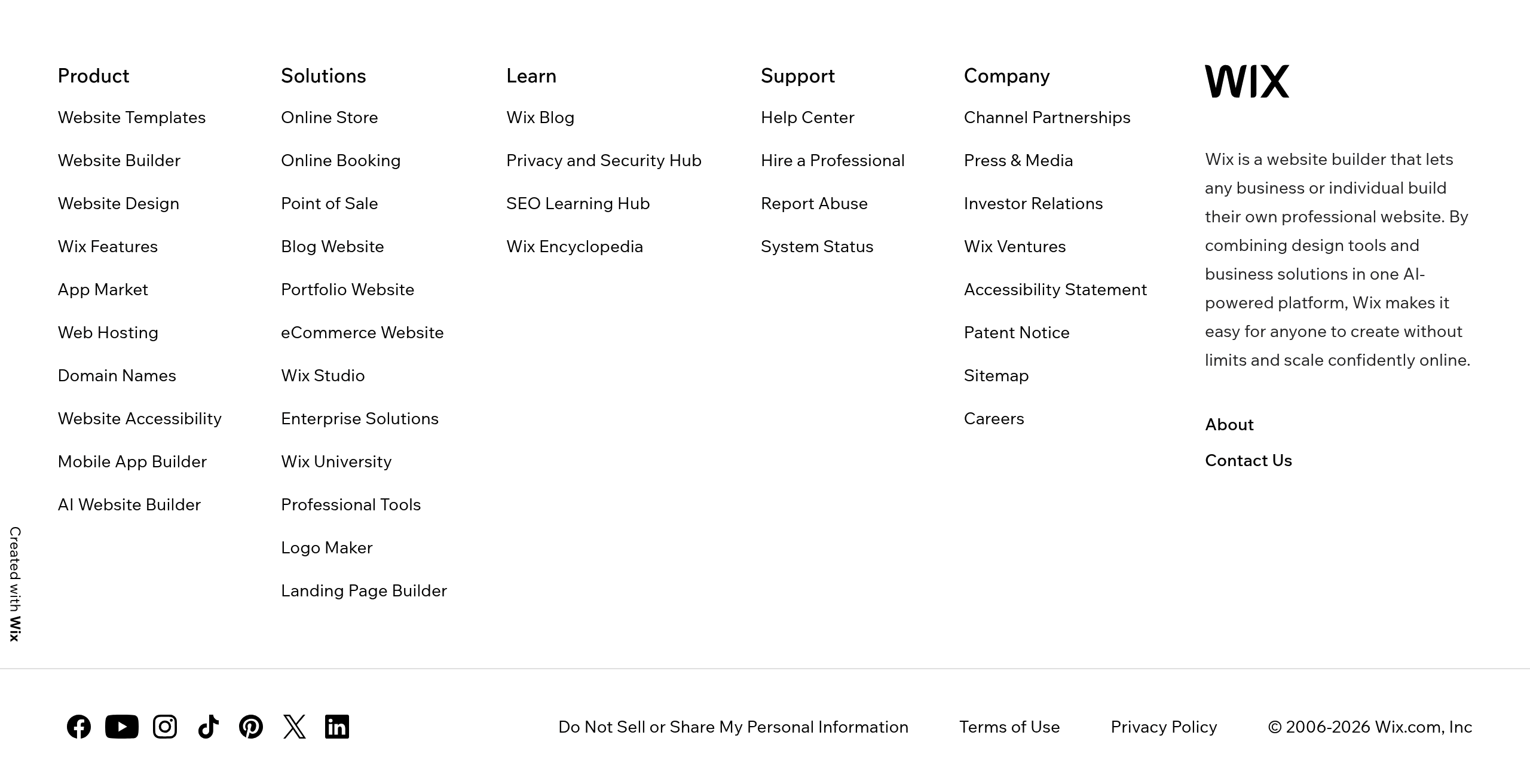
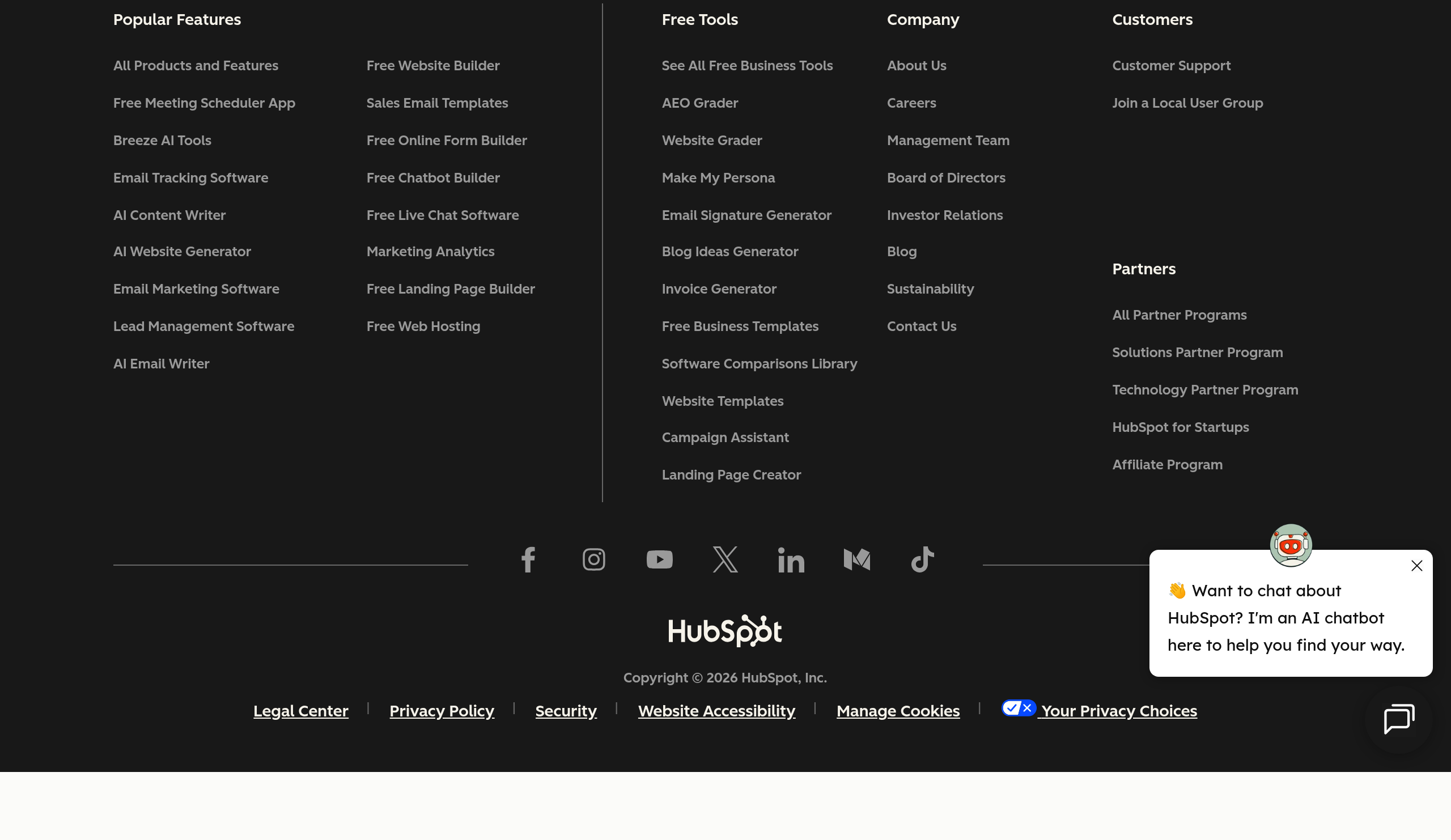
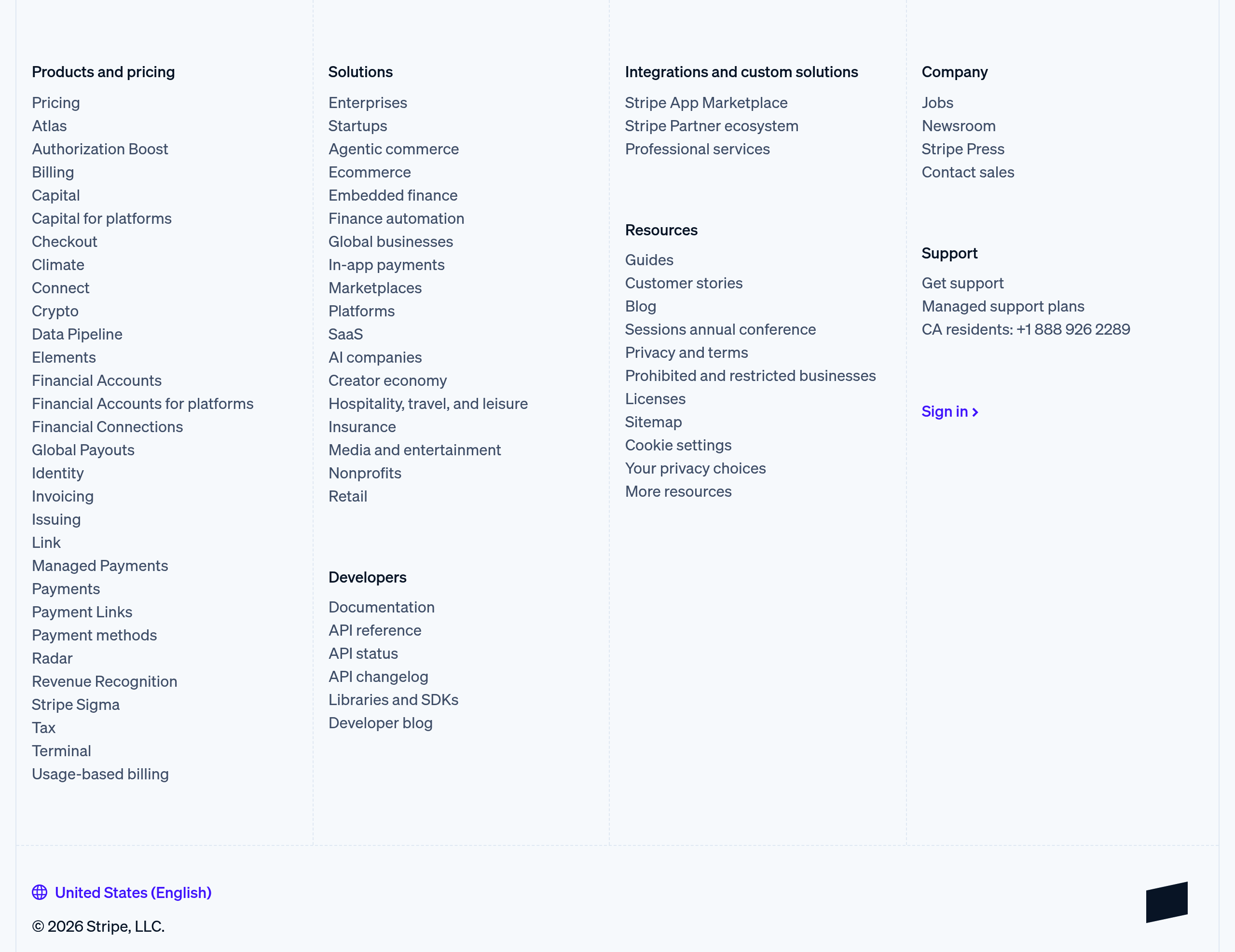
Organized into columns: Product, Company, Resources, Legal. Most common pattern.
- •Stripe: Well-organized multi-column footer with clear sections
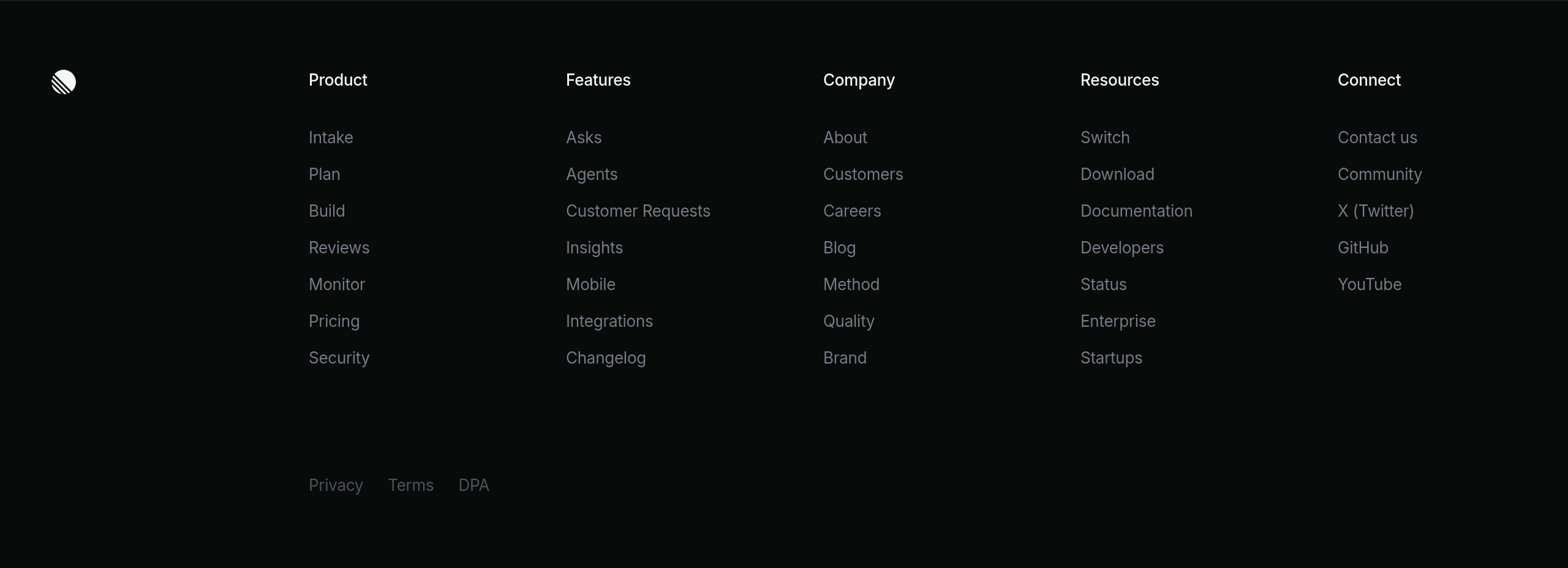
- •Linear: Clean footer with logical grouping
Simple footer
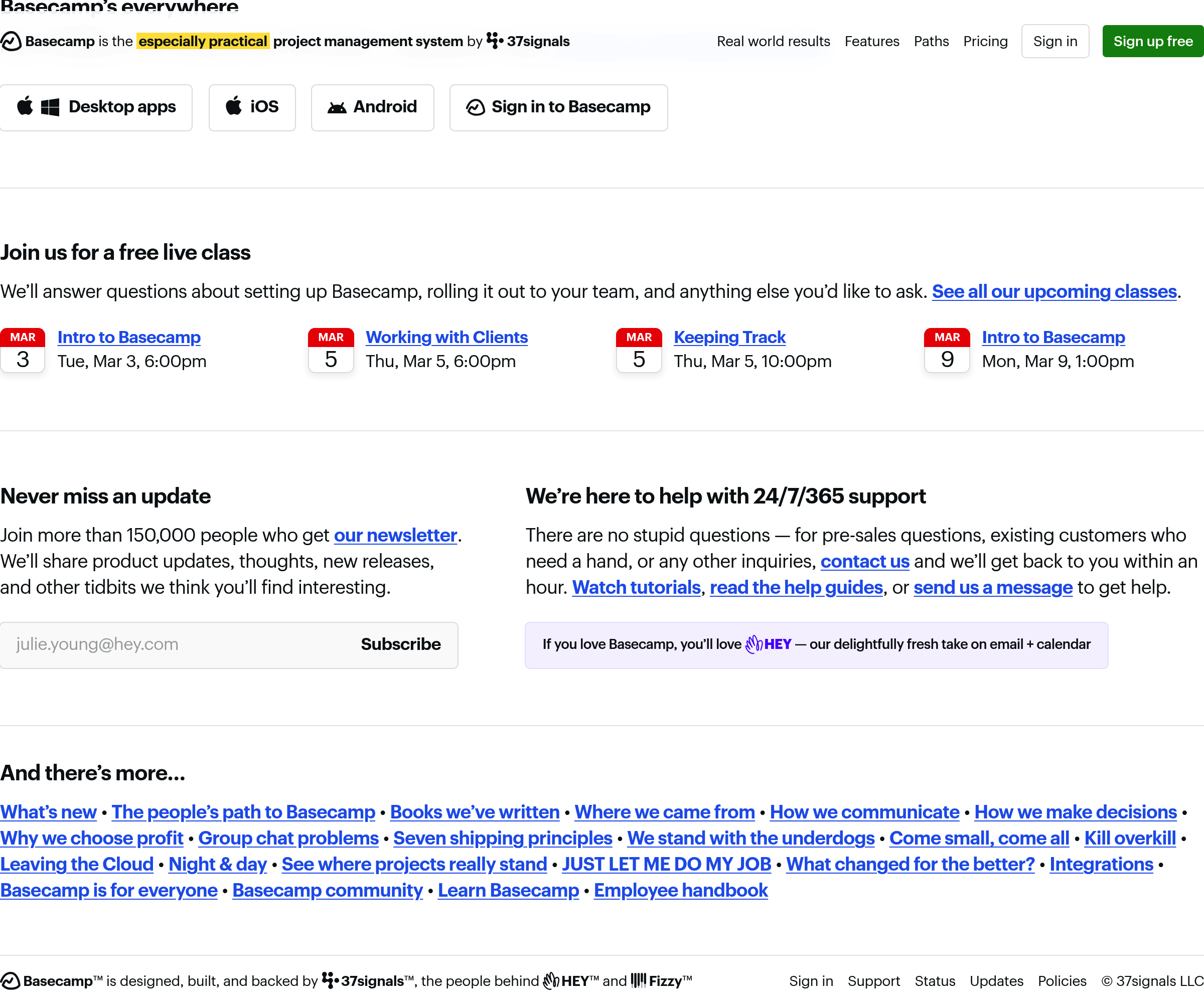
Minimal footer with just essential links. Good for simple sites or when navigation is already clear.
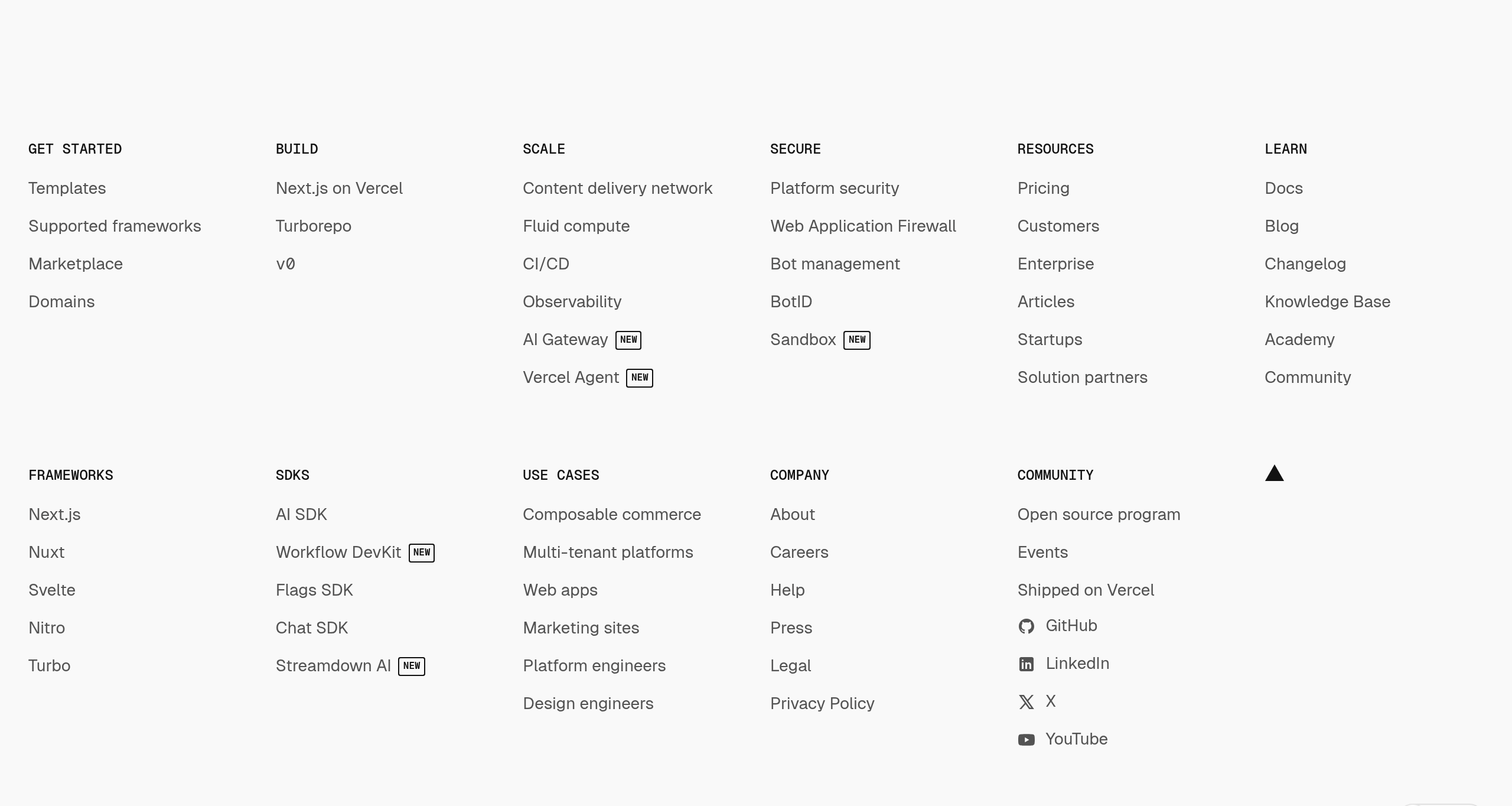
- •Vercel: Simple footer with key links
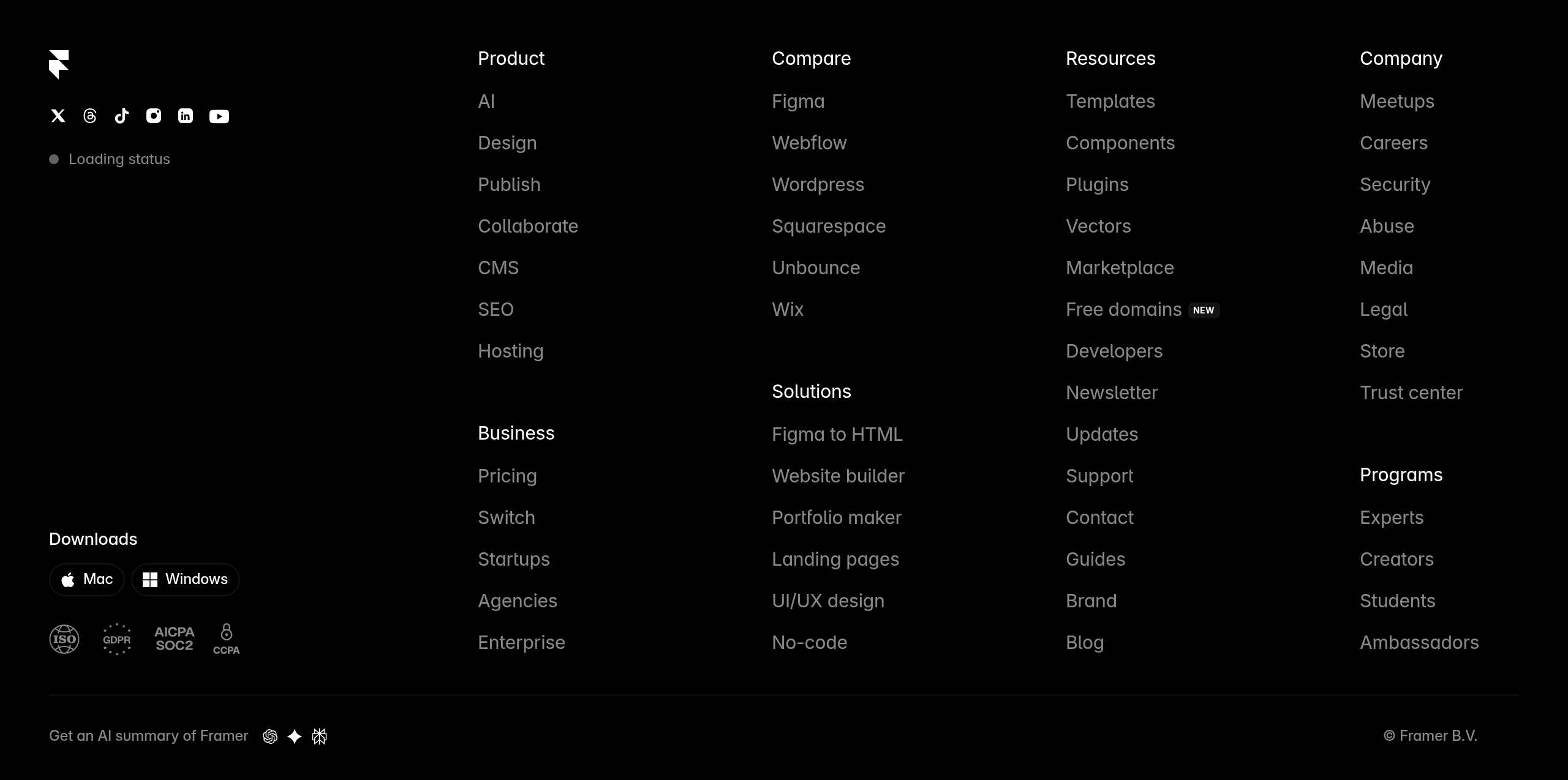
- •Framer: Minimal footer design
Newsletter footer
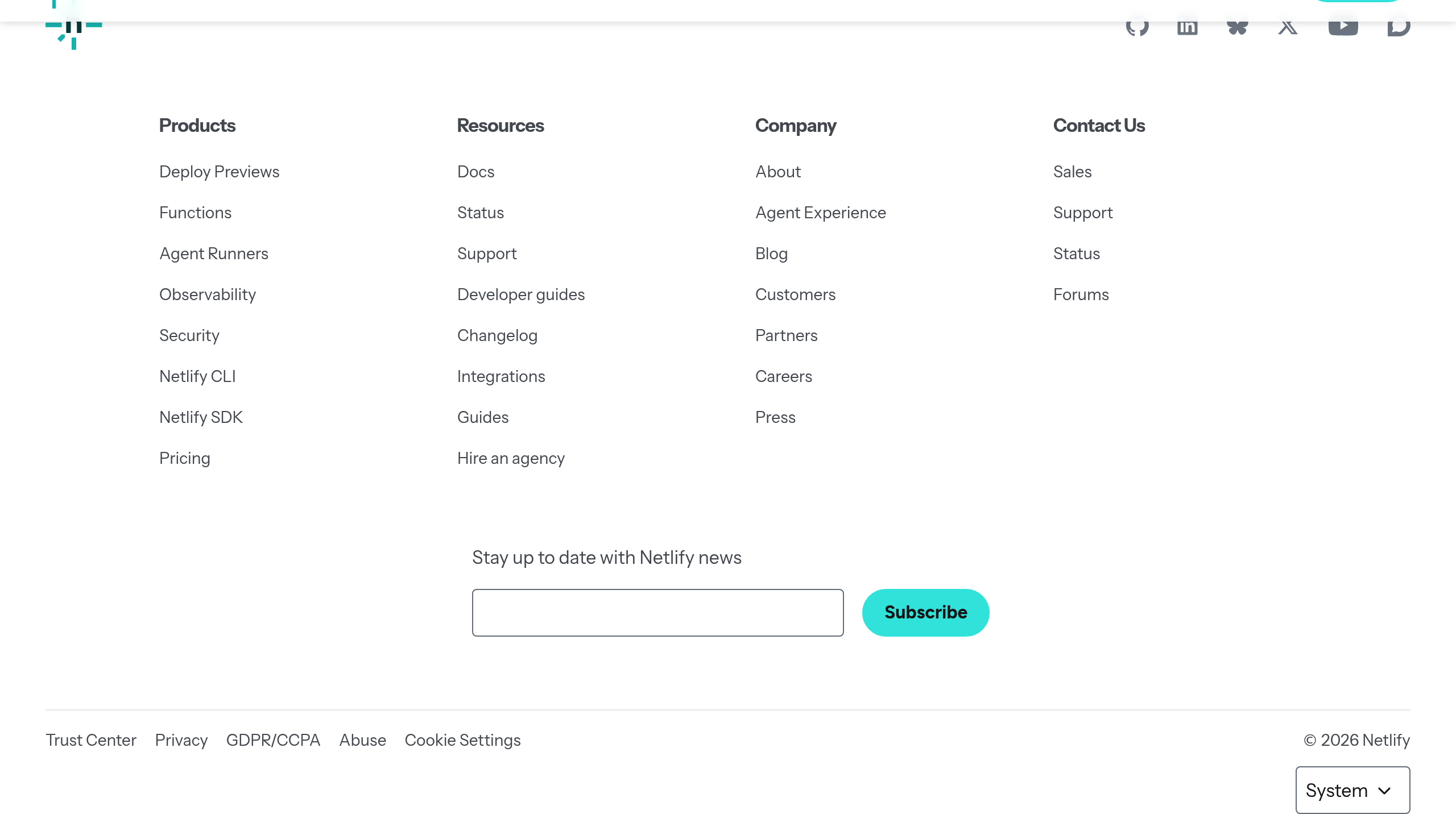
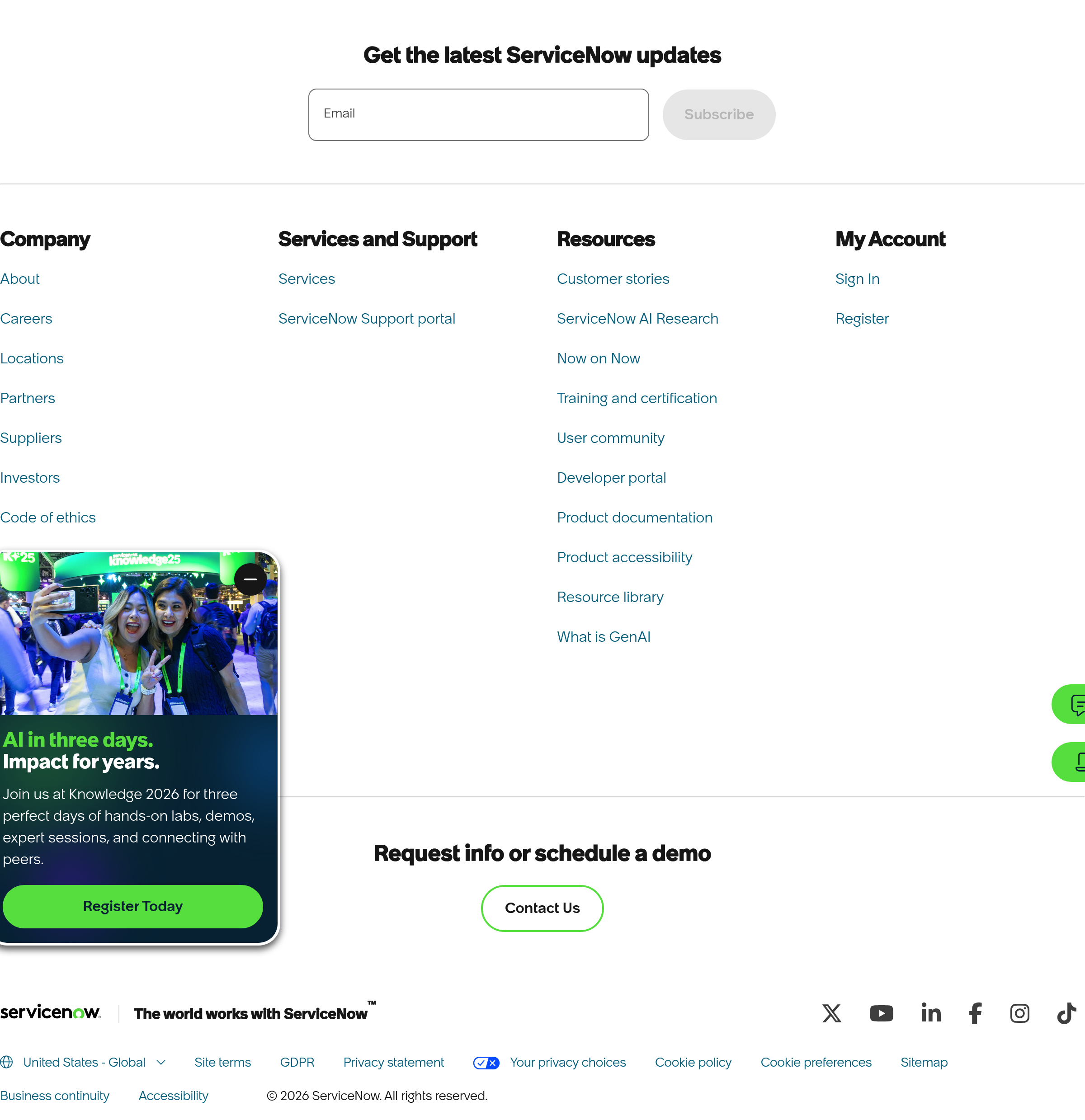
Includes prominent newsletter signup. Good for content-driven sites.
- •Notion: Footer with newsletter signup
- •Intercom: Email capture in footer
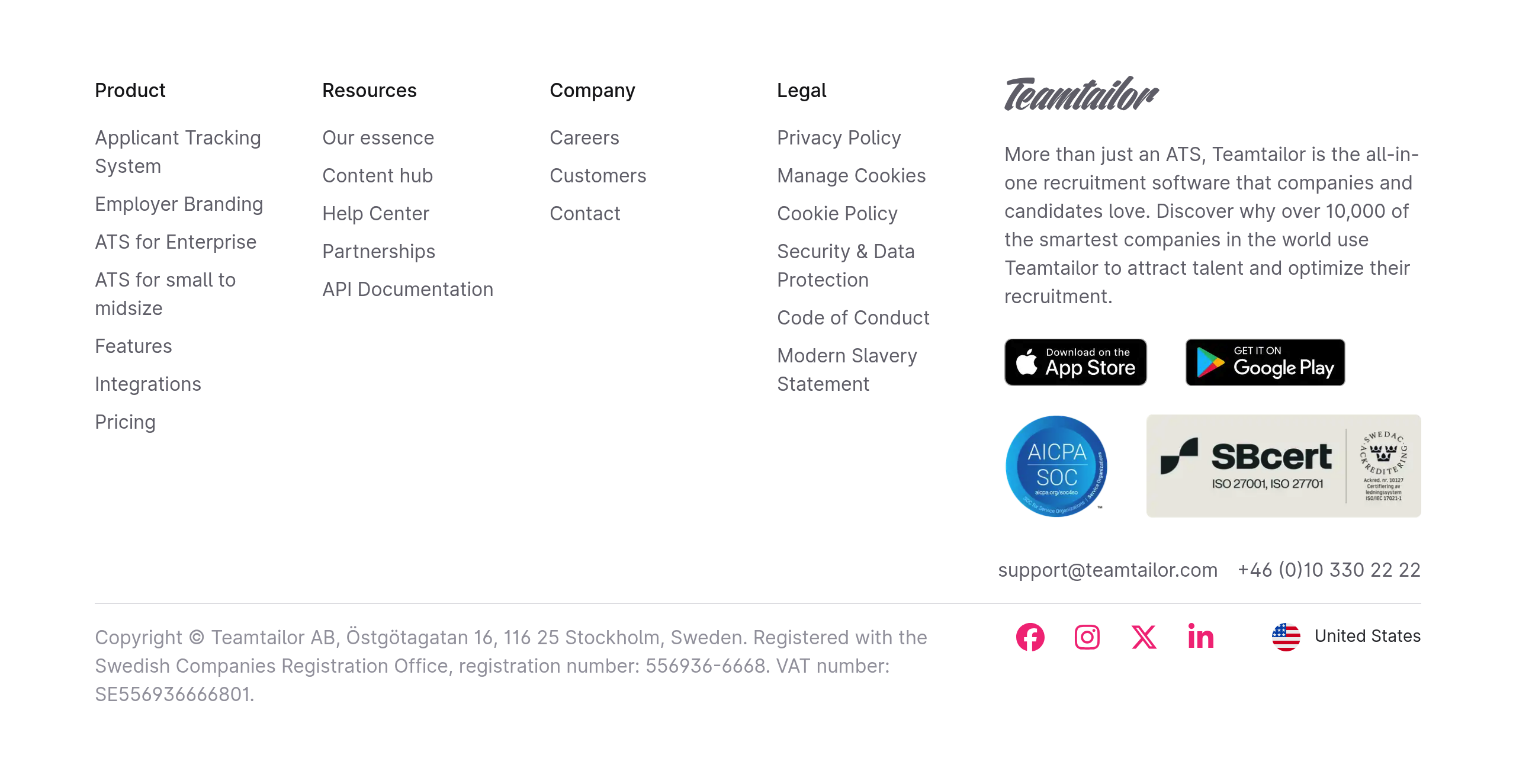
Trust-focused footer
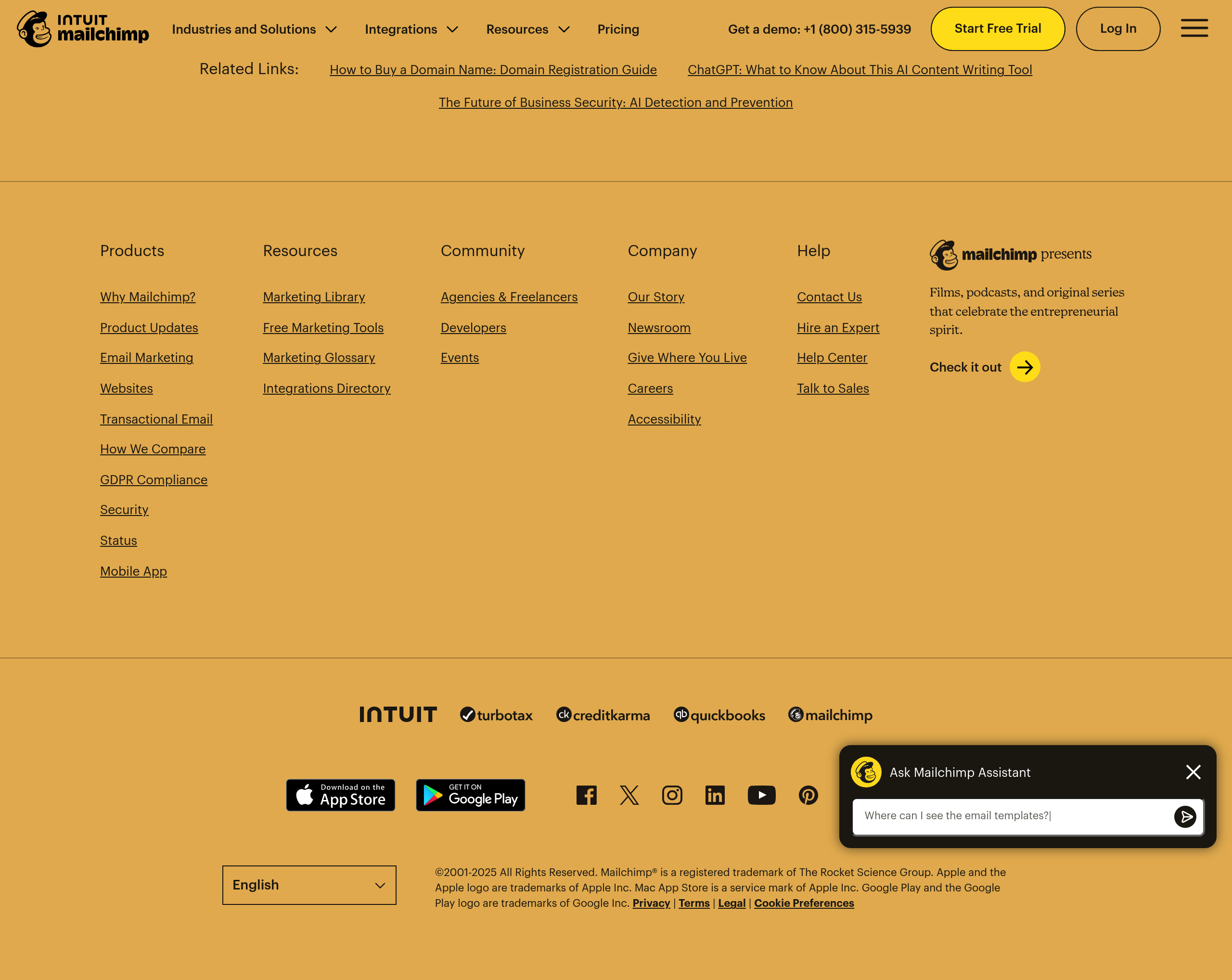
Emphasizes security, compliance, and trust signals. Common for B2B SaaS.
- •Stripe: Security and compliance links prominent
- •Salesforce: Trust and security information
Examples
Real-world implementations from top SaaS companies.
Linear
View site →Clean, organized footer with product links, company info, and legal. Well-spaced and scannable.
Stripe
View site →Comprehensive footer with clear sections: Products, Use cases, Developers, Company. Includes trust signals.
Vercel
View site →Simple footer focused on key links. Includes social media and newsletter signup.
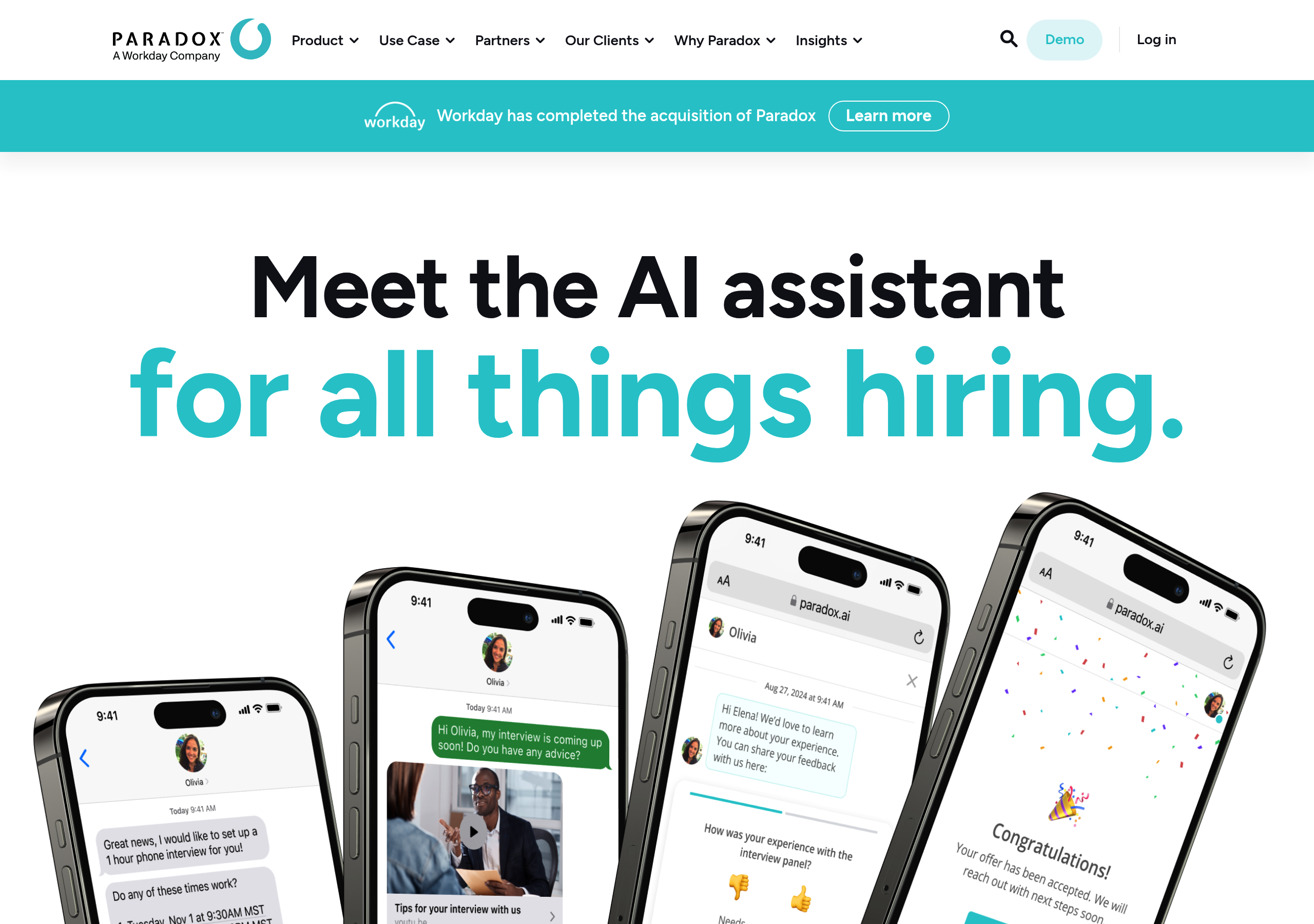
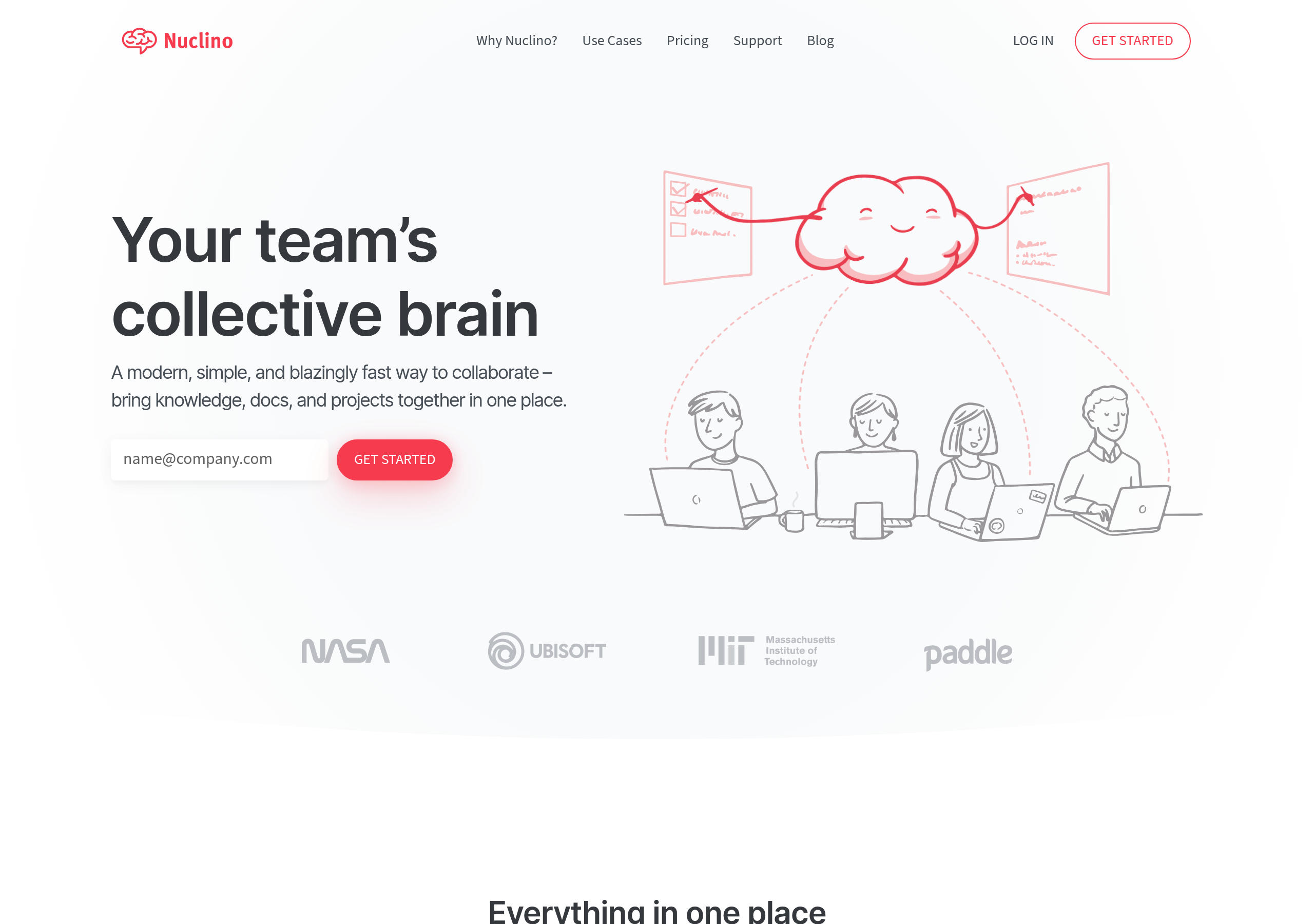
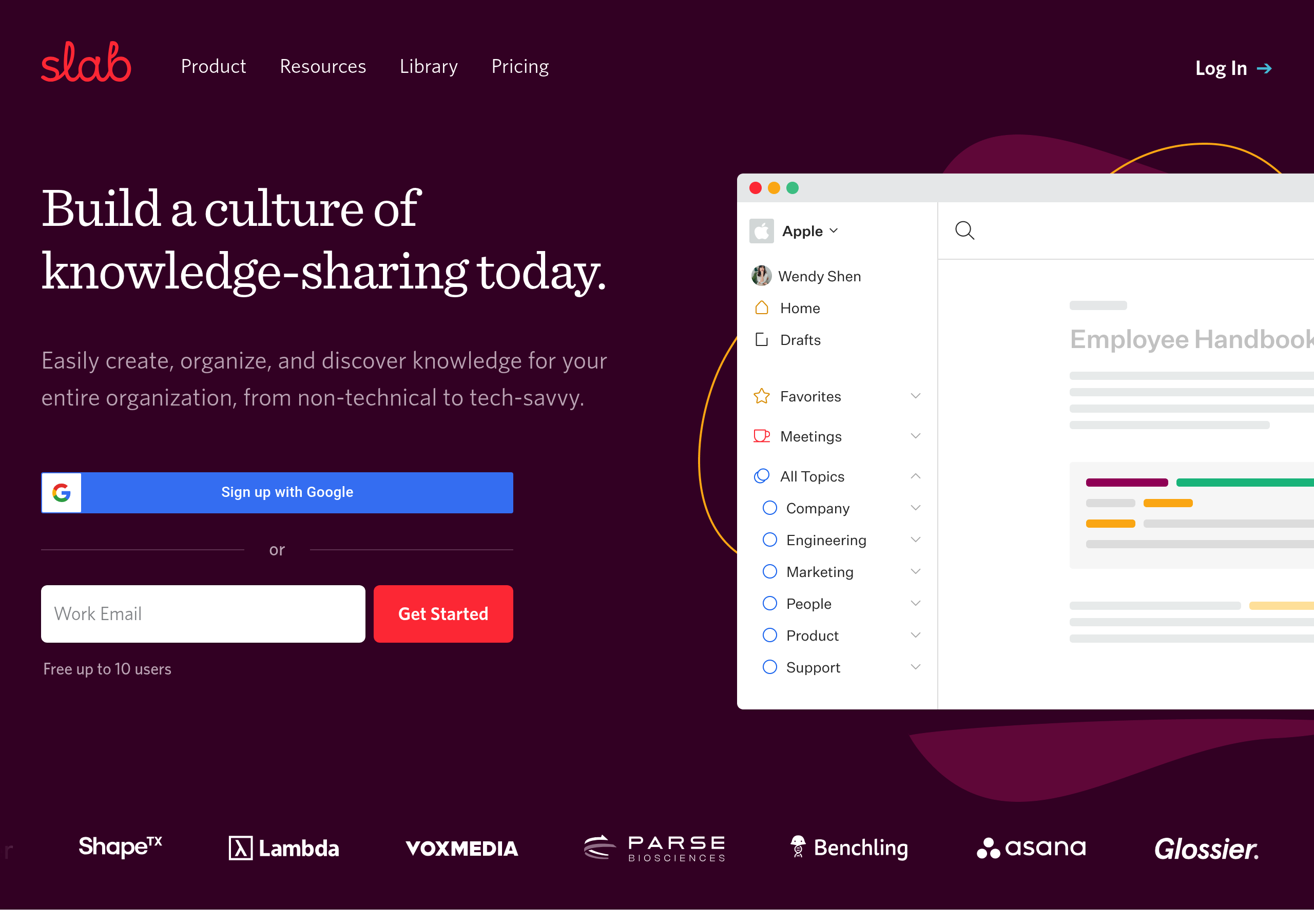
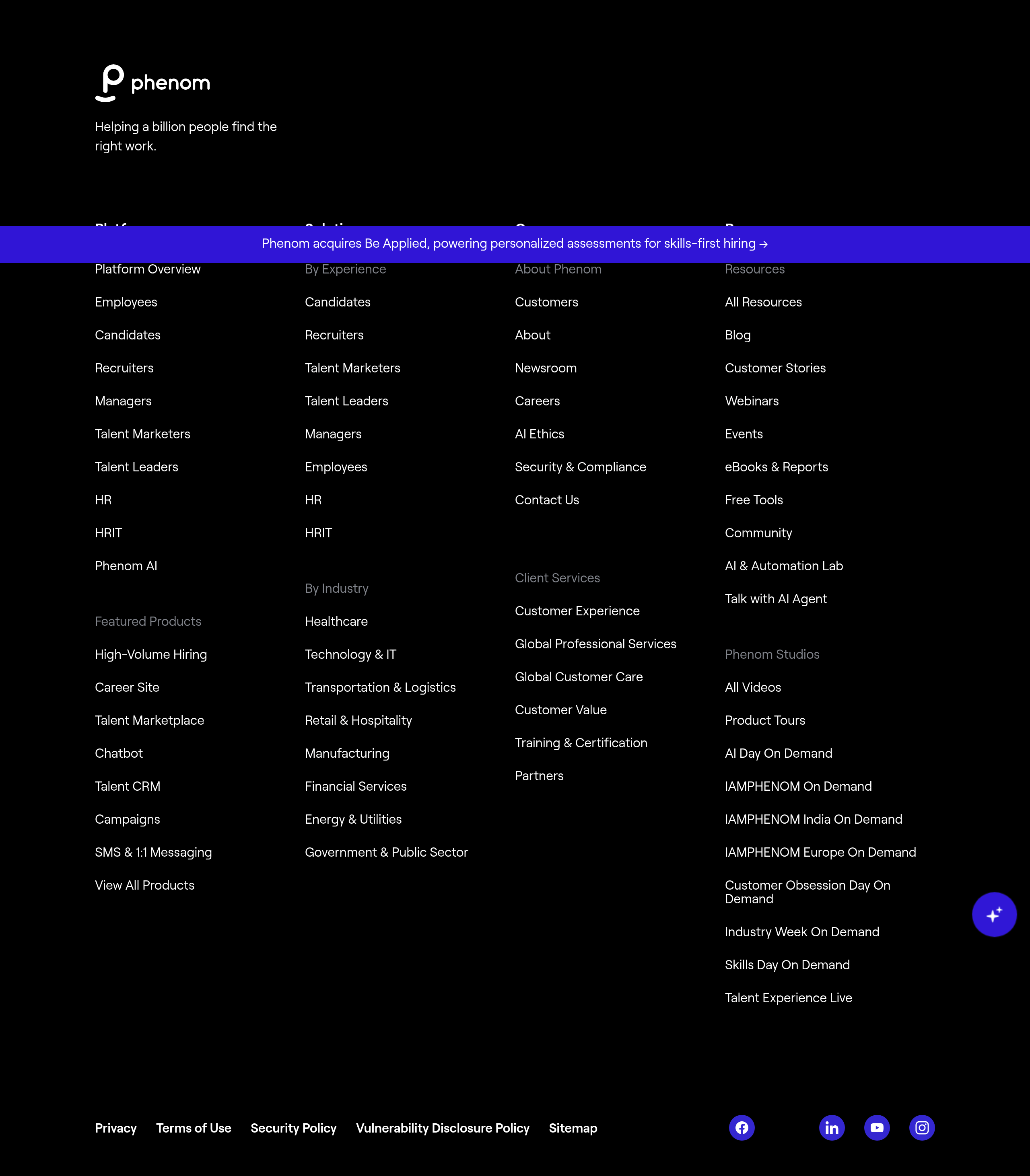
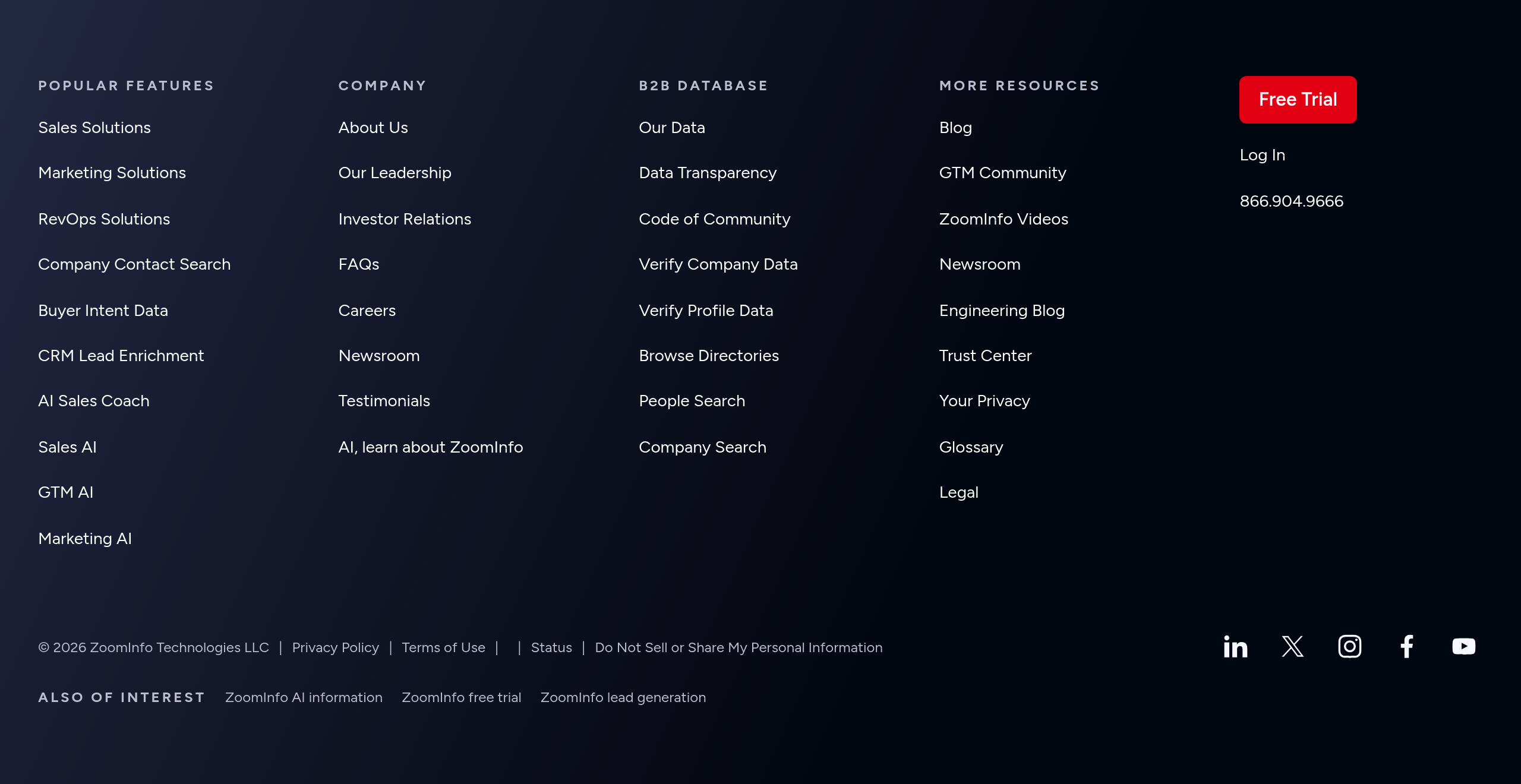
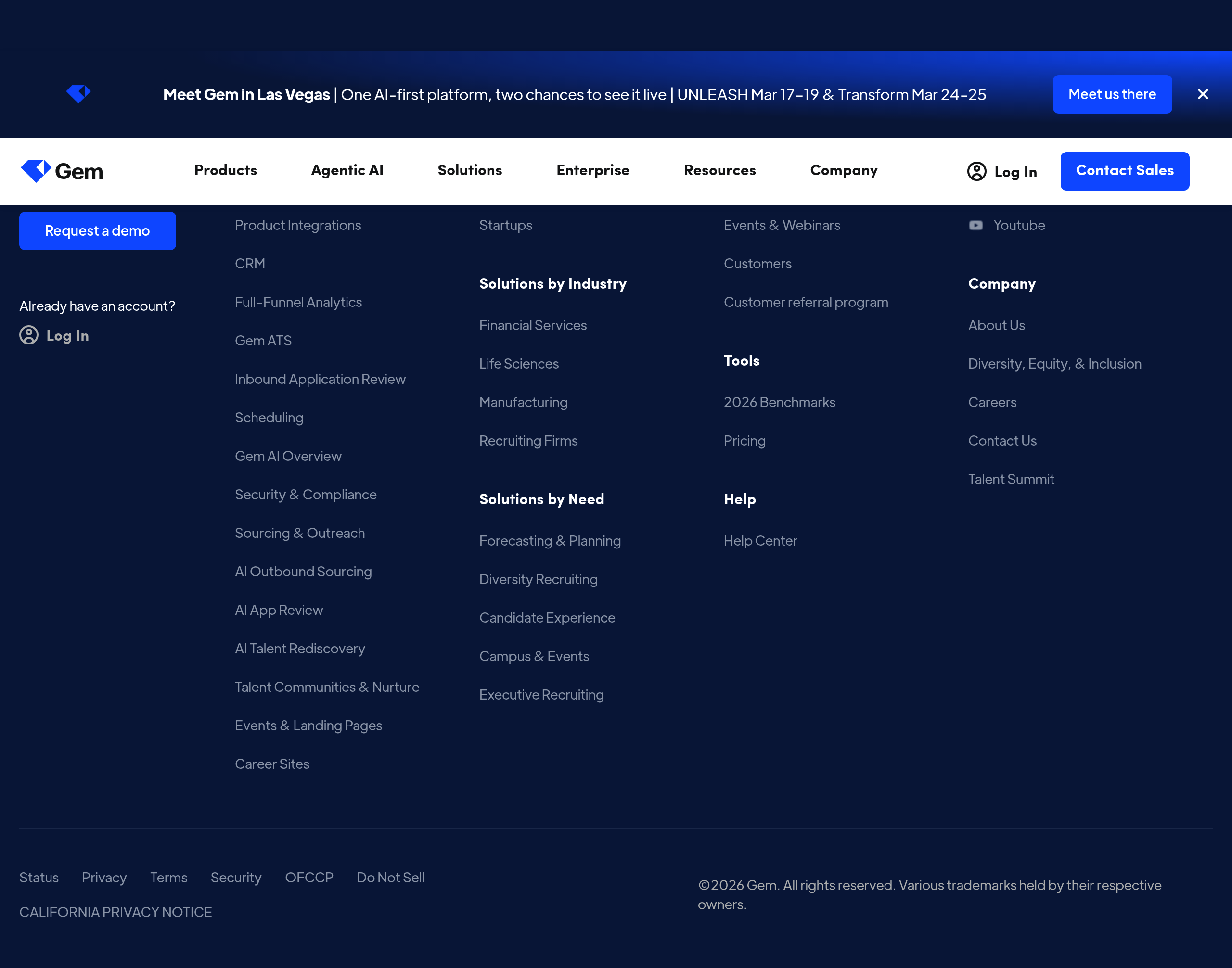
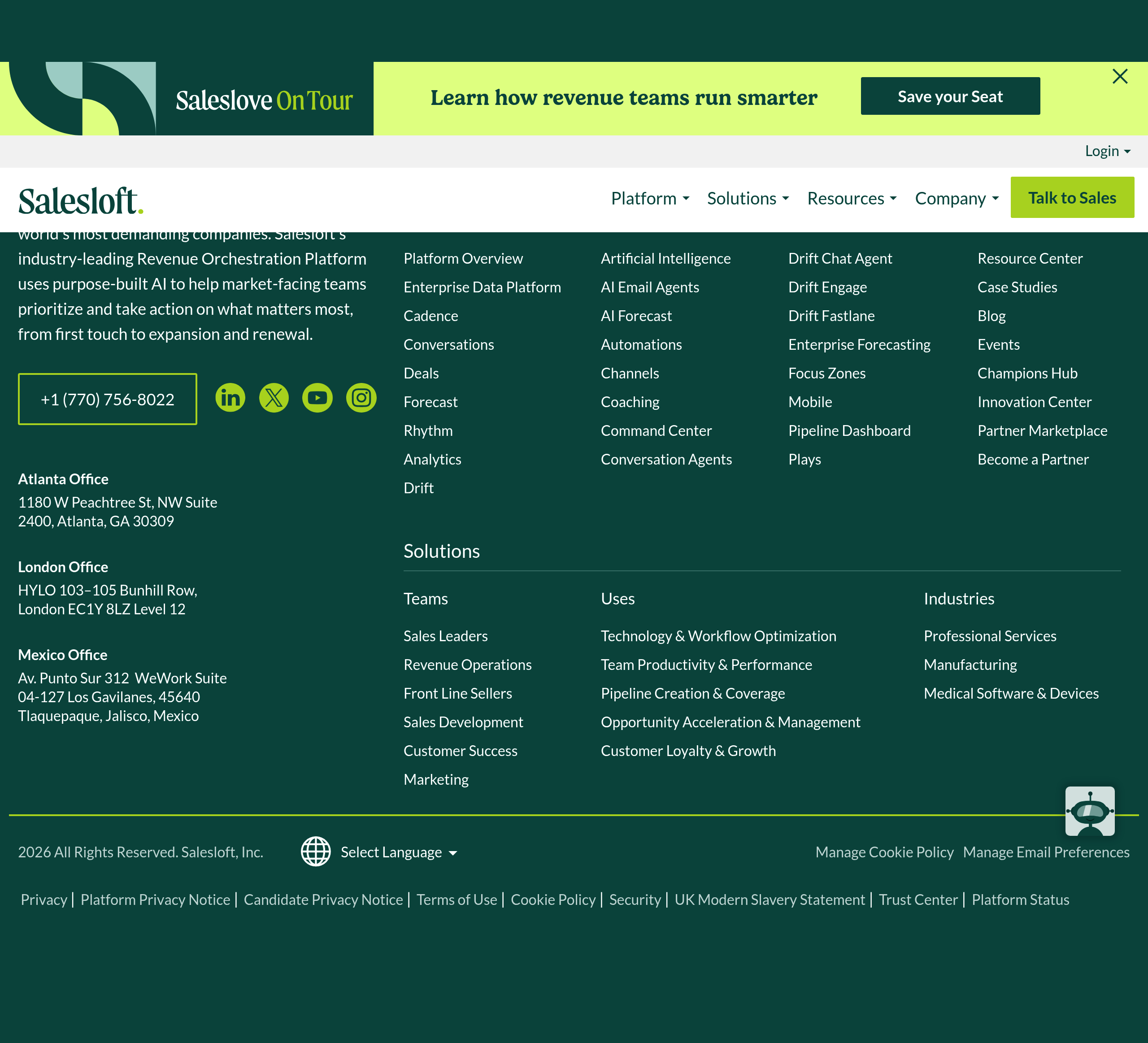
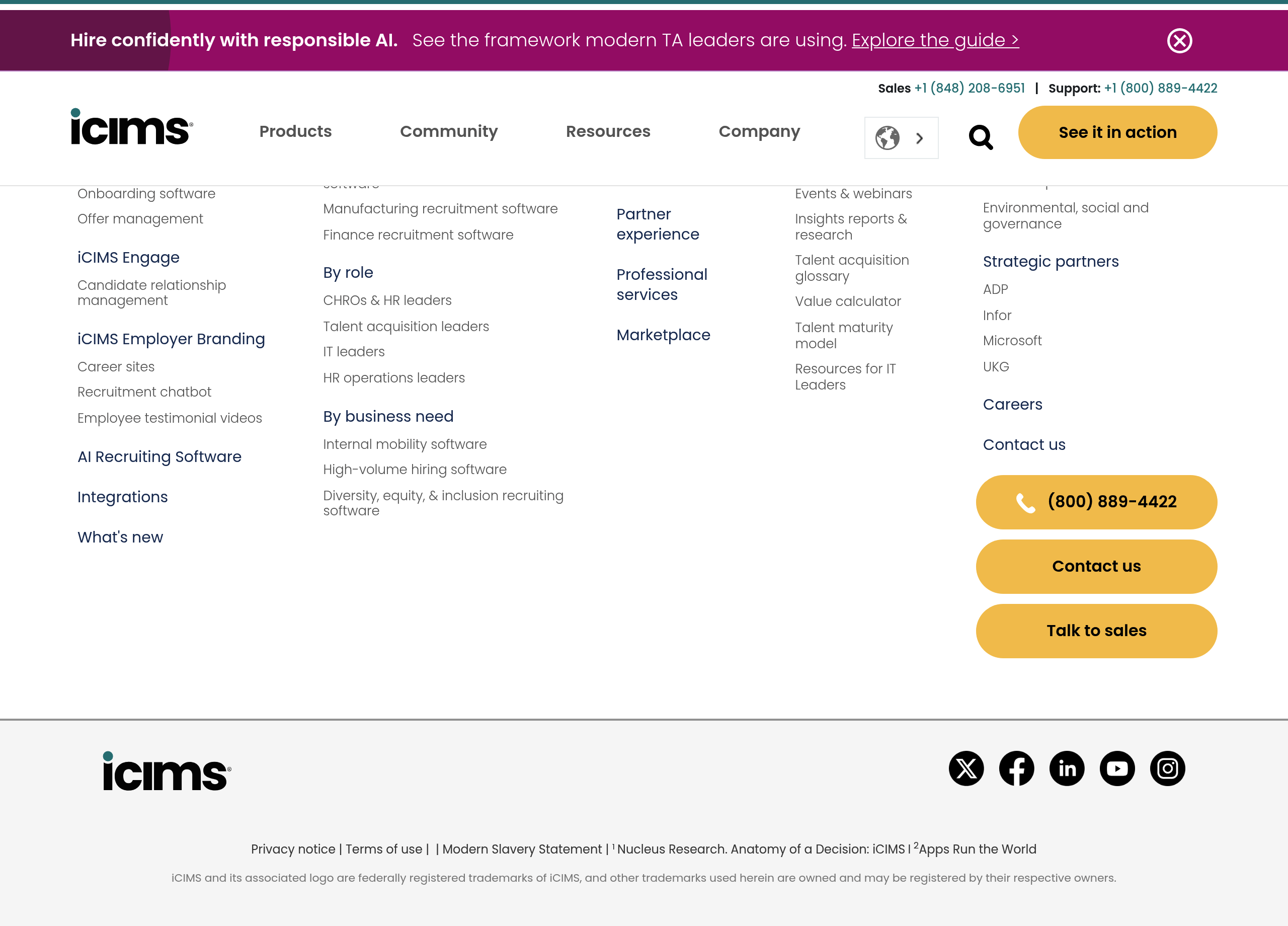
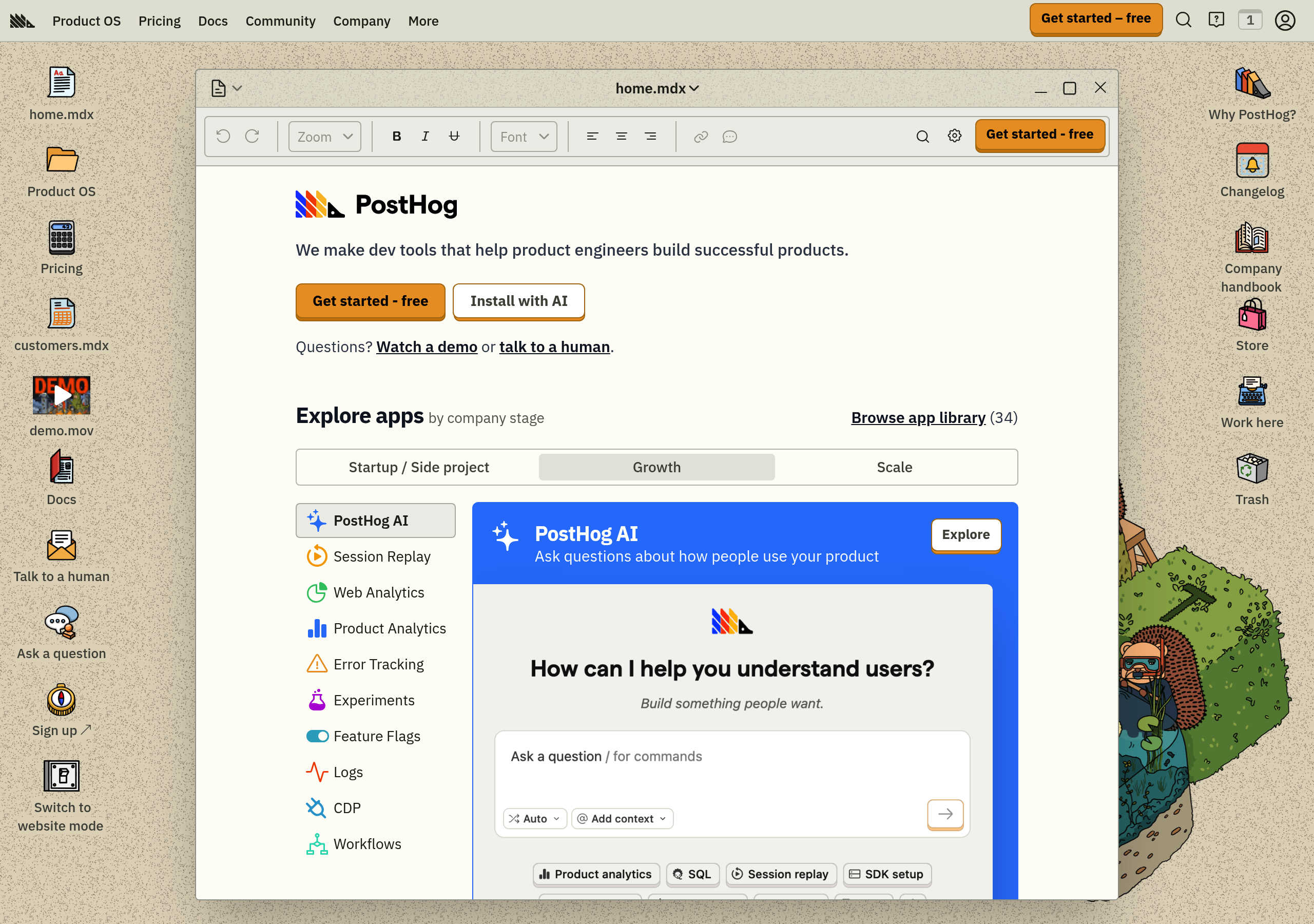
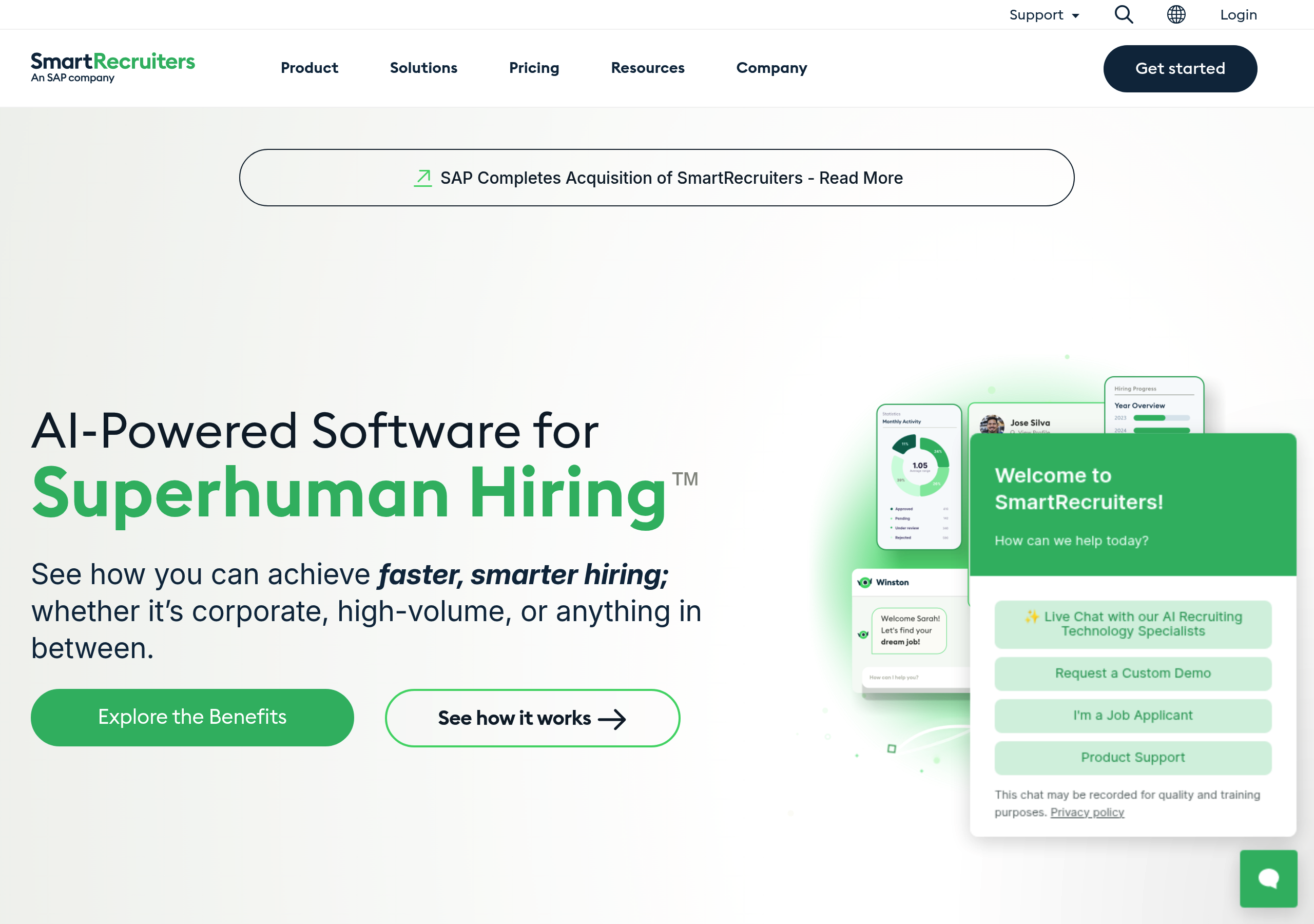
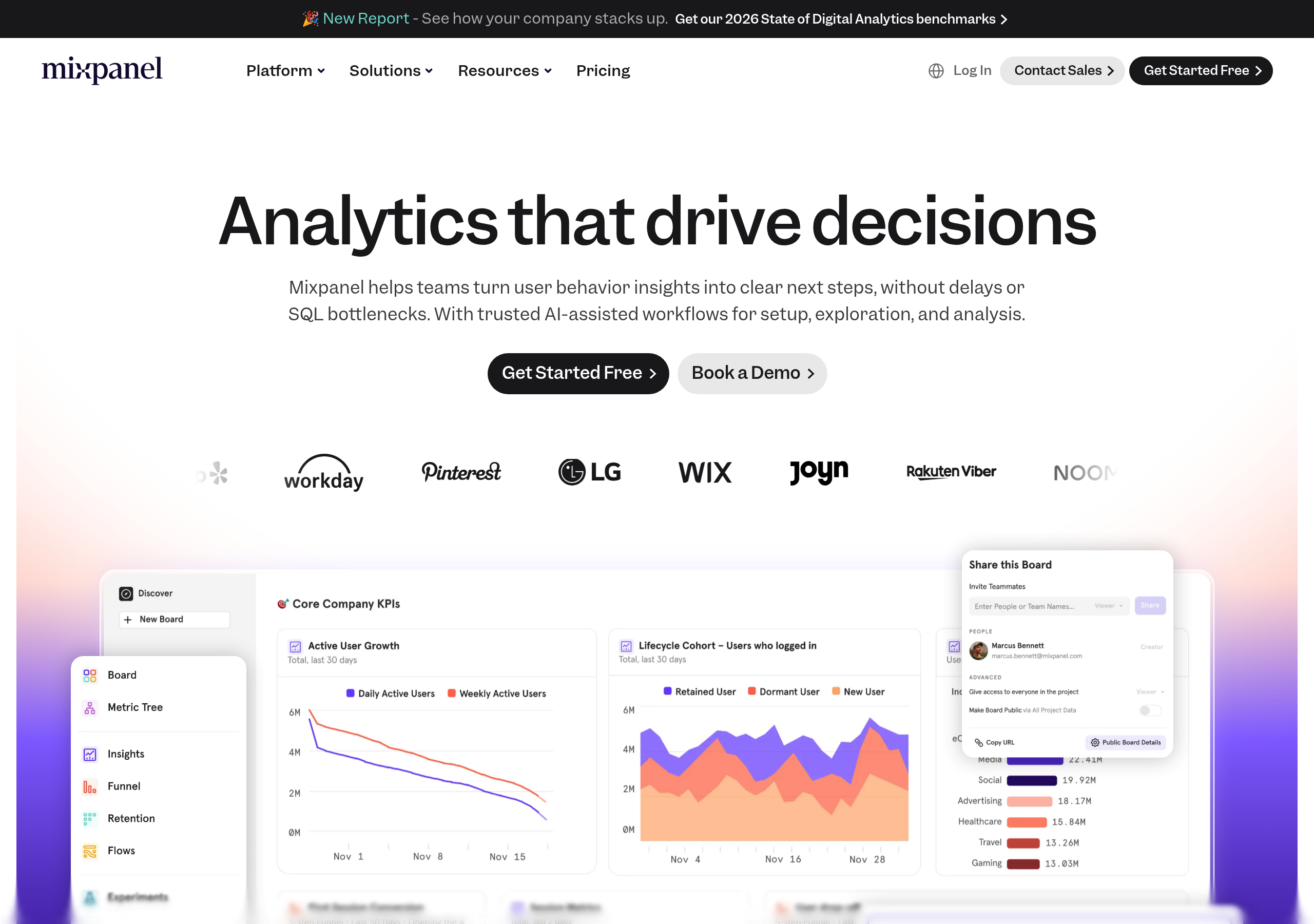
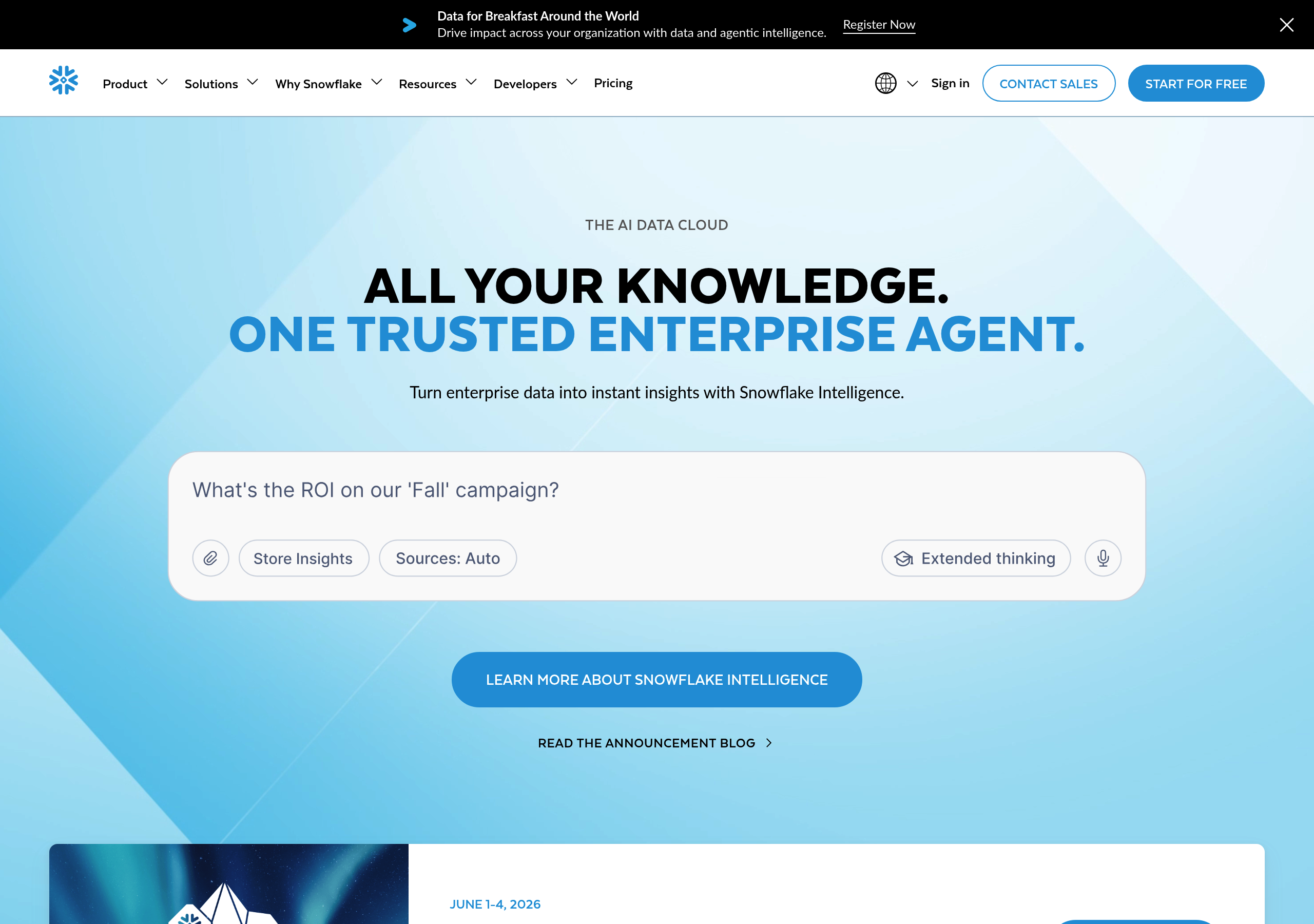
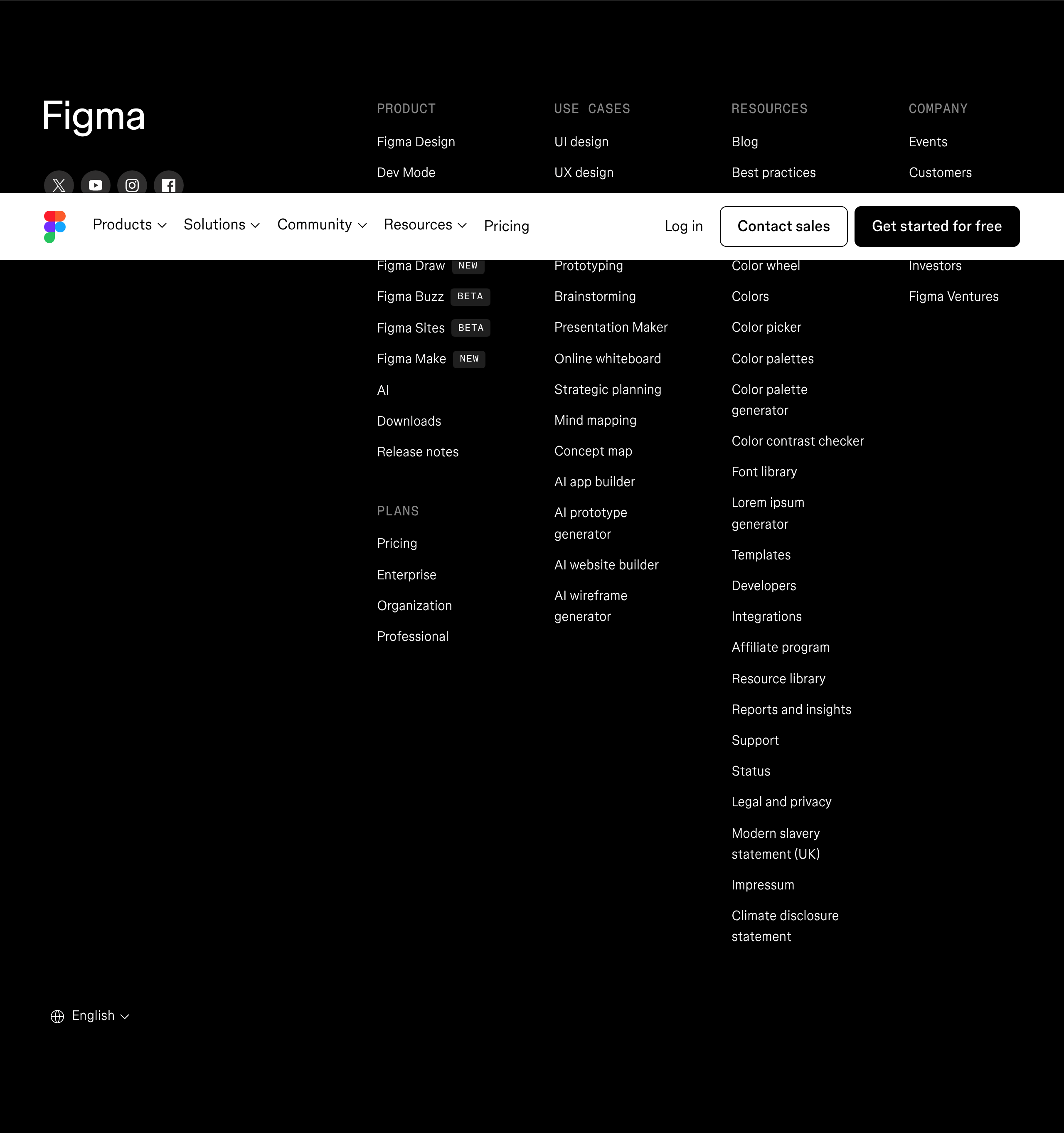
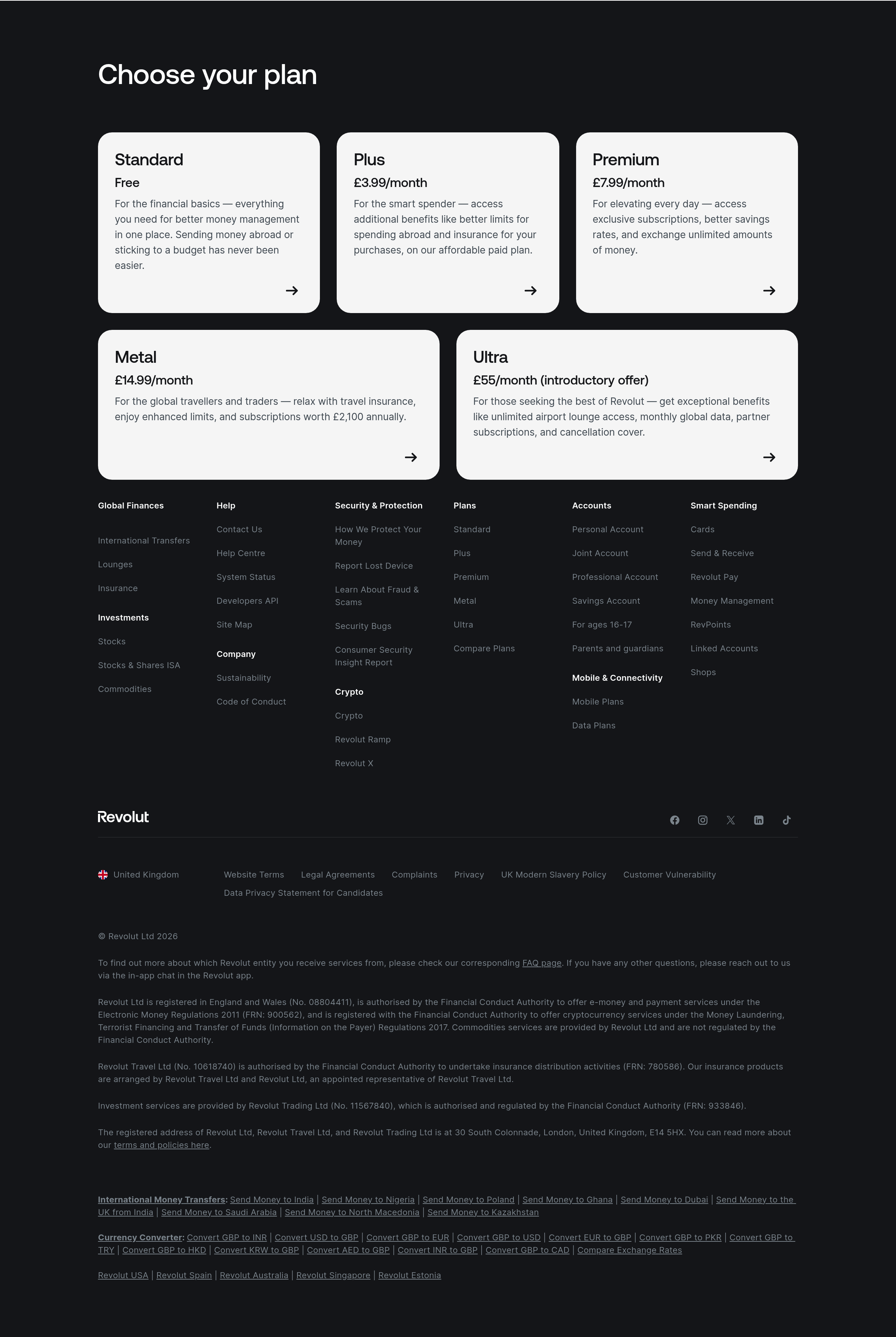
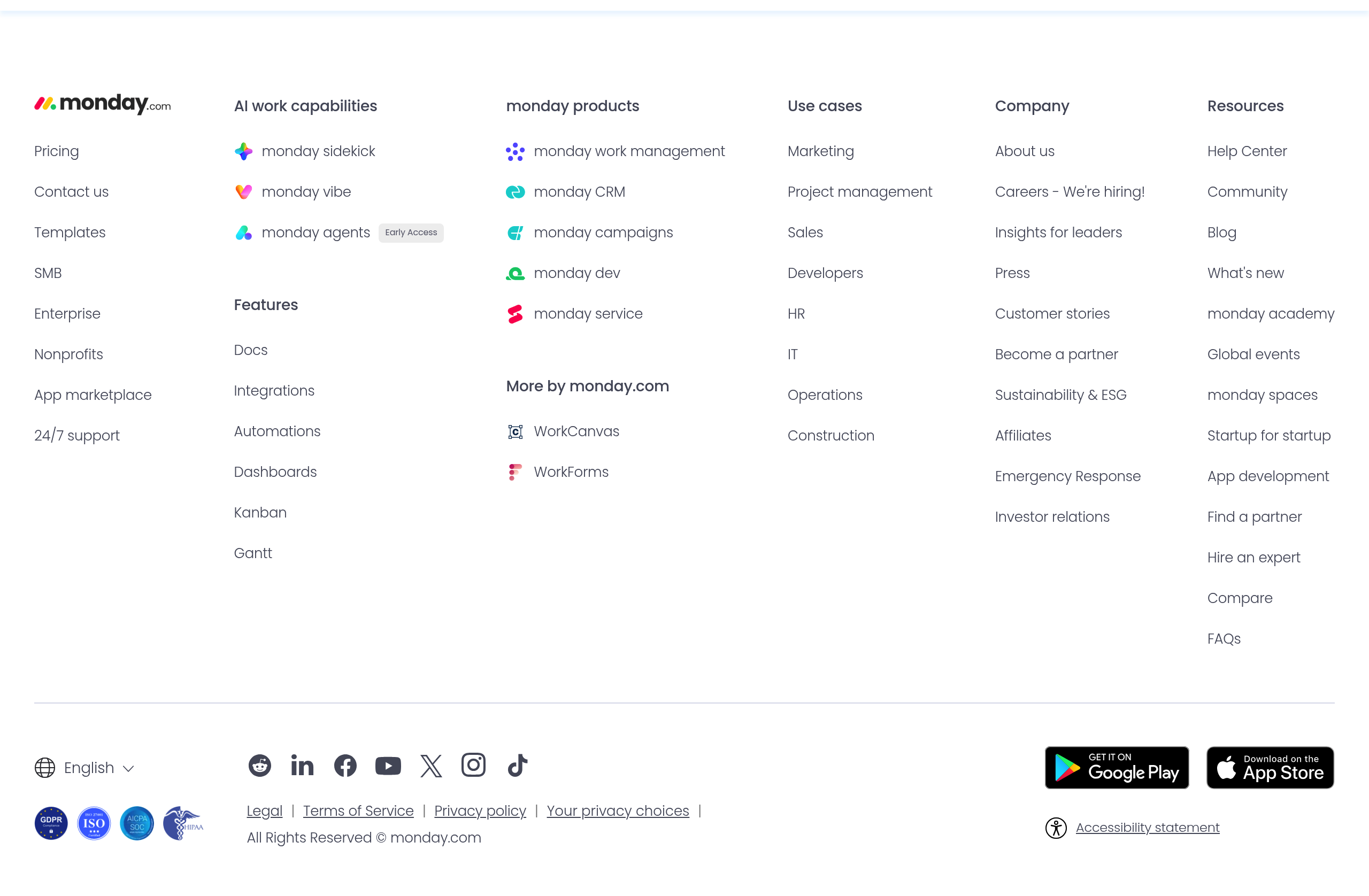
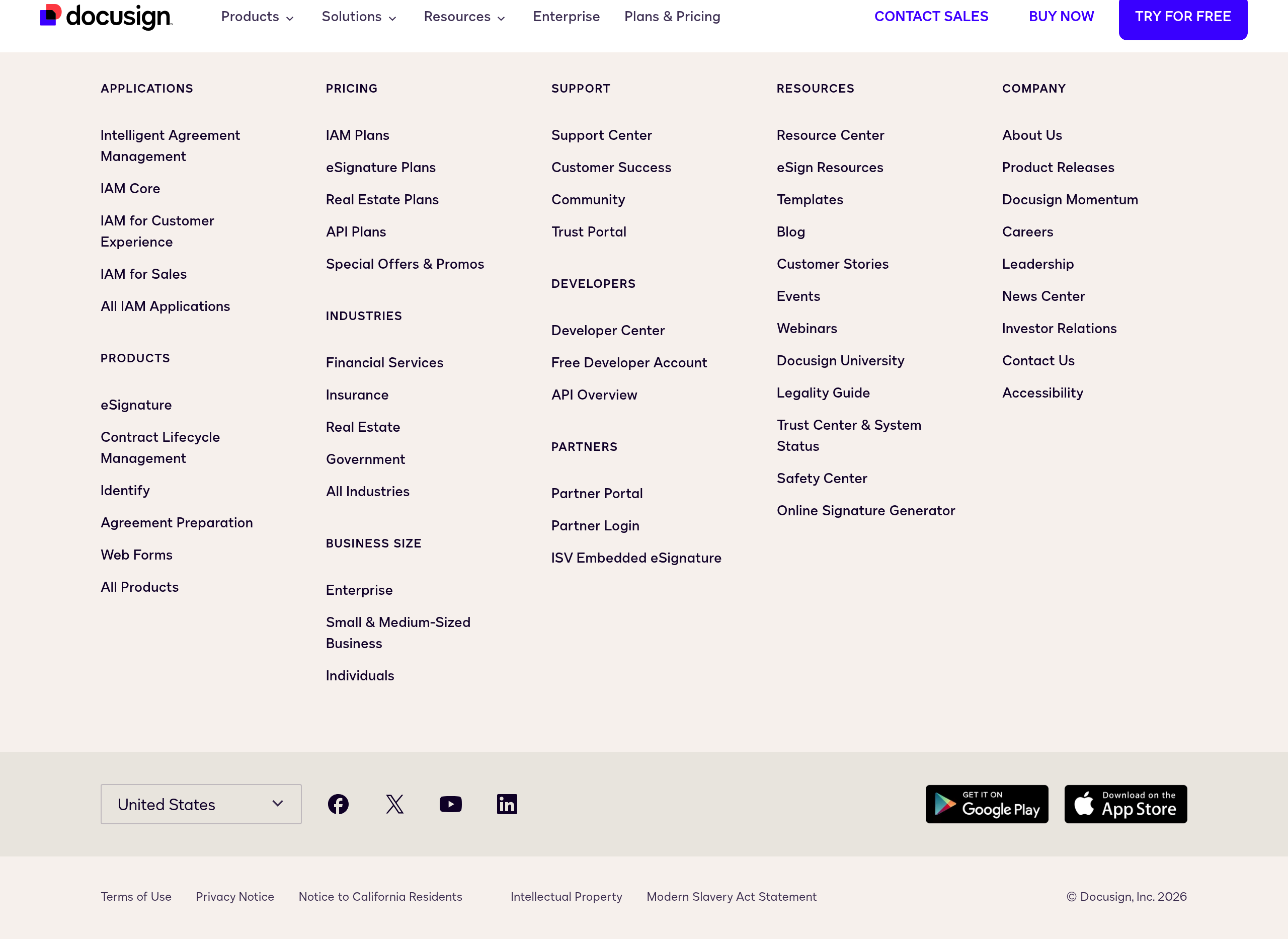
Screenshots from website breakdowns
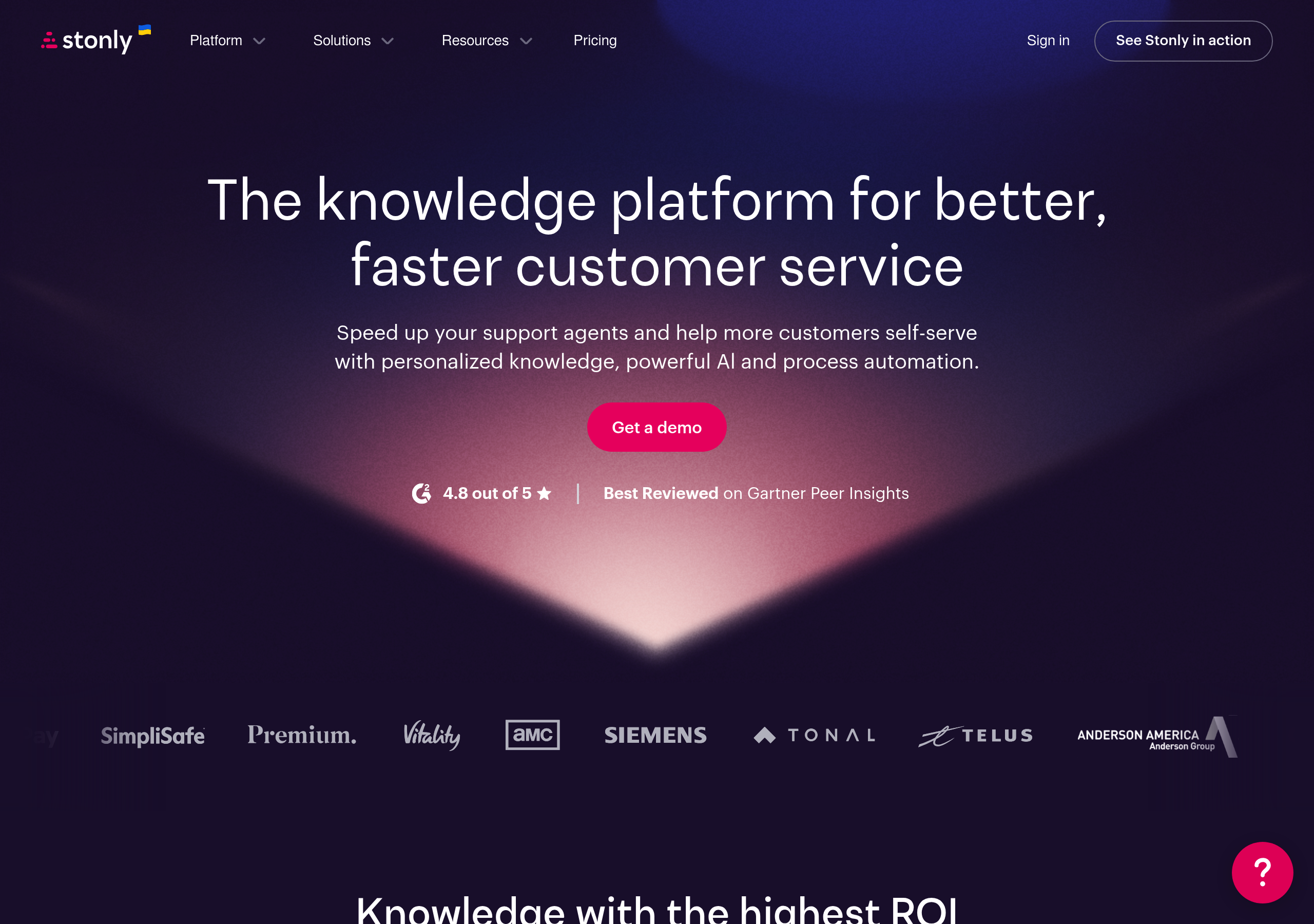
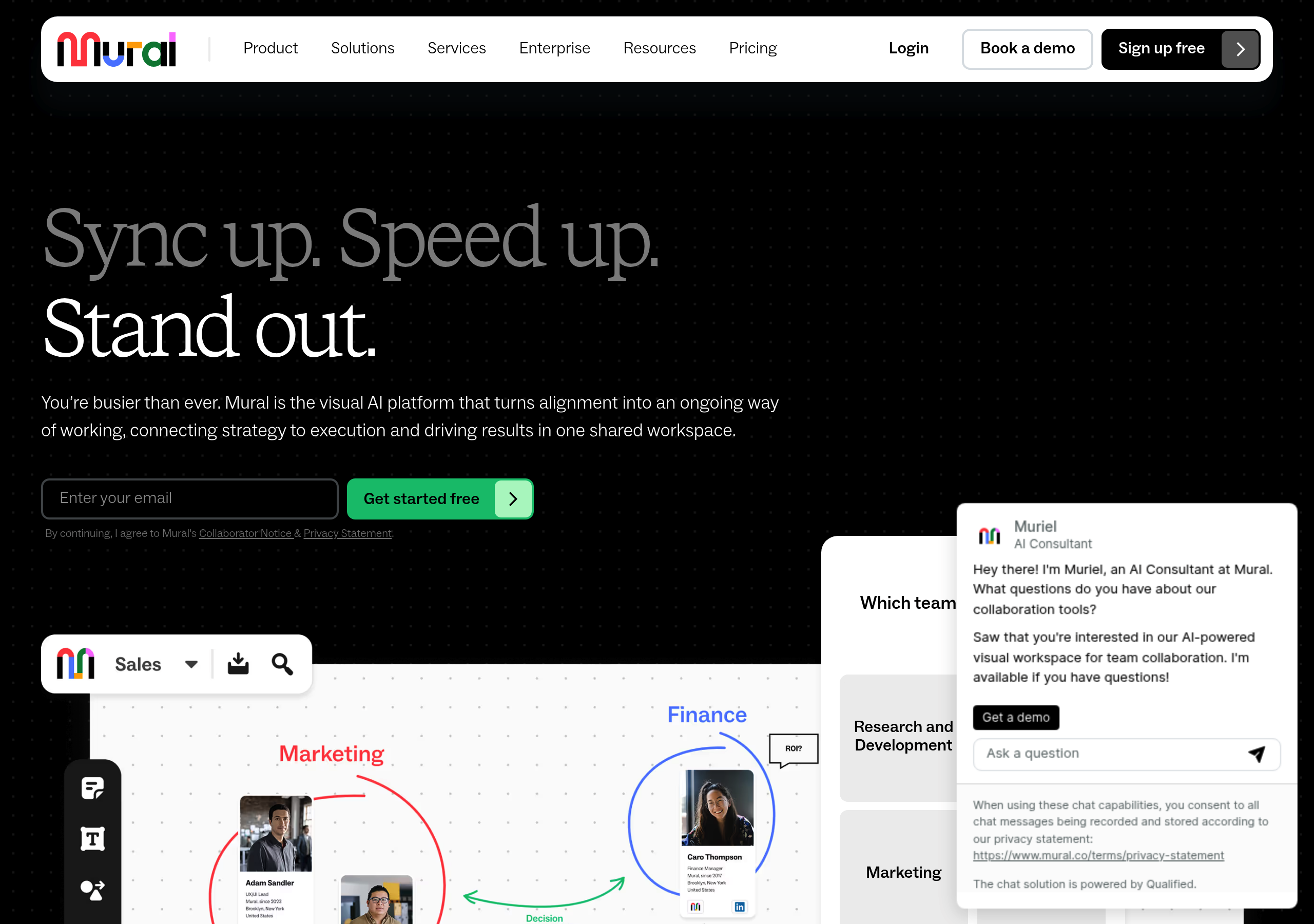
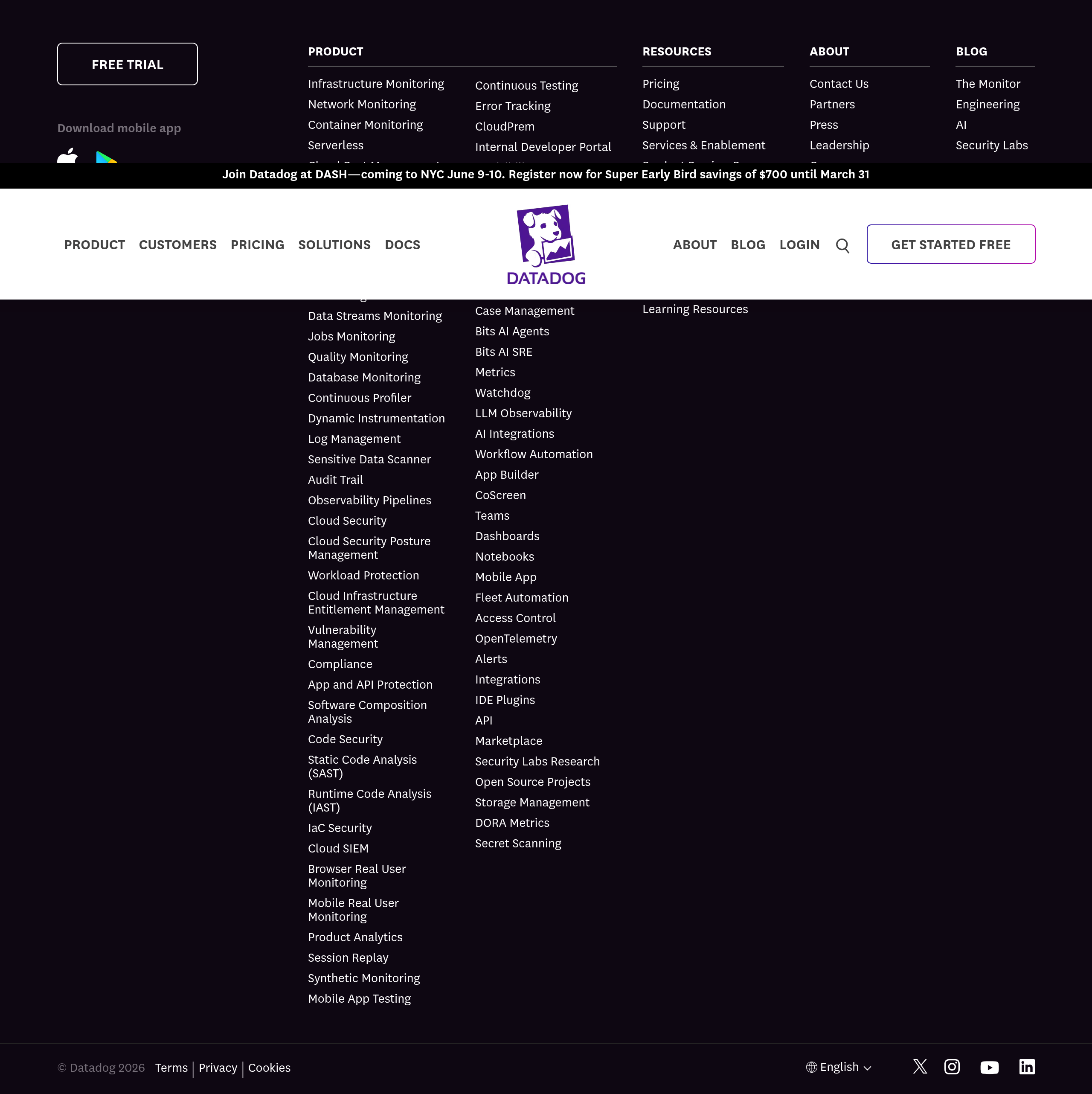
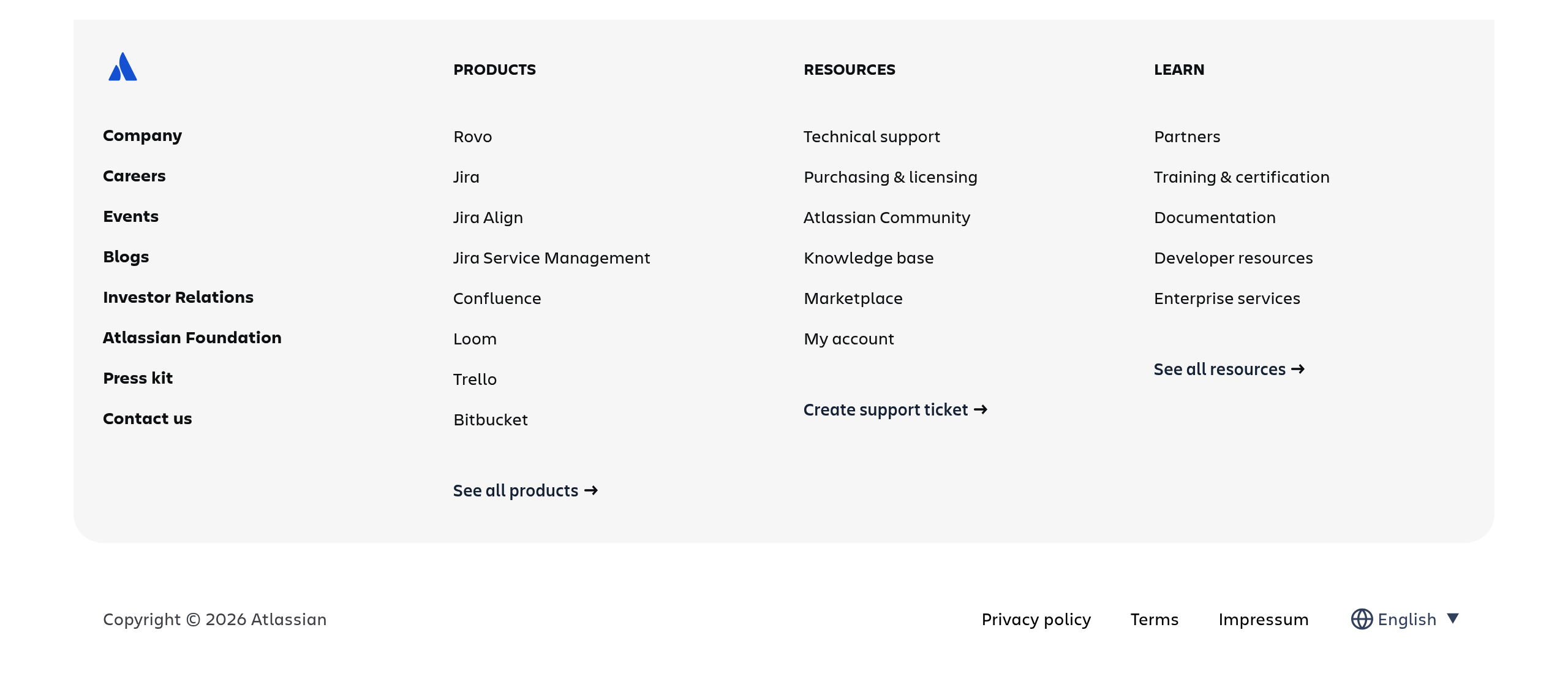
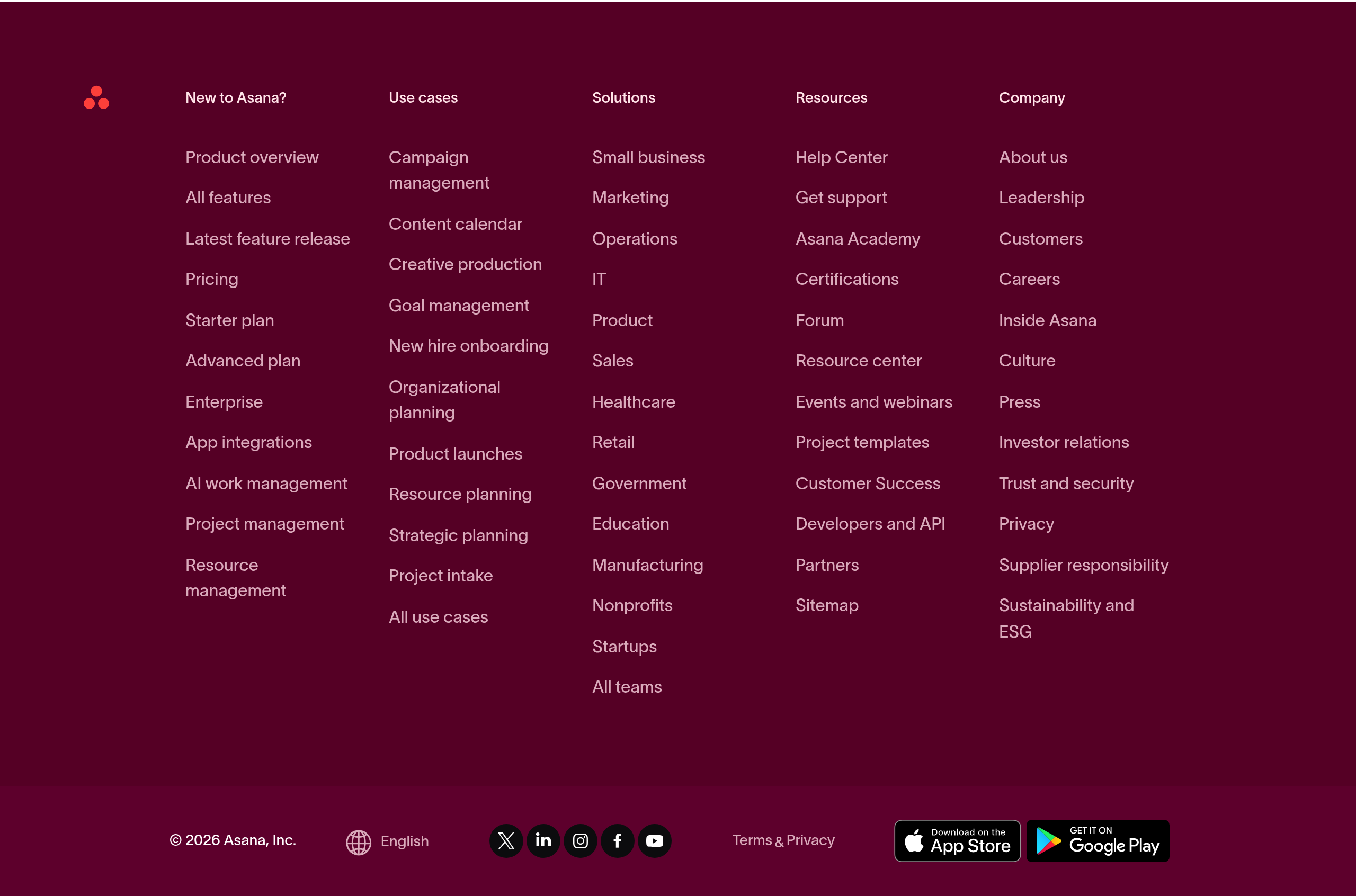
Real captures of this component from analyzed SaaS sites. Click through to see the full breakdown.









Accessibility considerations
Ensure your component is usable by everyone.
- Use semantic HTML: <footer> element with proper heading hierarchy for sections.
- Organize footer links into logical groups with <h3> or <h4> headings.
- Ensure all footer links are keyboard accessible and have clear focus indicators.
- Provide sufficient color contrast for footer text and links.
- Include skip links or clear navigation for users navigating by keyboard.
- Test with screen readers to ensure footer structure and links are clear.
- For newsletter signups, ensure form inputs are properly labeled and keyboard accessible.