
Overview
Social proof leverages the psychological principle that people look to others' actions to guide their own behavior. In SaaS, this translates to showing that others have successfully used your product.
Social proof reduces perceived risk by showing that others have validated your product. It's especially important for B2B SaaS where purchase decisions involve multiple stakeholders.
The most effective social proof is specific and relevant: customer logos work, but testimonials with outcomes are better.
Place social proof strategically: near CTAs, after value propositions, and throughout the page to reinforce trust.
Different types of social proof work for different stages: logos for awareness, testimonials for consideration, case studies for decision.
Best practices
Actionable guidelines to implement this component effectively.
- Match proof to the claim (e.g., if you claim speed, show metrics + quotes about speed).
- Prefer specific testimonials (role + company + outcome) over generic praise.
- Keep it scannable: 6–12 logos or 2–4 strong testimonials, not a wall of text.
- Include permissioned assets and avoid "logo soup" without context on enterprise pages.
- Show recency: "Join 10,000+ companies" is good, but "Join 10,000+ companies, including 500+ this month" is better.
- Use real customer names and photos when possible: authenticity matters more than perfection.
- For enterprise pages, include logos of recognizable brands in the prospect's industry.
Common patterns
Popular variations and approaches you'll see across successful SaaS sites.
Logo wall
Grid of customer logos. Simple and effective for establishing credibility quickly.
- •Stripe: "Trusted by millions of businesses" with recognizable logos
- •Slack: Customer logos organized by industry
Testimonial cards
Quotes from customers with name, role, company, and photo. More personal and specific than logos alone.
- •Notion: Customer quotes with photos and company names
- •Intercom: Testimonials with specific outcomes mentioned
Metrics + logos
Combines impressive numbers with customer logos. "Used by 50,000+ companies" with logos below.
- •Vercel: "Used by millions of developers" with company logos
- •GitHub: User count with enterprise customer logos
Case study previews
Short summaries of customer success stories with links to full case studies.
- •HubSpot: "How [Company] achieved [Outcome]" cards
- •Salesforce: Customer success story snippets
Examples
Real-world implementations from top SaaS companies.
Stripe
View site →Uses logo wall with recognizable brands. Includes specific metrics: "Millions of businesses" and "135+ countries".
Notion
View site →Combines customer quotes with logos. Shows specific use cases and outcomes from real customers.
Linear
View site →Simple logo wall with well-known tech companies. Clean, scannable, and builds trust without overwhelming.
Screenshots from website breakdowns
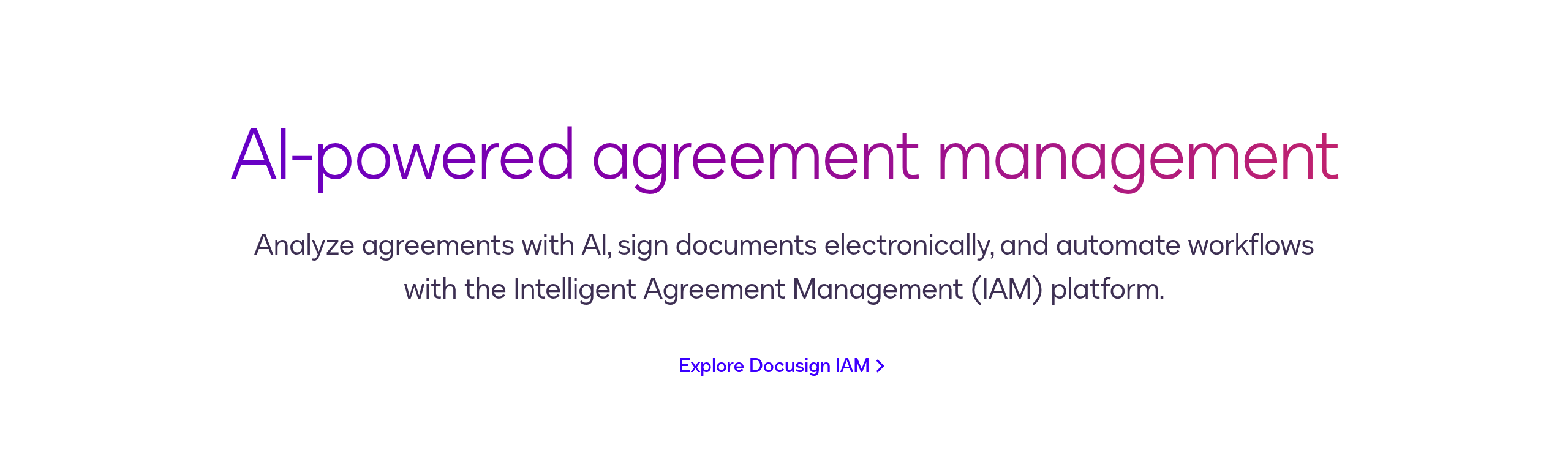
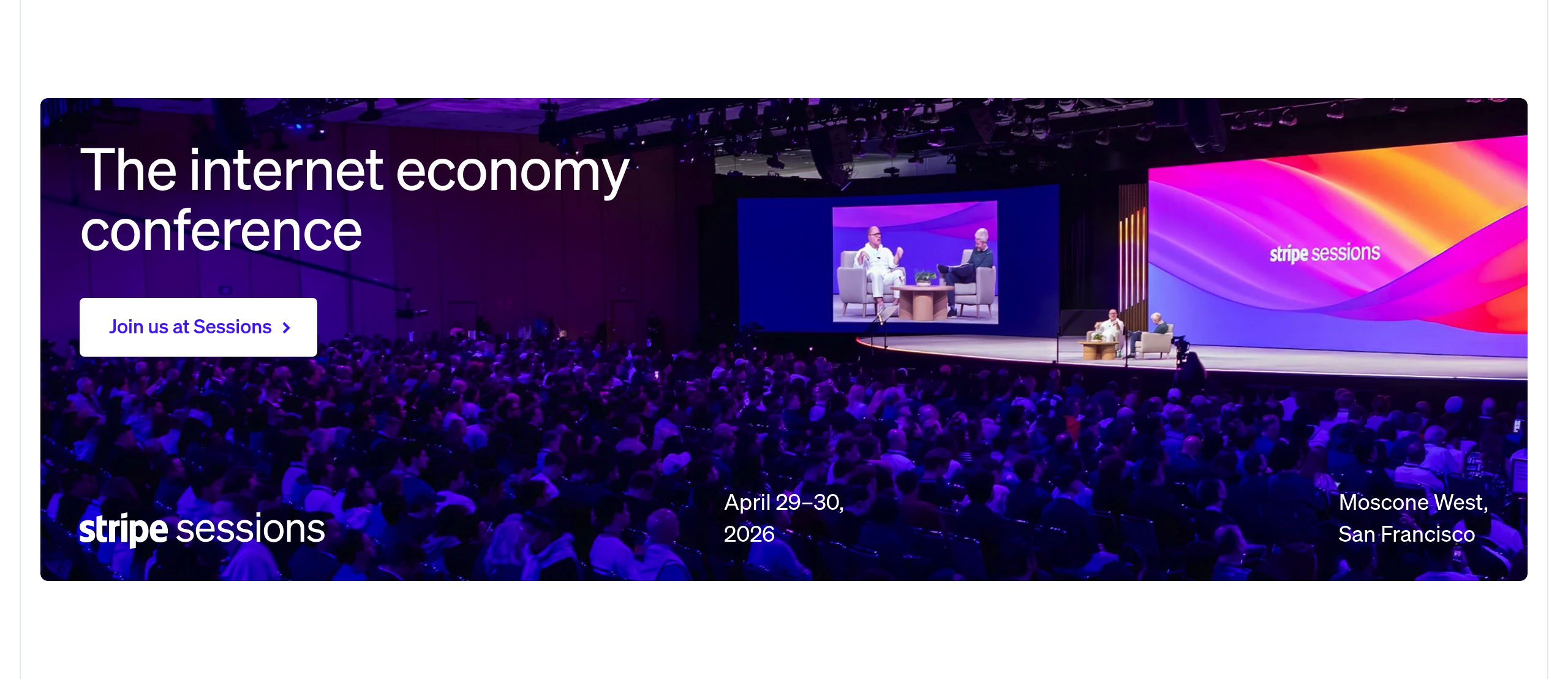
Real captures of this component from analyzed SaaS sites. Click through to see the full breakdown.
Accessibility considerations
Ensure your component is usable by everyone.
- Ensure logo images have appropriate alt text (company name) or are marked as decorative.
- For testimonial carousels, provide keyboard navigation and announce current position to screen readers.
- Use semantic HTML for testimonials: <blockquote> with <cite> for attribution.
- Ensure sufficient color contrast for testimonial text and attribution.
- If using autoplay carousels, provide pause controls and ensure they don't interfere with screen readers.
- Test with screen readers to ensure customer names and quotes are properly announced.
- For logo walls, consider grouping logos by category with headings for better navigation.