
Key takeaways
Here are the key insights from our website breakdown analysis of Figma.
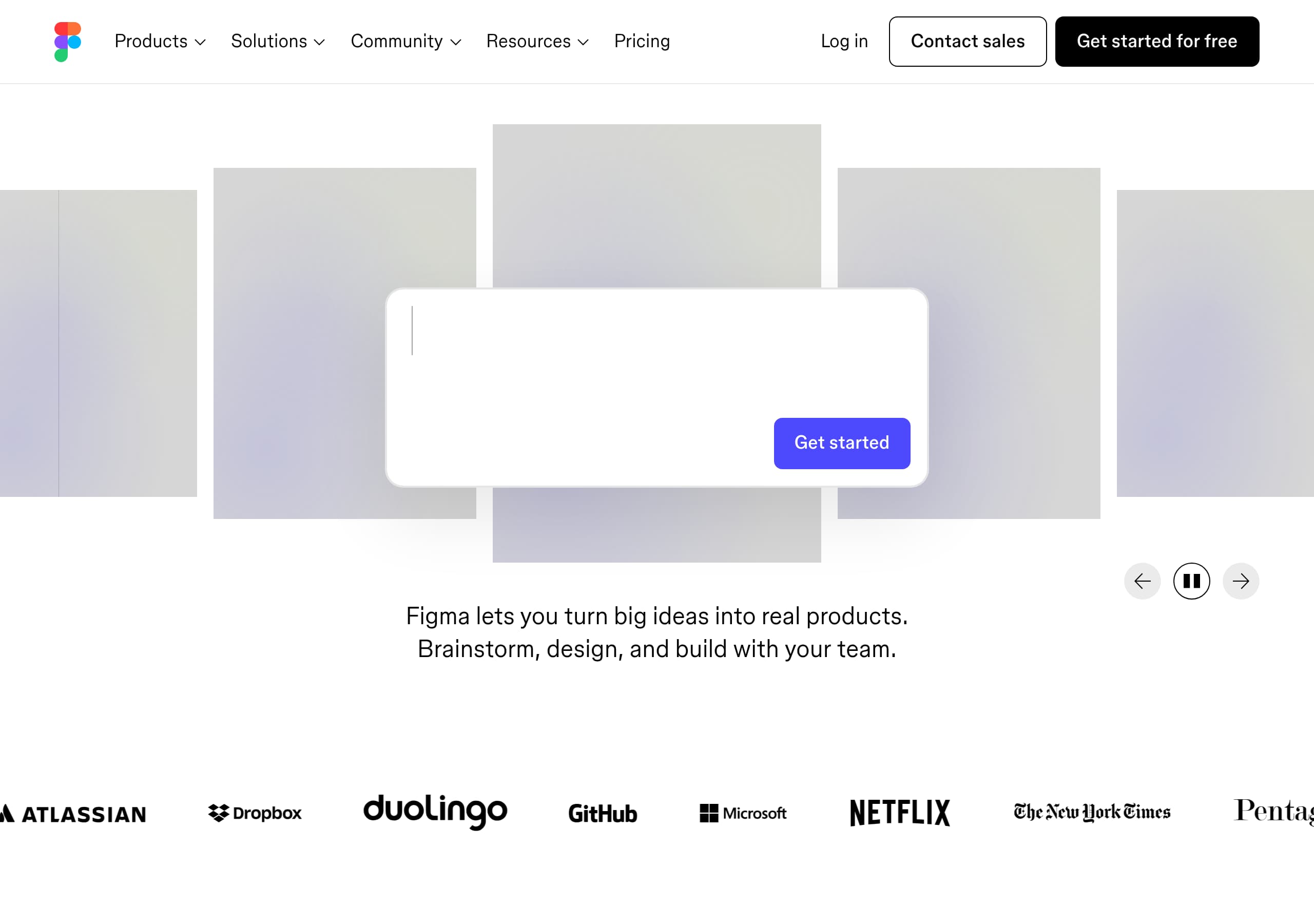
Figma’s homepage sells a platform, not a single feature, using a repeated “Make anything possible, all in Figma” value prop plus a product carousel that maps to real workflows (Prompt → Design → Build → Publish).
Primary CTAs are consistent and low-friction (“Get started” / “Get started for free”), reducing decision fatigue while still offering an enterprise path via “Contact sales.”
Navigation is intentionally exhaustive (Products, Solutions, Roles, Organizations), which helps SEO and self-segmentation for designers, engineers, and PMs without forcing a one-size-fits-all landing page.
The site strengthens credibility with named testimonials (e.g., Henry Modisett, Diana Mounter) and a gallery of real community projects, demonstrating breadth beyond UI design.
Figma differentiates from alternatives like Adobe XD, Sketch, and Framer by emphasizing end-to-end collaboration (FigJam, Dev Mode) and AI-to-code workflows (Figma Make, Figma MCP) directly in the top-level IA.
Pricing and packaging appear optimized for multiple buyer types (individuals, organizations, enterprise) with clear plan lanes and an upgrade path rather than a single “buy now” moment.
Home
Figma’s homepage delivers a platform message fast by repeating a single value proposition (“Make anything possible, all in Figma”) and then anchoring it to a concrete workflow. The product carousel enumerates outcomes (Prompt, Design, Draw, Build, Publish, Present) so visitors can self-identify a starting point without reading long copy.
Key conversion choices are deliberately simple:
- Persistent primary CTA: “Get started” / “Get started for free”
- Parallel enterprise path: “Contact sales” in the same top bar
- Broad but organized nav by Products, Solutions, Roles, and Organizations
The page also introduces differentiation early: AI-to-code (“Prompt to code anything you can imagine with AI” via Figma Make) and developer-centric handoff (Dev Mode). That combination positions Figma as an end-to-end alternative to point tools (Sketch for design, Miro for whiteboarding, Framer for sites) while keeping the entry action consistent and low-friction.
Pricing
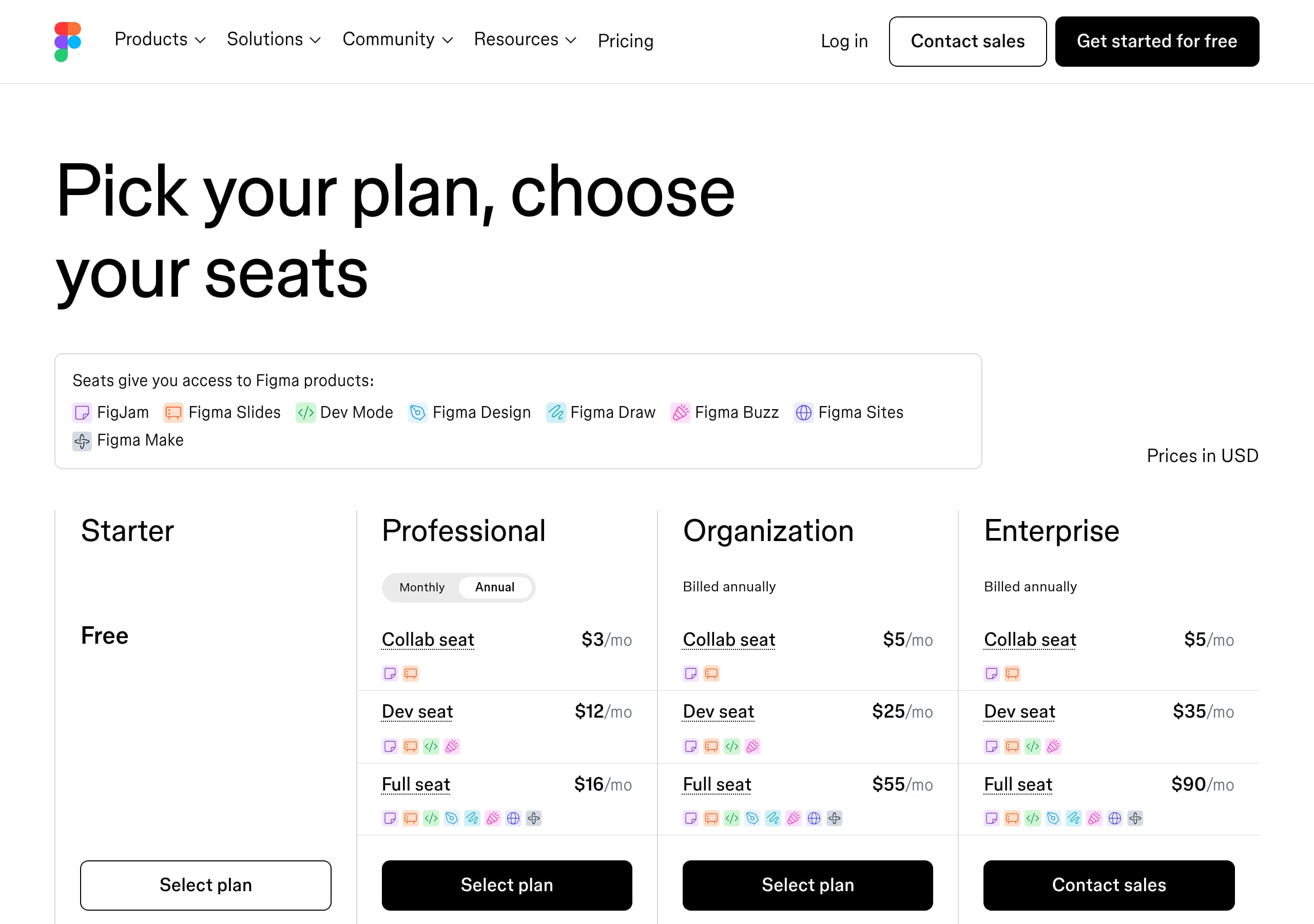
Figma’s pricing approach (as reflected in the pricing screenshot and the global IA listing Enterprise, Organization, and Professional) is built for multiple buyer types rather than a single checkout moment. The page layout typically uses plan columns with a highlighted “most common” lane and a clear upgrade ladder that maps to how teams adopt Figma (individual → team → enterprise).
Conversion-friendly elements to watch for:
- A visible “Get started for free” path alongside “Contact sales,” supporting both self-serve and sales-led motions.
- Plan naming that matches procurement language (Organization/Enterprise) rather than feature jargon.
- Feature comparison sections that emphasize outcomes like design systems, Dev Mode, and org-wide governance.
Because Figma spans multiple products (Figma Design, FigJam, Figma Slides, Figma Sites), pricing needs to prevent confusion; bundling cues and plan-level scoping help buyers understand what’s included without forcing deep product research.
Features
Figma’s feature presentation works because it frames capabilities as cross-functional outcomes, then ties each to a dedicated product page. Examples in the live excerpt include “Share libraries and design systems across teams” (components, variables, brand assets) and “Create one source of truth for devs and designers” (Dev Mode with specs, annotations, code snippets).
Feature modules follow a consistent pattern:
- One outcome-led headline (e.g., ship faster, scale systems)
- 1–2 sentences of specifics (variables, templates, code snippets)
- One CTA per block (“Explore Dev Mode,” “Explore design systems,” “Explore Figma Buzz”)
The modern differentiators are elevated, not buried:
- AI workflows (Figma Make: drop a design file and chat to create a live app)
- Developer integrations via Figma MCP (bringing Figma context into agentic coding tools)
That hierarchy makes the platform feel cohesive rather than a collection of unrelated tools.
Signup
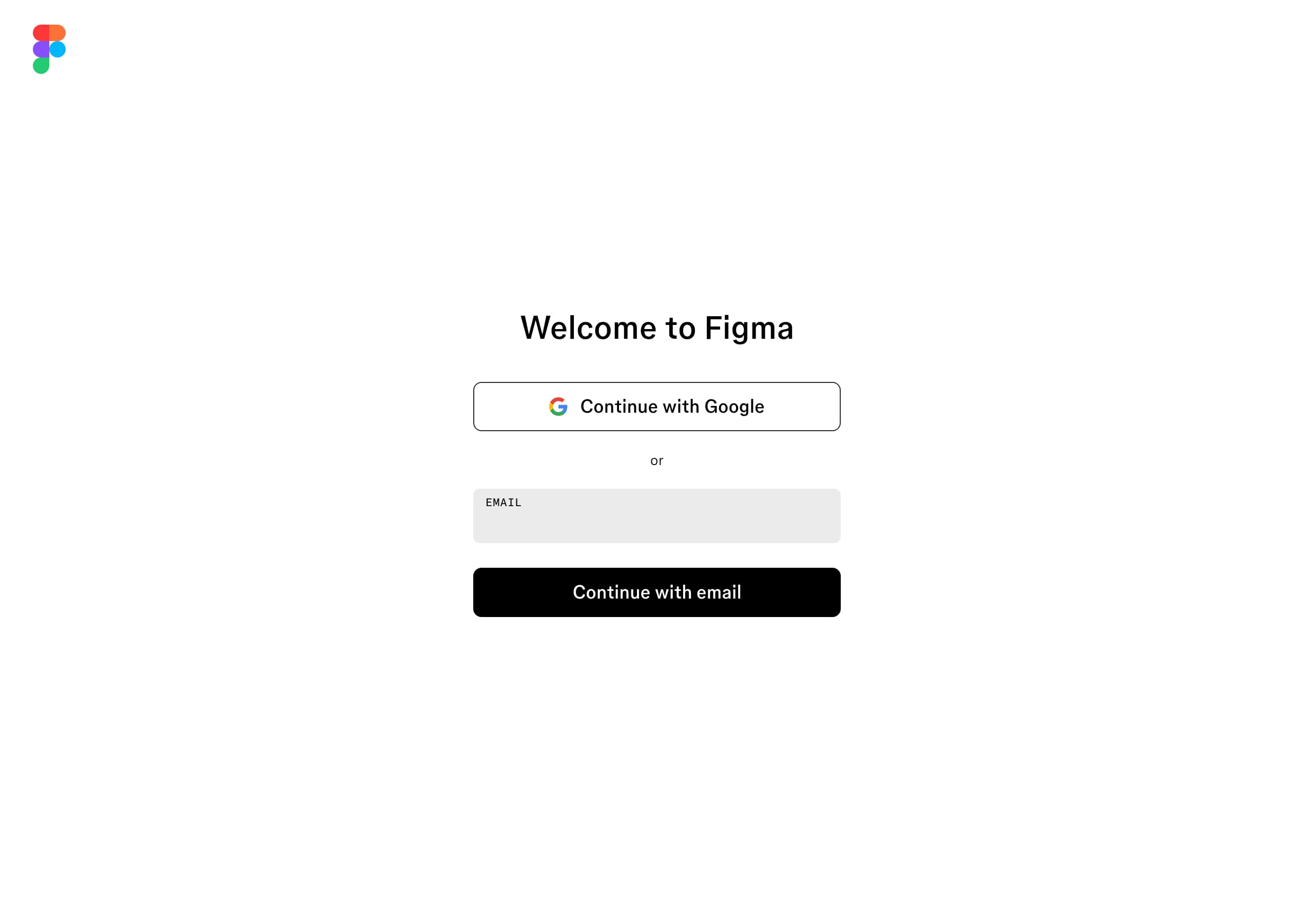
Figma’s signup flow (per the signup screenshot) is designed to minimize friction and preserve momentum from the homepage. The page uses a focused, single-column form layout with clear identity inputs and one primary action, aligning with a short onboarding funnel rather than a multi-step wizard.
Conversion positives:
- The site repeatedly primes “Get started for free,” lowering perceived risk before the form.
- “Log in” remains available globally, so returning users don’t get routed through signup.
- The product’s collaborative nature is implicitly supported by account-first onboarding (you can create, share, and invite once authenticated).
Where this is particularly effective for Figma is audience breadth: designers, engineers, and PMs can all start with the same entry point, then choose a workspace or tool later (Figma Design vs FigJam vs Dev Mode). That sequencing reduces upfront decisions while still enabling expansion into paid plans once collaboration and governance needs appear.
Trust
Figma signals enterprise maturity through visible governance pathways and operational transparency embedded in navigation and the footer. Even without a dedicated security block in the provided excerpt, buyers see strong trust signals such as “Status,” “Legal and privacy,” and formal disclosures (Modern slavery statement (UK), Climate disclosure statement), which are typical requirements in vendor reviews.
Trust is also reinforced through product structure:
- Dev Mode emphasizes specs, annotations, and code snippets—features associated with controlled handoff and fewer production errors.
- Design systems language (libraries, variables, reusable components) implies consistency and change management at scale.
- “Figma Support” and “Help center” are one click away, reducing perceived adoption risk.
For teams comparing Figma to alternatives like Sketch or Adobe XD, these cues matter: they suggest not just a design tool, but an organization-ready platform with documented policies, support channels, and operational uptime visibility via a public status destination.
Footer
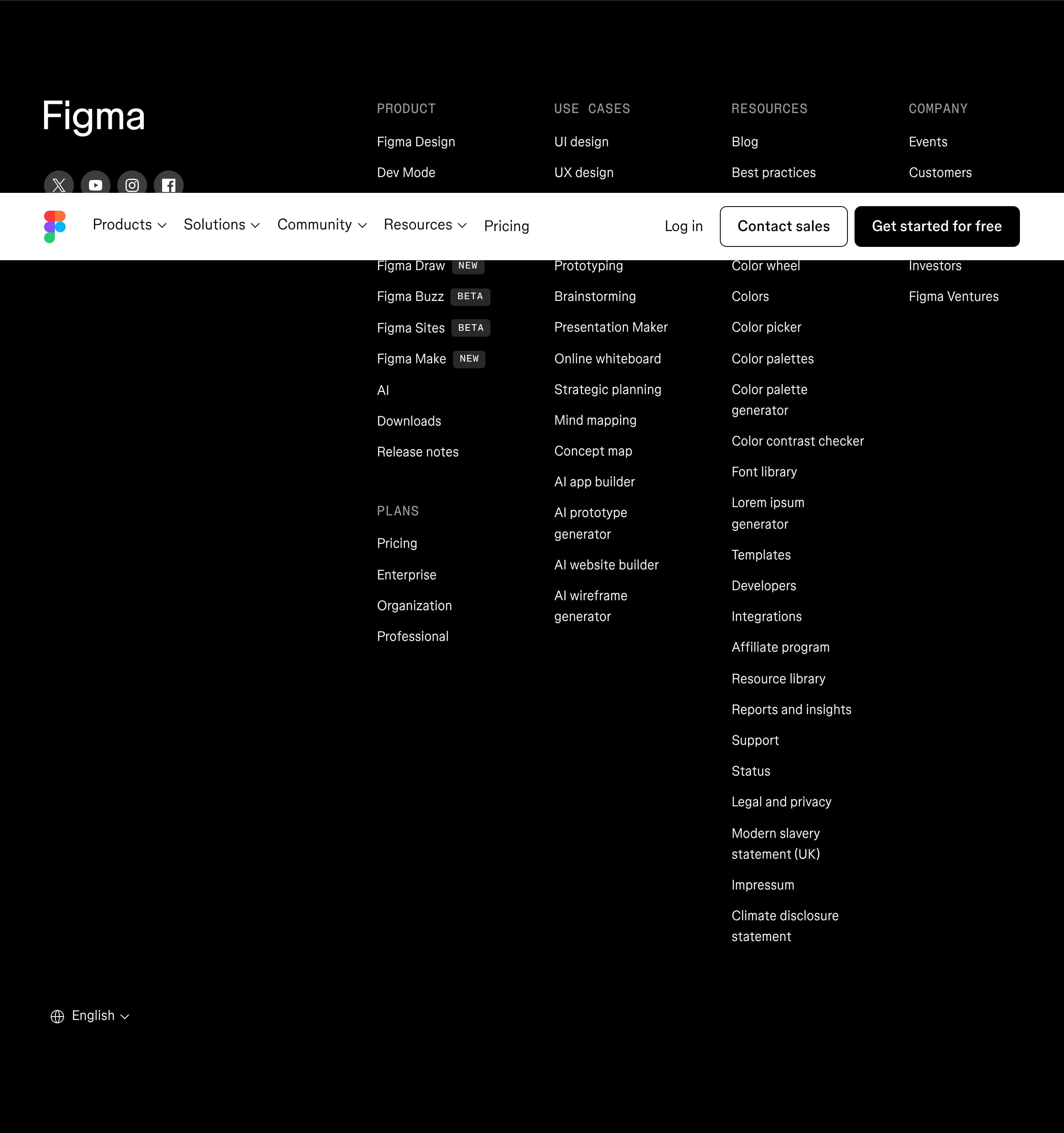
Figma’s footer is built as an SEO and discovery surface, not just a legal afterthought. It exposes the full product suite (Figma Design, FigJam, Dev Mode, Figma Slides, Figma Sites, Figma Make) plus a long tail of use cases (UI design, wireframing, diagramming, prototyping, brainstorming), which helps the site rank for intent-specific queries.
The footer also supports evaluation and adoption:
- Clear paths to Pricing, Enterprise, and “Contact sales” equivalents
- A dense resources cluster (Blog, Best practices, Resource library, Demos, Webinars, Help center)
- Developer and ecosystem links (Developers, Integrations, Partners)
On the trust/compliance side, it includes “Status,” “Legal and privacy,” and regional/legal disclosures, which are common procurement checklist items. Finally, language selectors (multiple locales) indicate global readiness—useful for multinational teams. Net effect: the footer doubles as a sitemap that reduces pogo-sticking and keeps high-intent users moving deeper.
Detected tech stack
Tools and technologies we detected on Figma's site. Detection is best-effort and may be incomplete.
Frontend
Scores
Our framework scores for Figma's website in terms of clarity, conversion, and trust. See our methodology for how we calculate these.
How clear the value prop and structure are.
How conversion-friendly signup and pricing are.
How well trust and compliance are surfaced.

The world's best-performing SaaS businesses share surprisingly similar patterns. We help you learn and apply them through our human-designed methodology, with AI-assisted research.
