
Key takeaways
Here are the key insights from our website breakdown analysis of Mixpanel.
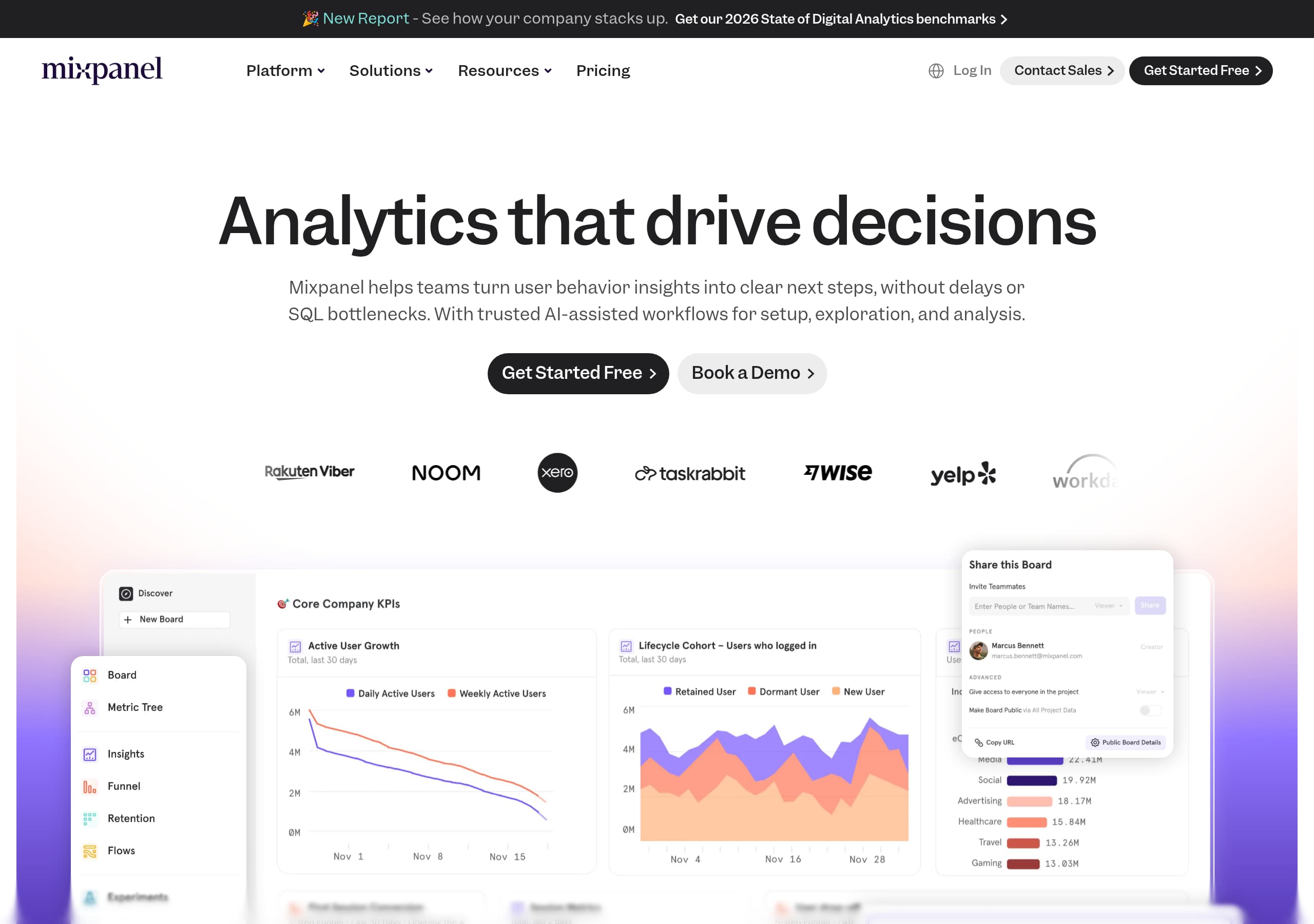
Mixpanel’s homepage leads with a clear, behavior-analytics promise, "Analytics that drive decisions," and immediately supports it with specific friction removers like "without delays or SQL bottlenecks" and AI-assisted workflows.
Conversion paths are simplified into a consistent dual-CTA pattern, "Get Started Free" and "Book a Demo," which matches both self-serve teams and enterprise buyers without forcing an early choice.
The site positions Mixpanel beyond dashboards by spotlighting Metric Trees, framing a shared metrics system as a differentiator that aligns teams and reduces metric sprawl.
Trust is strengthened with explicit enterprise language and concrete compliance signals including "SOC 2 Type II, ISO 27001, HIPAA-ready, SSO/SAML, and audit logs," which removes procurement uncertainty.
Use-case navigation is extensive and skimmable, with lifecycle stages (Acquire, Engage, Grow, Empower) that help visitors self-identify quickly and find relevant pages fast.
Social proof is most persuasive when it gets specific, the case study block pairs a named role with quantified outcomes (+15%, +5%, +10%) and a direct "Read Case Study" CTA.
The footer doubles as an SEO and comparison hub, listing feature entities (Session Replay, Warehouse Connectors), audiences, and alternatives (Amplitude, Heap, Pendo, Google Analytics, PostHog, Fullstory, Adobe Analytics) to capture high-intent traffic.
Home
Mixpanel’s homepage is optimized for fast comprehension: it states the job-to-be-done in the hero, then immediately explains the friction it removes. The repeated headline, "Analytics that drive decisions", pairs with a direct subhead: Mixpanel helps teams turn user behavior insights into next steps "without delays or SQL bottlenecks", and highlights AI-assisted workflows for setup, exploration, and analysis.
A few UI choices make the message easy to act on:
- A consistent dual CTA in the hero, "Get Started Free" and "Book a Demo", signals two clear paths: self-serve trial vs sales-led evaluation.
- The next block turns abstract analytics into verbs, "Discover freely", "Understand behavior", and "Act with confidence", which reads like a three-part workflow rather than a feature list.
- The lifecycle section is numbered (01 to 05) with explicit outcomes, for example "Find drop-off points, analyze funnels" for acquisition and "Track cohorts over time" for growth, which helps visitors map their current problem to a page.
The page also introduces a distinctive concept early: Metric Trees. It is positioned as the “engine for continuous innovation” and explained with practical language about mapping top-level outcomes to drivers. The inclusion of “Kickstart your metric tree with AI” plus a plain process description, “generate a first-draft… then review, refine,” reduces intimidation and frames AI as assistive, not magical.
Finally, top navigation reinforces breadth without clutter: Platform, Solutions, Resources, Pricing, language selection, plus persistent login and sales contact, which supports both evaluation and return visits.
Pricing
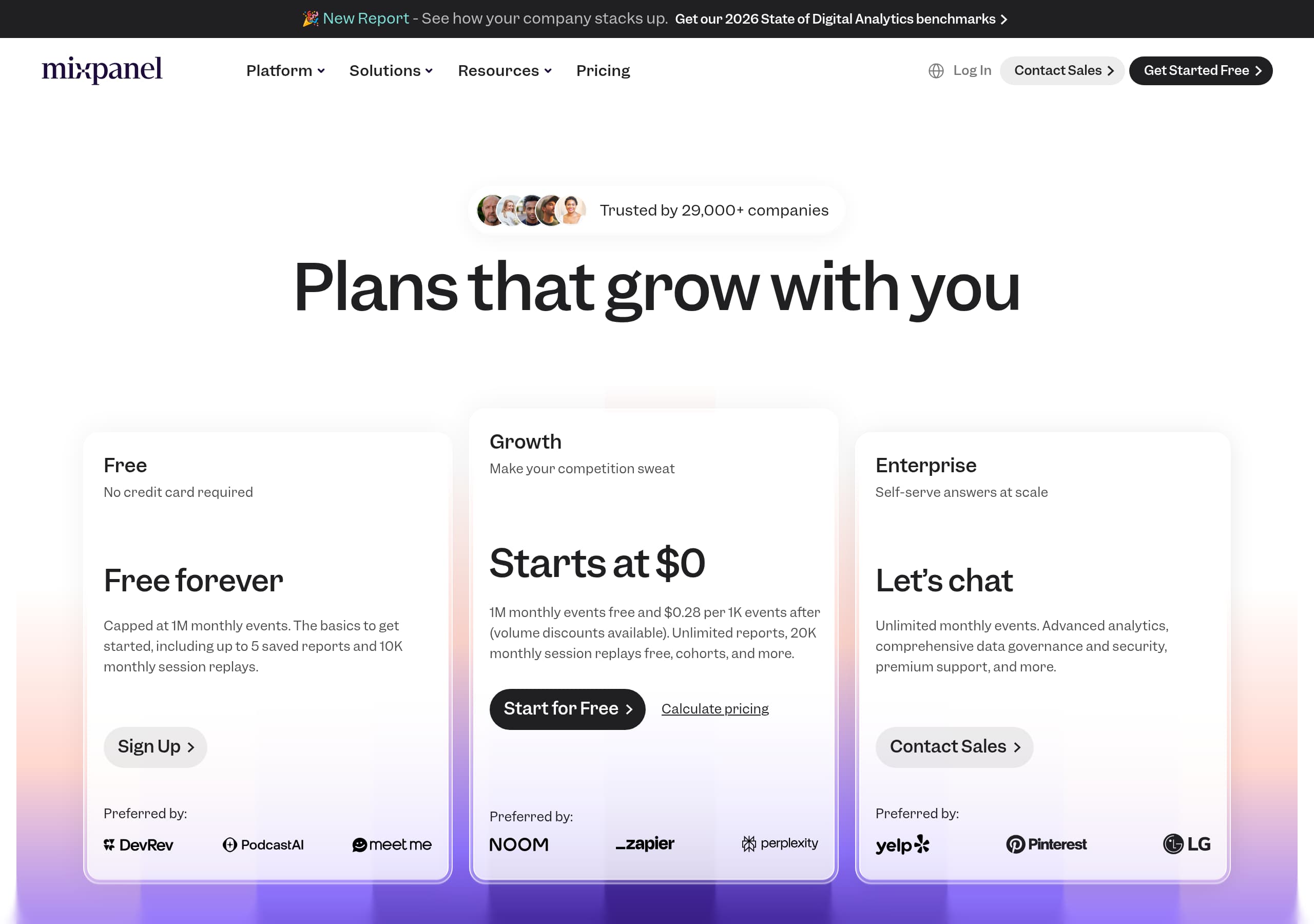
Mixpanel’s pricing experience is built to reduce uncertainty for two different purchase motions: self-serve teams that want to start now, and enterprise teams that need governance and scale. The UI pattern that supports this across the site is the persistent "Get Started Free" and "Book a Demo" pairing, which tends to show up on pricing pages as well to prevent a single forced funnel.
From the provided site content, Mixpanel repeatedly emphasizes “Enterprise-ready. Without the complexity.” and then lists concrete enterprise requirements: sub-second query times, “billions of events per month,” open ecosystem connectivity, and governance. That messaging typically belongs close to pricing because it answers, “Why is this priced like a serious platform?” without relying on vague claims.
What makes the pricing communication effective for evaluation is the way it ties price justification to operational realities:
- Performance that scales is described in plain terms (query speed at high event volume), which is a common concern when comparing Mixpanel with Amplitude, Heap, or Adobe Analytics.
- Flexible by design includes named integrations, “from BigQuery to Segment to reverse ETL tools,” anchoring value in stack compatibility instead of “integrations available” generalities.
- Governance made easy and “source-of-truth metrics” echoes the Metric Trees narrative, creating a consistent story from homepage differentiation to purchase criteria.
A gap to watch is pricing-page specificity in the excerpt: the strongest conversion pricing pages show plan names, included limits, and upgrade triggers. If the pricing screenshot includes those, Mixpanel should ensure the plan comparison is scannable and that at least one plan has a direct self-serve checkout path, not only demo requests.
Features
Mixpanel’s features are presented as outcomes first, then capabilities, which is a stronger pattern than a generic feature grid. The page repeatedly groups product value into action-oriented headings, including "Discover freely", "Understand behavior", and "Act with confidence", then expands into lifecycle outcomes like acquisition, engagement, growth, and empowerment. This reduces cognitive load because readers do not need to translate “funnel analysis” into “improve onboarding,” the site already states the outcome.
Feature differentiation is also made concrete through named platform modules in the global navigation and footer: Product Analytics, Web Analytics, Mobile Analytics, Experiments, Metric Trees, Warehouse Connectors, and Session Replay. Listing these as discrete entities helps two audiences:
- Practitioners can quickly confirm the platform covers their required toolset (experimentation, replay, connectors).
- Evaluators can compare Mixpanel with alternatives like Amplitude or PostHog using the same mental checklist.
The Metric Trees section is the standout “feature narrative” because it explains a workflow and why it matters. It explicitly describes how Metric Trees “map how top-level outcomes connect to the behaviors and drivers beneath them,” and then ties it to operating cadence: “compare what’s driving results,” “guide experiments,” and “iterate with clarity.” The embedded AI assist is framed as a starting point, "generate a first-draft metric tree", then “review, refine,” which reads as human-in-the-loop AI rather than automation hype.
Finally, the “Flexible by design” block uses recognizable stack entities, “BigQuery,” “Segment,” and “reverse ETL tools,” which makes the feature story tangible. The overall presentation works because it balances platform breadth with one deeply explained differentiator instead of listing dozens of thin bullets.
Signup
Mixpanel’s conversion flow is set up to minimize decision friction by offering two parallel next steps throughout the site: "Get Started Free" for self-serve activation and "Book a Demo" for guided evaluation. This is reinforced in the global header (Log In, Contact Sales, Get Started Free) and repeated at major section endpoints, which prevents users from reaching an informational dead end.
From the homepage excerpt, the signup promise is framed around speed and accessibility: “get faster clarity without extra complexity,” and “Explore… in seconds, no data team required.” That language functions as pre-onboarding, it tells users what the product feels like after signup, not just what it is.
The content also reduces a common signup blocker in analytics products: fear of setup complexity. Mixpanel explicitly mentions AI-assisted workflows for setup and positions Metric Trees with an “in minutes” setup narrative: “Kickstart your metric tree with AI… generate a first-draft… then review, refine, and adapt.” This communicates a likely onboarding sequence even without showing the screens: start with a goal, let AI draft structure, then customize.
What’s strong from a conversion perspective:
- Persistent CTA placement: top nav and repeated section CTAs reduce scroll depth requirements.
- Audience coverage: the page names Product, Engineering, Marketing, and Data teams, so signups are not limited to one role.
- Self-serve language: “Get Started Free” is unambiguous and pairs well with “Log In,” which supports returning users.
What to verify on the actual signup form is whether the flow is truly low-friction: best-in-class patterns include SSO options, clear “work email” guidance, and an immediate “add project, add data source” checklist. The site’s messaging sets that expectation, so the product flow should match it.
Trust
Mixpanel’s trust messaging is strongest in the enterprise section because it is explicit and procurement-friendly. Instead of vague “secure and compliant” language, it lists specific assurances: SOC 2 Type II, ISO 27001, HIPAA-ready, plus SSO/SAML and audit logs. Those are concrete checkboxes that security teams and IT buyers look for, and they reduce the back-and-forth that often stalls analytics purchases.
Trust is also built through operational claims that are framed as verifiable product behaviors, not marketing hype:
- “Sub-second query times” and support for “billions of events per month” speaks to reliability at scale, a common risk when centralizing analytics.
- “An open ecosystem” and “no vendor lock-in” addresses architectural trust, especially for companies using BigQuery, Segment, and reverse ETL tooling.
- “Governance made easy” with “source-of-truth metrics” matches the Metric Trees narrative, reinforcing that the product is designed to prevent metric chaos, not create it.
The trust story is rounded out by support and community signals. The site offers multiple help paths: “Partner with experts” for enterprise guidance, “Explore docs, tutorials, and free courses,” and a community size claim, "Join 12,000+ peers". That combination matters because analytics platforms are rarely “set and forget,” buyers want reassurance that implementation and ongoing education are covered.
One improvement opportunity is making trust artifacts easier to access from the trust section itself: for example, direct links to Security & Privacy pages, compliance reports, or trust center details. The footer includes “Security” and legal links, but elevating them near the compliance list would shorten the path for security reviewers.
Footer
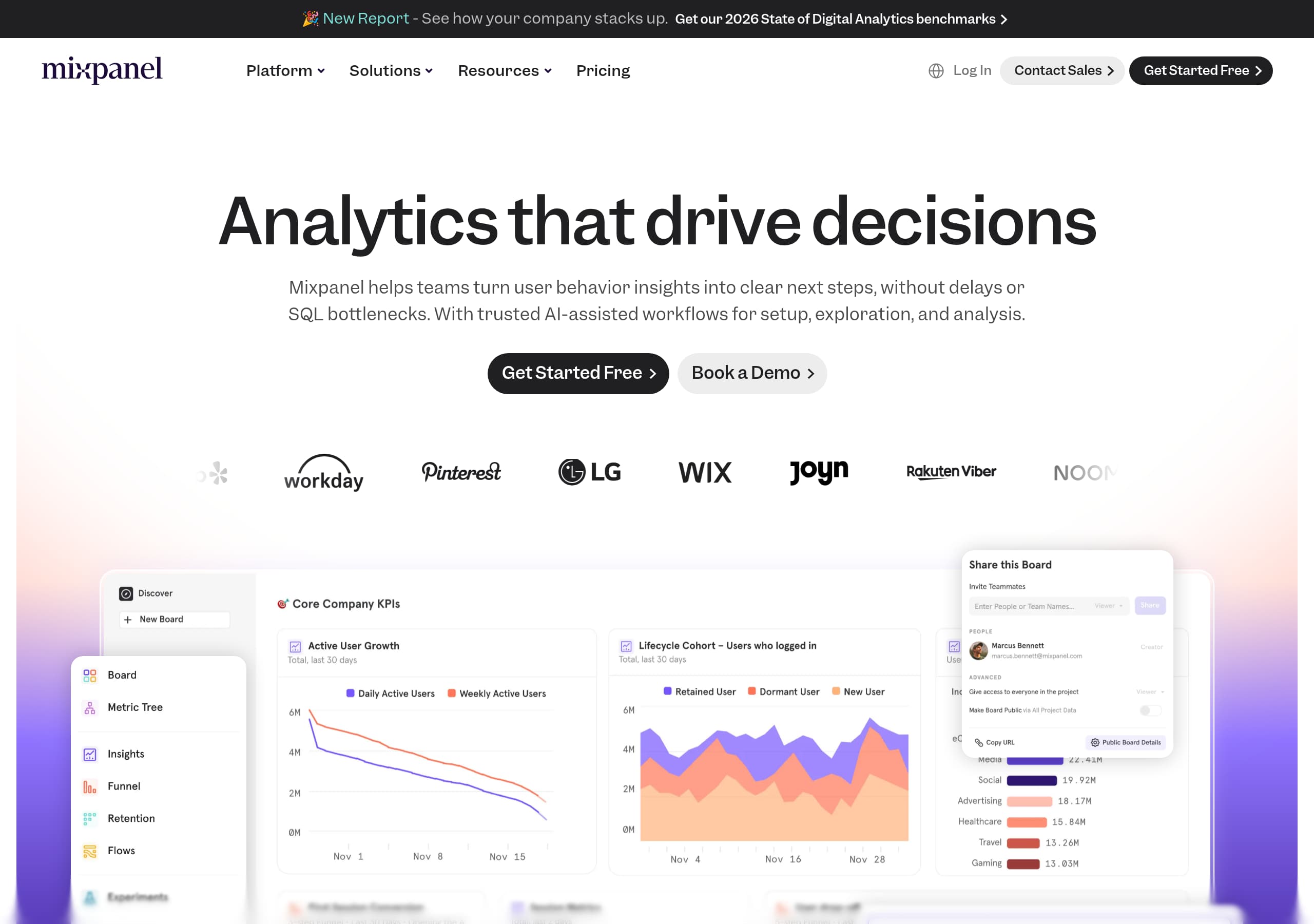
Mixpanel’s footer is built like a sitemap for both humans and search engines: it is dense, highly categorized, and includes comparison and template hubs that capture high-intent queries. The structure is organized into clear columns like Platform, Use Cases, Teams, Industries, Resources, Company, and Compare Us, which helps different visitor types self-route without returning to the header.
Several footer choices are particularly effective:
- Feature entities are listed as discrete pages, including Session Replay, Warehouse Connectors, Integrations, and Security & Privacy. This supports long-tail SEO, because each term maps to a distinct product capability.
- The “Compare Us” set is unusually direct, naming competitors like Amplitude, Heap, Pendo, Google Analytics, PostHog, Fullstory, and Adobe Analytics. That invites evaluation traffic and signals confidence, especially for buyers already in a comparison mindset.
- The “Templates” and KPI resources (for example “Company KPIs,” “Feature Launch,” “Lifecycle,” “Cohort Analysis,” “Ecommerce Marketing KPIs,” “Web Analytics,” “AI Company KPIs”) indicate a content strategy geared toward implementation, not just top-of-funnel education.
The footer also includes compliance-adjacent links, “Privacy Program,” “Legal,” “Security,” and “Your Privacy Rights,” plus the copyright notice “©2025 Mixpanel.” Those are baseline trust and legal signals, and they make governance information easy to find.
From a UX standpoint, the main risk of a large footer is overwhelm. Mixpanel mitigates this by using strong grouping labels and familiar taxonomy. If anything, the site could further improve scannability by ensuring each column has consistent visual hierarchy (header style, spacing) and that the most conversion-critical links, Pricing and Get Started Free, remain visually prominent even in the footer context.
Detected tech stack
Tools and technologies we detected on Mixpanel's site. Detection is best-effort and may be incomplete.
Frontend
Scores
Our framework scores for Mixpanel's website in terms of clarity, conversion, and trust. See our methodology for how we calculate these.
How clear the value prop and structure are.
How conversion-friendly signup and pricing are.
How well trust and compliance are surfaced.
FAQ
Mixpanel’s homepage leads with a clear outcome headline, “Analytics that drive decisions,” and immediately addresses common friction with “without delays or SQL bottlenecks.” It supports this with a consistent dual-CTA pattern, “Get Started Free” and “Book a Demo,” plus scannable value blocks like “Discover freely,” “Understand behavior,” and “Act with confidence.” The page also introduces Metric Trees early as a specific decision-making workflow.
Mixpanel positions itself for both self-serve and enterprise by pairing “Get Started Free” with “Book a Demo” throughout the site, a pattern that typically carries into pricing. The enterprise section frames packaging around requirements like scale and governance, using concrete language such as “sub-second query times” and “billions of events per month.” It also ties value to security and compliance needs that affect enterprise purchasing.
Mixpanel uses a named testimonial with a role attribution, “Drew Ashlock, Senior Product Manager,” and pairs it with quantified outcomes like +15% in accounts, +5% in upgrades, and +10% in first-time conversions. It also links directly to a “Read Case Study” page for deeper validation. Additionally, it frames adoption across functions by naming Product, Engineering, Marketing, and Data teams in the “Why teams choose Mixpanel” section.
Metric Trees are presented as a way to map top-level outcomes to the behaviors and drivers beneath them, so teams share definitions and ownership. The site positions Metric Trees as an “engine for continuous innovation” and highlights an AI assist that can generate a first-draft metric tree based on a goal. The workflow is framed as iterative: generate, then review, refine, and adapt to the product context.
Mixpanel lists specific security and compliance capabilities rather than general claims. It calls out SOC 2 Type II and ISO 27001, and notes being HIPAA-ready. It also mentions enterprise controls like SSO/SAML and audit logs, plus governance capabilities such as defining source-of-truth metrics and managing access. Links to Security, Legal, and privacy rights are available in the footer for further review.

The world's best-performing SaaS businesses share surprisingly similar patterns. We help you learn and apply them through our human-designed methodology, with AI-assisted research.