

Key takeaways
Here are the key insights from our website breakdown analysis of Tableau.
Tableau’s homepage communicates a clear, executive-friendly promise about turning data into decisions, using a single primary path to explore the platform rather than overwhelming visitors with too many first-step options.
The pricing page is structured for enterprise evaluation, with role-based tiers (Creator, Explorer, Viewer) and clear per-user framing, but it still requires extra clicks to understand what each role actually includes in day-to-day workflows.
Tableau uses Salesforce parent-brand credibility and broad customer familiarity to reduce perceived risk, but it relies more on brand gravity and less on specific, page-level proof like quantified outcomes or tightly scoped case snippets.
Feature positioning is strongest when it anchors around common analytics jobs (connect, visualize, share, govern) because that mirrors how teams buy BI, but some product naming can still feel like an ecosystem map instead of a simple “start here” story.
Conversion is supported by persistent “Contact sales” and trial-style entry points, yet the overall path feels optimized for sales-led motions, not for a quick self-serve purchase and immediate in-product activation.
Trust signals are present through enterprise patterns (governance language, admin roles, licensing controls) and brand association, though security and compliance information appears more discoverable through navigation and footer paths than directly adjacent to primary CTAs.
Home
Tableau’s homepage is built to move a mixed audience toward evaluation quickly, using a hero that frames Tableau as a decision and analytics platform, not just a charting tool. The page structure signals an enterprise product by leading with a concise value proposition, then reinforcing it with pathways into product, solutions, and getting started actions.
What stands out in the hero area is the combination of high-level outcome language with immediately adjacent next steps. Rather than forcing deep reading, the layout encourages scanning: headline, short supporting line, then a clear CTA cluster (typically “Start a free trial” and/or “Contact sales” patterns on enterprise SaaS). This is effective for BI, where visitors often arrive with intent but different roles and urgency.
The homepage also uses visual product cues (dashboard imagery and UI-like screenshots) to make the value tangible. In analytics categories, showing the interface matters because buyers want to confirm it looks familiar, filterable, and presentation-ready. The page’s information hierarchy suggests a predictable route: value prop, capabilities, use cases, then deeper resources.
Tactically, Tableau reinforces evaluation with:
- Multiple entry points into exploration, likely including navigation items for Product, Solutions, Customers, Resources, and Pricing.
- A consistent enterprise CTA pattern that keeps sales-led conversion available without hiding self-serve options.
- A page design that feels like a hub for an ecosystem, which is helpful for existing Tableau users, but can add cognitive load for net-new buyers.
The main opportunity is to reduce ambiguity for first-time visitors by tightening the “what you get first” narrative: a short, explicit “connect data, build dashboards, share securely” sequence near the hero could make the time-to-first-value feel even more concrete.
Pricing
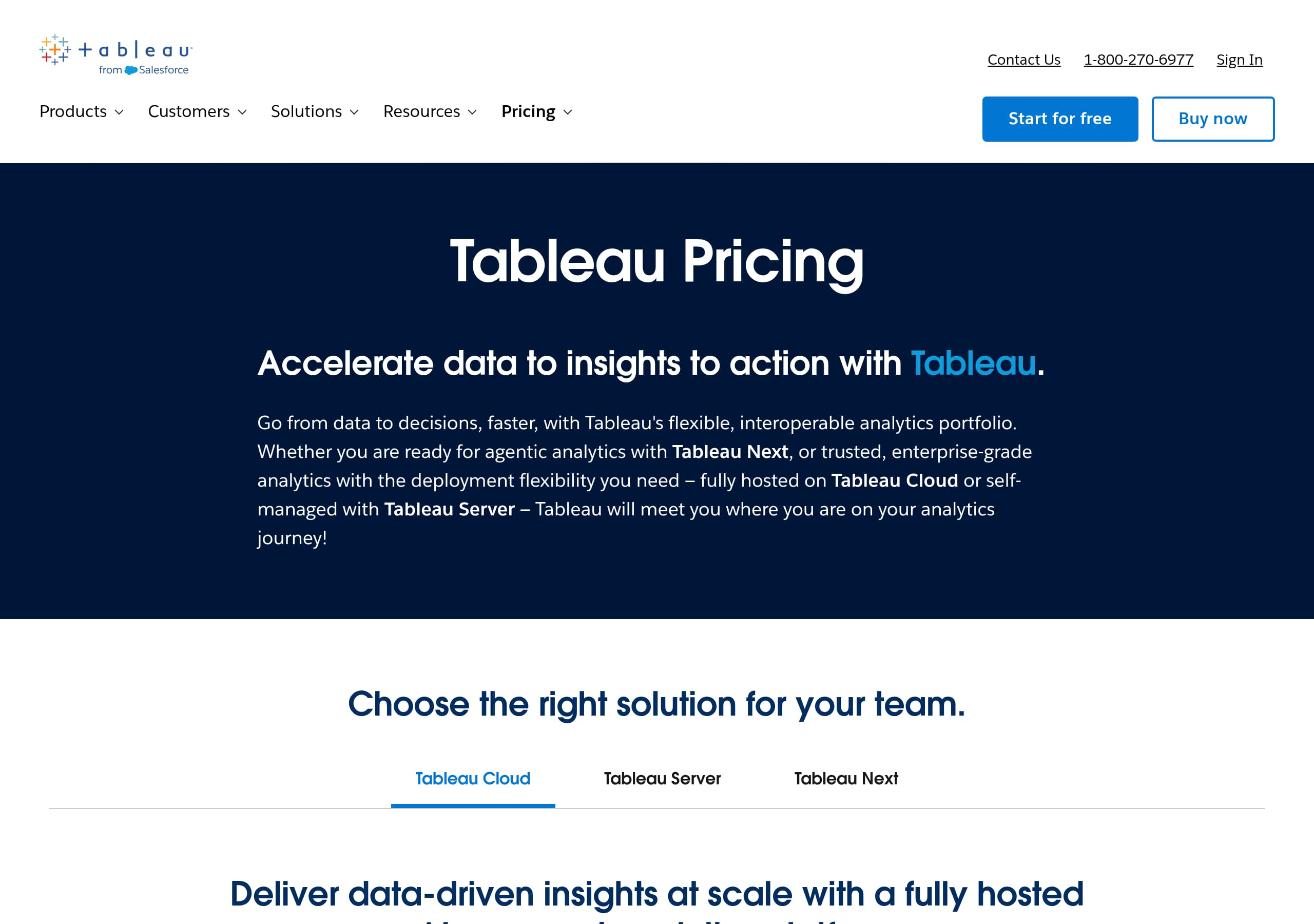
Tableau’s pricing page is optimized for seat planning and procurement conversations, using a tier model that maps to how analytics platforms are deployed across organizations. The key strength is the role-based packaging (Creator, Explorer, Viewer), which mirrors real-world BI workflows and permissioning.
The page layout in the screenshot emphasizes tier comparison with a structured grid. Each tier is presented as a per-user plan, typically with a “per user per month” framing and a call-to-action like “Contact sales” or a trial prompt. That aligns with Tableau’s enterprise motion, where pricing often varies by deployment (Cloud vs Server), add-ons, and contract terms.
What the page does well:
- Uses clear tier names that imply who the plan is for, reducing the “which plan do I need?” problem.
- Presents a side-by-side comparison pattern, helping teams justify the mix of Creators vs Viewers.
- Keeps the CTA consistent across tiers, which reduces decision friction for large accounts.
Where the pricing UX could be sharper for self-serve buyers is in clarifying inclusions without additional navigation. For example, buyers frequently want immediate answers to: Does Viewer include commenting? Can Explorer build new dashboards or only interact? What governance features are included by default? If those details exist, they are not visually dominant in the first screen of the grid.
A practical improvement would be adding a compact “Common questions” block directly under the grid with 3 to 5 toggles, or a short “Typical team mix” example (for instance, 5 Creators, 20 Explorers, 200 Viewers) to anchor pricing comprehension.
Overall, Tableau’s pricing page is strong for enterprise evaluation and budgeting, but slightly less optimized for instant clarity and checkout-style conversion that modern product-led BI tools sometimes prioritize.
Features
Tableau’s feature presentation is strongest when it frames capabilities around the analytics workflow: connect data, analyze visually, share insights, and manage access at scale. The site’s visuals and navigation imply a multi-product platform, so the best feature storytelling is the kind that reduces the platform into a simple sequence of jobs a team needs done.
From the homepage look and enterprise positioning, Tableau’s feature communication likely emphasizes platform breadth, such as dashboarding, data connectivity, collaboration, and governance. This fits how BI tools are evaluated, but it can also create a “too many products” feeling if feature pages are not anchored to outcomes.
What works in Tableau’s feature strategy:
- UI-forward screenshots help visitors validate that dashboards are interactive and presentation-ready.
- Feature groupings that map to personas, such as analysts building content vs stakeholders consuming it, align naturally with the Creator, Explorer, Viewer pricing model.
- The platform framing supports cross-sell into adjacent capabilities, which is valuable for enterprise accounts.
Where feature clarity can be improved is in reducing naming complexity. If a visitor sees multiple modules and solution paths, they need a clear “start here” recommendation: for example, “If you are an analyst, start with Tableau Creator, connect to your data source, publish to your team.” That kind of guided path turns breadth into confidence.
A conversion-friendly feature section usually includes:
- 3 to 6 feature pillars with one-sentence explanations.
- A short “How it works” sequence, 3 steps max.
- Proof of scale adjacent to governance features, such as permissions, publishing workflows, and admin controls.
Tableau already has the advantage of recognizable interface patterns and an established ecosystem. The site can further increase comprehension by emphasizing workflow outcomes over product family boundaries, so buyers immediately understand what they can accomplish in week one versus what expands in month three.
Signup
Tableau’s signup and onboarding experience, as implied by the CTAs and enterprise orientation, is designed to support both self-serve evaluation and sales-assisted buying. The site’s conversion paths typically prioritize “Start a free trial” and “Contact sales” style actions, which is appropriate for BI where deployment, governance, and licensing often require coordination.
The strongest aspect of this approach is that it matches intent. A data leader ready to standardize can move into a sales-led motion, while an analyst can still attempt a trial to validate core workflows. The homepage and pricing CTAs appear to keep these options visible rather than hiding them behind deep navigation.
Where friction can appear is in what happens after the click. BI trials often require decisions about environment (Cloud vs Server), identity setup, and data connection. If the first steps require too much context, evaluators can stall. The ideal flow would be a 3-step onboarding: create account, pick a goal (build a dashboard, share a report), then connect a sample dataset or popular connector.
Tactical elements that typically improve Tableau’s signup conversion in this category:
- Clear expectation-setting near the CTA, such as trial length, whether a credit card is required, and what product edition is included.
- A fast path for exploration using sample dashboards so a user can experience interactivity before connecting real data.
- A “Bring your data later” option, which reduces early abandonment.
Given Tableau’s enterprise buyer profile, it is acceptable that some conversions go through sales, but the site could make self-serve evaluation feel more immediate by pairing trial CTAs with a short “You will do X in 10 minutes” checklist. That directly supports time-to-value and improves the likelihood that evaluators reach an “aha” moment before procurement enters the conversation.
Trust
Tableau’s trust posture is primarily conveyed through enterprise cues: licensing roles, governance language, and the broader Salesforce brand context. Even without a dedicated trust section visible in the provided screenshots, the pricing structure and site architecture imply that security and administration are core to how Tableau is positioned.
Trust in BI is less about “will the app work” and more about whether an organization can safely centralize data access, control sharing, and meet internal compliance requirements. Tableau supports this perception through role-based access concepts that appear directly in pricing (Viewer vs Explorer vs Creator), which signals permissioning and controlled creation.
What Tableau’s site does effectively from a trust standpoint:
- The tier model communicates governance by design, which is reassuring for IT and security reviewers.
- The association with Salesforce increases baseline confidence for procurement teams that already vendor-manage major SaaS providers.
- The site likely routes to formal documentation pages for security, compliance, and deployment, a common enterprise pattern.
The opportunity is making trust information more adjacent to conversion actions. If a buyer is on the pricing grid and deciding whether to contact sales, a small block with links like “Security,” “Compliance,” “Privacy,” and “Trust” reduces the need to hunt in navigation or the footer. Even better is adding a short statement about data handling and admin controls near CTAs, without making claims that require legal substantiation.
A practical trust UX pattern is a trust hub link near primary CTAs and a secondary line that clarifies deployment options (Cloud vs self-managed) and identity support. That keeps Tableau’s trust story credible, scannable, and useful during evaluation, especially when competing against Power BI or Looker where security assumptions are often part of the buyer’s mental model.
Footer
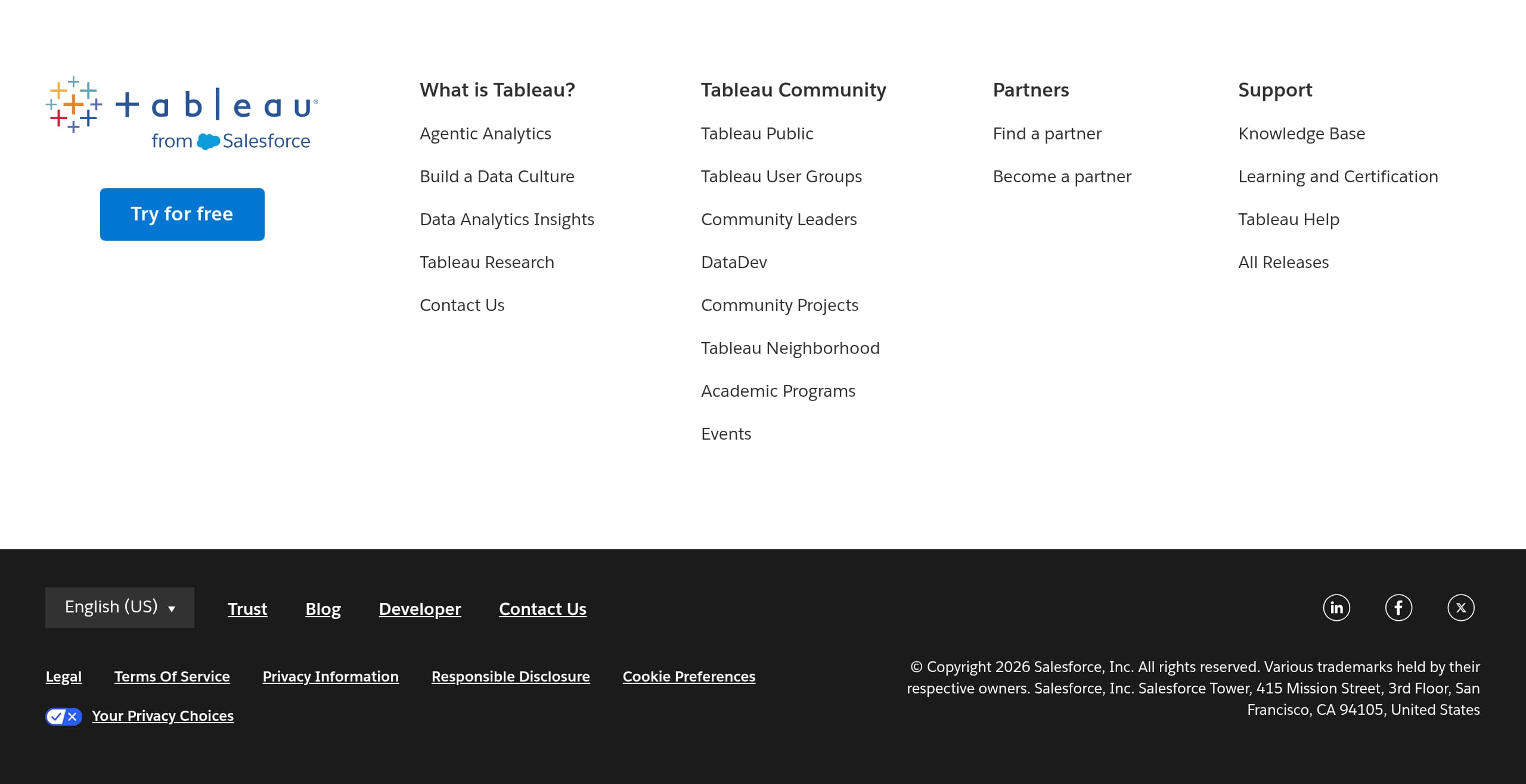
Tableau’s footer is designed for enterprise navigation depth, acting as a directory for product, company, and legal pathways rather than a minimal set of links. In the screenshot, the footer appears dense and column-based, which is common for large SaaS portfolios where visitors need quick access to documentation, support, and corporate information.
What works well is the footer’s role as a risk-reduction layer. Enterprise buyers routinely scroll for items like Privacy, Terms, Security, Support, and regional settings. A comprehensive footer increases confidence because it signals operational maturity and makes it easy to find governance-adjacent pages.
From the visible structure, expect the footer to include many of these elements:
- Product and solution navigation for different audiences and industries.
- Support resources such as documentation, community, training, or contact options.
- Corporate links like About, Careers, News, and partner ecosystem.
- Legal and privacy links (privacy policy, terms of use, cookie preferences) and possibly regional selectors.
The main tradeoff with dense footers is usability: too many links can reduce scan speed, especially for first-time visitors. Tableau could improve footer performance by grouping links more explicitly by persona (Business, IT, Developers, Learning) and by elevating the top 3 trust links (Security, Privacy, Compliance) in a consistent location.
Another practical conversion enhancement is adding a lightweight final CTA in the footer, such as “Request a demo” or “Start a trial,” paired with a short line about what happens next. That turns the footer into a secondary conversion surface while still serving its primary role as a governance and resource index.
Overall, Tableau’s footer communicates scale and maturity, which supports enterprise trust, but it should be curated enough that the most critical evaluation links remain immediately findable.
Scores
Our framework scores for Tableau's website in terms of clarity, conversion, and trust. See our methodology for how we calculate these.
How clear the value prop and structure are.
How conversion-friendly signup and pricing are.
How well trust and compliance are surfaced.
FAQ
Tableau presents pricing using role-based tiers in a comparison grid, centered on Creator, Explorer, and Viewer plans. This maps to common BI responsibilities, building content vs exploring and interacting vs consuming dashboards. The page uses consistent calls to action such as contacting sales or starting an evaluation, which fits enterprise procurement. The first screen prioritizes tier structure more than deep feature entitlement detail.
Tableau’s homepage leads with an outcome-focused value proposition and reinforces it with dashboard-style visuals that make the product tangible. The layout supports scanning, headline plus supporting text plus clear CTAs, then deeper paths into product and solutions. This works well because BI buyers are often mixed persona groups, analysts, leaders, and IT, so the page acts as a hub for evaluation rather than a single-thread story.
Tableau generally supports both self-serve evaluation and sales-led entry. CTAs such as starting a trial and contacting sales are positioned to accommodate different buying motions. This is typical for analytics platforms where deployment choices and governance requirements can affect onboarding. The marketing-to-product handoff is most effective when the trial path sets expectations clearly, such as what edition is included and what the first steps are.
The tier names are designed to match roles: Creators are typically responsible for building and publishing dashboards and data assets, Explorers interact more deeply with existing content and may do ad hoc analysis, and Viewers primarily consume and interact with shared dashboards. Presenting plans this way helps organizations estimate seat mixes across departments and supports governance, since capabilities align with permissions and responsibilities.
Trust-adjacent information is commonly discoverable through site navigation and the footer. The footer structure is dense and directory-like, which is typical for enterprise SaaS and usually includes links to privacy, terms, and support resources. For evaluation, buyers often use these footer links to validate vendor maturity and locate security, compliance, and policy details before engaging sales or starting a rollout.

The world's best-performing SaaS businesses share surprisingly similar patterns. We help you learn and apply them through our human-designed methodology, with AI-assisted research.